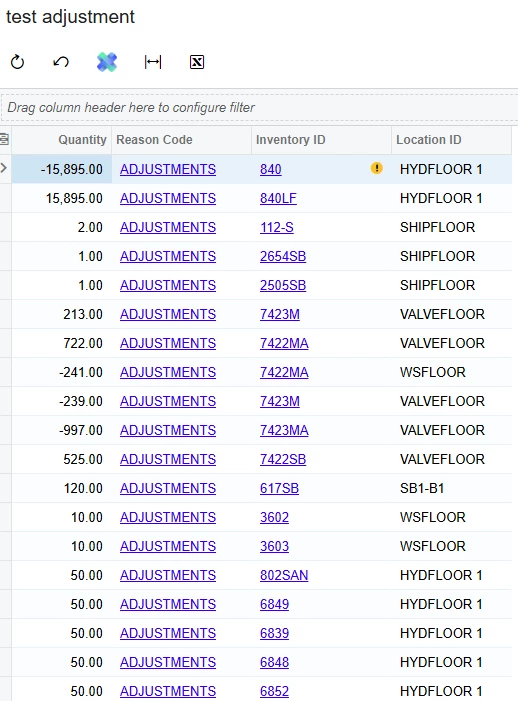
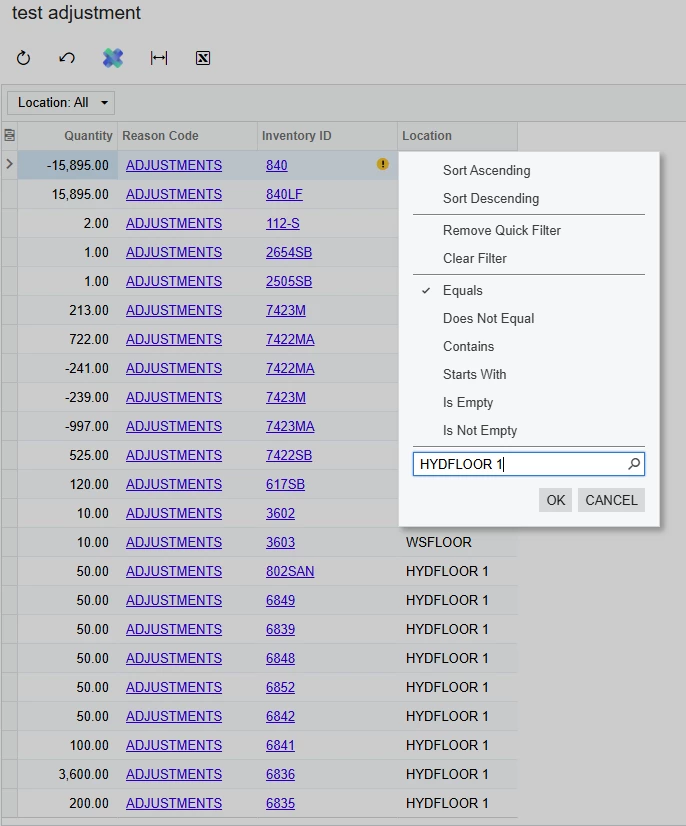
In this ‘Location’ tab I have a problem with filtering the column.
Anytime I filter the column to what I need.
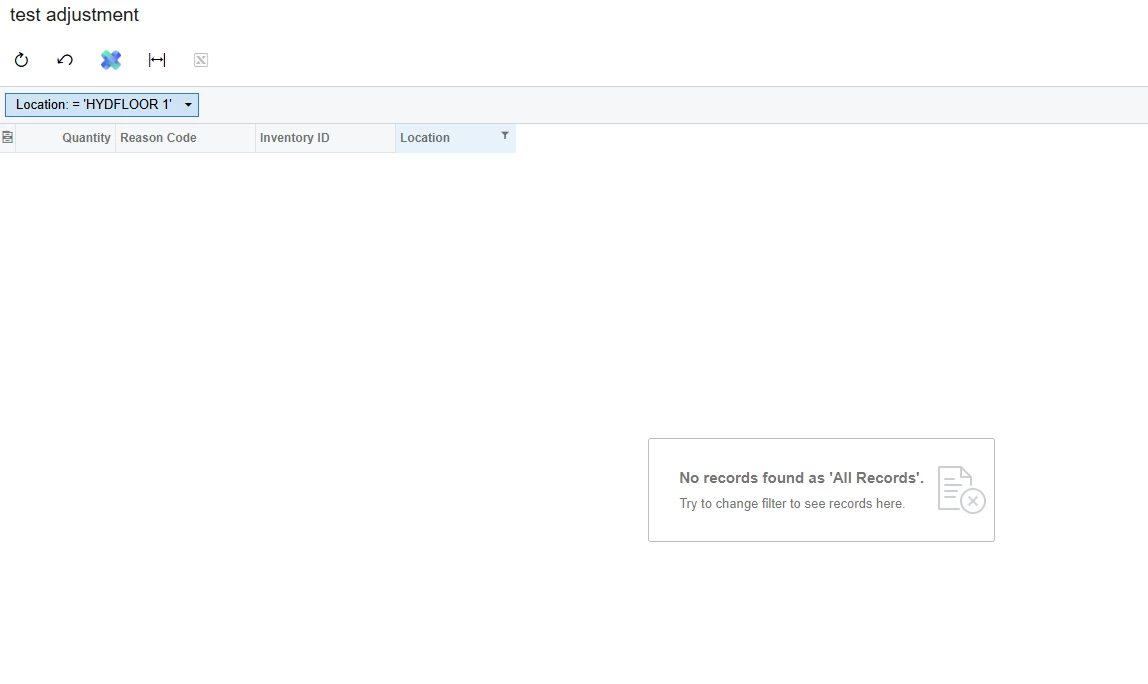
This is the result I get
it is very clear that HYDFLOOR 1 is in the column
It only happens with the Location column.
The location is been pulled from INTran
Best answer by bwhite49
I find that “contains” rather than “equals” can do some good. You can try that, but if that does not work try this…
Add the INLocation table into your GI where the LocationID = LocationID
Once joined, add the LocationCD field into your grid. Add your filter onto the CD field rather than ID
@bwhite49 thanks. the “contains” worked
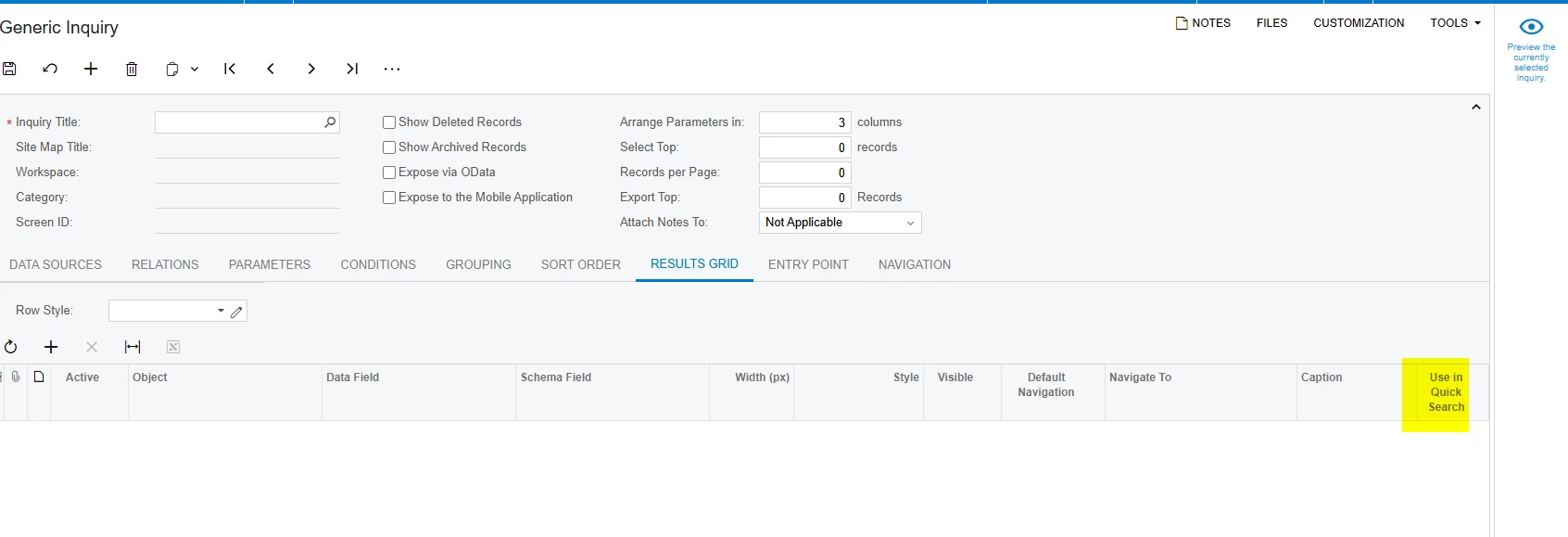
@SandyA -Along with @bwhite49 Can you please share your GI once? I also suggested that the quick search can be disabled for unnecessary records to help improve search performance.
this is the GI
@SandyA Is this issue resolved, if you still need help please share xml file with us.
Already have an account? Login
No account yet? Create an account
Enter your E-mail address. We'll send you an e-mail with instructions to reset your password.