


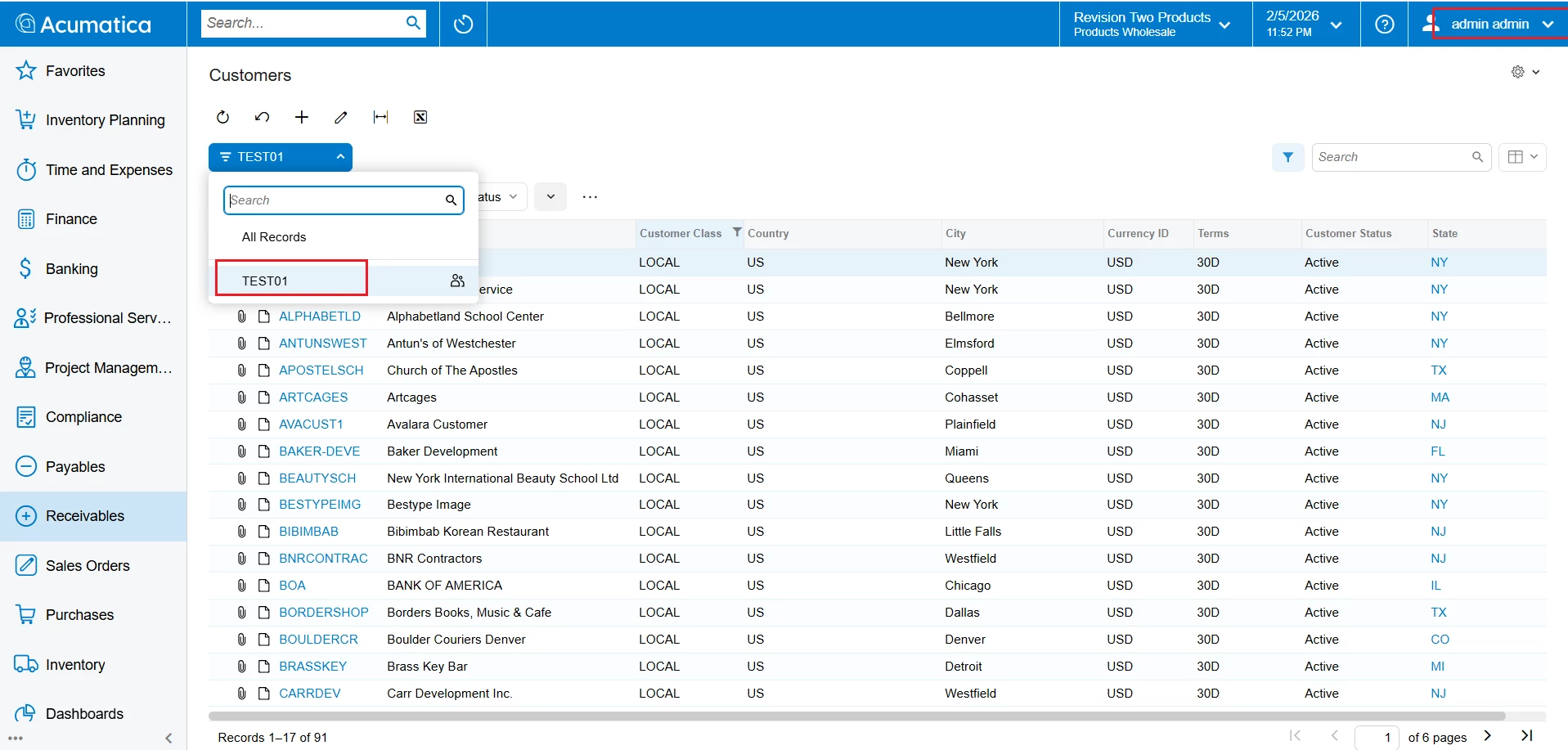
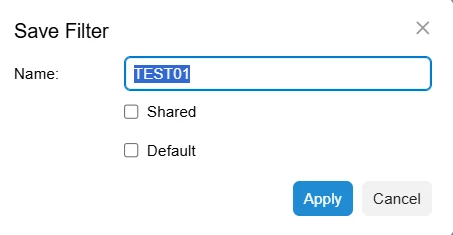
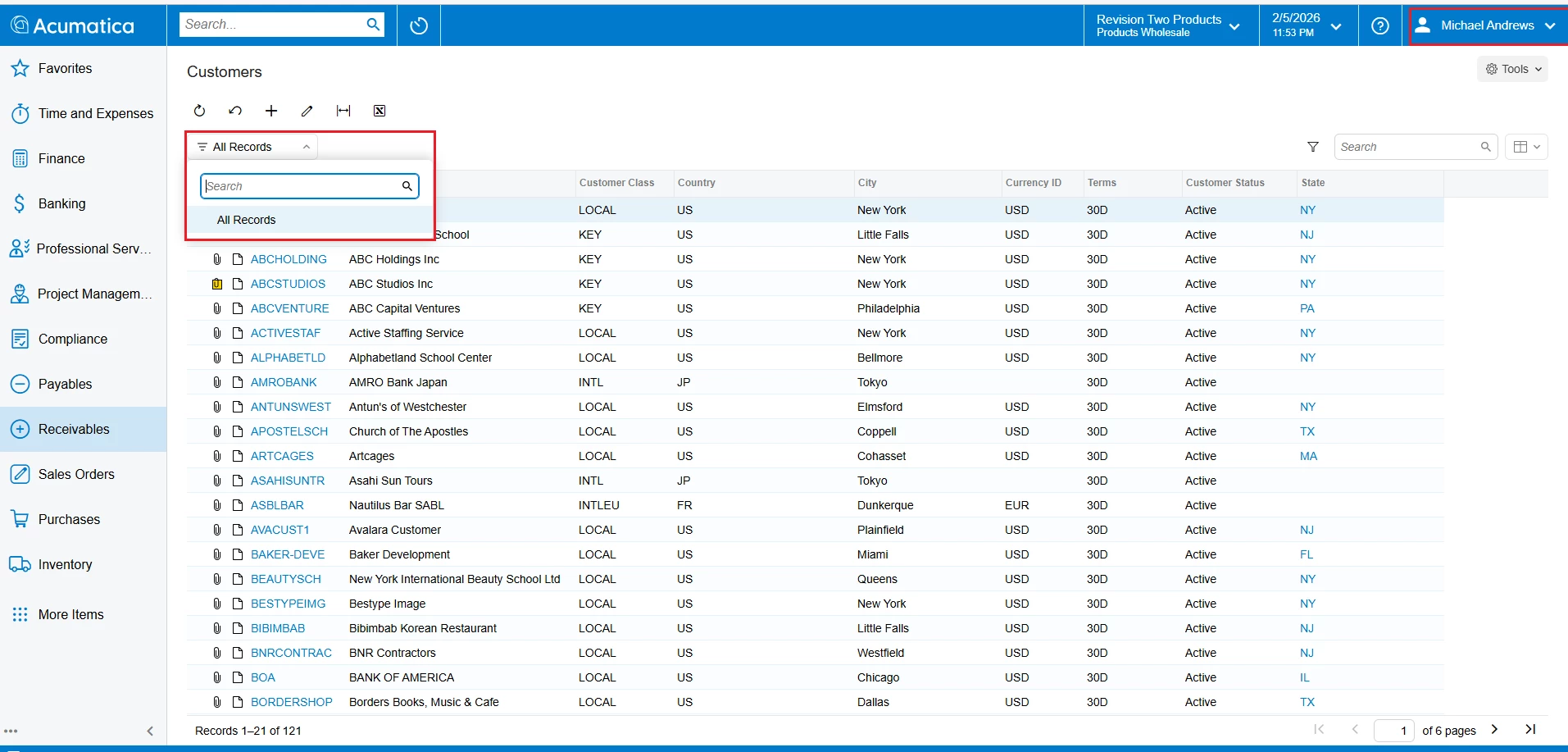
We are using version 2025 R2. Whenever a GI or Pivot table is named (not shared), the same name appears on multiple and non-related screens. Refer attached screenshot. This happens with just about any GI or Pivot table filter. None of these are shared and yet these filters appear on non-related screens also. Clicking on them obviously displays an error message.How to fix this in such a way that these filters are available on related GI and Pivot table screens only? We don’t have direct access to the on-premise hosted application.
Solved
GI/Pivot Filters appearing on non-related screens
Best answer by KrunalDoshi
Hi
This seems a default behavior of GI in newer versions. I did observe that too. Try publishing your GI, adding it to Site Map. This should resolve your issue. It has worked for me. Let me know if this works for you as well.






Enter your E-mail address. We'll send you an e-mail with instructions to reset your password.