Question

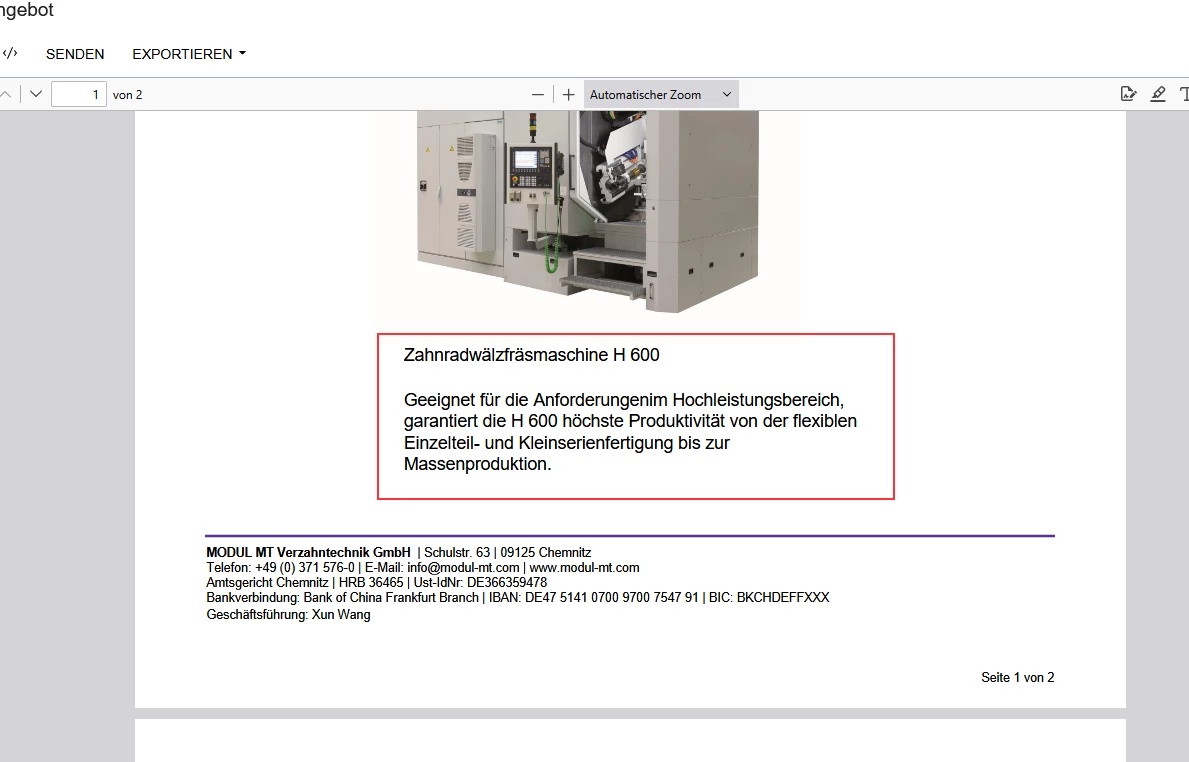
Formatting the text box in ReportDesigner does not apply the format

  • March 6, 2026
  • 3 replies
  • 55 views

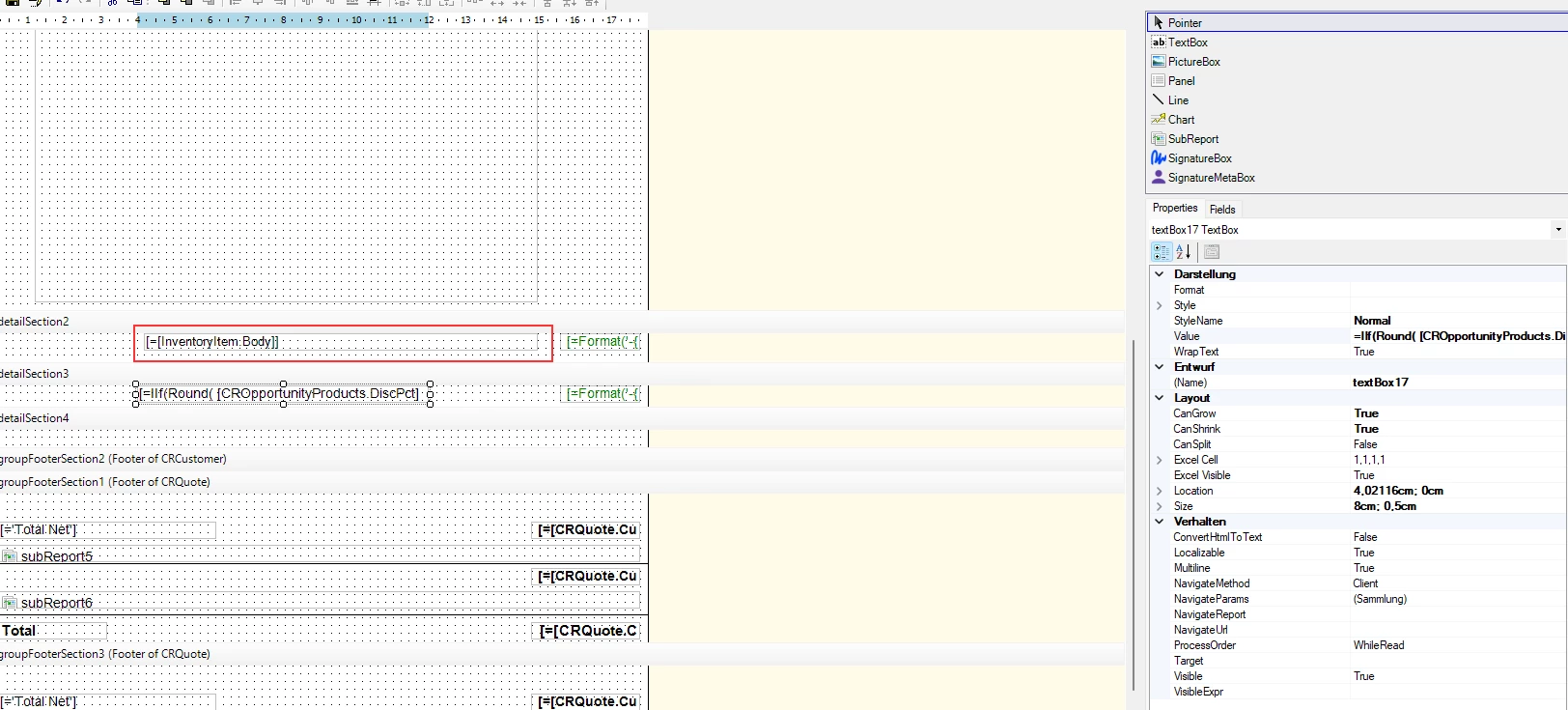
I have InventoryItemBody in the report.
How can I configure the field so that it retains its formatting when printed?

Thank you.
 

3 replies

Forum|alt.badge.img+3
  • Jr Varsity II
  • March 6, 2026

Hi ​@Modul ,

Can you try by using below,

  • Use a Rich Text control in the report (not a normal TextBox).

  • Bind the control to the field:

    =InventoryItem.Body

  • Set the Markup Type = HTML so the report renders the stored HTML formatting.

  • Set CanGrow = True so the text expands properly when printed.


  • Author
  • Freshman I
  • March 6, 2026

Hi ​@Modul ,

Can you try by using below,

  • Use a Rich Text control in the report (not a normal TextBox).

  • Bind the control to the field:

    =InventoryItem.Body

  • Set the Markup Type = HTML so the report renders the stored HTML formatting.

  • Set CanGrow = True so the text expands properly when printed.

Thank you ​@Rakshanda
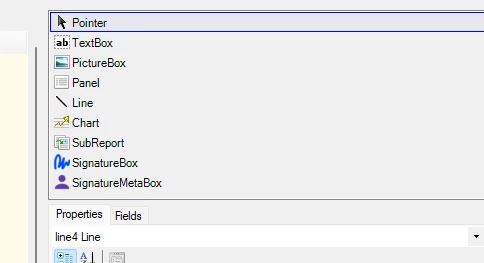
But I only have the selection.
No rich text. Old version of Report Designer?


lauraj46
Captain II
Forum|alt.badge.img+9
  • Captain II
  • March 6, 2026

Hi ​@Modul ,

Sadly, there is no Rich Text control or html Mark Up type in the Report Designer. 

There is.a property on the text box in the Behavior section called ConvertHTMLToText.  This property will strip the HTML and will allow you to print the text from a rich text box on a report, but it won't render the formatting or the image.

Hope this helps!

Laura