Question

Displaying Line Details

  • December 22, 2023
  • 3 replies
  • 88 views

Forum|alt.badge.img

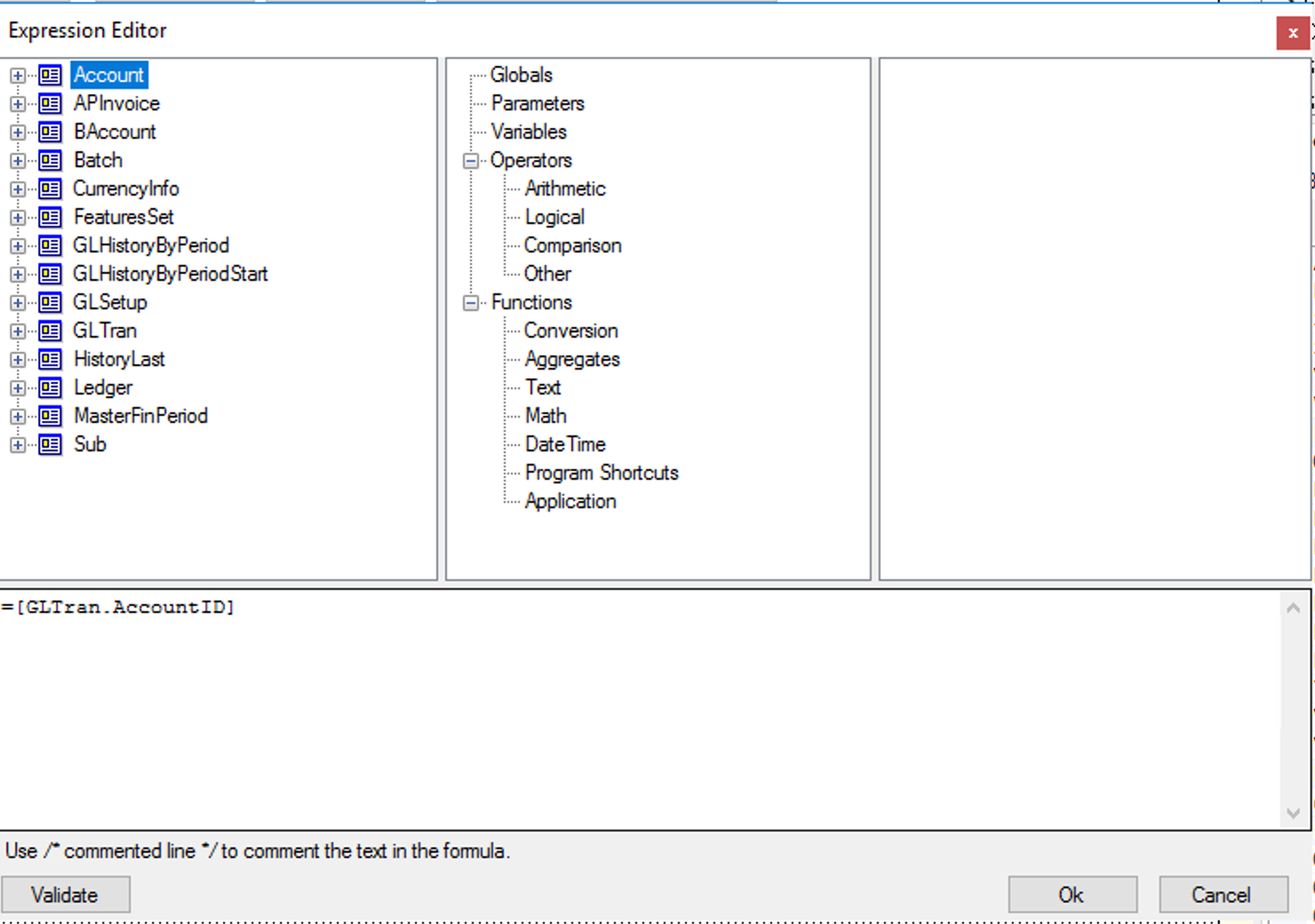
How can I display all the Line details in a report?
 

I tried to following syntax, but it only displays the first line :
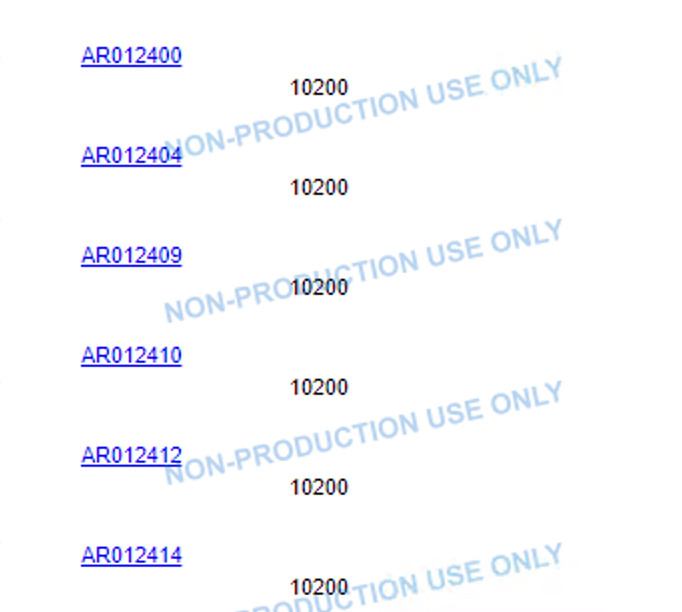


Thanks in advance.
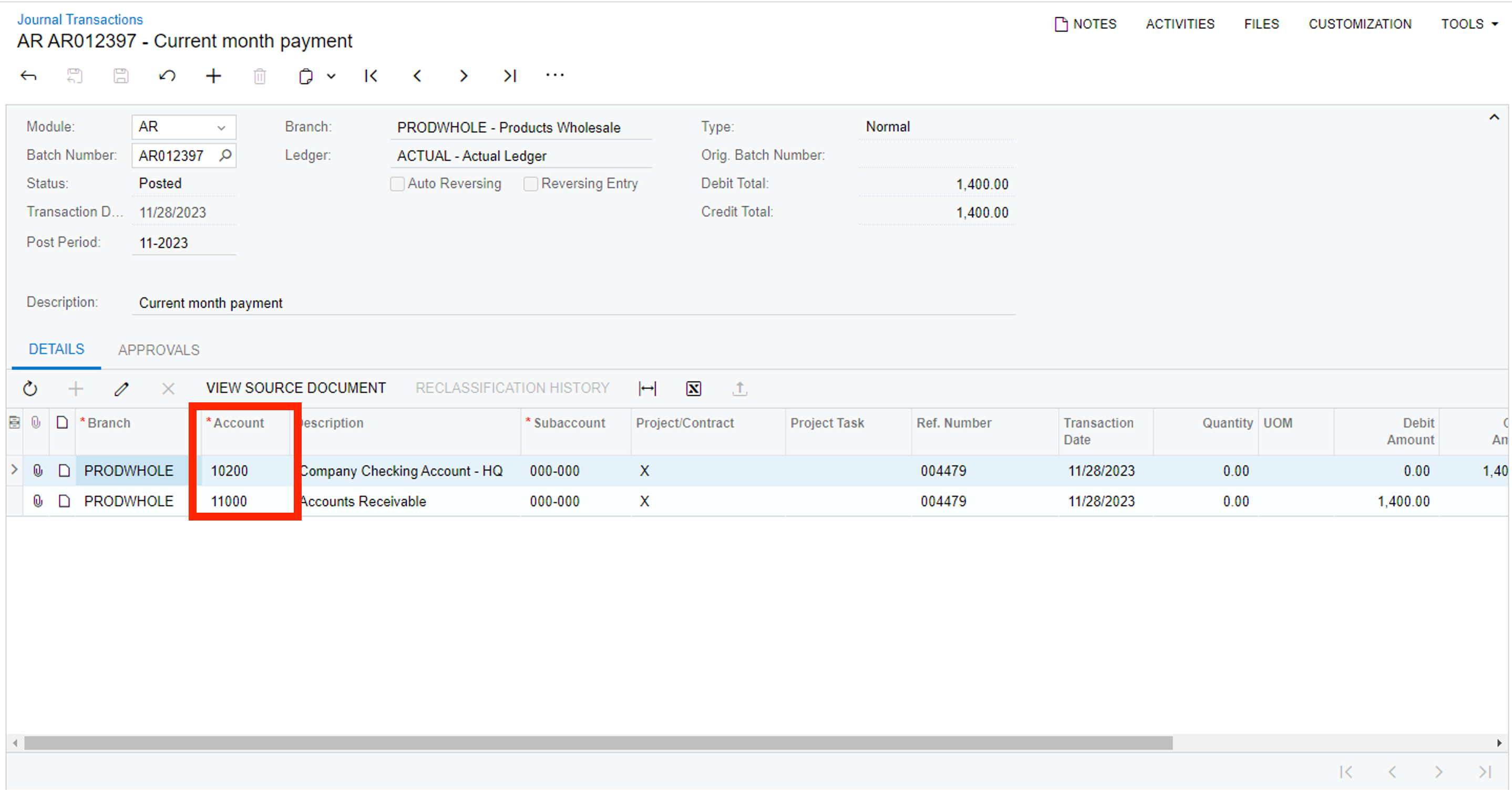
Also I am looking to apply the PXFiltered Condition, so it is like if the line detail → Account column contains the word/number “200” then only it should display the line detail.

3 replies

Robert Sternberg
Captain II
Forum|alt.badge.img+7

Please attach your .RPX file and community members will be better able to assist you.  


Forum|alt.badge.img
  • Author
  • Semi-Pro II
  • December 22, 2023

Please attach your .RPX file and community members will be better able to assist you.  

Hello @Robert Sternberg , thanks for your prompt response. i have been able to now display the line details but not able to apply the filtering condition. Shall I have to apply this condition under the Filters tab of the Build Schema box or into the expression editor only?

Condition: If GLTran.Account ID contains ‘200’ then only GLTran.AccountID should be displayed.
so if GLTran.AccountID = 10200 then 10200 should be displayed.
and if GLTran.AccountID = 11000 then 11000 should not be displayed.


Chris Hackett
Community Manager
Forum|alt.badge.img
  • Acumatica Community Manager
  • January 18, 2024

Hi @Harry were you able to find a solution? Thank you!