Hi Team,
I’m facing an issue with the Customer Statement report while using an Automation Scheduler and would appreciate your help.
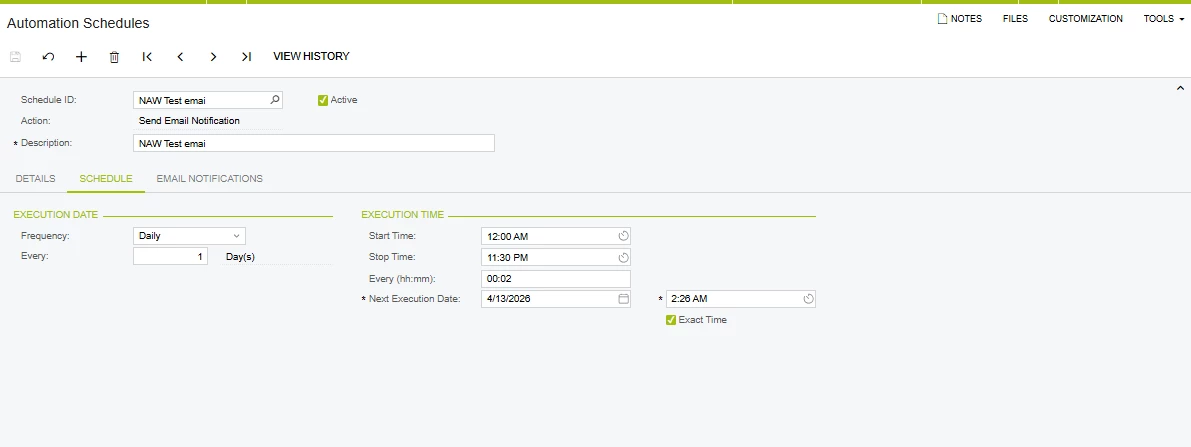
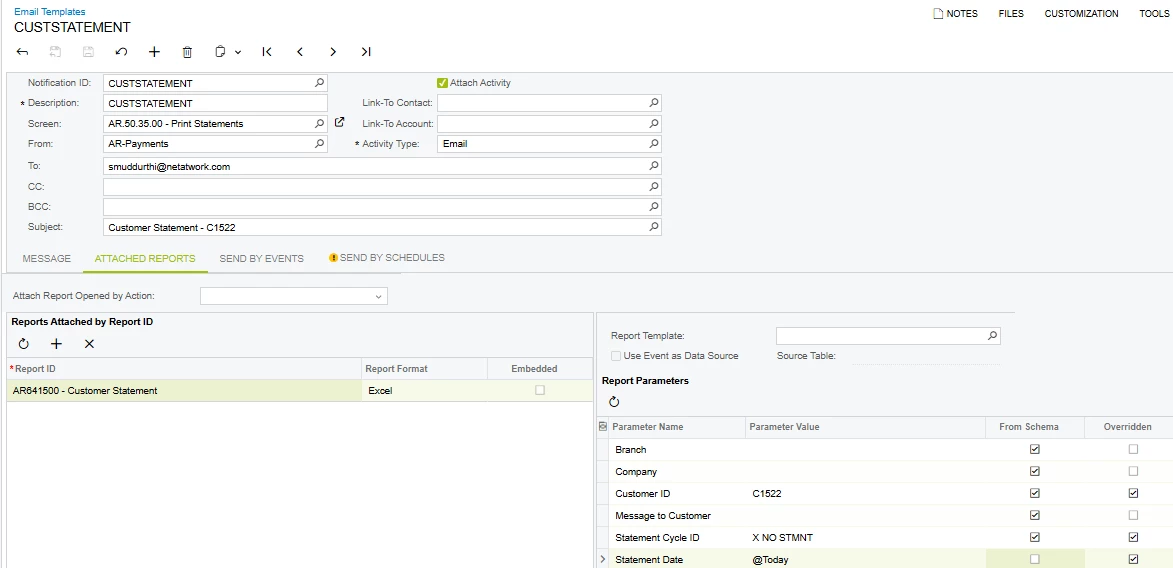
I have created an Automation Schedule to send the Customer Statement report for a single customer via an Email Template. The overall flow is working fine — the email is triggered and the report is attached successfully.
However, I’m facing an issue with the Statement Date parameter:
- When I manually pass the date in the format 10/04/2026, the report generates correctly with data.
- But when I use dynamic values like @Today or select Statement Date from schema, the report is generated as blank (no data).
It seems like the parameter is not being resolved correctly when using dynamic values.
Could anyone please help with:
- Why dynamic parameters (like @Today or schema fields) are not working in this case?
- Any specific format or configuration required for Statement Date in Automation Schedules or Email Templates?
- Steps to fix or best practices to handle this scenari0
- Thanks in advance!