Question

Current year vs Last year

  • September 1, 2026
  • 3 replies
  • 26 views

Forum|alt.badge.img

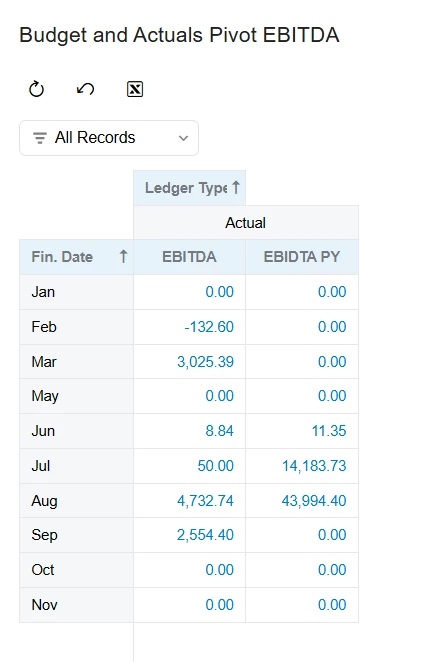
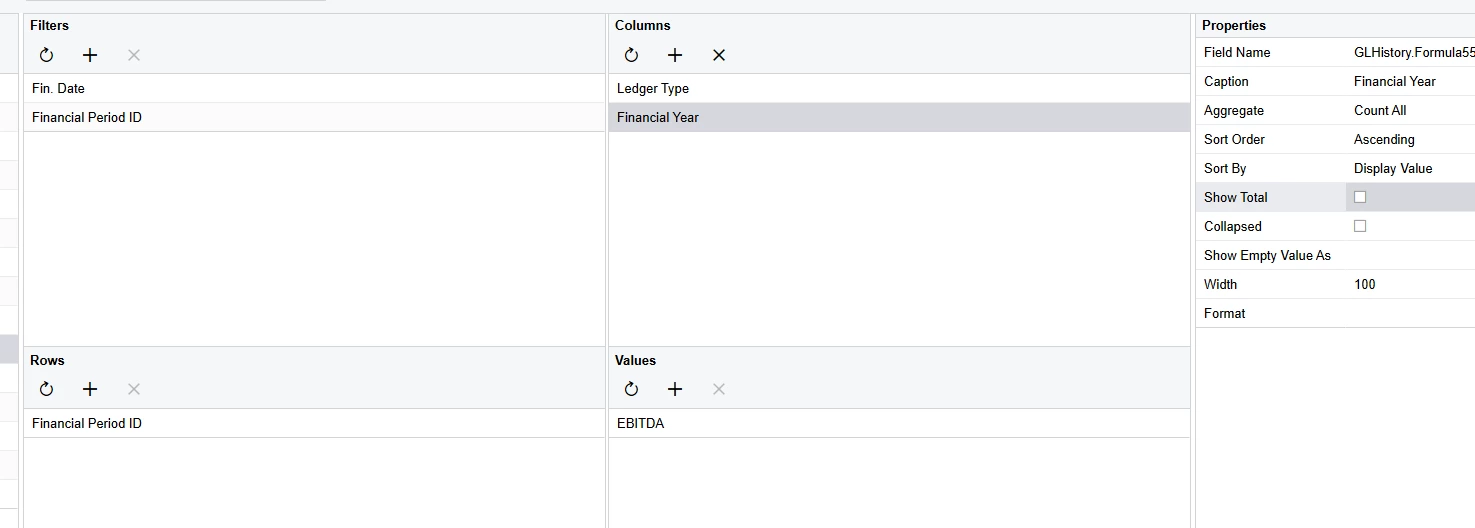
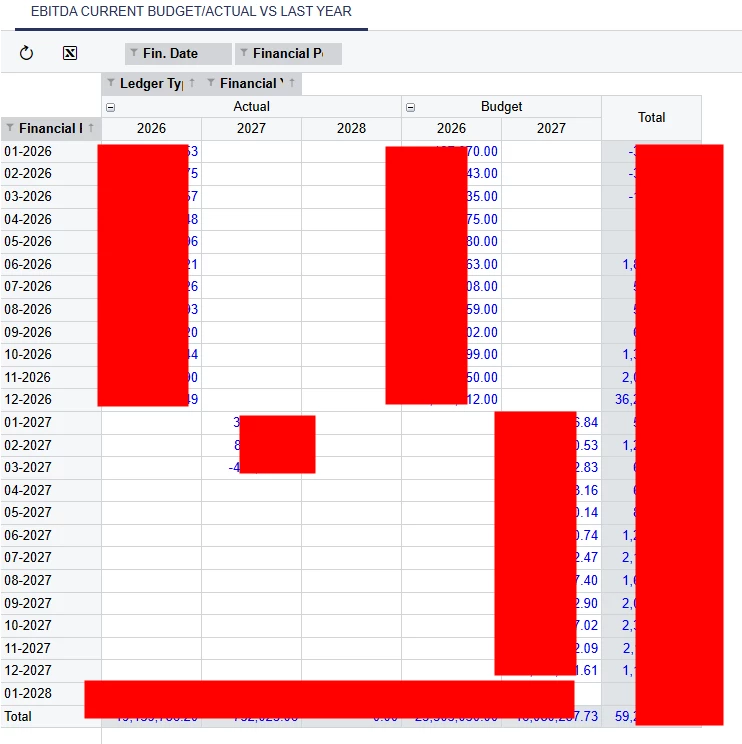
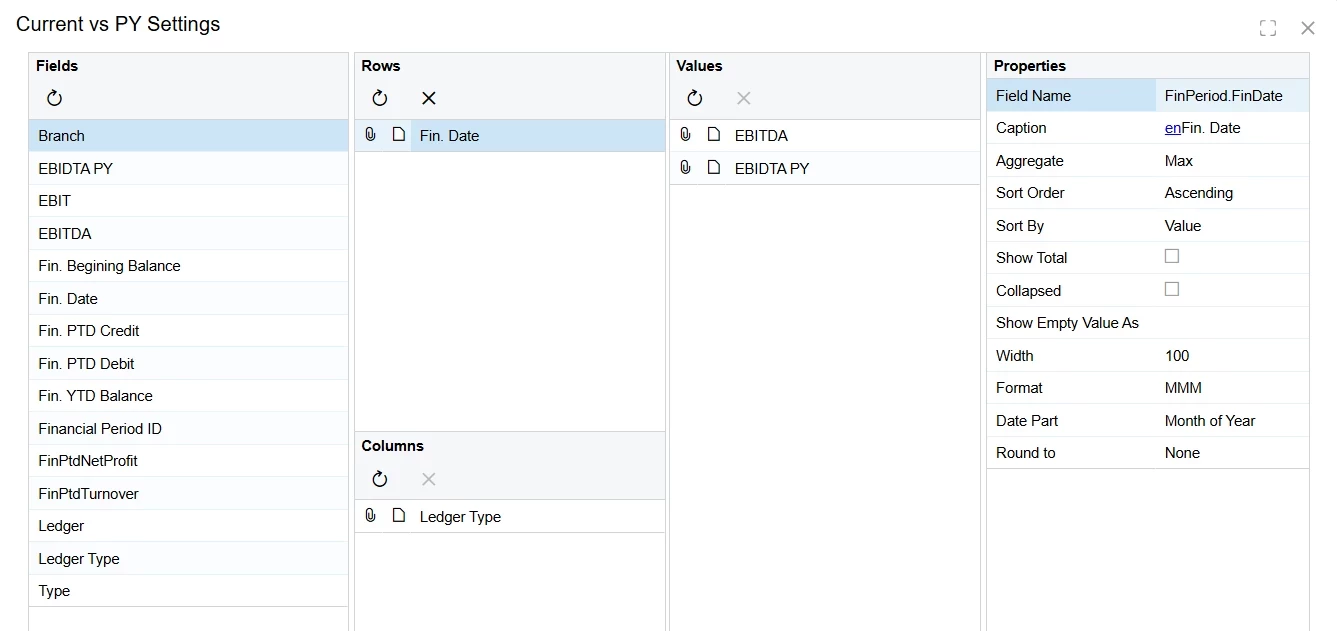
Hi, wondering if it is possible to create a GI that shows current year vs last year’s data? Attached is a sample GI that shows current year’s figures. How do I add last year’s data to compare them? Once working, I will need to add it onto a dashboard.

If this isn’t possible, I’m thinking creating a new GI with last year’s data and add it onto the dashboard beside the current year.

3 replies

Laura03
Captain II
Forum|alt.badge.img+20
  • Captain II
  • September 1, 2026

Hello,

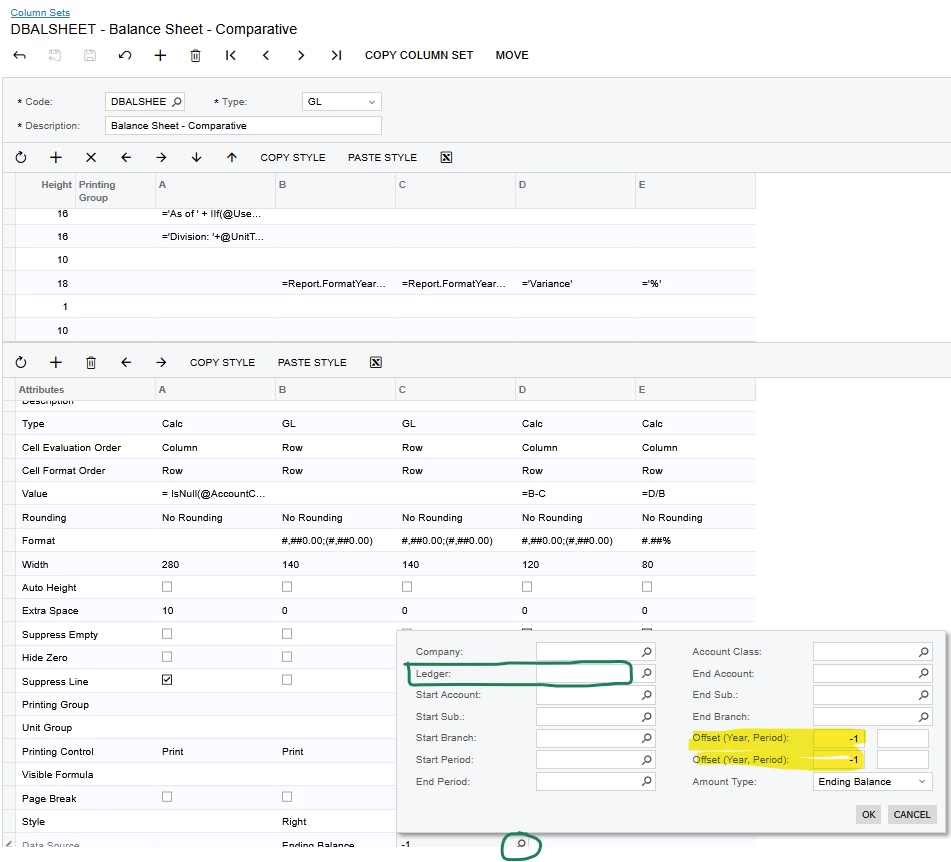
One way to report current year version last year’s budget is with a Financial report (ARM report) in Finance module. Column sets of Financial Reports can easily show Budget ledger with last year beside this year. Here is an example where YTD ending balance is shown, with last year in the next column, then calculating Variance and % change. You will select Budget Ledger where marked in green.

Balance sheet showing current year vs. last year


lauraj46
Captain II
Forum|alt.badge.img+9
  • Captain II
  • September 1, 2026

Hi ​@MarkD ,

Another approach, if you want to keep this in a GI, would be to expand the condition to include both years and build the filters for current and prior year into the formula for each result column.

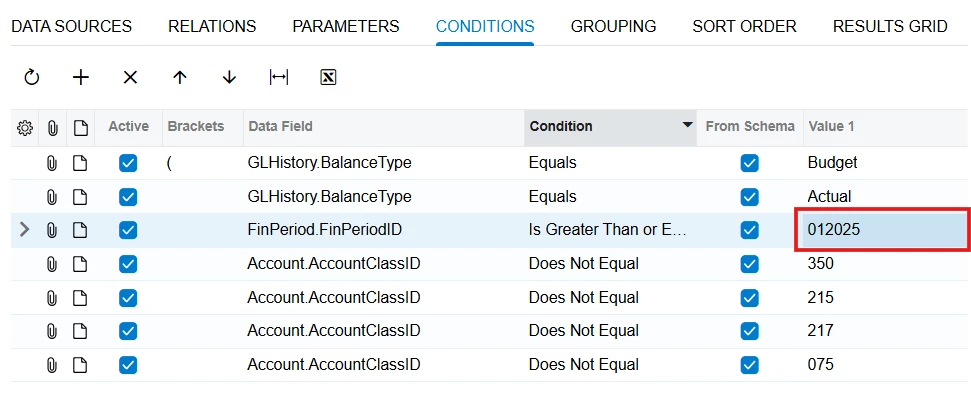
In the conditions, specify that [FinPeriod.FinPeriodID]>=’012025’

Formula for FinPTDTurnover:

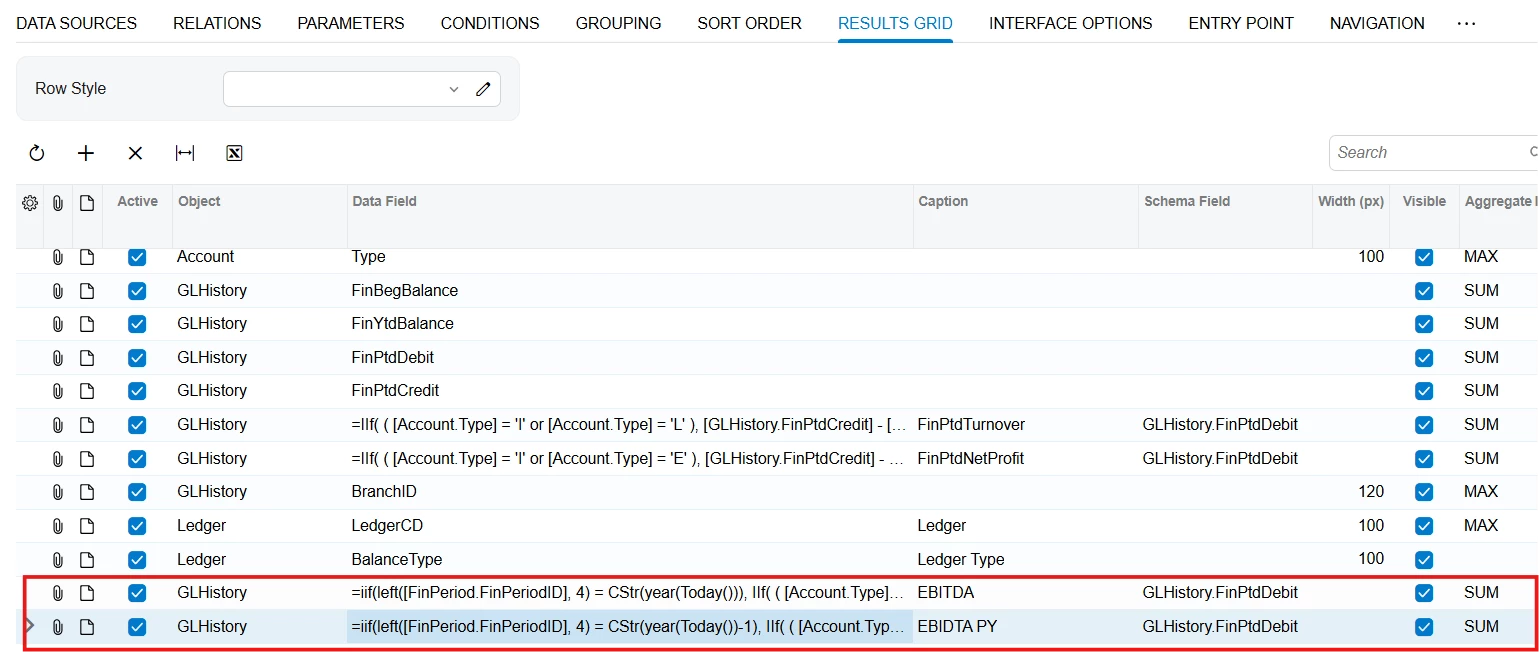
=IIf([FinPeriod.FinPeriodID]>=’012026’, IIf( ( [Account.Type] = 'I' or [Account.Type] = 'L' ), [GLHistory.FinPtdCredit] - [GLHistory.FinPtdDebit], [GLHistory.FinPtdDebit] - [GLHistory.FinPtdCredit] ), 0)

Formula for PYFinPTDTurnover:

=IIf([FinPeriod.FinPeriodID]>=’012025’ and [FinPeriod.FinPeriodID]<=’082025’, IIf( ( [Account.Type] = 'I' or [Account.Type] = 'L' ), [GLHistory.FinPtdCredit] - [GLHistory.FinPtdDebit], [GLHistory.FinPtdDebit] - [GLHistory.FinPtdCredit] ), 0)

To make this more dynamic, for the date filters you could build these with a formula based on the current date, for example:

Start of this year: ‘01’ + CStr(Year(Today())) 

Start of last year: ‘01’ + CStr(Year(Today())-1) 

Current period this year: Left(‘0’ + CStr(Month(Today))), 2) + CStr(Year(Today())) 

Current period last year: Left(‘0’ + CStr(Month(Today))), 2) + CStr(Year(Today())-1) 

Hope this helps!

Laura


Forum|alt.badge.img
  • Author
  • Varsity III
  • September 1, 2026

Many thanks ​@lauraj46 - I will try the second approach as I need this in a GI to be added onto the dashboard.