Hi,
I am trying to create a Business Event which send Email and trigger via Automation Schedule.
Issue:-
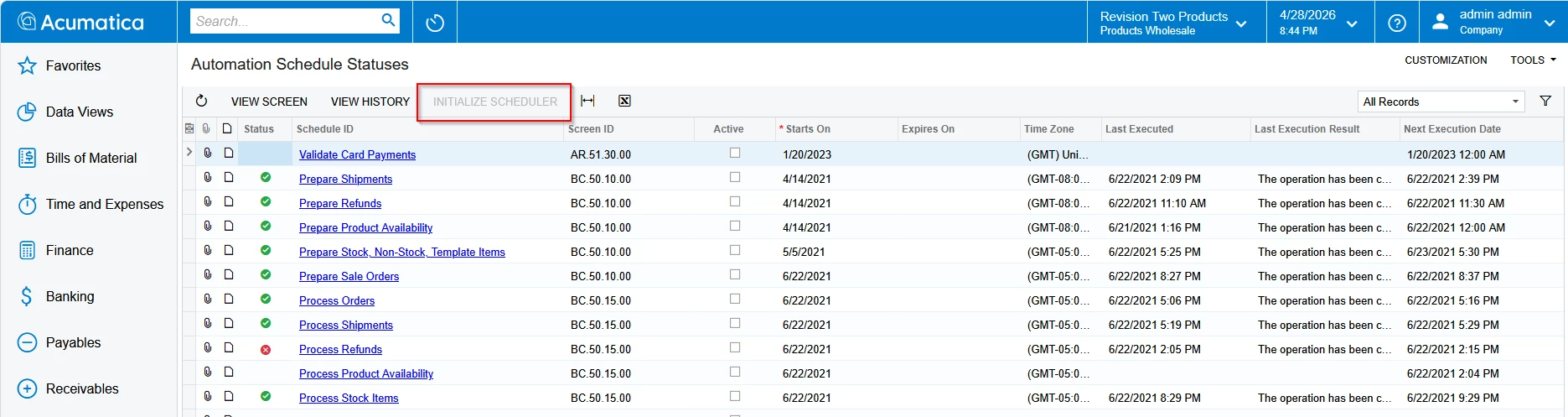
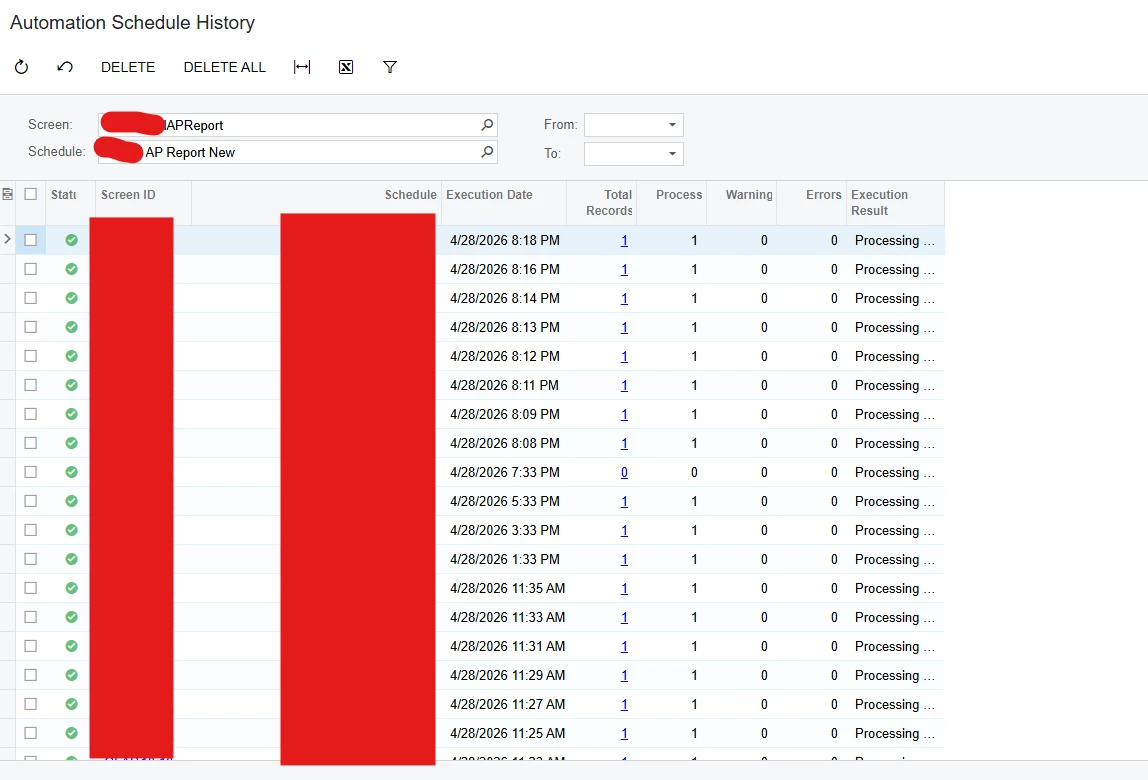
- Automation Schedule is running
- But Business Event is not triggering
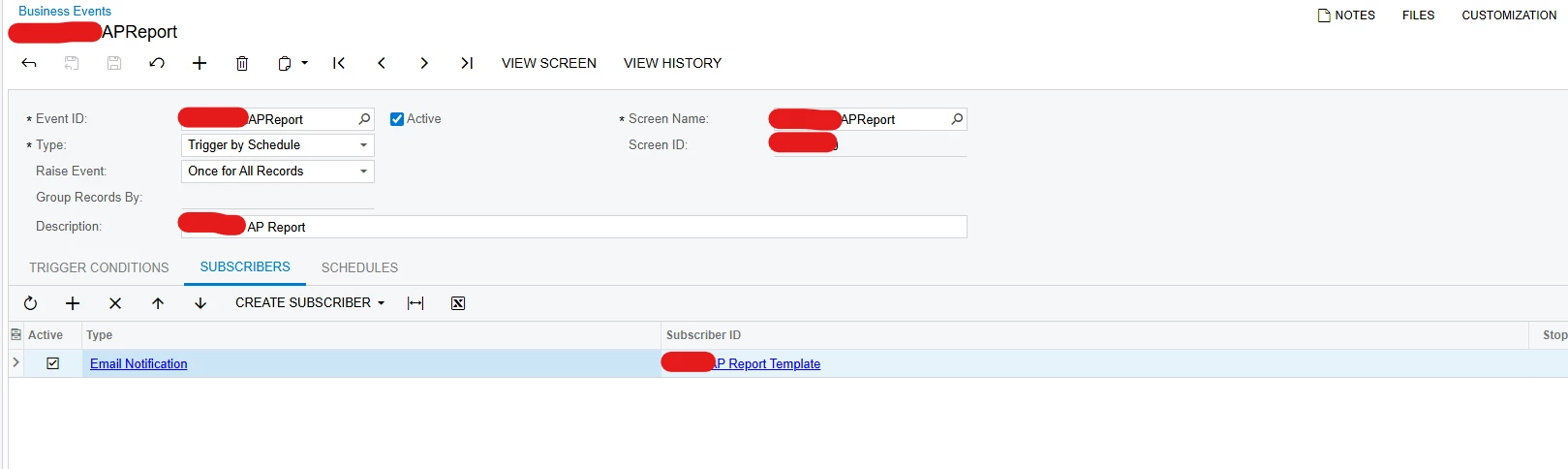
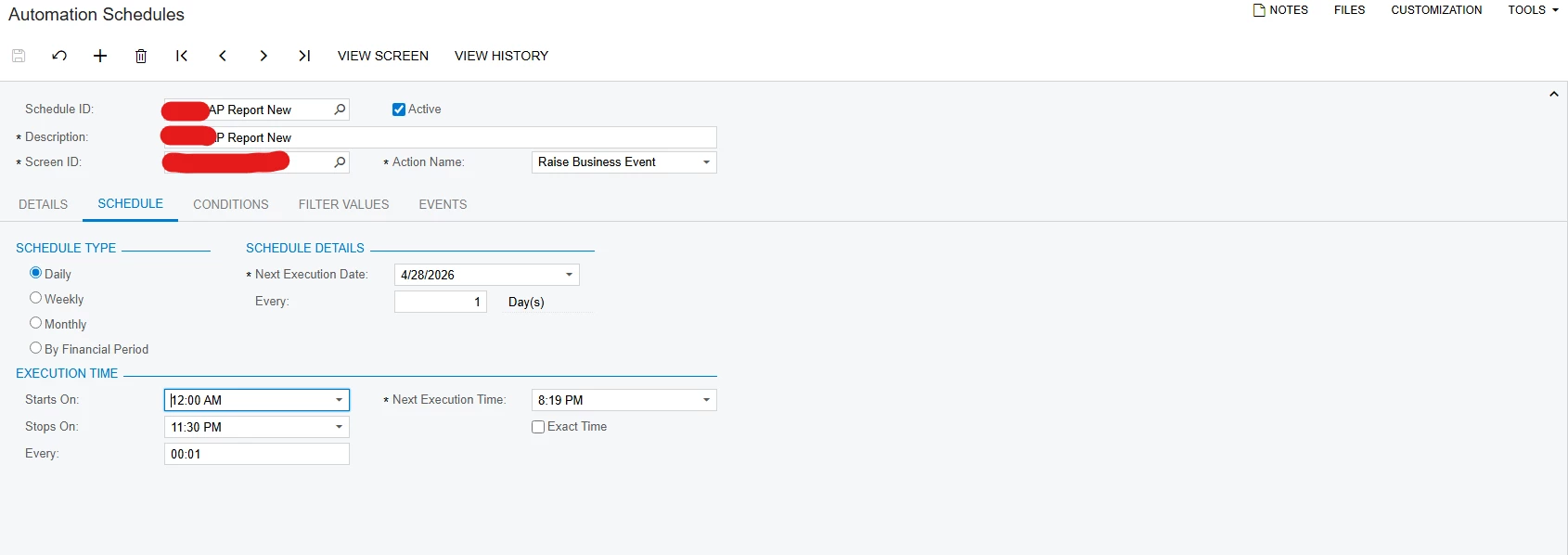
Below are the details for the Business Event
Hi,
I am trying to create a Business Event which send Email and trigger via Automation Schedule.
Issue:-
Below are the details for the Business Event
Best answer by MissyMain41
Hey there,
I recommend the following testing steps:
1. Insert a fake (or your own) email address in the TO field of the template
2. Since initialize scheduler is active on the site, and the schedule is running, then this step is covered already
3. on “email Preferences” make sure “email Processing” is not deactivated, and specify a DEFAULT from email account
4. Test without email subscriber active and check BE history - did it trigger?
5. Activate email subscriber, except REMOVE any report tied to it - does it trigger?
6. While logged in as the USER “Admin” click “View Screen” on the BE (I presume this is a GI screen so the parameters of the report can be supplied?) - ensure “View Screen” on the BE goes to the associated screen, or do you get access rights error? (ADMIN user ID this controls automations and BE’s in Acumatica, the user specifically, not just the administrator role, and may need access right configurations to branches)
7. While logged in as the USER admin navigate to the report that is tied to the email subscriber - can you run the report with the data from the screen that is supplying report parameter data to the BE email notification?
8. When re-attaching the report to the email notification, leave the checkbox for “use event as data source” false. Try to manually configure the parameters instead of data fields to see if there is any difference
Enter your E-mail address. We'll send you an e-mail with instructions to reset your password.