Answer

AP Bill and Adjustment GI issue - No records showing

  • February 19, 2025
  • 5 replies
  • 80 views

Forum|alt.badge.img

Hello! I am working on a GI to display all line items for bill/adjustment. The goals is to have the parameter and condition set to search by the reference number. With the parameter and conditions I currently have set below, I am experiencing an issue. 

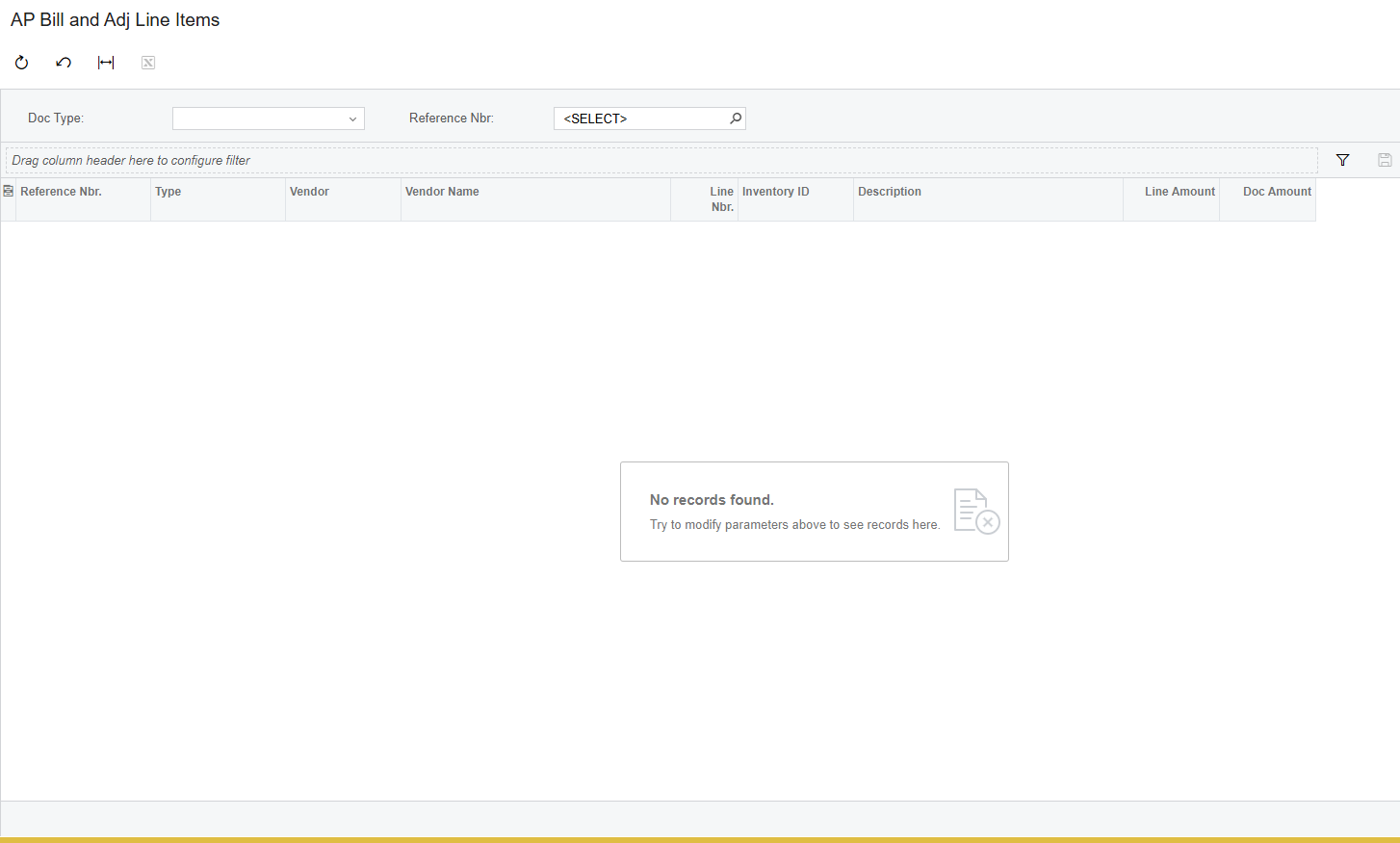
When I view the GI and attempt to search by reference number, no records are showing for AP Bills or Adjustments. there are multiple records in the system.
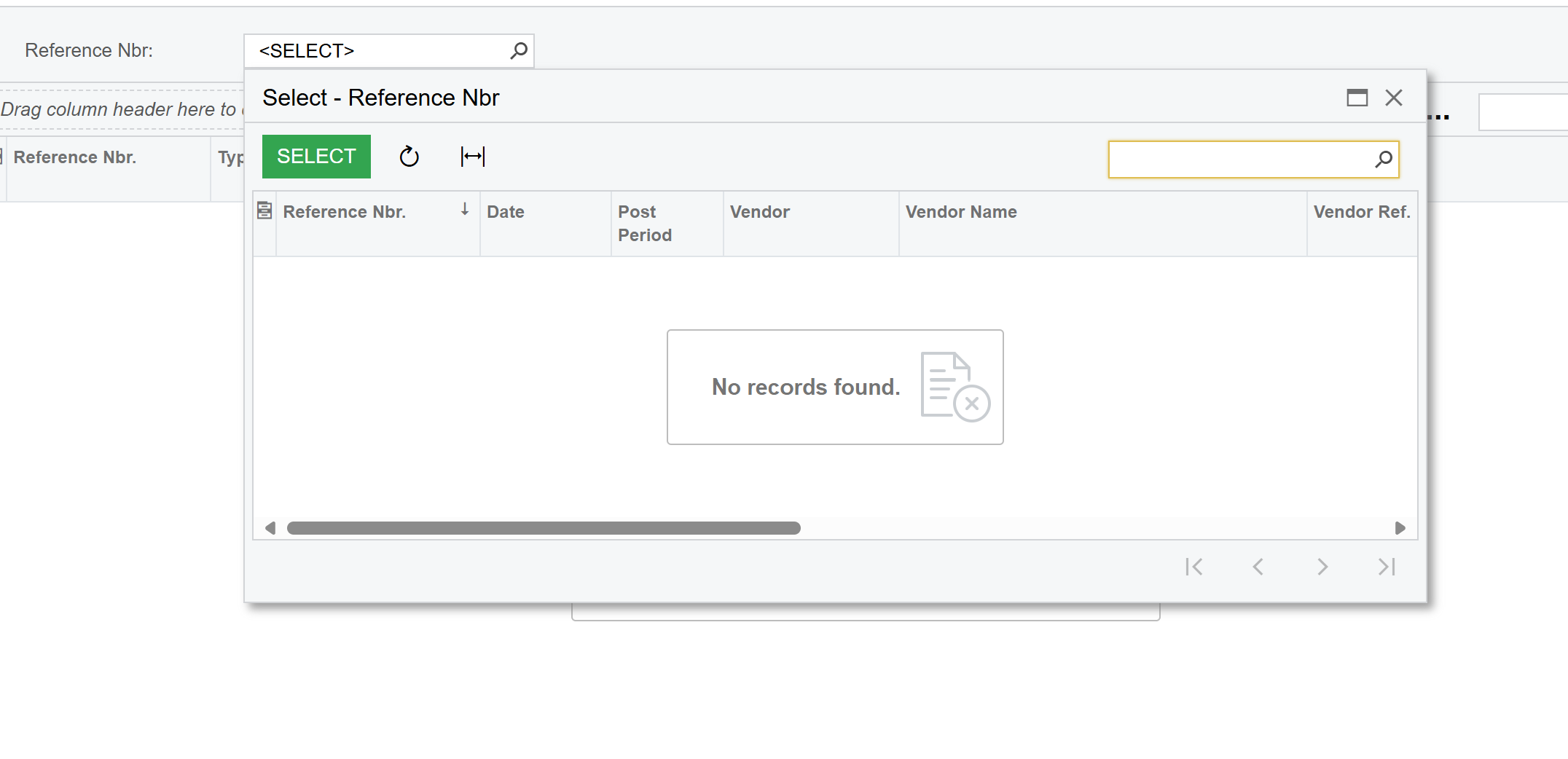
If I search a specific reference number, the results do appear. How can I fix this issue to show all records and reference numbers when you click the magnifying glass? 

Thank you!
Best answer by lauraj46

Hi ​@aminerd ,

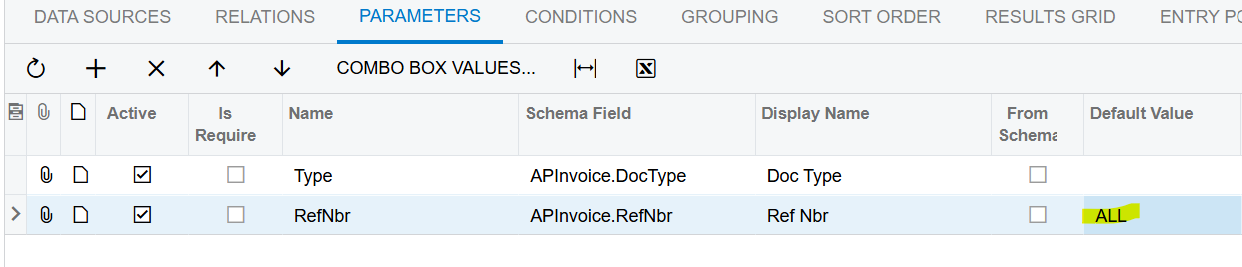
Maybe there’s a better way, but one approach would be to specify a default value for the parameter and include this in the criteria.  I couldn’t get it to work with <Select> but a different value such as ALL seems to work fine.


Hope this helps!

5 replies

BenjaminCrisman
Acumatica Employee
Forum|alt.badge.img+4
  • Acumatica Support Team
  • February 19, 2025

@aminerd The RefNbr field is dependent on the DocType field, similar to the printed form report AR641000. If you delete the DocType, the RefNbr is blank in the lookup.

Try defining the DocType as a parameter first and then the RefNbr should be able to populate with options


lauraj46
Captain II
Forum|alt.badge.img+8
  • Captain II
  • February 19, 2025

Hi ​@aminerd ,

You need to add the Document Type as a parameter in order for the reference number lookup to populate.  You can set a Default Value if that’s helpful for the user experience.

Hope this helps!

Laura


Forum|alt.badge.img
  • Author
  • Freshman I
  • February 19, 2025

@BenjaminCrisman and ​@lauraj46 Thank you both! I am now able to populate records. However, I am curious about something else. When I view the GI I get this result...

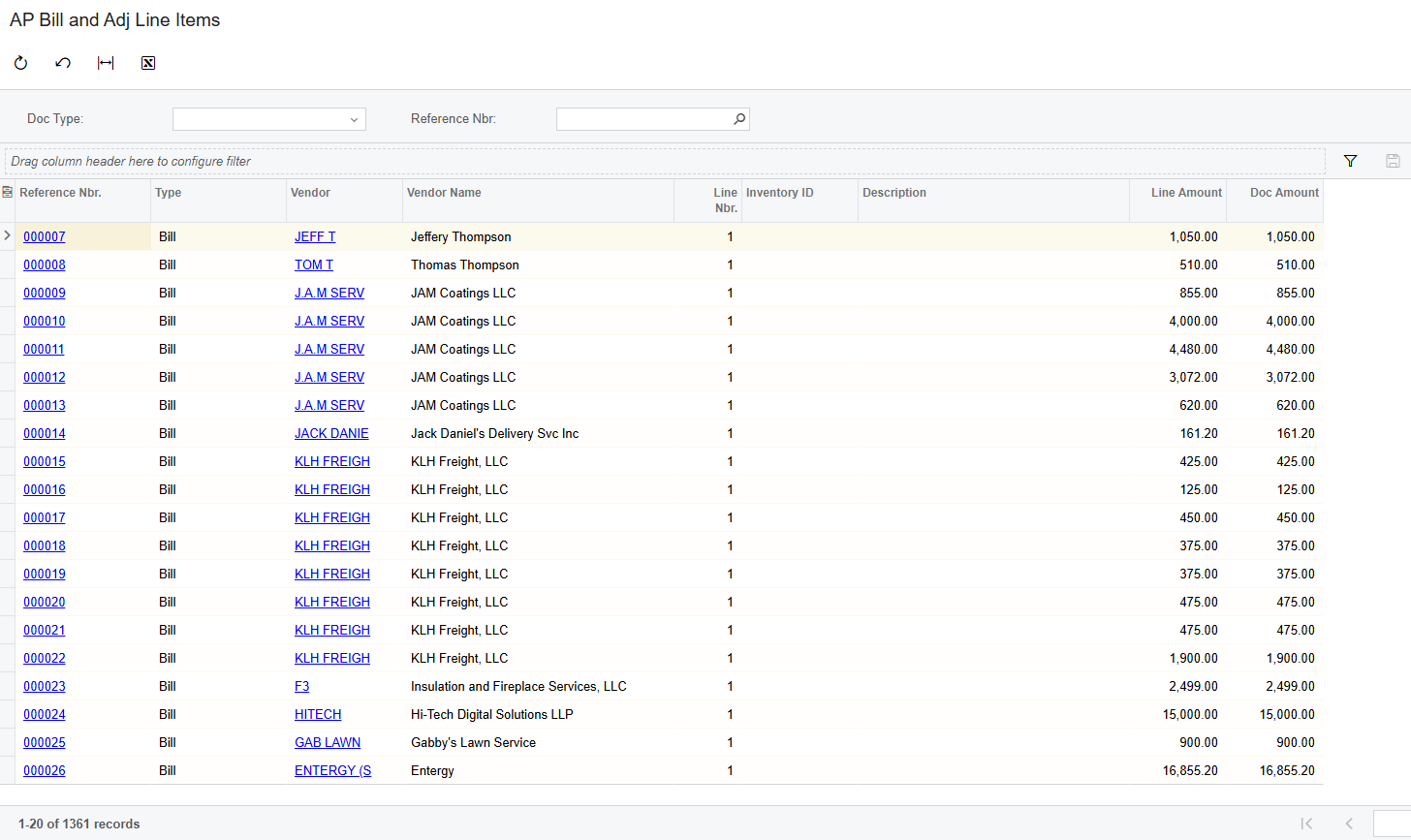
If I clear the “<SELECT>” from the Reference Nbr field, then all records show up, like this...

Is there anything I can do to have this view immediately upon running the GI instead of having to clear “<SELECT>” in the Reference Nbr field? The condition I have set is showed below. 

Thank you!


lauraj46
Captain II
Forum|alt.badge.img+8
  • Captain II
  • Answer
  • February 19, 2025

Hi ​@aminerd ,

Maybe there’s a better way, but one approach would be to specify a default value for the parameter and include this in the criteria.  I couldn’t get it to work with <Select> but a different value such as ALL seems to work fine.


Hope this helps!


Forum|alt.badge.img
  • Author
  • Freshman I
  • February 19, 2025

@lauraj46 That worked! Thank you for your help ​@BenjaminCrisman and ​@lauraj46