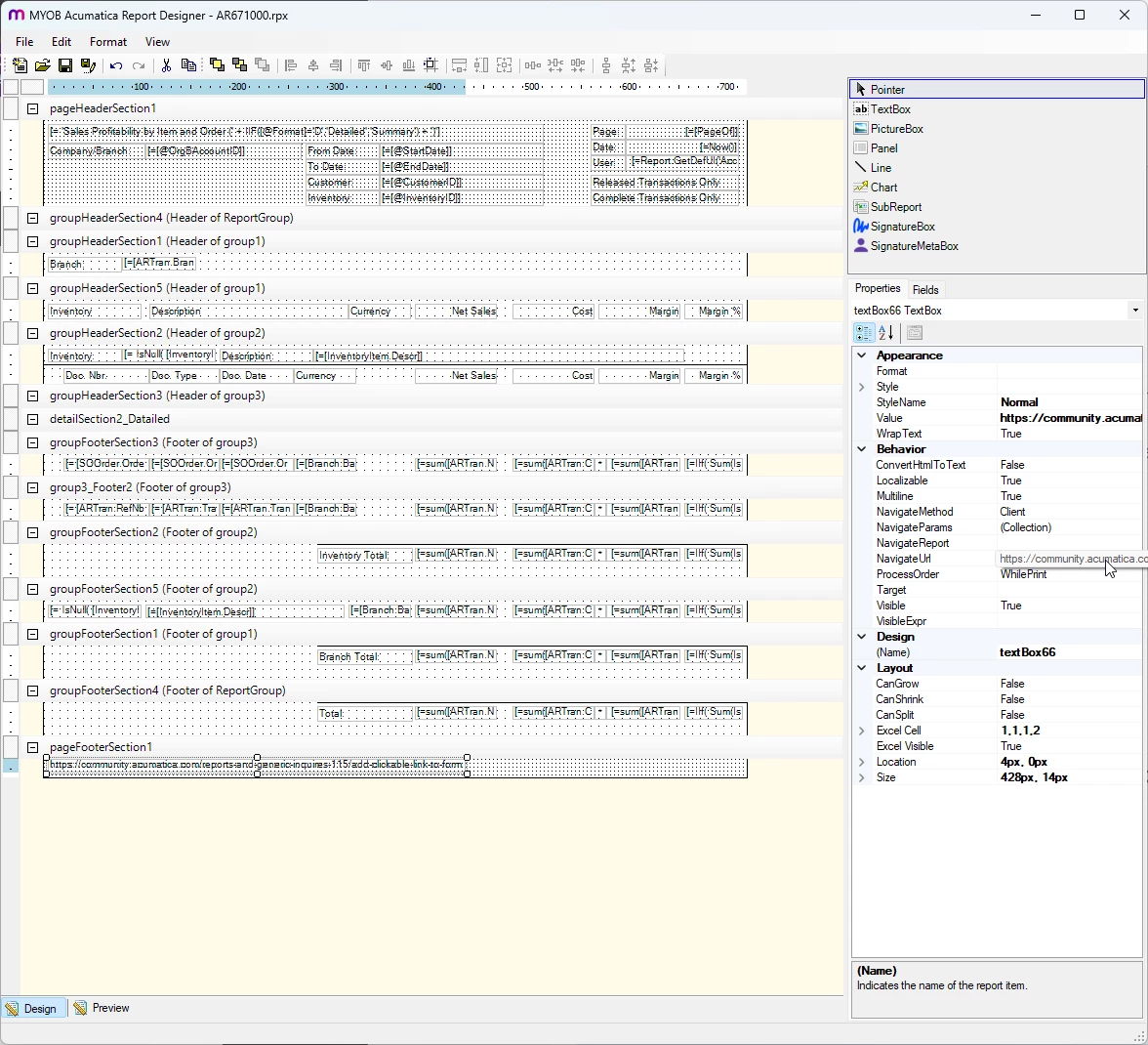
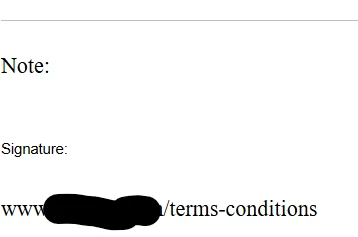
I am looking to create a clickable link to a form that we have. Everything I find, I have to edit the ASPX file (We are hosted) so I don’t think I have access to that. Is there another way to add a clickable link to a form? It is a link to our website terms and conditions.
Thank You!
Best answer by WillH
On the report out of the Report Designer?
During report run, that’s controlled by the setting: NavigateUrl
You might also want to change the “Target” property to =_Blank if you want it to open a new tab:
Hi @bbondura,Even if you use the [PXDBWebLink] attribute for the custom field, you still need to update the ASPX control from PXTextEdit to PXLinkEdit.
@bbondura - Can you share a screenshot showing roughly which part of the screen/what kind of field you want to add a clickable link to?
I think you’re probably able to achieve what you want with a minor customization, but it really depends on exactly what you’re trying to achieve since there are so many places you could mean.