Question

Able to print PO641000 from Printed Forms, but not from the PO301000

  • April 22, 2026
  • 8 replies
  • 73 views

Forum|alt.badge.img

We redesigned the PO641000 form and are able to print from Printed forms, but not from the actual Purchase Order on Screen PO301000.  We are using 2025 R1 which has still the classic UI.  Just went down an AI wormhole and still could not get a solution. All tips greatly appreciated. 
 

8 replies

Samvel Petrosov
Jr Varsity III
Forum|alt.badge.img+9

What is the error that you receive? Was anything changed on the input parameters of the report?


Forum|alt.badge.img
  • Author
  • Freshman I
  • April 22, 2026

Hi Pavel.  The error is quite generic.  

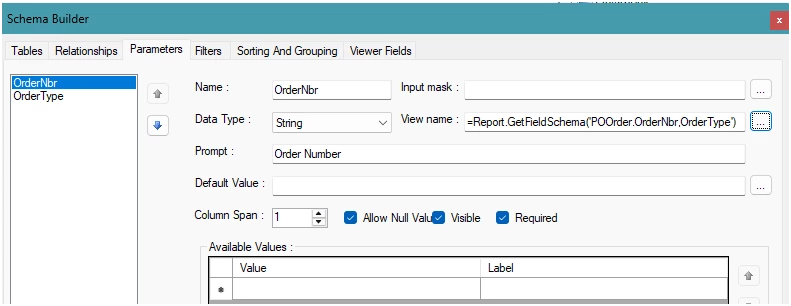
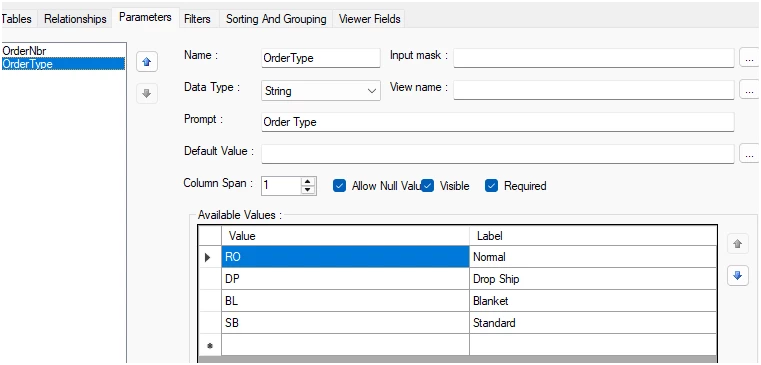
I compared the parameters of the last version of the report that worked in both areas, and they look to be the same. 


BenjaminCrisman
Acumatica Employee
Forum|alt.badge.img+4
  • Acumatica Support Team
  • April 22, 2026

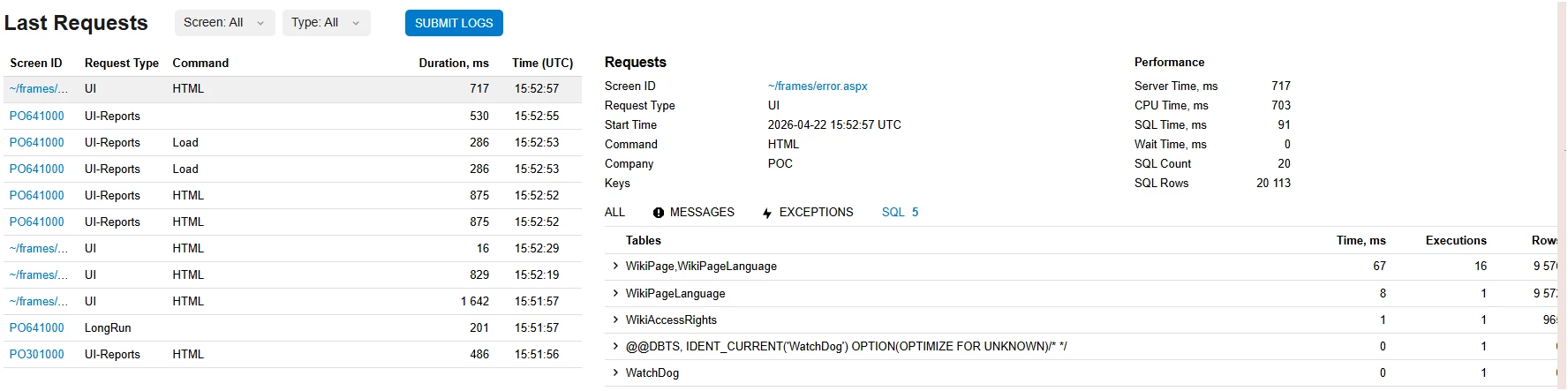
@JelenaS What does the trace look like after the error is thrown?


Forum|alt.badge.img
  • Author
  • Freshman I
  • April 22, 2026

@JelenaS What does the trace look like after the error is thrown?

  Which one would you like to see. 


Samvel Petrosov
Jr Varsity III
Forum|alt.badge.img+9

Could you please attached the report to this question? Seems like something is wrong in the report, probably old/wrong field name. Also what version of Acumatica is this?


Forum|alt.badge.img
  • Author
  • Freshman I
  • April 23, 2026

Could you please attached the report to this question? Seems like something is wrong in the report, probably old/wrong field name. Also what version of Acumatica is this?

Hi Samvel, I have attached the file.  We are in 2025R1


Samvel Petrosov
Jr Varsity III
Forum|alt.badge.img+9

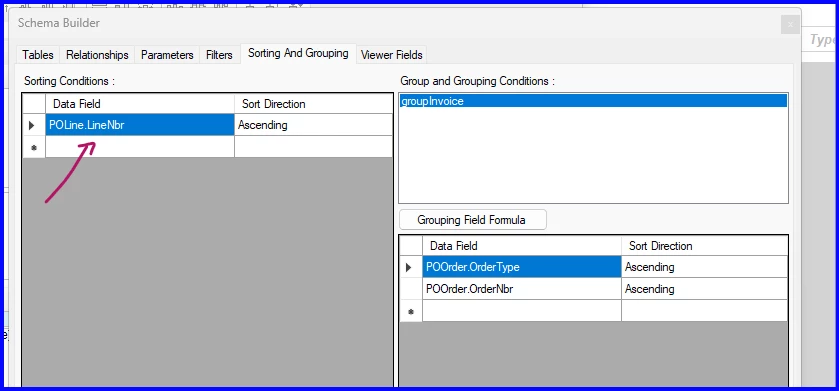
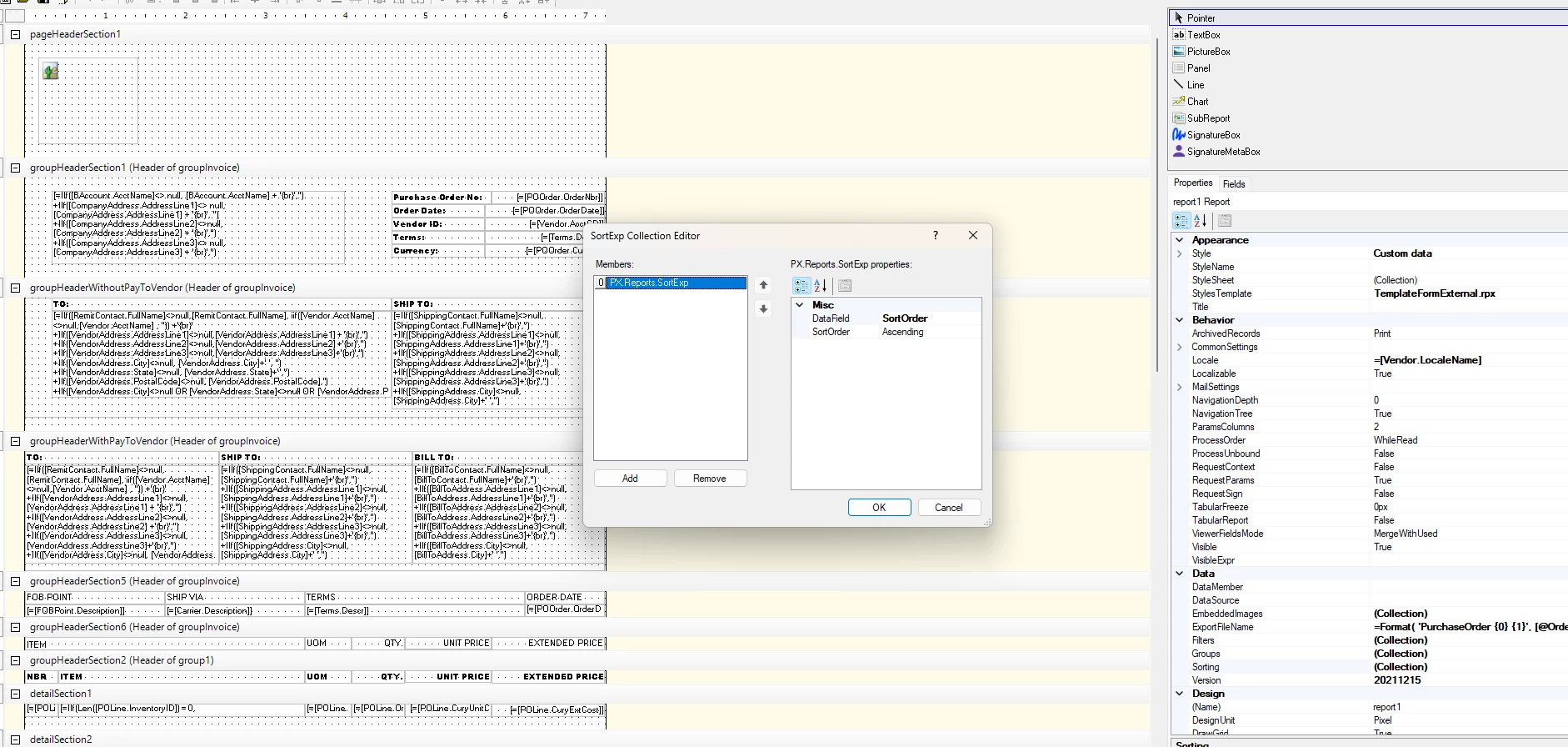
@JelenaS ok, found it! It seems like you have added a Sorting to the report.

But it is just set to SortOrder with not Table name. Somehow when the report is run from the Printed Forms this seems to be skipping validation, but when it is run through the action this breaks the validation.

Removing this Sorting condition fixes the error on my side.


Forum|alt.badge.img
  • Author
  • Freshman I
  • April 24, 2026

@Samvel Petrosov - Thank you very much for your help in finding a resolution to this issue. When you said SortOrder, I went to the Schema builder to check the Sorting and Grouping Tab, and noticed that in the Sorting Conditions tab, the Data Field showed as deleted.  I then changed it to show POLine.LineNbr.  I tested it and it now prints from both locations.  We need to have the sort be by LineNbr on the PO.  Without the SortOrder the lines were all over the place.