Solved

Acutatica Report Designer - Schema Builder Error

  • July 29, 2024
  • 6 replies
  • 175 views

Hi everyone,

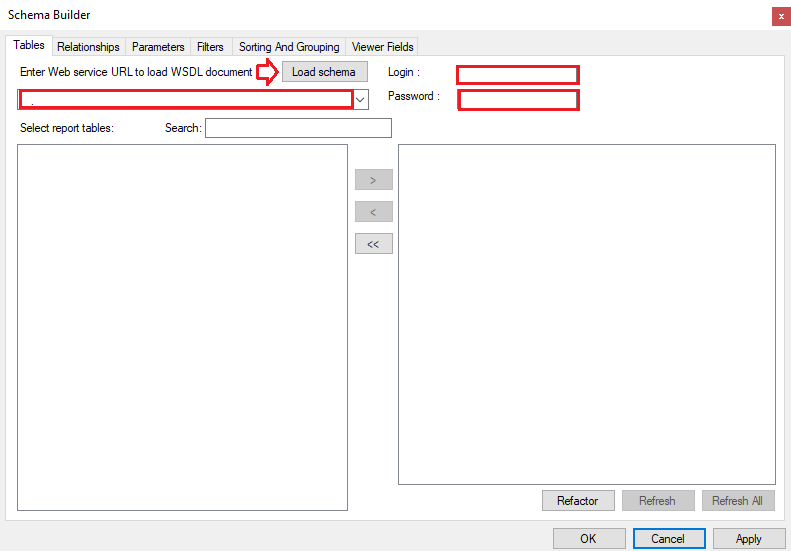
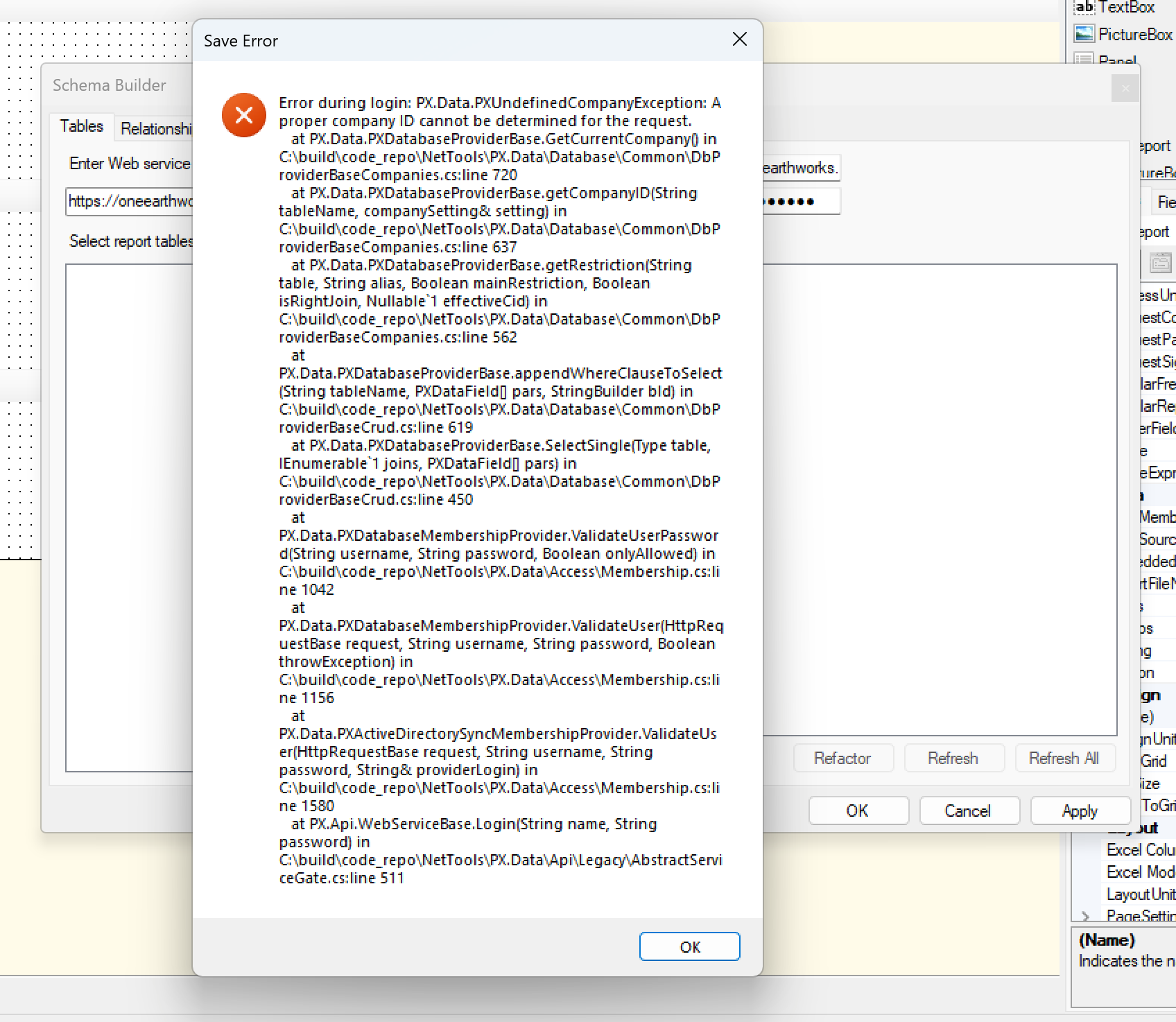
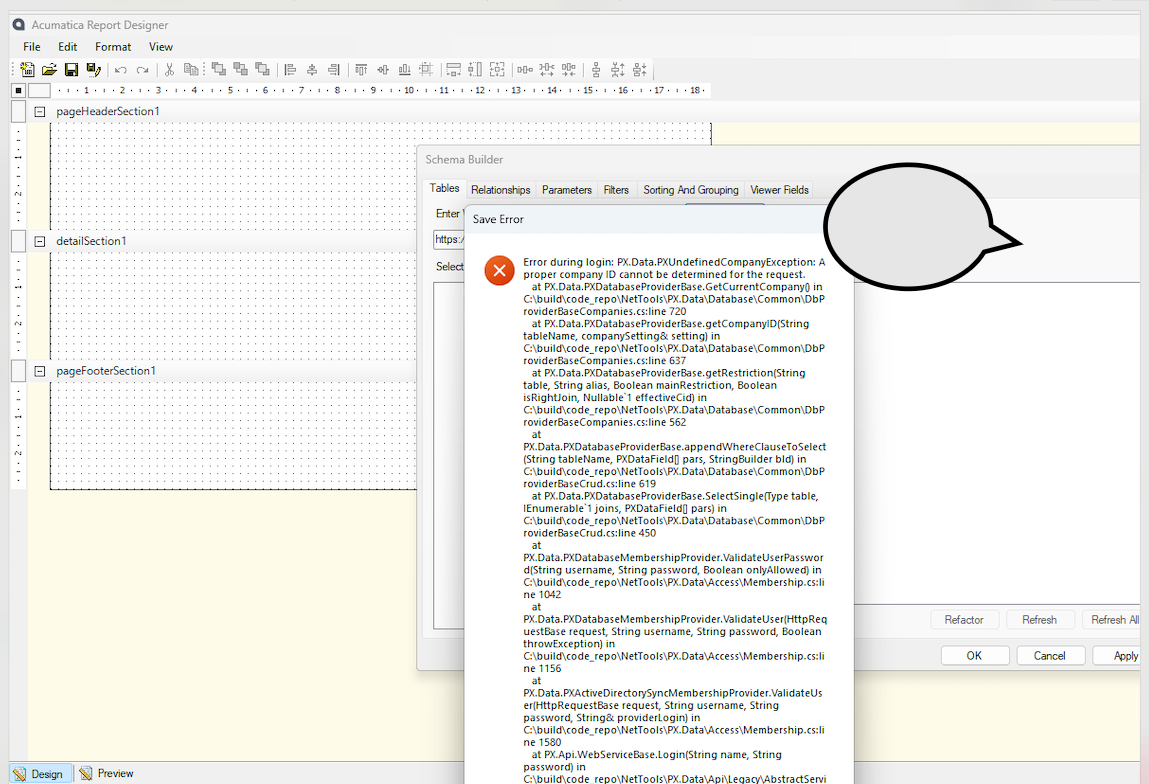
When we want to conect this with MYOB A, andBuild Schema In Report Designer it come with an error below. Could anyone help me with the below error? Thank you so much!
 

Best answer by DipakNilkanth

Hi @HazelLiu0601 ,

I believe, you have setup more than one company in your Acumatica instance.

While logging into the report designer you need to add @CompanyName after the login username as shown below.
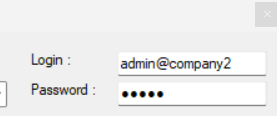
 

Login with Company Name

hope, it helps!

6 replies

nhatnghetinh
Captain II
Forum|alt.badge.img+11
  • Captain II
  • 716 replies
  • July 29, 2024

Hi @HazelLiu0601 

You enter URL of Acumatica, Login, Password and click “Load schema”


Best Regards,

NNT


  • Author
  • Freshman I
  • 3 replies
  • July 29, 2024

Hi @nhatnghetinh 

Thanks for your response. Yes, I entered the web and the account. and clik Load schema, it shows the error like the screenshot. 😭


nhatnghetinh
Captain II
Forum|alt.badge.img+11
  • Captain II
  • 716 replies
  • July 29, 2024

Hi @HazelLiu0601 

It is possible that the Report Designer version is different from the Acumatica version and is not compatible.

Try reinstalling Report Designer with the same version as Acumatica.


Best Regards,

NNT


DipakNilkanth
Pro III
Forum|alt.badge.img+13
  • Pro III
  • 603 replies
  • Answer
  • July 29, 2024

Hi @HazelLiu0601 ,

I believe, you have setup more than one company in your Acumatica instance.

While logging into the report designer you need to add @CompanyName after the login username as shown below.
 

Login with Company Name

hope, it helps!


  • Author
  • Freshman I
  • 3 replies
  • July 29, 2024

Hi everyone, redownload and add @ company name still cannot log in. 😭


  • Author
  • Freshman I
  • 3 replies
  • July 30, 2024

I could log in now. Thank you for all the support.