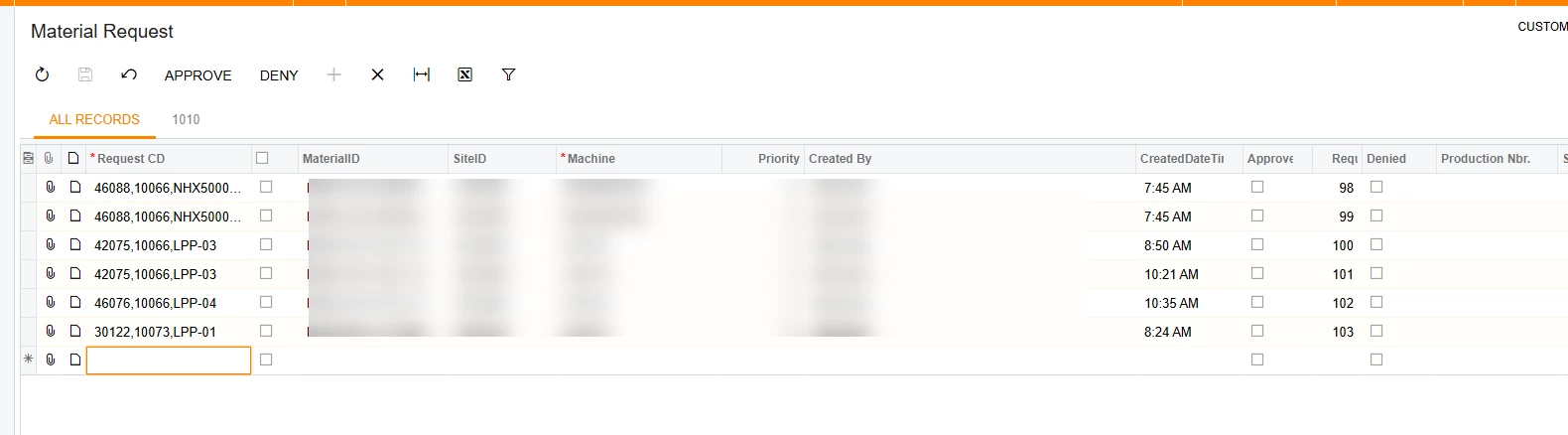
Has anyone had any luck with scanning on an ipad in the browser? I have created a new screen, where our shop floor can just scan in the “Request CD” from a QR code and it will find all information about it. I have the “Tab” turned off on all the fields excep the first one. This allows you to “Rapid Fire” scanning and just scan everything you need to without any additional clicking. We were looking at using a browser on an ipad, but you have to click in the field in order to fill it out. it will still go to the next line like it should, but you have to click it before you can enter information. It doesnt do that on a regular computer or a surface. Is there a way to do this or will i have to add it to the acumatica app for it to work?