Answer

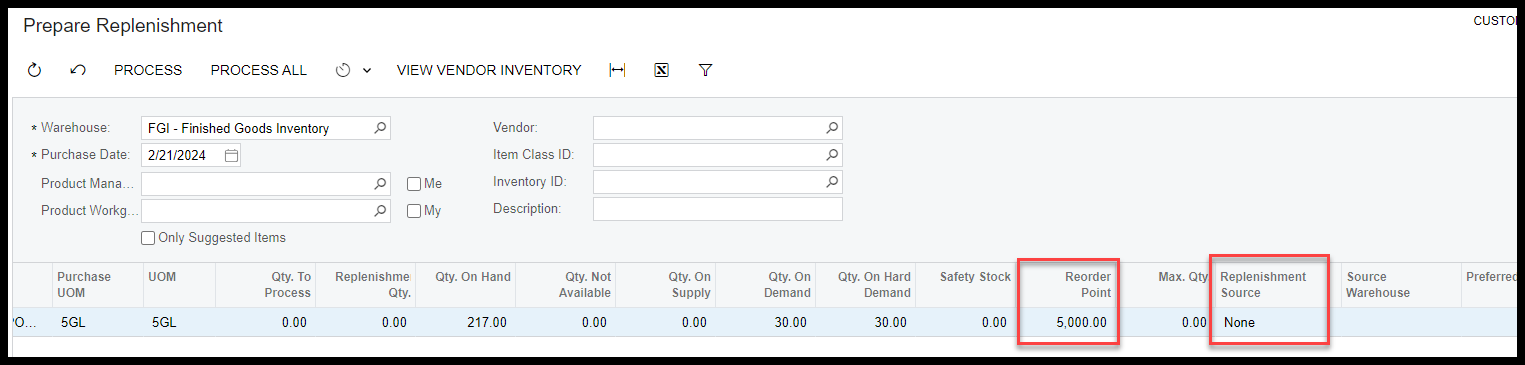
Prepare Replenishments is not suggesting any action

  • February 21, 2024
  • 3 replies
  • 80 views

Forum|alt.badge.img+5

This is displayed because I unchecked the box that says “Only suggested items”.

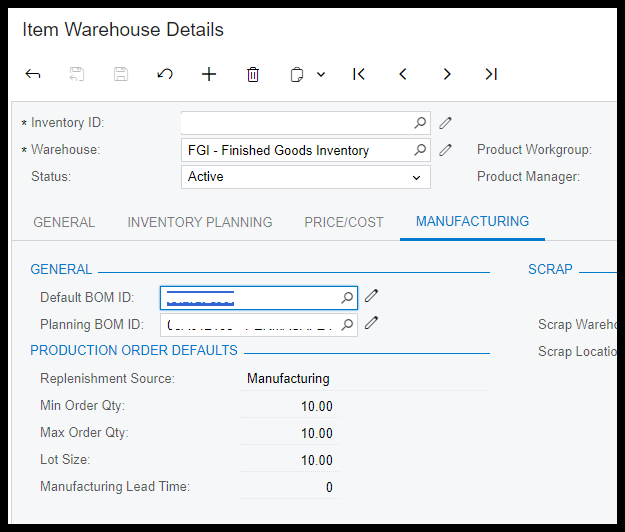
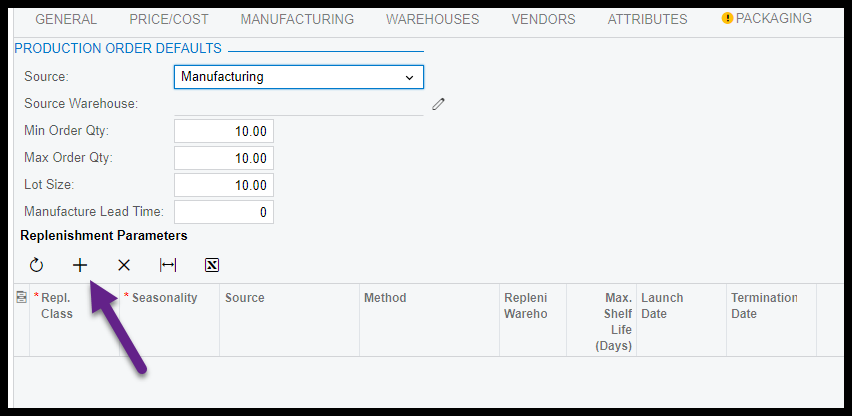
It says the “source” is none.  Which I suspect is the problem.  However, I have a source everywhere I can find.


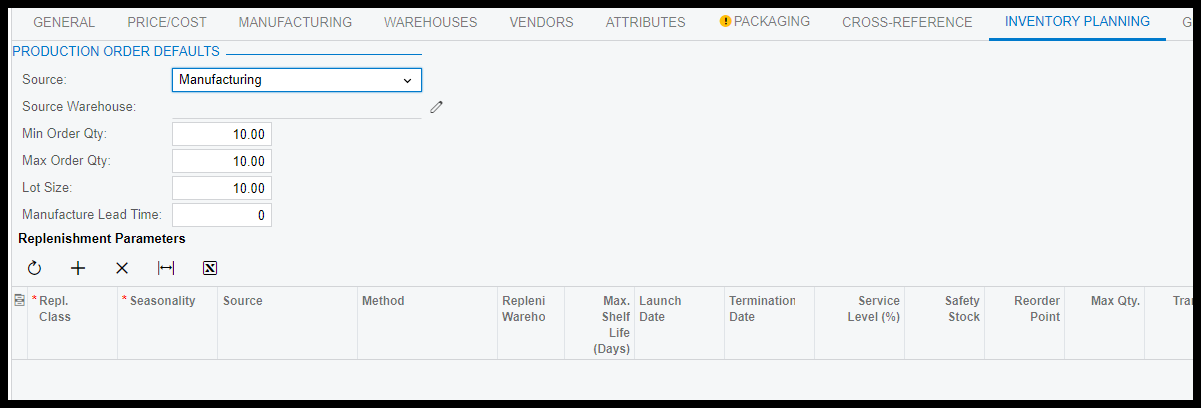
Below us from Stock Items screen
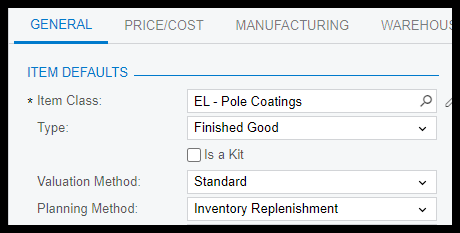
Below is stock item screen
 

Best answer by Debbie Baldwin

@ltussing03 - for Inventory Replenishment  - the item needs to be a purchased item. 

3 replies

Forum|alt.badge.img+5
  • Author
  • Captain II
  • February 21, 2024

I realized I missed something Obvious.  From the stock items screen.  I hit the plus button and nothing happens.  I cannot add a line.  Any thoughts?


Debbie Baldwin
Acumatica Moderator
Forum|alt.badge.img+2
  • Acumatica Product Manager
  • Answer
  • February 21, 2024

@ltussing03 - for Inventory Replenishment  - the item needs to be a purchased item. 


Forum|alt.badge.img+5
  • Author
  • Captain II
  • February 21, 2024

Debbie,

Ooops, well that is kind of important isn’t it.

I just assumed since it allowed me to set it as replenishment and manufactured it was OK.

Thanks Debbie!