Hi @jschiele,
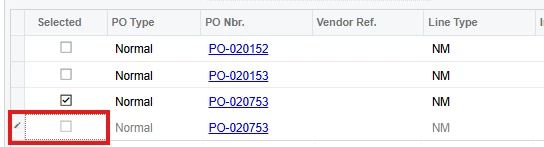
The current functionality supports a one-to-one relationship between a Production Order and a Purchase Order line. Because of this design, when additional PO lines are manually added, they cannot be linked back to the same production order demand, which is why the link checkbox is not available for those newly created lines.
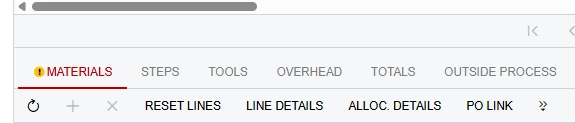
As a possible workaround, you may consider splitting the material lines on the Production Order Details tab to match the required purchase quantities and expected delivery dates before generating the Purchase Order. This allows separate PO lines to be created and linked appropriately from the start.
At this time, the ability to associate multiple Purchase Order lines with the same Production Order demand is not supported by the standard product. However, there are existing product enhancement ideas related to this functionality:
If this functionality would be beneficial for your business processes, please consider voting for these ideas and adding your feedback in the Community.
If this requirement is critical for your operations, it may also be possible to achieve the desired behavior through a customization developed to meet your specific business needs.
I hope this helps clarify the current behavior.