Question

How to check the posting for Non stock items for Production orders?

  • June 24, 2026
  • 2 replies
  • 24 views

Forum|alt.badge.img

hello all,

I have a BOM which has a non stock item added in one of the ops. Now when I released the production orders, released materials, created Labor & Move transactions there wasnt any mention of the non stock item being used. How can I track these under WIP?

2 replies

angierowley75
Acumatica Moderator
Forum|alt.badge.img+3
  • Acumatica Moderator
  • June 24, 2026

Did you review the Cost batch of the Production Order?


josborn02
Varsity III
Forum|alt.badge.img+3
  • Varsity III
  • June 26, 2026

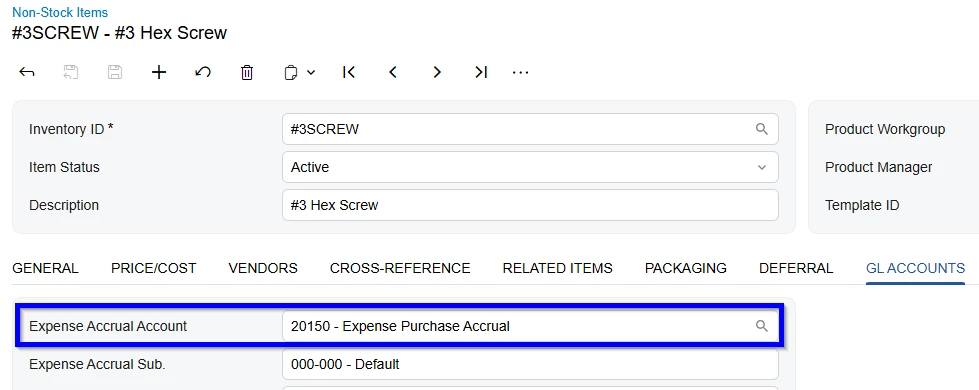
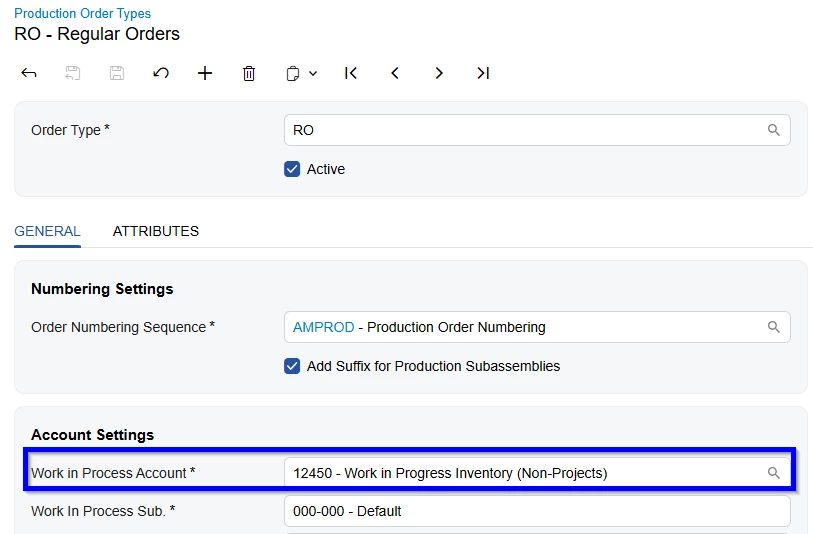
Look at the journal transaction created when the non-stock item was used.  It will debit the account entered in the Production Order Types screen, Work in Process Account field and credit the Expense Accrual Account entered on the GL Accounts tab of hte Non-Stock Item.  Screenshots below.

Journal Transaction:

Production Order Types:

Non-Stock Item, GL Accounts Tab: