Solved

Find orphan Lot/Serial Number

  • February 11, 2026
  • 5 replies
  • 119 views

We use serial tracked products that sometimes get consumed into other internal orders but sometimes get sold as is to the customer. We are having a hard time finding a way to get a list of serial tracked items that have neither been consumed into other orders nor sold to the customer. Any guidance of how to best pull together this information into a GI that employees can check against?


I’m thinking probably some combination of ARTran and AMMTran info

Best answer by dgodsill97


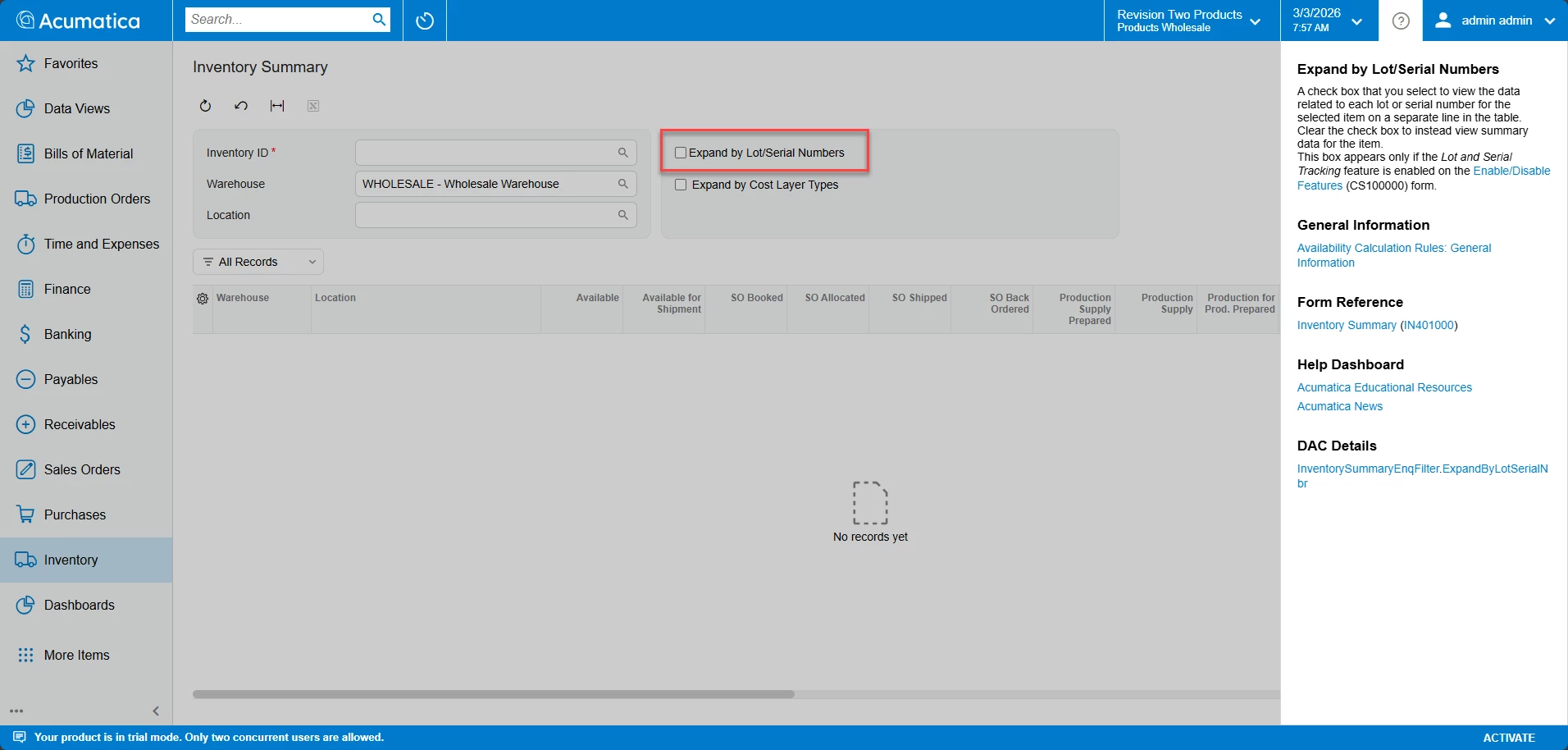
The data is in INLotSerialStatus which is the data you see on the Inventory Summary when you check the box to show the lot/serial data/

5 replies

dgodsill97
Varsity I
Forum|alt.badge.img+6
  • Varsity I
  • Answer
  • February 16, 2026


The data is in INLotSerialStatus which is the data you see on the Inventory Summary when you check the box to show the lot/serial data/


ShoKetchum
Acumatica Employee
Forum|alt.badge.img+1
  • Acumatica Employee
  • March 3, 2026

Hello ​@dschille !


I understand that you are looking to review Lot/Serial Numbers that have not been used (sold or consumed).

The simplest solution would be as ​@dgodsill97 suggested, reviewing the Inventory Summary and setting “Expand by Lot/Serial Numbers”.

If a Lot/Serial Number is On Hand, then is has not been consumed or sold.

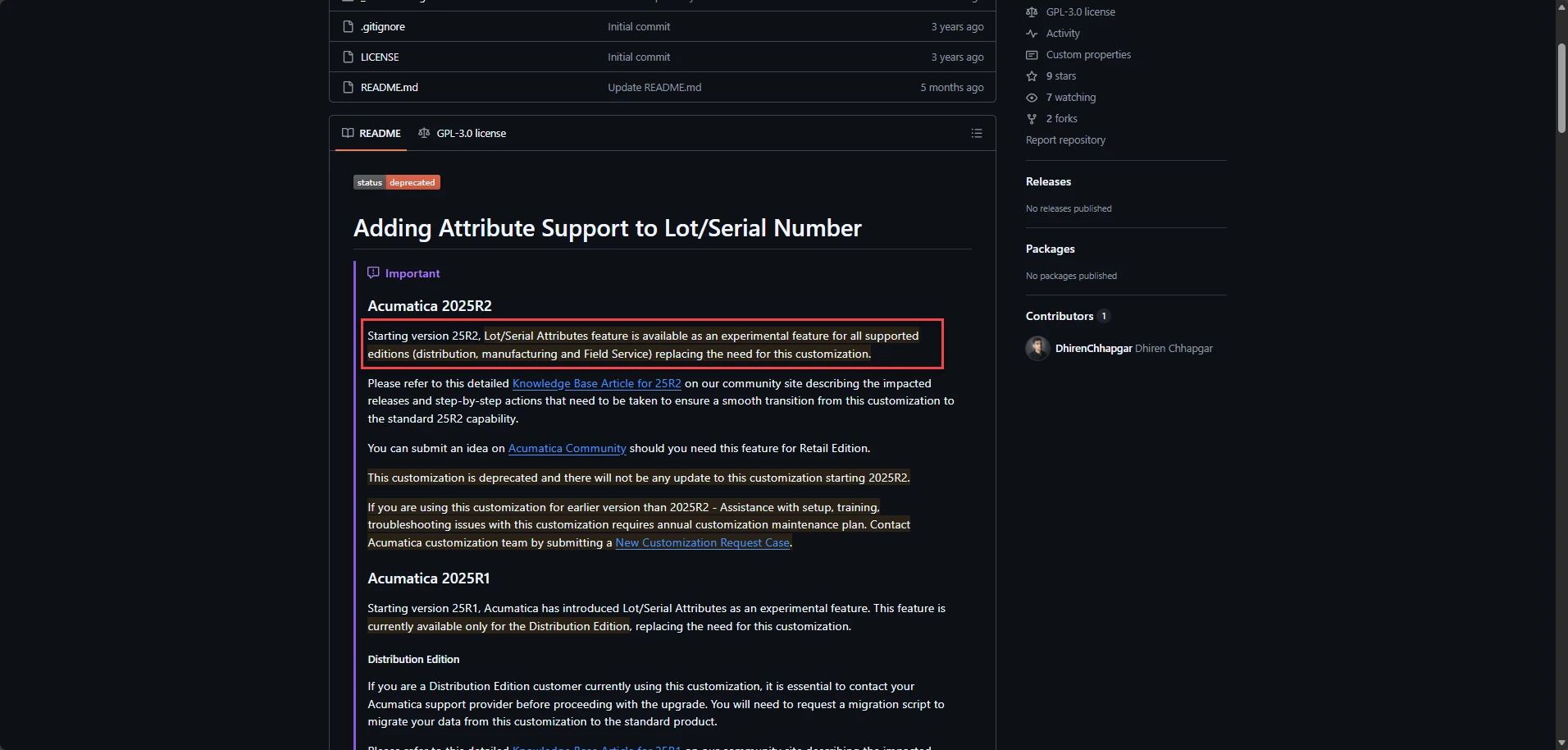
However, I also want to share the Lot/Serial Attributes (a core function starting in 2025R2, customization before this version).

GitHub - Acumatica/Acumatica-LotSerialNbrAttribute-2023R1-ONWARD: Adding Attribute Support to Lot/Serial Number · GitHub

How to migrate to the out-of-the-box Lot and Serial Attributes for Stock Items functionality in the Manufacturing module in Acumatica ERP 2025 R2 | Community

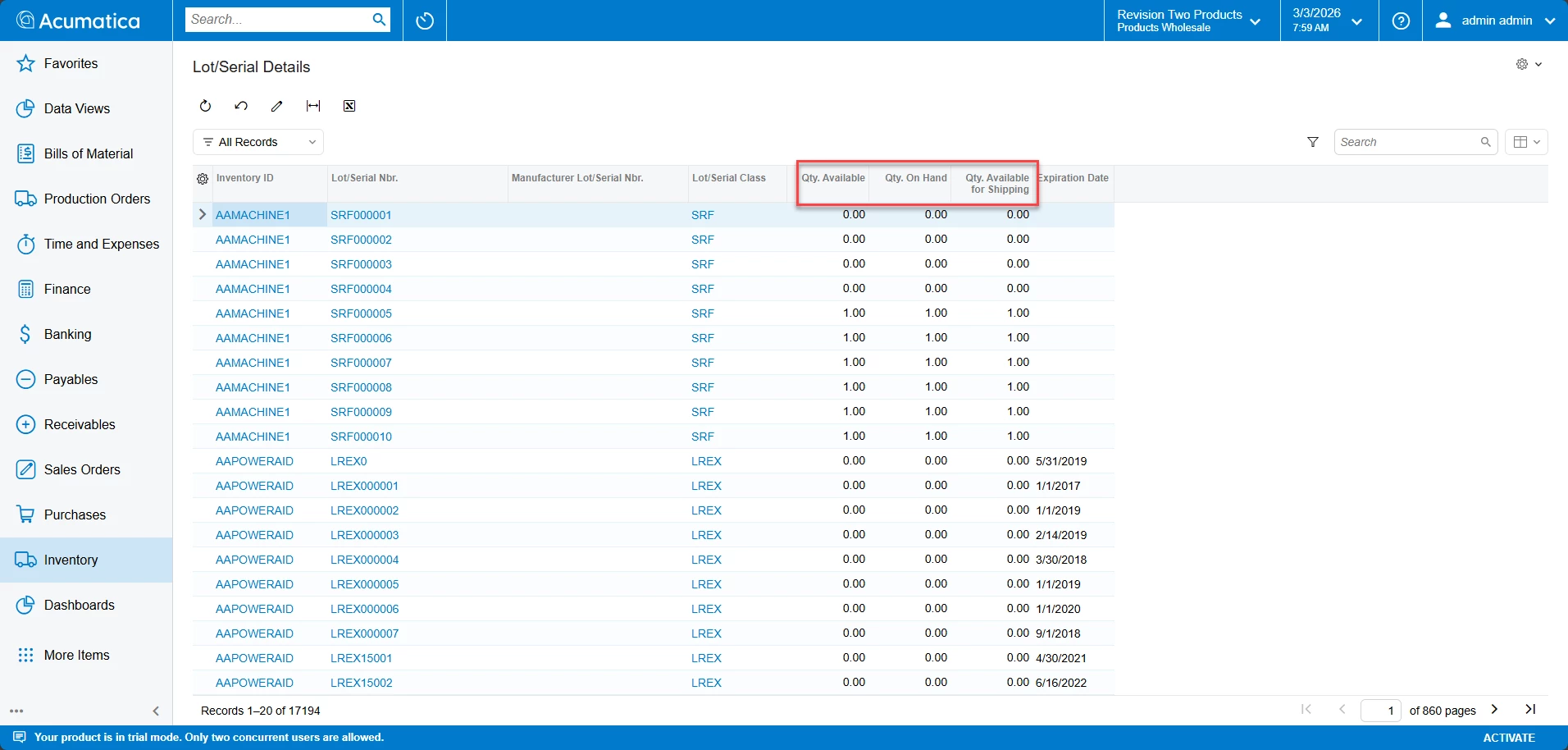
Both the customization and the new experimental core function adds the “Lot/Serial Details” form, which might help your team:

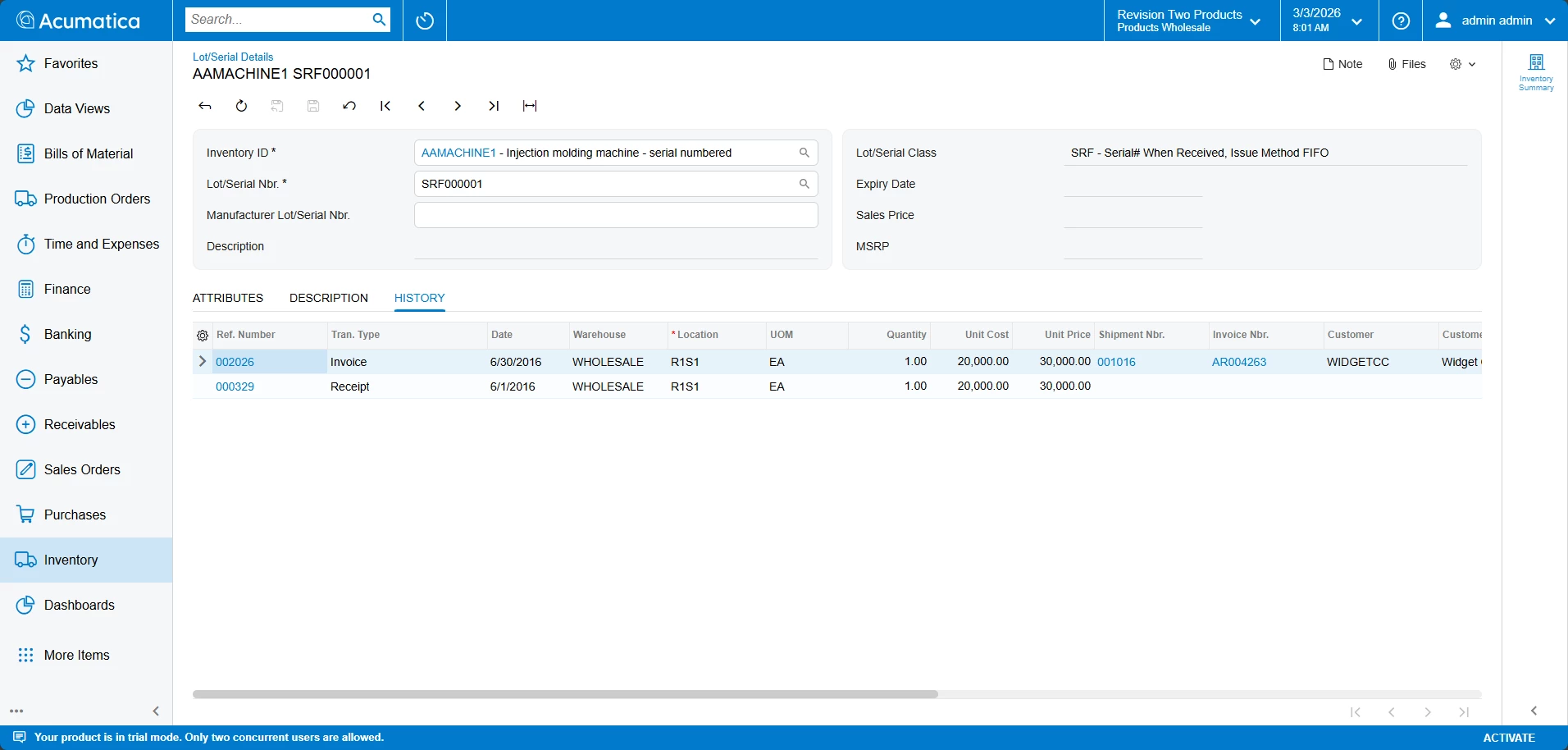
It also creates a “History” tab for each Lot/Serial Number, so you can track where the Lot/Serial Number was used. 


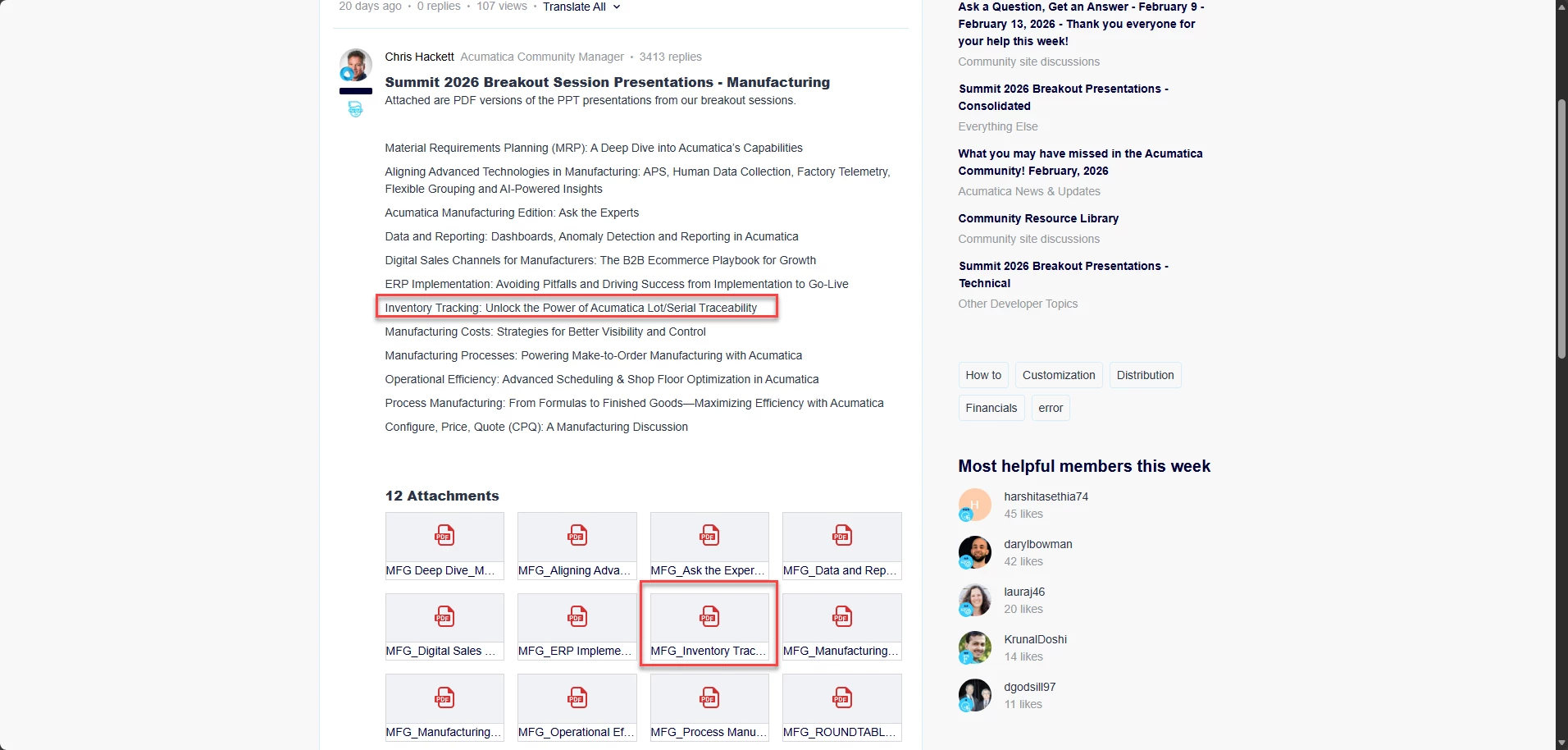
Lastly, I want to share the Summit 2026 Manufacturing Break Out Sessions, specifically Session “Inventory Tracking: Unlock the Power of Acumatica Lot/Serial Traceability” (Summit 2026 Breakout Presentations - Manufacturing | Community)

This presentation speaks to the topic of tracing Lot/Serial Numbers in Acumatica!


I hope this information helps!


alexx
Jr Varsity III
Forum|alt.badge.img
  • Jr Varsity III
  • March 5, 2026

@ShoKetchum56 What version of system is that?

That Inventory Summary screen doesn’t look like mine, so was just curious.


ShoKetchum
Acumatica Employee
Forum|alt.badge.img+1
  • Acumatica Employee
  • March 5, 2026

Hi ​@alexx !

The screenshot comes from a 2025R2 instance (Build 25.200.0248) with Modern UI enabled!

AcumaticaERP_2025R2_Modern_UI_Features_Overview.pdf

Hope that helps!


alexx
Jr Varsity III
Forum|alt.badge.img
  • Jr Varsity III
  • March 30, 2026

@ShoKetchum56 Hi, yes that helps. Just learned we are updating to that version in a couple months.