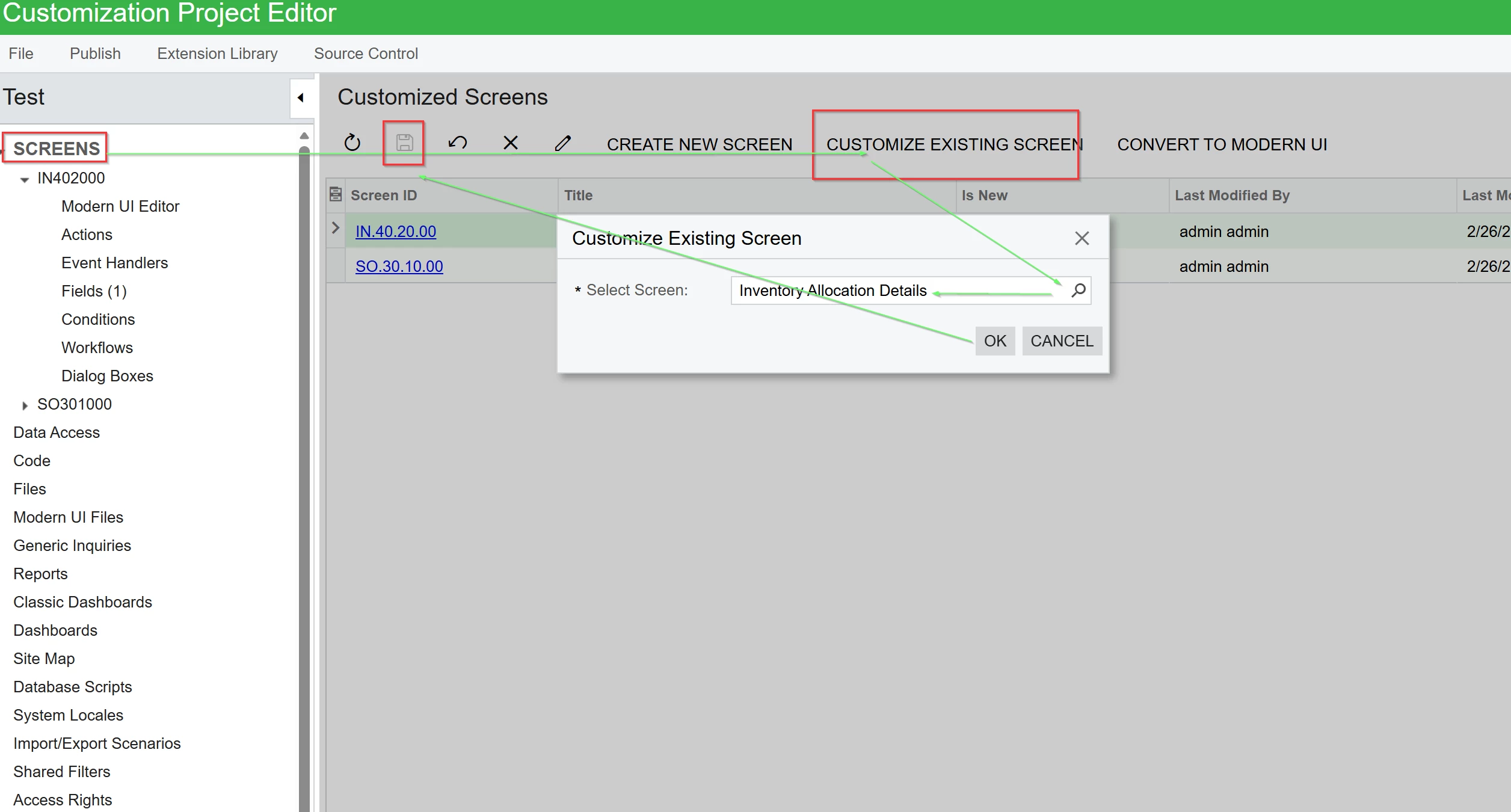
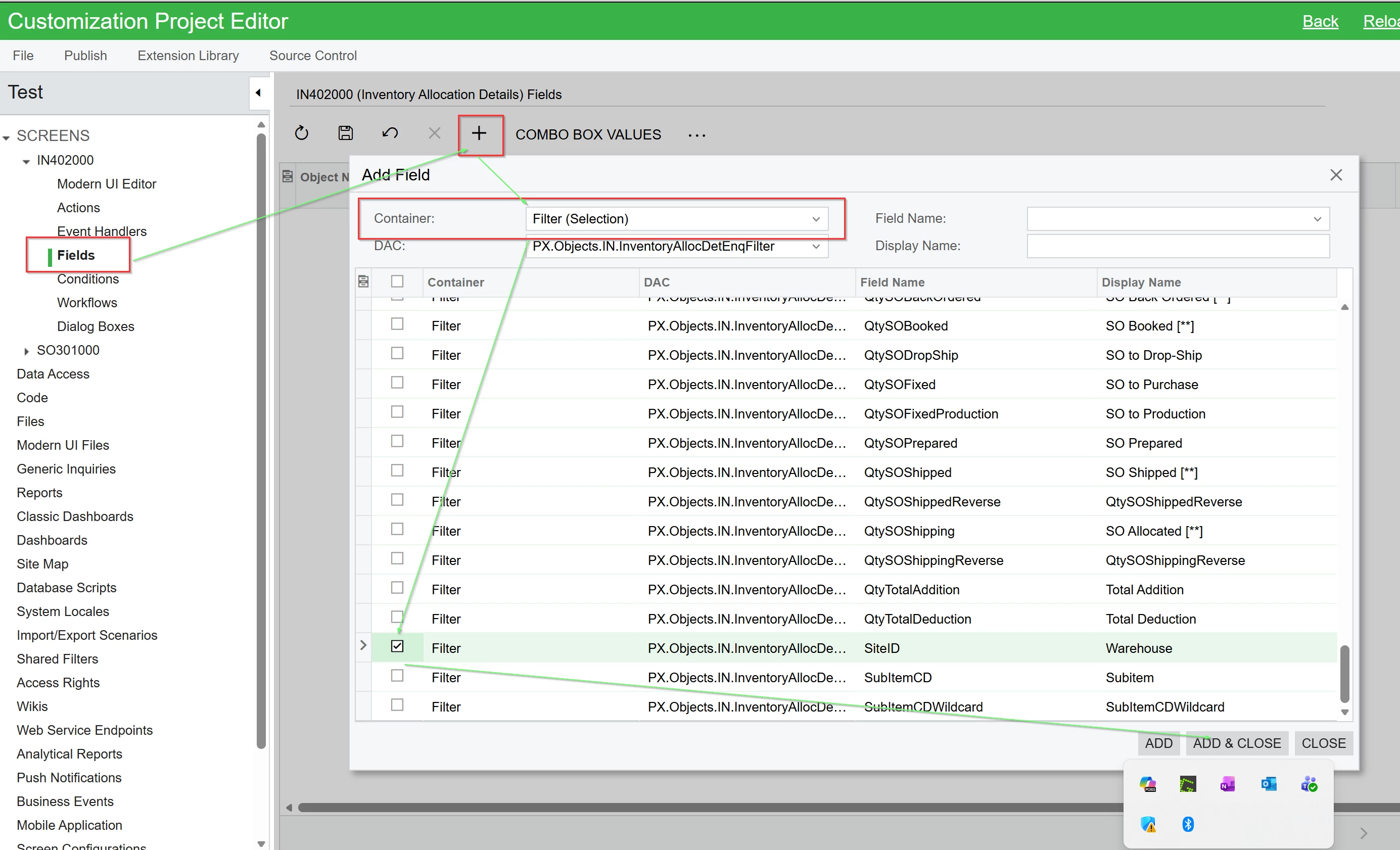
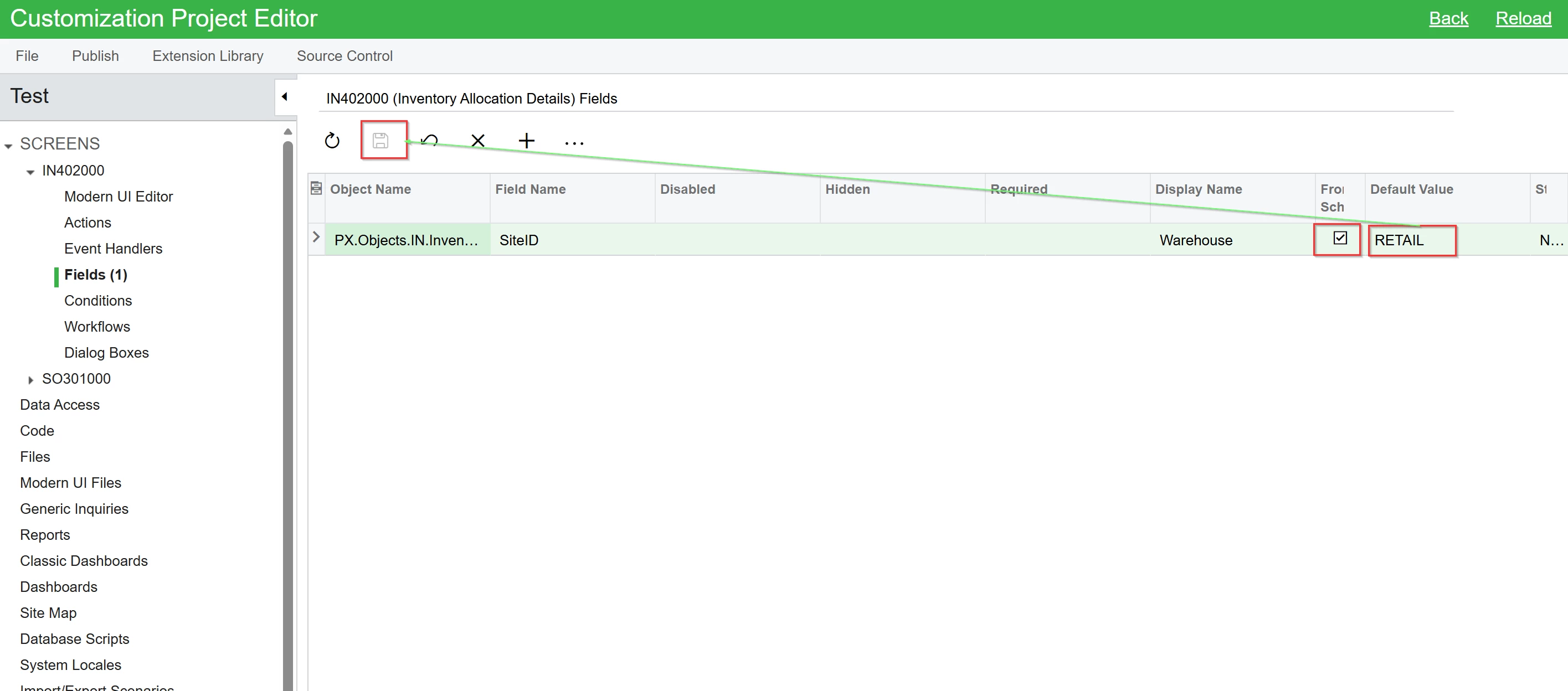
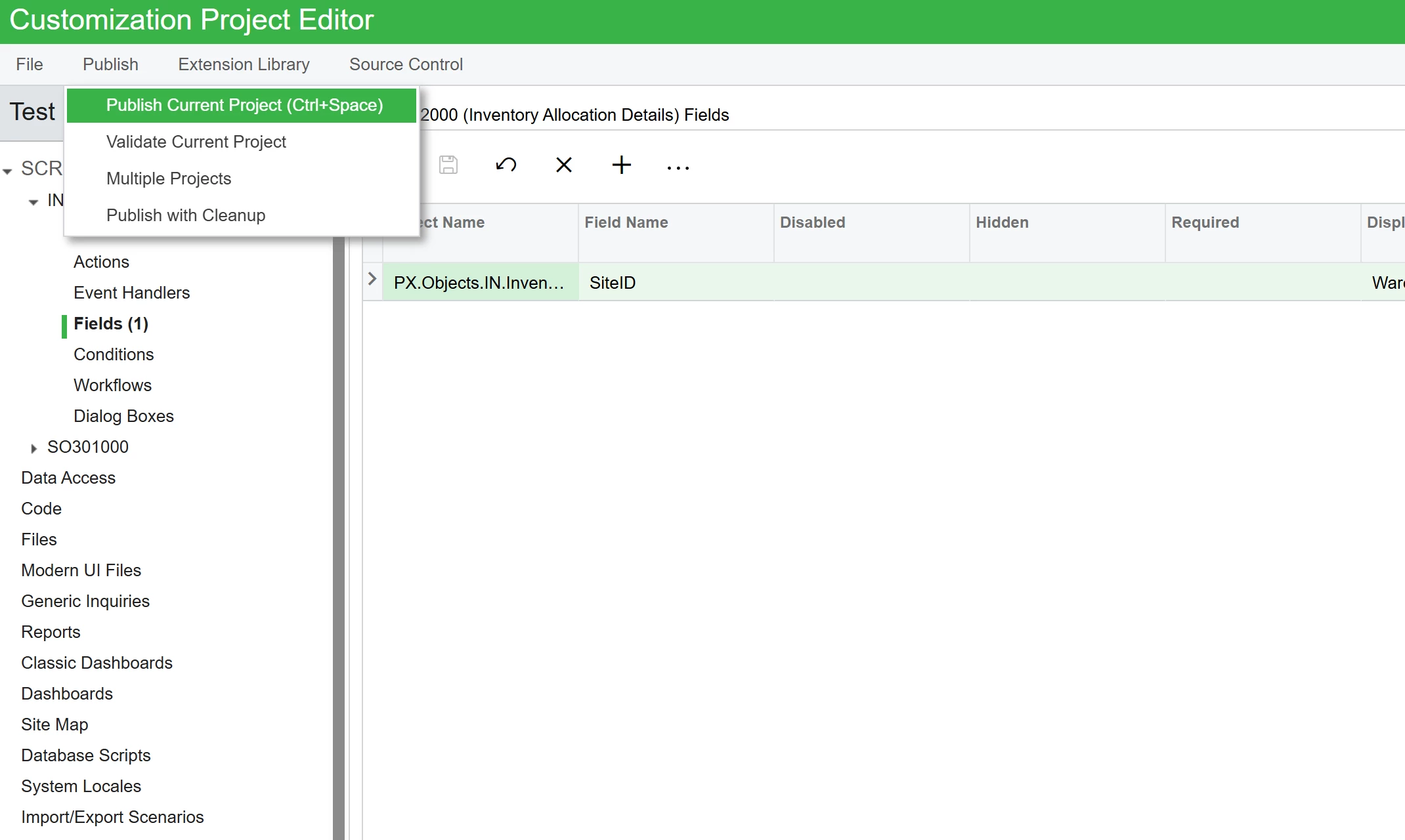
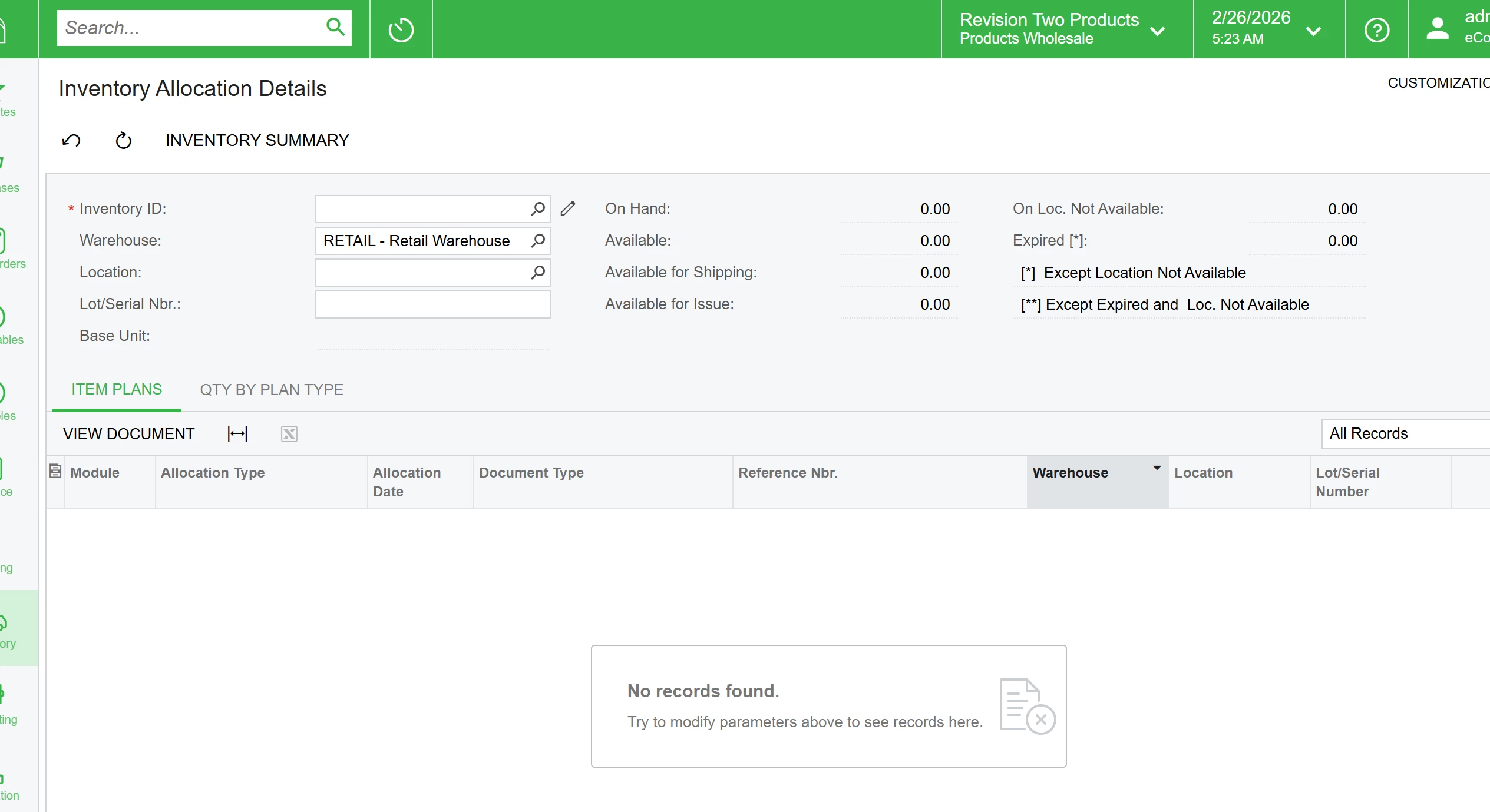
What is the trick to get a default value on this screen for the Warehouse? It is a customized screen vs a GI, but am not entirely sure. Does it need to be coded in, or can it be added in a simpler manner?
Thanks
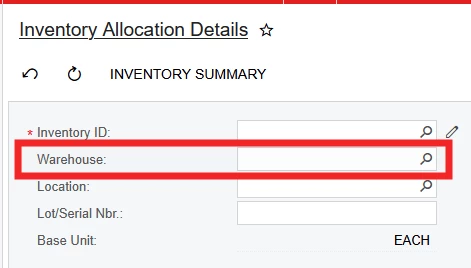
What is the trick to get a default value on this screen for the Warehouse? It is a customized screen vs a GI, but am not entirely sure. Does it need to be coded in, or can it be added in a simpler manner?
Thanks
Best answer by Srinivas Kota
No — Acumatica does not provide an out-of-the-box way to automatically default the Warehouse field on the Inventory Allocation Details (IN402000) screen just by configuration. The screen is essentially a lookup/inquiry that lets you view availability and allocations for an item and a selected warehouse, and you always need to pick the warehouse (or clear it) before the detail lines refresh.
Why there’s no built-in default
Because it’s not a transaction entry screen (like a PO or Sales Order), Acumatica doesn’t have standard logic to default the Warehouse field on this inquiry form the way it does on transaction entry screens (e.g., SO lines, PO lines, etc.) based on user profile, vendor defaults, item defaults, etc.
Customization options (if needed)
If you must have the Warehouse field pre-populated when opening this screen (for example defaulting to a specific warehouse for users):
You could customize the screen using Acumatica’s Customization Projects. For example, attach a Defaulting event handler on the DAC field for Warehouse in IN402000 so it pre-assigns a value based on your logic (user profile, branch, last used, etc.).
Enter your E-mail address. We'll send you an e-mail with instructions to reset your password.