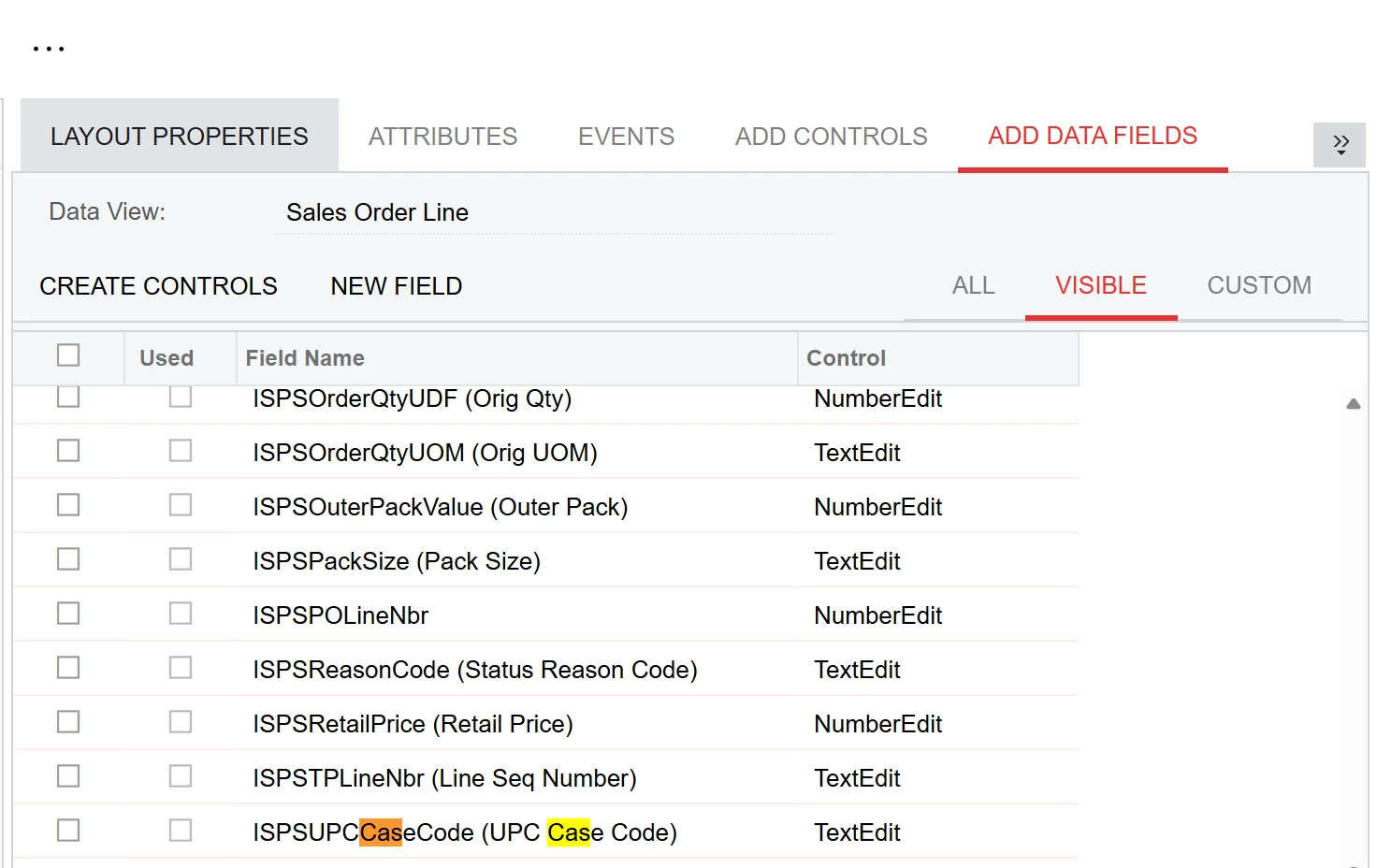
Inventory item attributes are stored as key-value pairs in a separate table (CSAnswers), not as native DAC fields. Because of this, they do not appear in the field picker. To use them on the SO Lines grid, a customization is required to surface them as usable fields.
In Acumatica, attributes are stored in the CSAnswers table and linked to records using EntityType and RefNoteID. Since these attributes are not physical columns on the InventoryItem DAC, they won’t appear in the standard Add Fields dialog or the GI field picker without additional configuration.
To make these attributes available on the SO Lines grid:
- Create a DAC Extension on SOLine
- Add unbound fields that will hold the attribute values.
- Create a Graph Extension
- Populate the unbound fields by retrieving values from CSAnswers.
- Populate the Fields at Runtime
- The most reliable methods are:
- FieldSelecting, or
- RowSelecting
Once this is done, the attribute values should behave like standard fields and can be added to the SO Lines grid or used elsewhere in the UI.