Solved

Add Customization Project Button Grayed Out

  • June 13, 2024
  • 8 replies
  • 265 views
  • Translate All

Forum|alt.badge.img

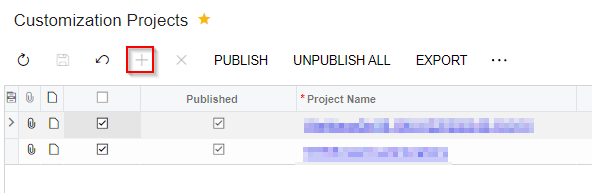
I am trying to add a customization but the plus button is grayed out.  I have the Administrator role and access rights to this screen show Administrator has Delete rights, which I believe is the highest level of rights.  Does anybody know why this is grayed out?
 

Best answer by Kandy Beatty

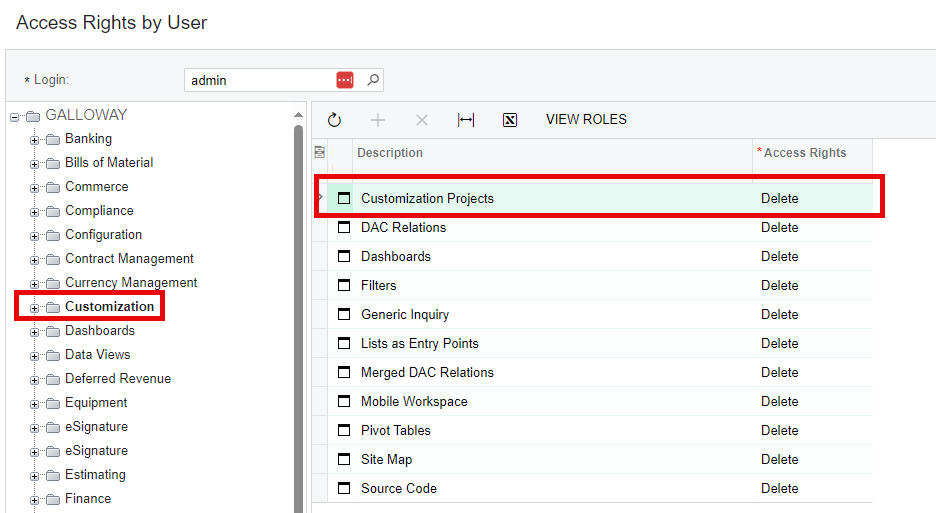
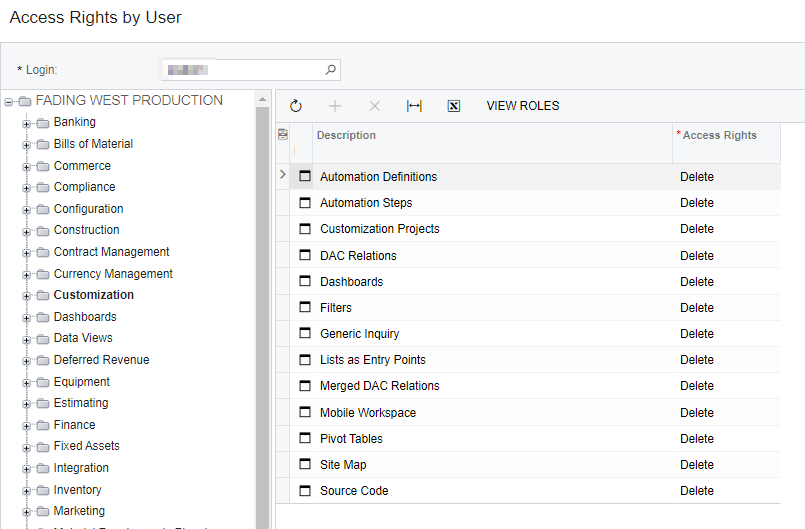
When you look at the user, what do you see for customization and customization projects?


View original

8 replies

Kandy Beatty
Captain II
Forum|alt.badge.img+18

Hi @josborn 

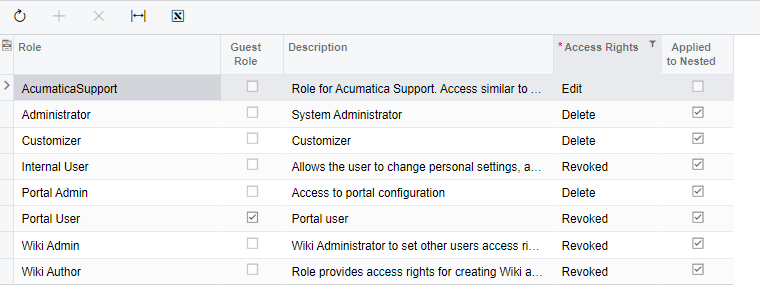
Do you have the Customizer Role? Check your user roles. 

Translate

Forum|alt.badge.img
  • Author
  • Freshman I
  • June 13, 2024

Hi Kandy!!

Yes, I do have that role as well as Administrator.

Translate

Kandy Beatty
Captain II
Forum|alt.badge.img+18

Hi Kandy!!

Yes, I do have that role as well as Administrator.

Do you have delete on that role as well?

Translate

Forum|alt.badge.img
  • Author
  • Freshman I
  • June 13, 2024

Yep! Here are the access rights for that screen.


Translate

Kandy Beatty
Captain II
Forum|alt.badge.img+18

When you look at the user, what do you see for customization and customization projects?


Translate

Forum|alt.badge.img
  • Author
  • Freshman I
  • June 13, 2024


Translate

Forum|alt.badge.img
  • Author
  • Freshman I
  • June 28, 2024

FYI - the issue was that I had the Acumatica Support role, which has some different rules.  My Administrator rights didn’t supersede the support role rights.  Once I removed the Acumatica Support role from my profile I could add new customization projects.

Translate

Kandy Beatty
Captain II
Forum|alt.badge.img+18

FYI - the issue was that I had the Acumatica Support role, which has some different rules.  My Administrator rights didn’t supersede the support role rights.  Once I removed the Acumatica Support role from my profile I could add new customization projects.

Glad you got it figured out @josborn!


Translate