Question

Ability to Navigate Directly to the Next Operation in Shop Floor Kiosk

  • Nov 18, 2026 6:09 AM UTC
  • 4 replies
  • 31 views
  • Translate All

Forum|alt.badge.img+5

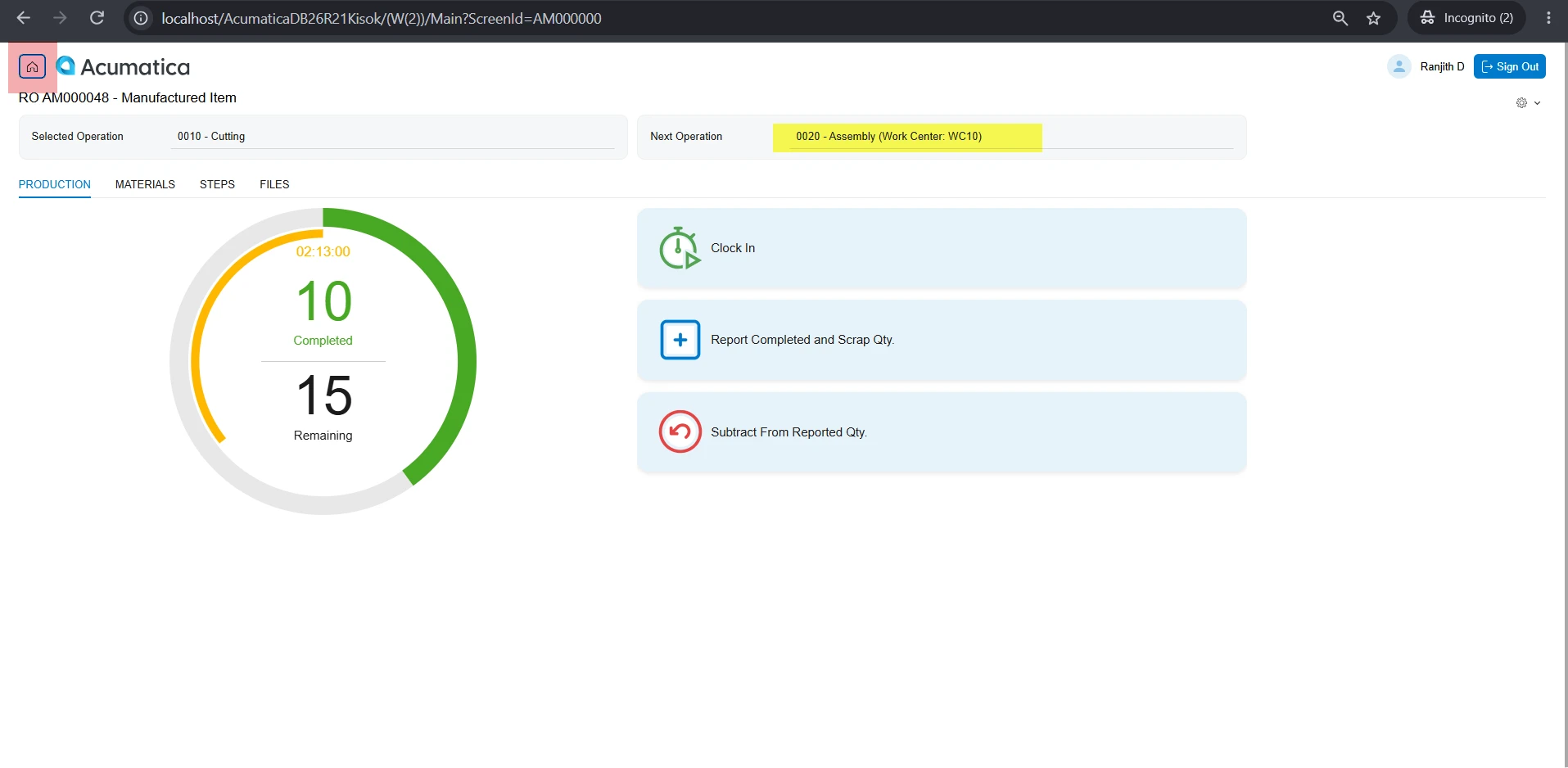
Is there an option to navigate directly to the next operation in the Shop Floor Kiosk without having to click the Home button and select the production order and operation again?


4 replies

Dipak Nilkanth
Pro III
Forum|alt.badge.img+14

Hi ​@ranjithduraisamy72, I believe this is similar requirement what you are looking for.


if yes, you can vote for below idea which will support multiple clock entry:

Hope, it helps!

Translate

Forum|alt.badge.img+5

​@Dipak Nilkanth This is a different scenario, in the shopfloor Kiosk which is released in 26R1.

Translate

AndreasKleinfeld72
Semi-Pro I
Forum|alt.badge.img+1

My suggestion would be to create a product idea for this.

Translate

Steve Milner
Varsity III
Forum|alt.badge.img+7

My replies are created in part with the help of proprietary AI, built with my AI skills, curated and maintained myself. Most replies are tested on local instances before they go up, and all are reviewed before posted.

Hi @ranjithduraisamy72, the current kiosk can’t do this. The Next Operation box on the Production Reporting page is display-only. It shows the operation and its work center, but there’s no action behind it. Home is the only navigation button on that page.

We checked the kiosk screen’s source on 2026 R1 (26.101.0225) and 2026 R2 (26.200.0334), and it’s the same in both. The screen’s code even has GoNextOperation and GoPrevOperation lines, but they’re commented out and the graph has no matching action. There’s nothing to switch on.

Andreas’s suggestion is the way to go. Acumatica’s 2026 R1 training on the kiosk says its interface and functionality may change in future releases, and it recommends against customizing the kiosk for now. When you post the Idea, ask for the Next Operation box to open that operation’s Production Reporting page directly.

Translate