Question

Unable to Enable Service Order Fields in Appointment Screen – Acumatica Modern UI.

  • Nov 19, 2026 2:31 PM UTC
  • 2 replies
  • 19 views
  • Translate All

Forum|alt.badge.img+5

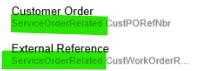
In the Modern UI Editor, I tried to enable two fields from the Service Order screen on the Appointment screen. I can see these fields in the Modern UI Editor on Appointment screen and am able to add them to the Appointment screen's header section. However, I am unable to enable them because the eye icon option is disabled and not editable.
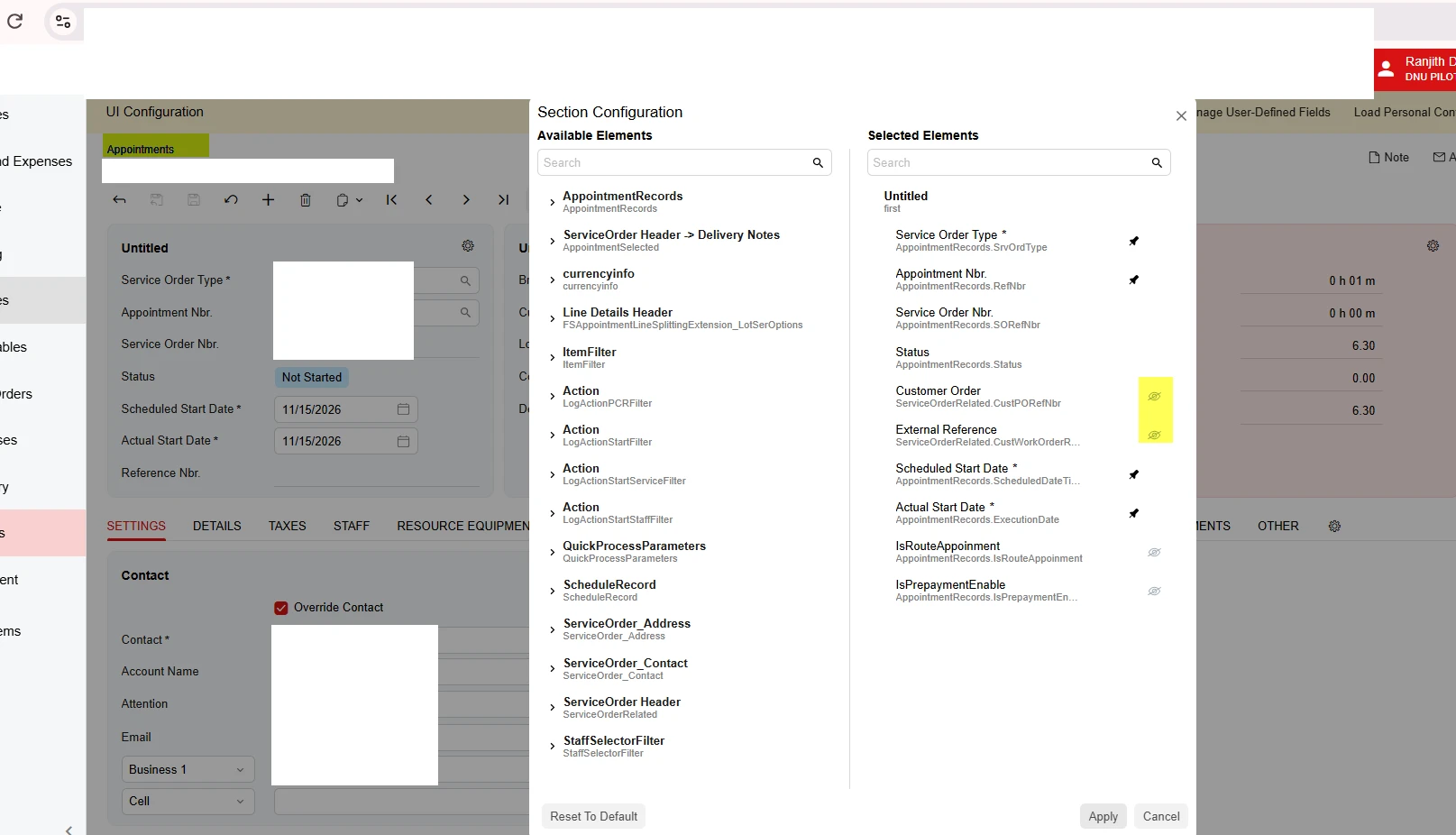
 

Is there a way to enable these fields through the Modern UI Editor, or would this require a customization?

2 replies

KrunalDoshi
Pro II
Forum|alt.badge.img+9

Hi ​@ranjithduraisamy72 

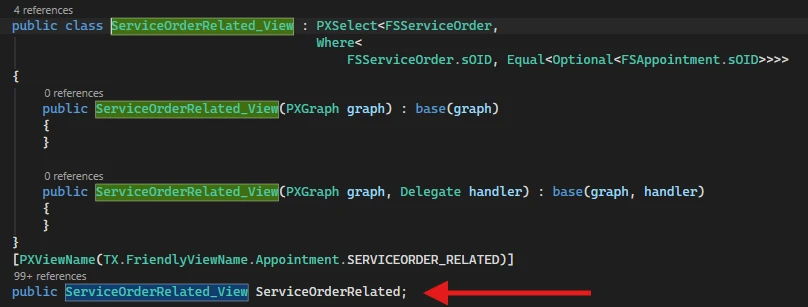
Noticed that those fields you are trying to add are from ServiceOrderRelated which is view. Try adding those fields from actual DAC and check whether it allows you to enable those fields.


Hope this is helpful!

Translate

Steve Milner
Varsity III
Forum|alt.badge.img+7

My replies are created in part with the help of proprietary AI, built with my AI skills, curated and maintained myself. Most replies are tested on local instances before they go up, and all are reviewed before posted.

@ranjithduraisamy72 It needs a customization. Neither the Modern UI Editor nor UI Configuration can turn those two on.

The Appointments graph hides them itself. AppointmentEntry overrides Customer Order (CustPORefNbr) and External Reference (CustWorkOrderRefNbr) on its FSServiceOrder cache with PXUIField Visible = false. The Section Configuration dialog locks the eye on any field the server sends as not visible, so you can place the field but you can’t show it. Adding it to the HTML through the Modern UI Editor doesn’t get around that either. The fieldset still renders a field hidden when its state says it isn’t visible.

Krunal’s right that ServiceOrderRelated is a view. Its DAC is FSServiceOrder, the same one the Service Orders screen uses, and it’s the only view on the Appointments graph that carries those two fields. Every view of a DAC in a graph shares one cache, so another view of FSServiceOrder would still get Visible = false.

Your screenshot shows the same lock on two other fields. IsRouteAppoinment and IsPrepaymentEnable have the gray eye too, and both are Visible = false on the FSAppointment DAC.

Here’s an idea we haven’t built yet: a graph extension on AppointmentEntry with a CacheAttached handler for each of the two FSServiceOrder fields, using PXMergeAttributes and PXCustomize.PXUIFieldAttribute(Visible = true). The change stays on the Appointments screen, so Service Orders isn’t affected. Once the server sends the fields as visible, the eye should unlock and your header placement should show. Try it in a sandbox first.


Translate