



I am trying to add a DAC field to the Approve Clock Entry screen. I enabled it in the Customization Project Editor, and the field is displayed correctly in the Classic UI. However, the same field is not appearing in the Modern UI.
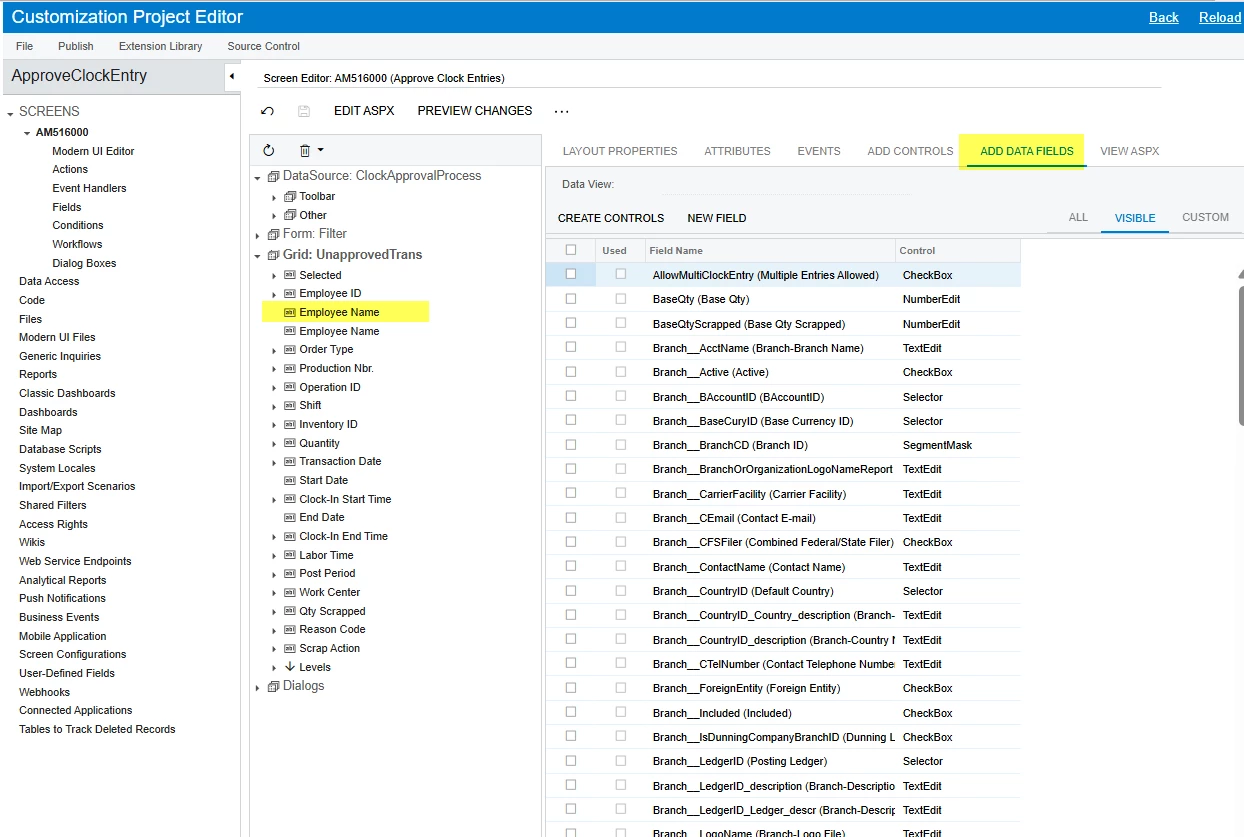
I am trying to add a DAC field to the Approve Clock Entry screen. I enabled it in the Customization Project Editor, and the field is displayed correctly in the Classic UI. However, the same field is not appearing in the Modern UI.
Best answer by Josiah Lisle
Hi
The modern ui is controlled via ts/html files. You would need to:
Here is a help article that explains how to do this: https://help.acumatica.com/(W(32))/Help?ScreenId=ShowWiki&pageid=9ab3a86f-fcd3-4665-b462-863658837fc8
Enter your E-mail address. We'll send you an e-mail with instructions to reset your password.
