We recently upgraded our PCS environment to 26R1. In my test environment, I was checking the modern UI and how it changes the screens.
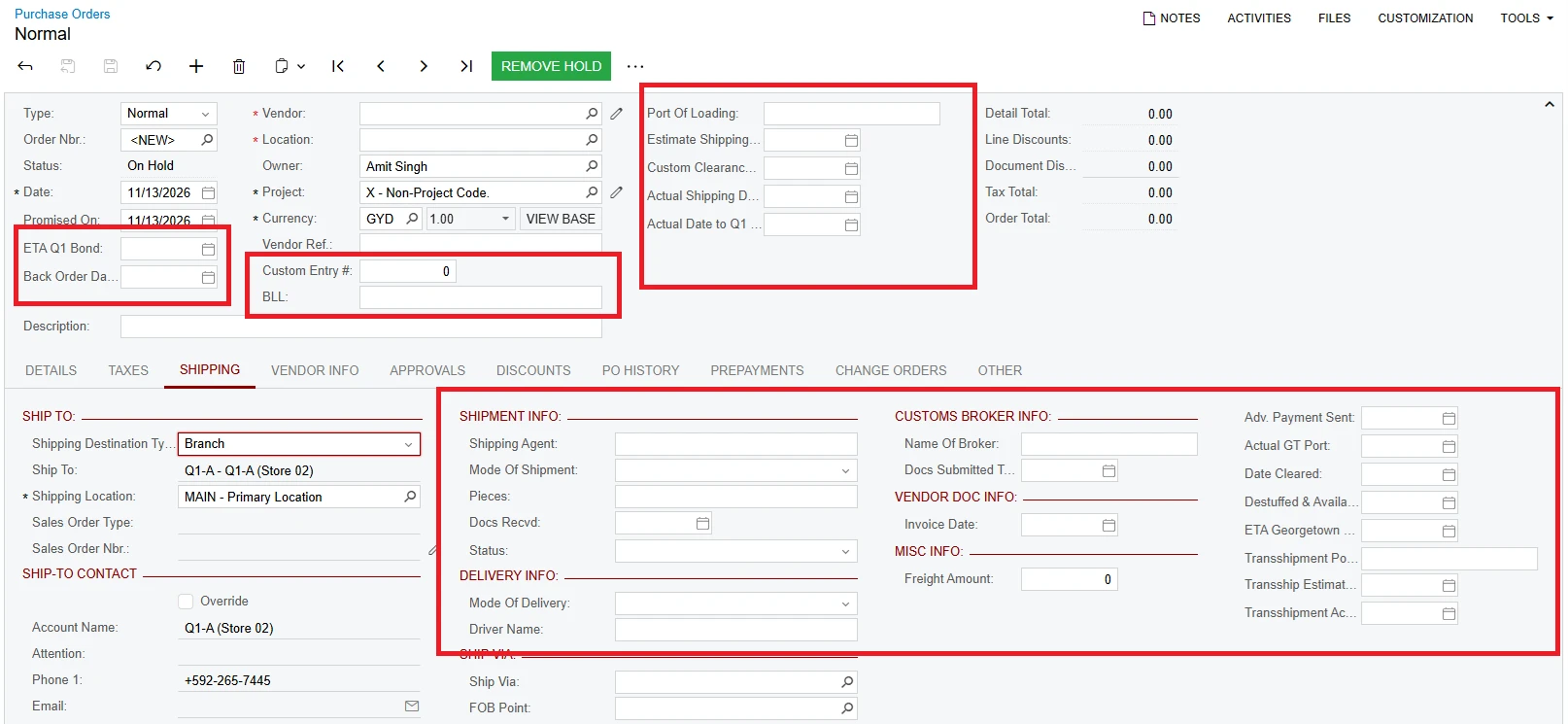
I have a few customizations that add custom fields to existing screens such as our Purchase Orders screen (see screenshot for details).
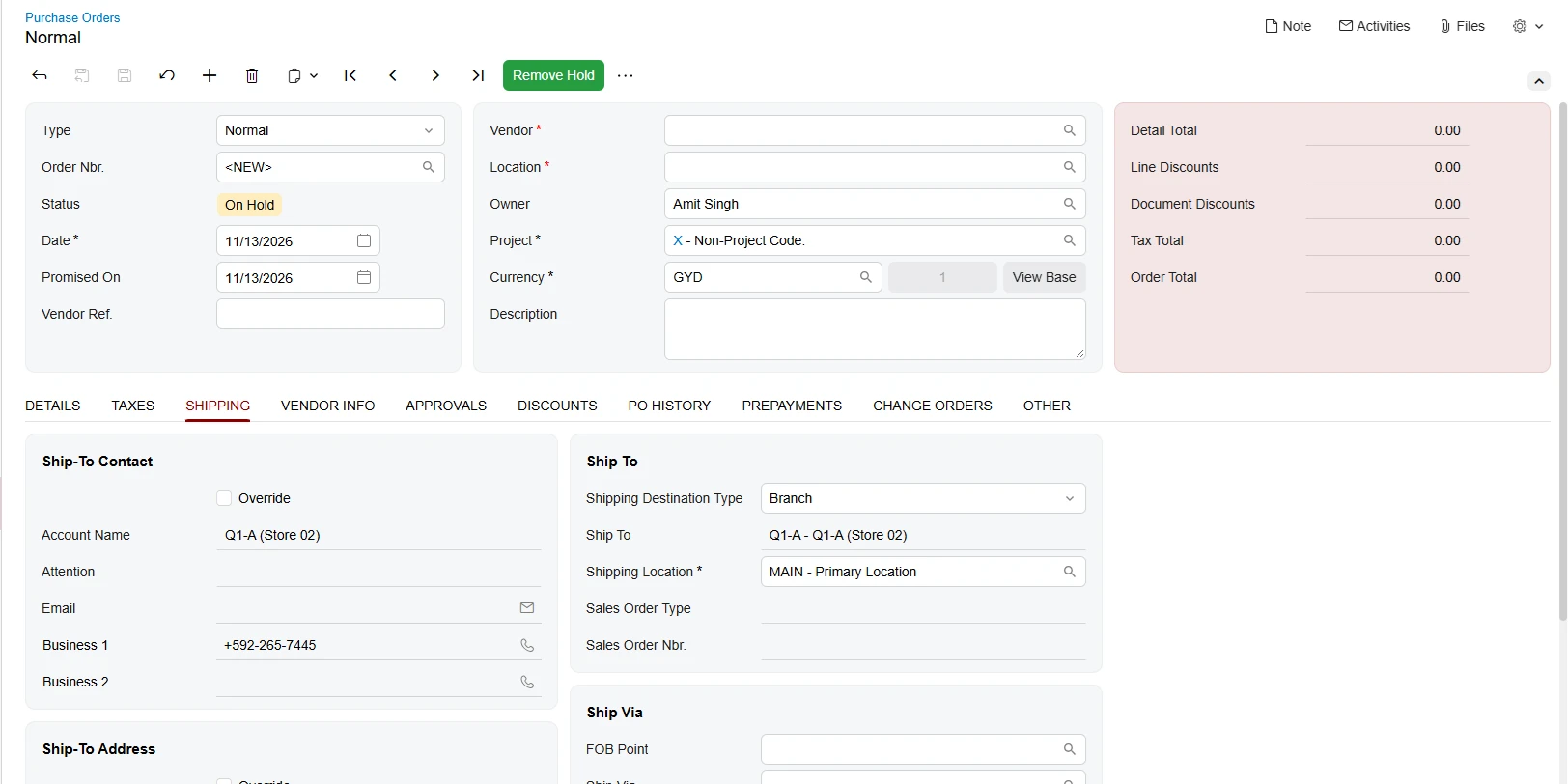
The fields display fine when in the classic UI but when I switch it to the modern UI the fields are not displayed. How can I fix this, please?
Thanks
Amit
PO screen in classic UI with custom fields highlightedPO screen in modern UI with custom fields not displayed
Best answer by darylbowman
The fields display fine when in the classic UI but when I switch it to the modern UI the fields are not displayed.
Modern UI relies on a completely different technology, which means that you will need to add the fields to the Modern screens. You can do this in a several ways, but the easiest for a handful of fields is probably this.
@asingh custom fields should be upgrade as well to support Modern UI, Based on the screen we have implemented custom fields should be also upgrade to Modern UI.
The fields display fine when in the classic UI but when I switch it to the modern UI the fields are not displayed.
Modern UI relies on a completely different technology, which means that you will need to add the fields to the Modern screens. You can do this in a several ways, but the easiest for a handful of fields is probably this.