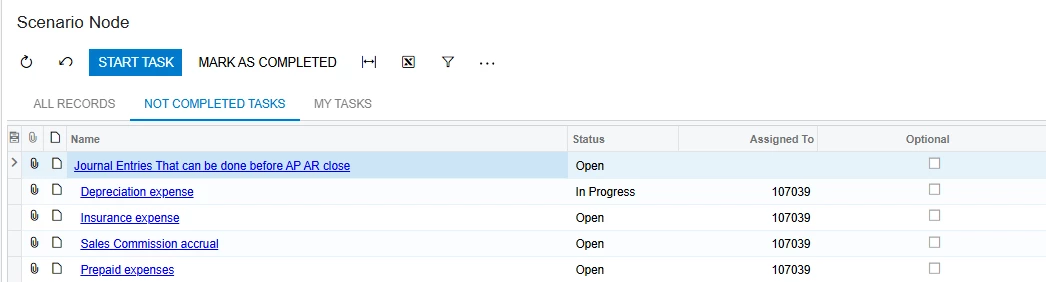
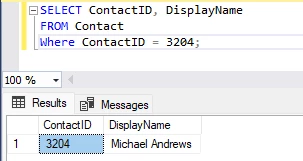
I created a business scenario for the month end close. Essentially a checklist of everything that needs to be done before financials can be run. On the Scenario the assigned to column shows the PKID# and not the employee name. You see the name if you were to go into the task. Is there an easy way to show the name instead of the number. I am assuming there is no easy way other than to create a customization project for it. I took a quick look and the scenario ( WZTask) is a child of the ContactID table so I assume I would have to link that table to WZtask and use the Membername field from the ContactID table. It seems weird that it wouldn’t default to the name.