Question

How to Create a Selector Attribute

  • March 4, 2026
  • 5 replies
  • 52 views

Forum|alt.badge.img+1

Hi All,

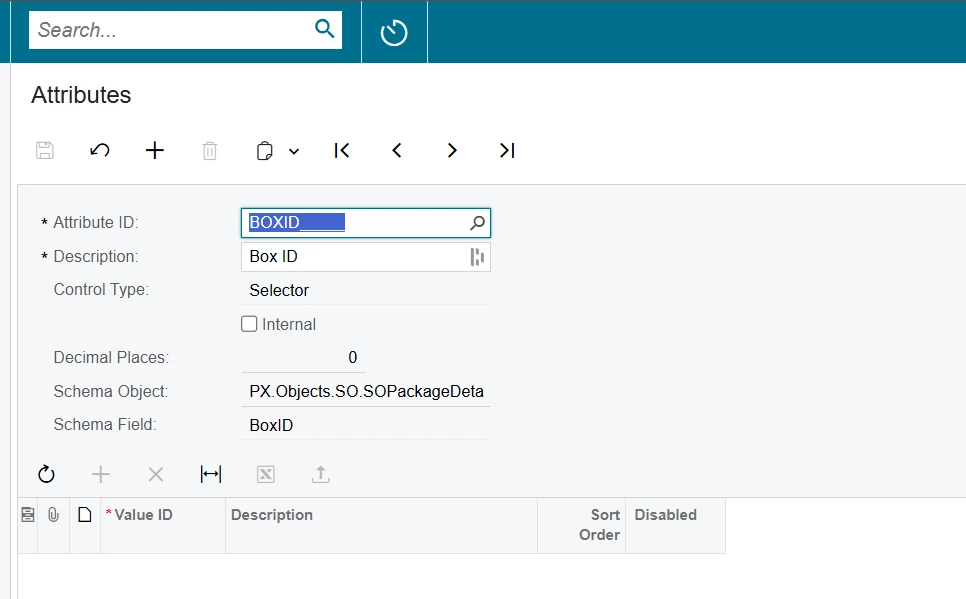
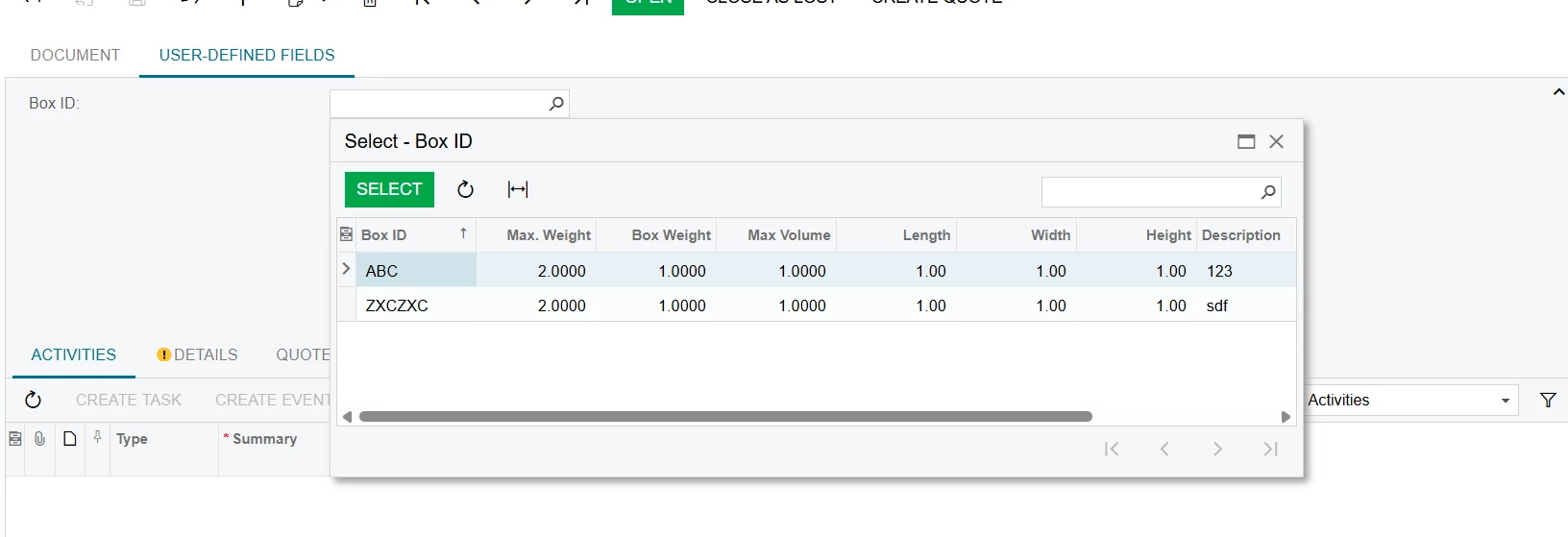
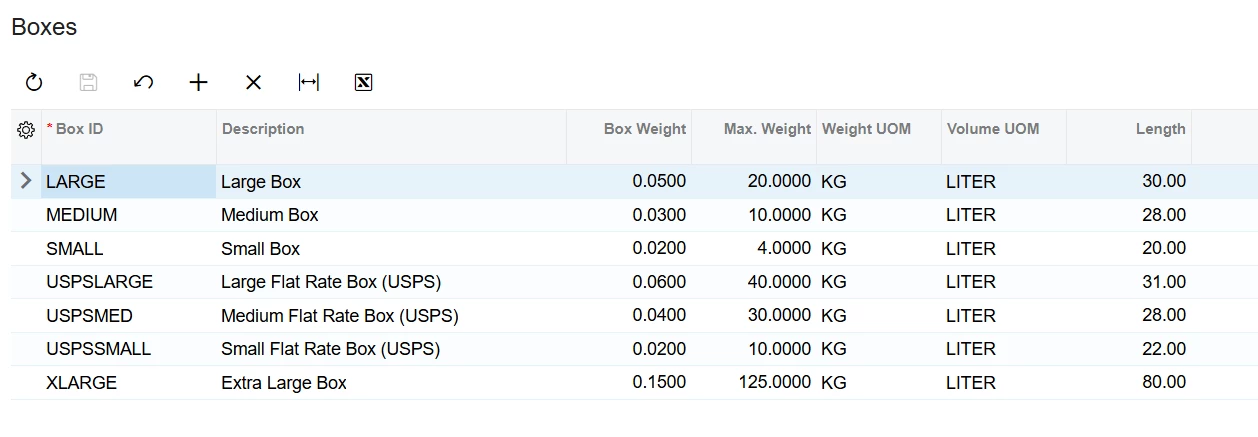
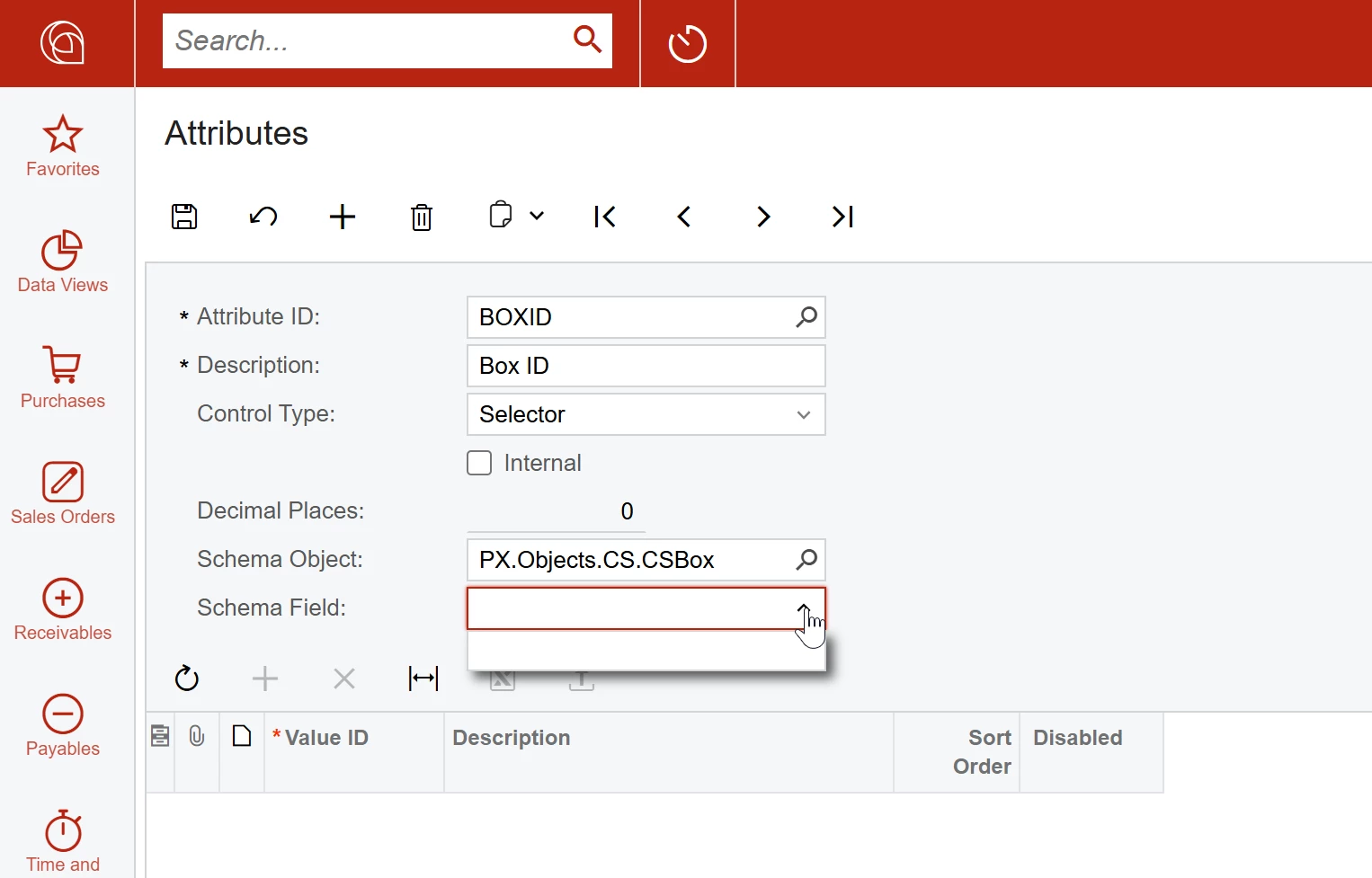
We are trying to create an attribute using the Selector control type for the BOX ID field on the Boxes screen. We know the Box ID field lives on CSBox DAC, however, when we select CSBox as a Schema Object, Box ID does not show as an available schema field to choose. We are on 25R2 and have created a selector attribute before, any thoughts on why box Id field does not show? Anything special with this DAC or field?

Thanks!
 

5 replies

Jhon Reeve Penuela
Freshman II
Forum|alt.badge.img

Hi ​@jzhu . I also encounter that. I tried it on others, maybe it will help you.


Dipak Nilkanth
Pro III
Forum|alt.badge.img+14

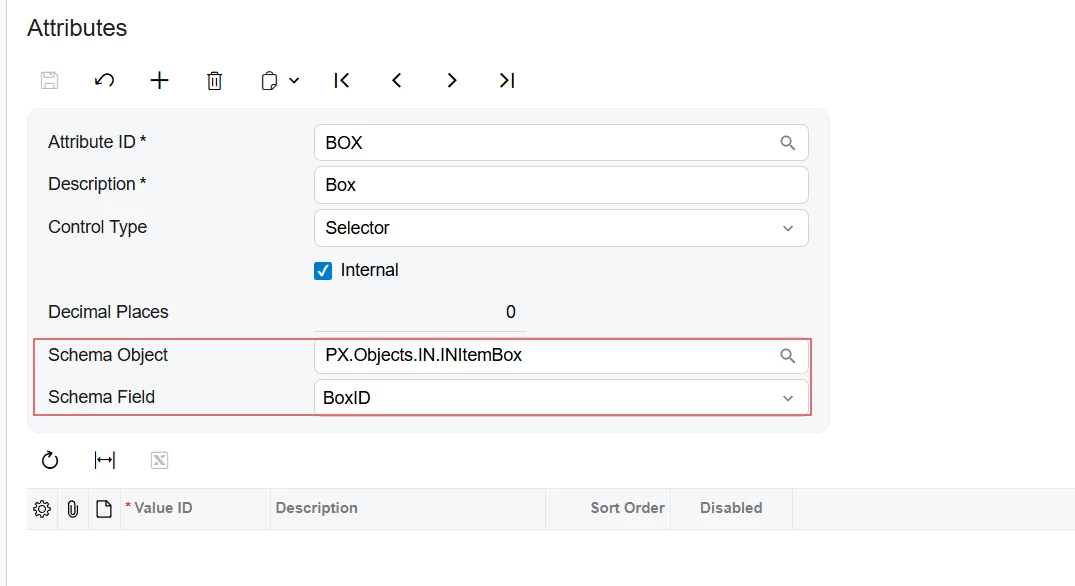
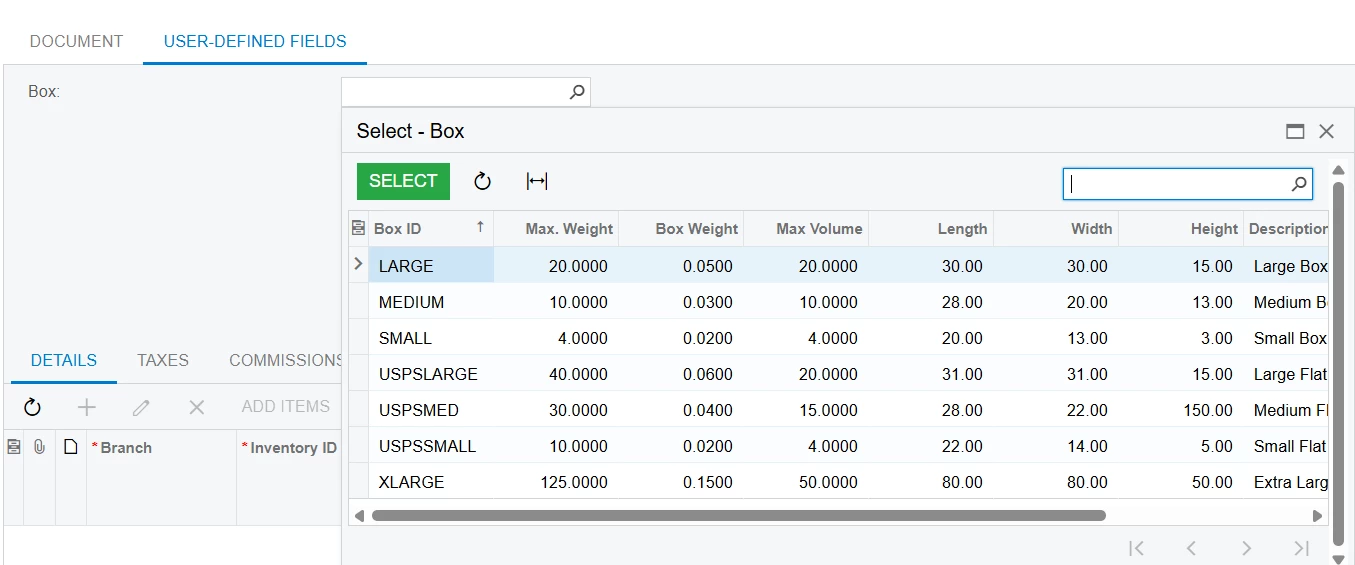
Hi ​@jzhu , You can also use the PX.Objects.IN.INItemBox as a schema object and schema field as a BOXID to get the Box Id from Boxes(CS207600) screen.
 

Attributes screen
UDF
Boxes


Forum|alt.badge.img+1
  • Author
  • Semi-Pro III
  • March 5, 2026

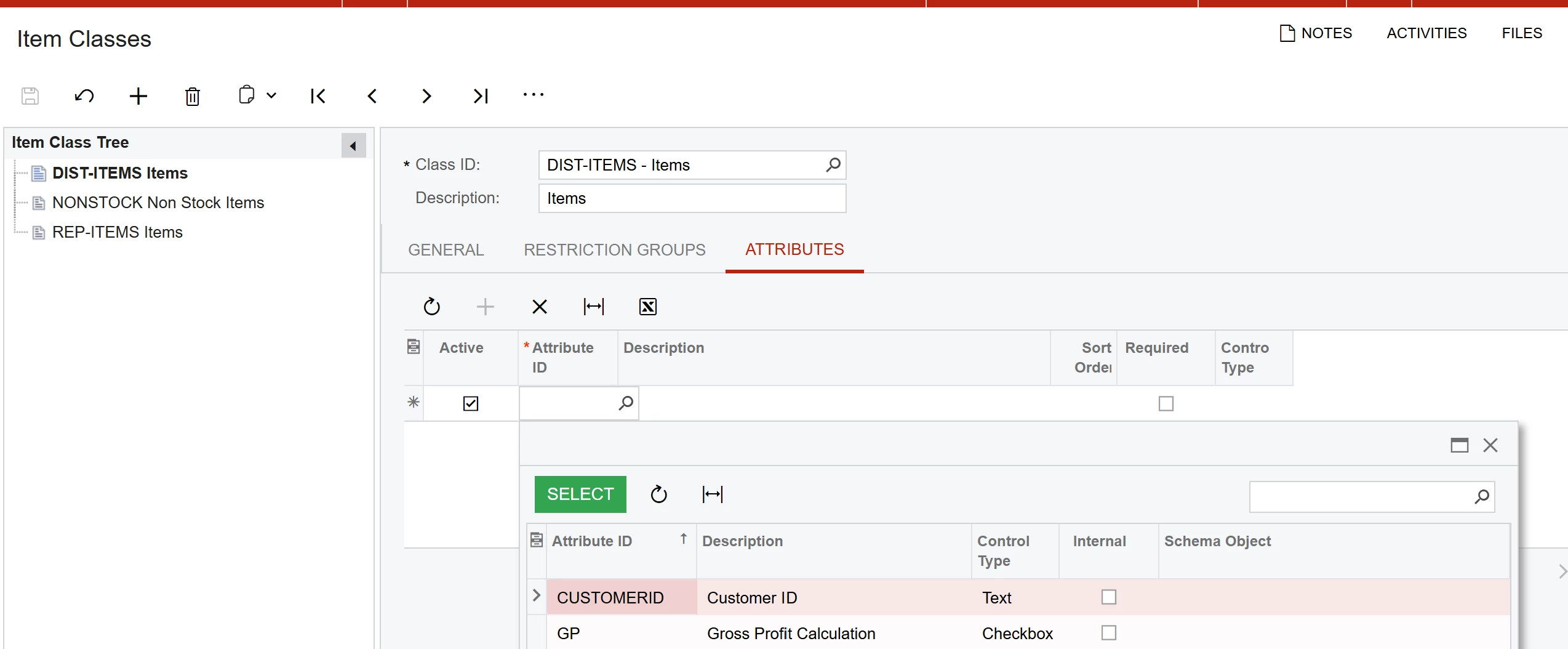
Hi ​@Dipak Nilkanth We were able to use INItemBox, however the end goal is to add this attribute to item classes. This attribute does not show on the item class attribute tab as an option. Any thoughts on that?


Forum|alt.badge.img+1
  • Author
  • Semi-Pro III
  • March 5, 2026

@Jhon Reeve Penuela Thank you! I was able to create a selector attribute using that DAC as well but looks like also can’t add it to the item class attributes tab. I’m open to any other suggestions!


Dipak Nilkanth
Pro III
Forum|alt.badge.img+14

Hi ​@jzhu,
Selector-type attributes can sometimes be limiting because they only allow you to reference specific screens. As an alternative, you could use a Combo-type attribute. This would allow you to link the values to Item Classes through the attribute. However, it’s not the most ideal solution since it requires manual maintenance, but it can serve as a workable alternative.