Hi,
Does anyone have experience with Email Templates using ((Case.Description)) or ((Tasks.Body)) in the layout but the notification when sent is almost certainly treating ((Case.Description)) or ((Tasks.Body)) as plain text and lumping every thing that should be on separate lines together?
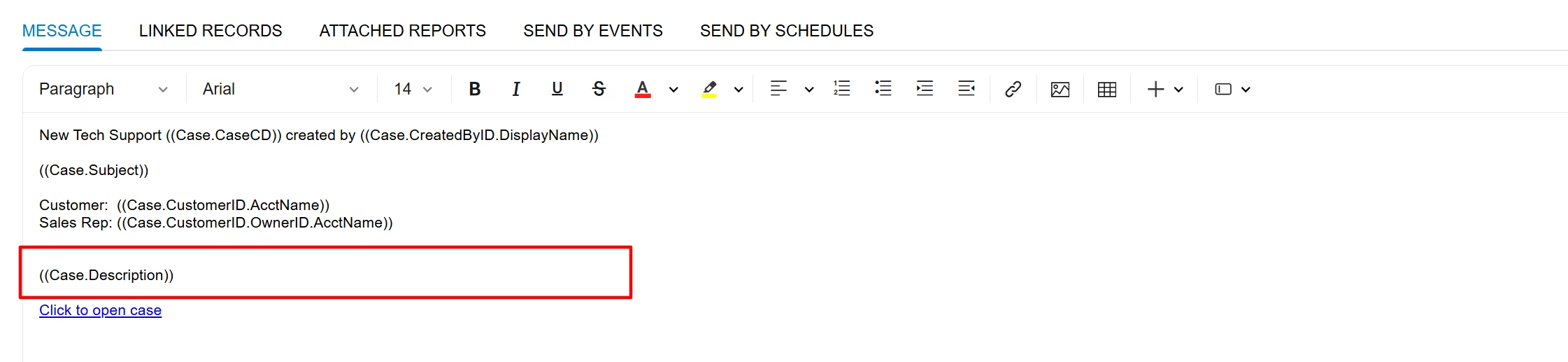


This started happening with 26R1 but it doesn’t happen on every Case/Task Email Template where ((Case.Description)) or ((Tasks.Body)) is being used.
I tried to replicate it many times but can’t.