Hi everyone,
Has anyone faced a "TimeCardPeriodType" error in the Acumatica mobile app?
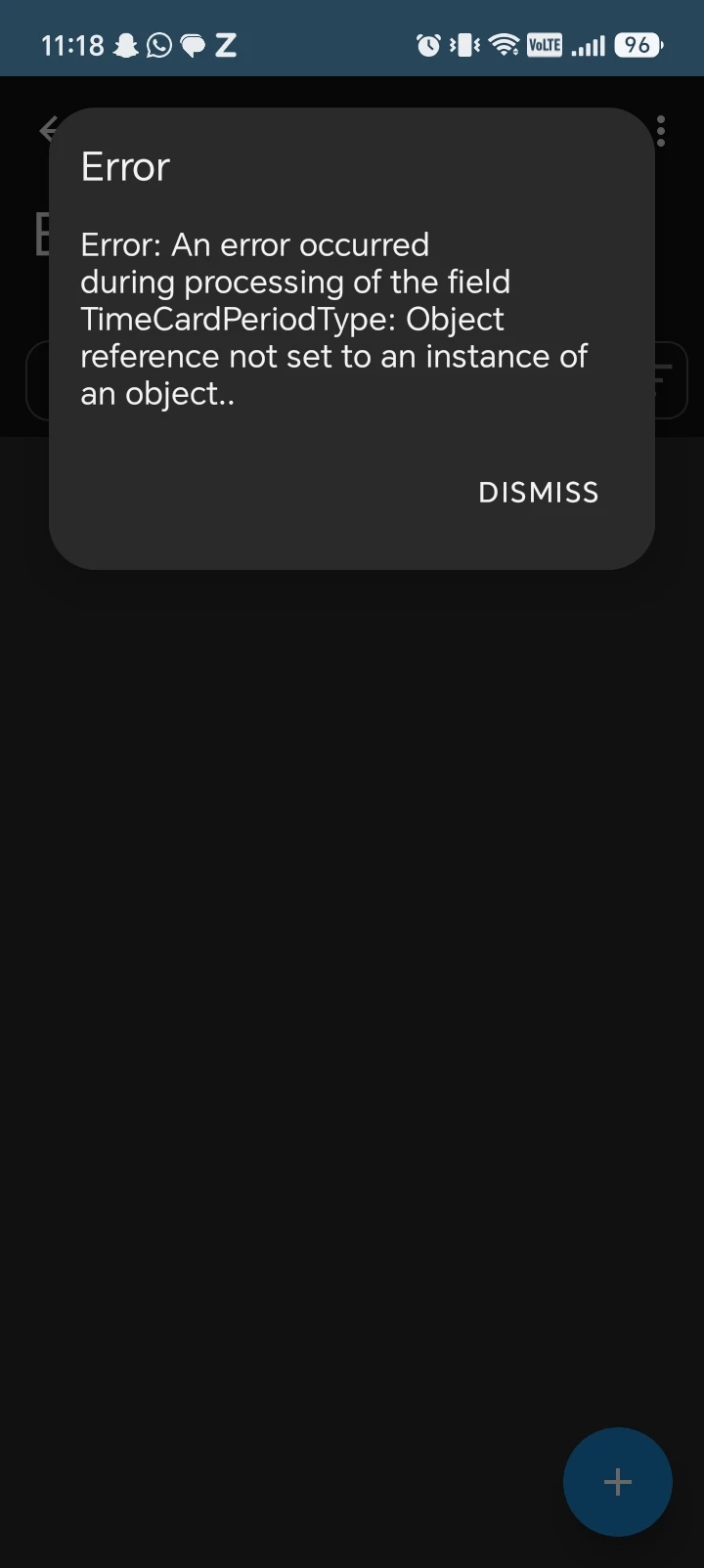
We recently upgraded from 2025 R2 to 2026 R1. Since the upgrade, our users get the following error when they try to add their time cards in Time and Expenses from the mobile app:
"Server returned an error
Error: An error occurred during processing of the field TimeCardPeriodType: Object reference not set to an instance of an object."
The same error appears on both iOS and Android (screenshots attached), so it looks like it's coming from the server side rather than the device.
Steps to reproduce:
1. Open the Acumatica mobile app and sign in as an employee
2. Go to Time and Expenses > Time Cards
3. Tap + to add a new time card
4. The error appears
This was working fine before the upgrade on 2025 R2.
Since 2026 R1 introduced the new Flexible Time Card Periods feature, we suspect it may be related to the new time card period settings, but we're not sure what needs to be configured.
Has anyone else faced this after upgrading to 2026 R1? Is there a setting we need to update in Time and Expenses Preferences (EP101000) or on the Employee record, or is this a known issue with a fix?
Any help would be appreciated. Thanks!