



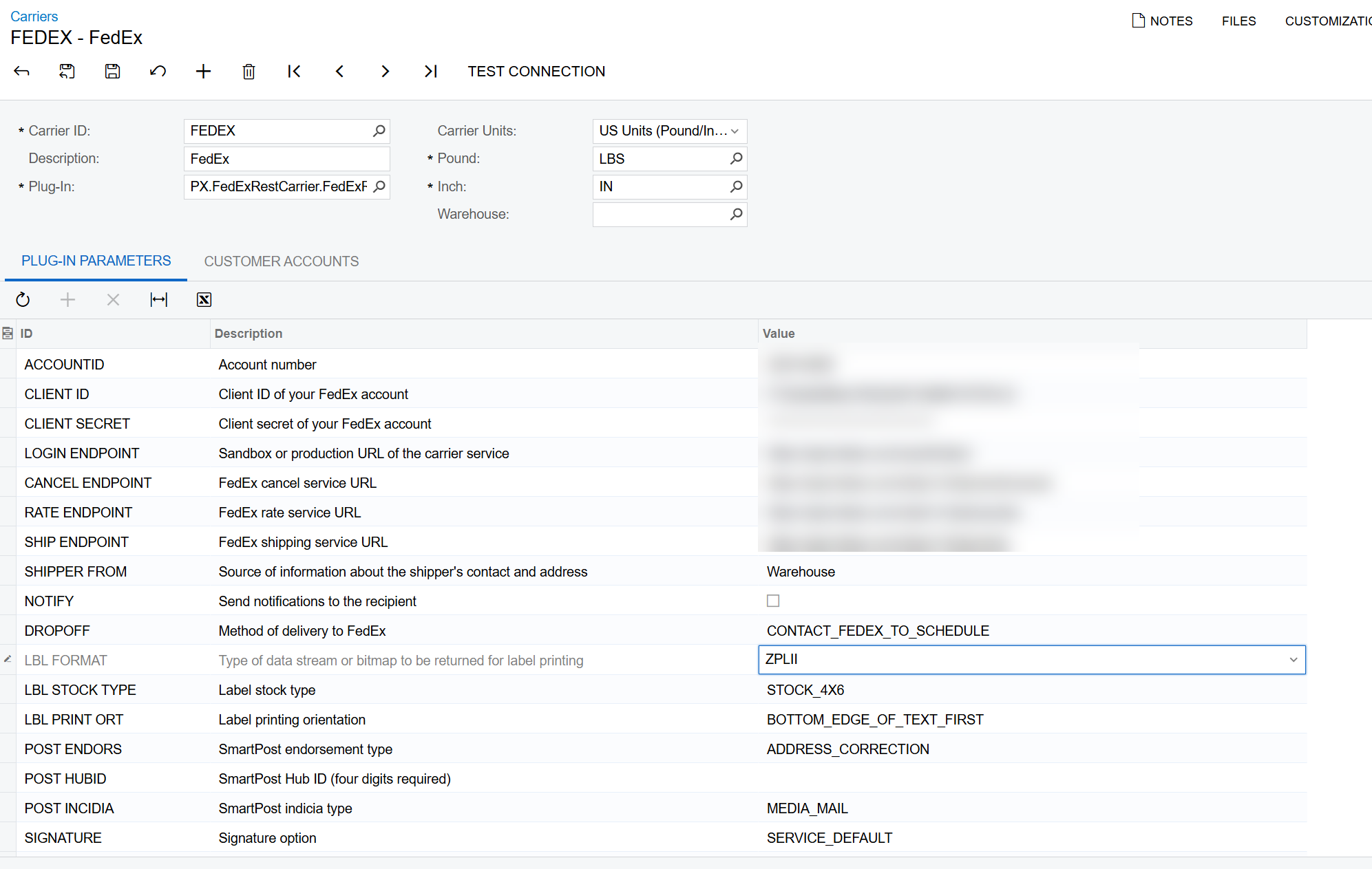
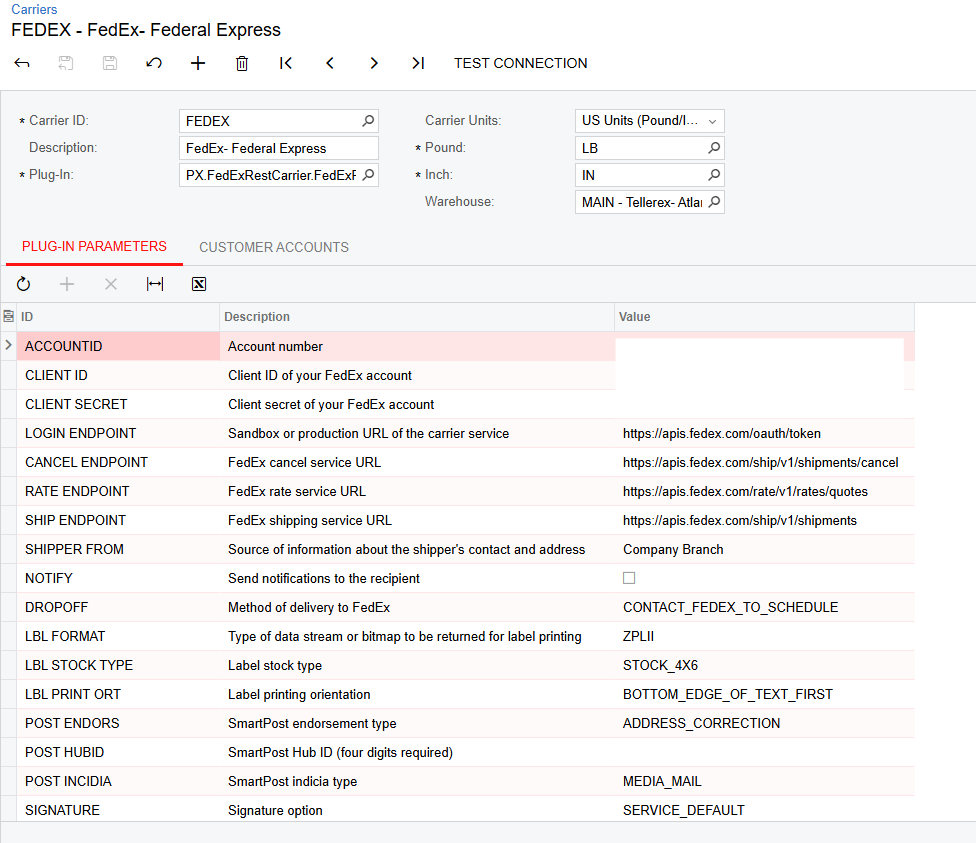
We’re trying to print FedEx labels as ZPLii files, however there seems to be a problem with the LBL Stock Type. When its set to a Paper Type, we get the error: “FEDEX: INVALID.STOCK.TYPE Invalid values in Label Stock Type for LABEL,” however, when it is set to Stock, we get the error “Unsupported file type. Supported types are: .als, .cer, .csv, .dat, .doc, .docx, .epl, .exe, .gif, .ico, .ics, .jpeg, .jpg, .js, .mdb, .msi, .ofx, .pdf, .pfx, .png, .ppt, .pptx, .qbo, .qfx, .rar, .rtf, .sql, .swf, .tif, .txt, .xls, .xlsx, .xml, .zip, .zpl.” How can we get around this issue?
Solved
How to print Labels for Fedex using ZPLII?
Best answer by bwhite49
Is the trace giving you the detailed error about file type? The object reference error is pretty generic. The trace might tell you what field is causing the error. Trace is run after the error occurs.
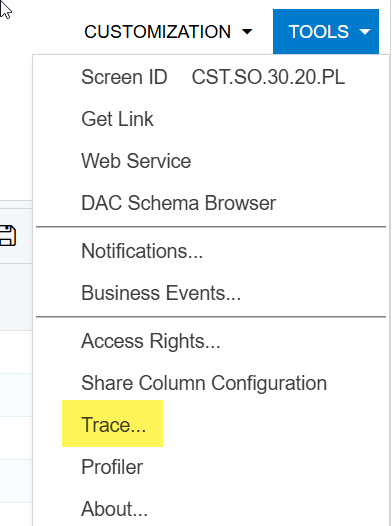
My suspicion is that there is a minor issue on a field that FedEx does not like...
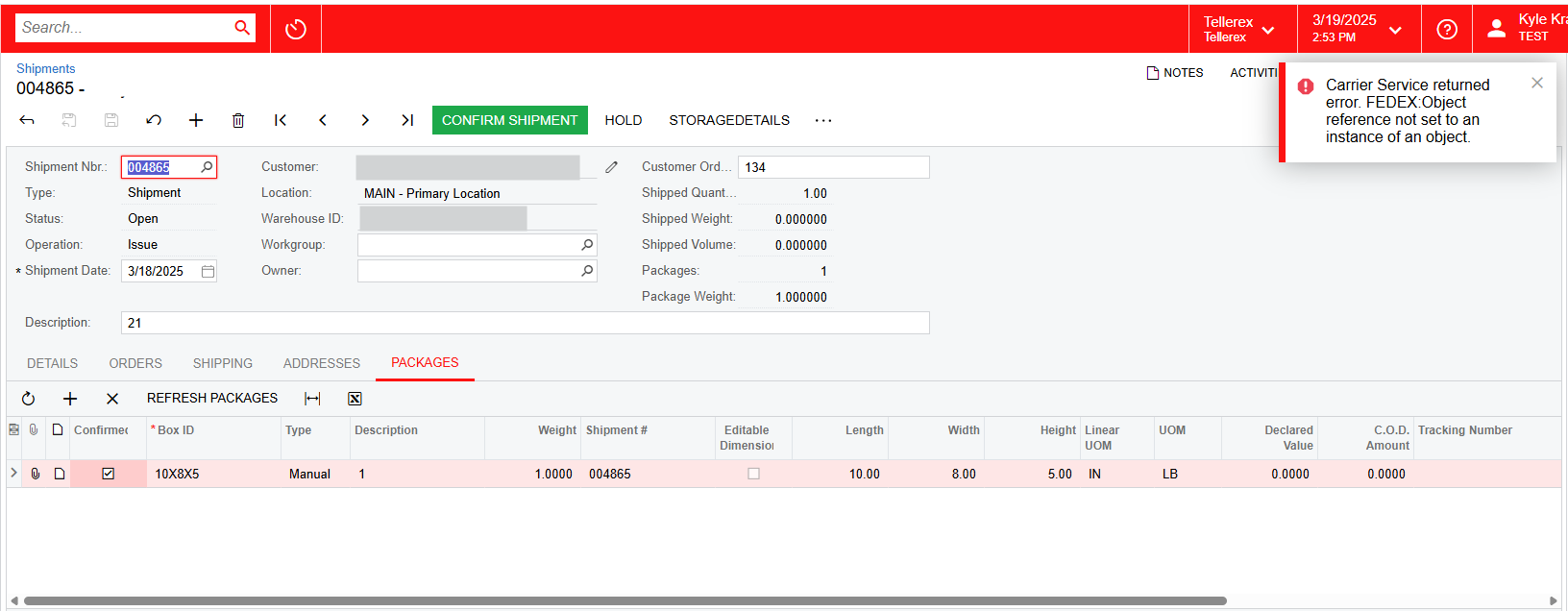
It looks like you have 1 package, and that package has a weight and dimensions. That’s a common cause of integration errors.
If you run shop for rates, do any ship vias show up (importantly the one you are using for the shipment)?
You must have the boxID connected on the ship via, but that is something I would check as well.
Are there any weird checkboxes selected on the shipment tab? Does the ship to contact have a phone number?
Hopefully the trace will provide something useful...



Enter your E-mail address. We'll send you an e-mail with instructions to reset your password.