Solved

US date format to AUD

  • December 15, 2021
  • 16 replies
  • 617 views
  • Translate All

Forum|alt.badge.img

Hello, @vkumar , @Naveen B 


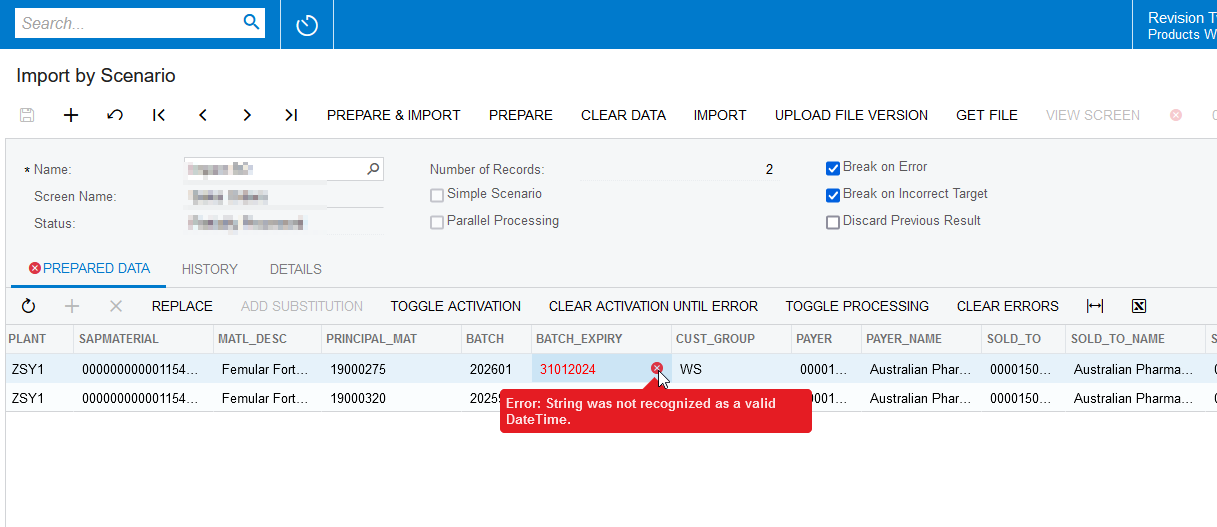
I have an American date format in an excel file that needs to be uploaded into MYOB Adv.  The format is like so ‘20231231’ (i.e. YYYMMDD).  How can I convert this to an AUD format in the Import Scenario?

Regards,

Laura

Best answer by Naveen Boga

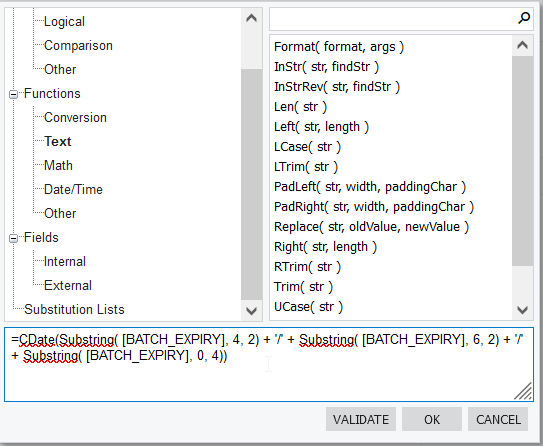
Hi @lauracastagna  Finally!! I found a workaround solution for this and hope this helps!

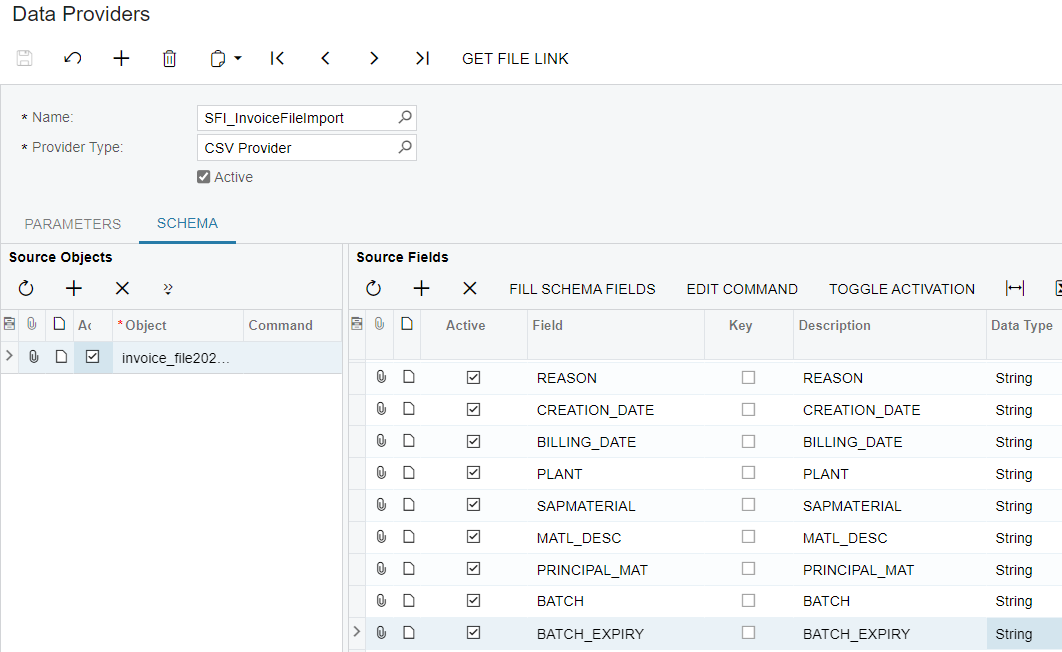
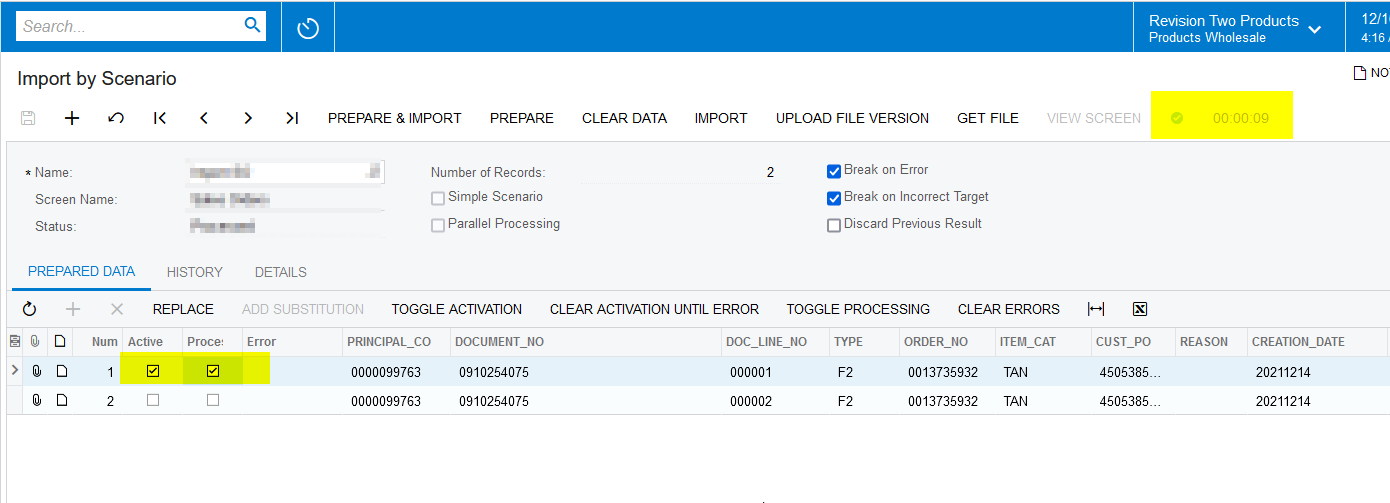
Since the BATCH_EXPIRTY date is in the format YYYYMMDD, I created a formula accordingly and it is working as expected.

Here is the formula: 

=CDate(Substring( [BATCH_EXPIRY], 4, 2) + '/' + Substring( [BATCH_EXPIRY], 6, 2) + '/' + Substring( [BATCH_EXPIRY], 0, 4))


View original

16 replies

Naveen Boga
Captain II
Forum|alt.badge.img+20

Hi @lauracastagna  I don’t think direct conversion is available from US to AUD.

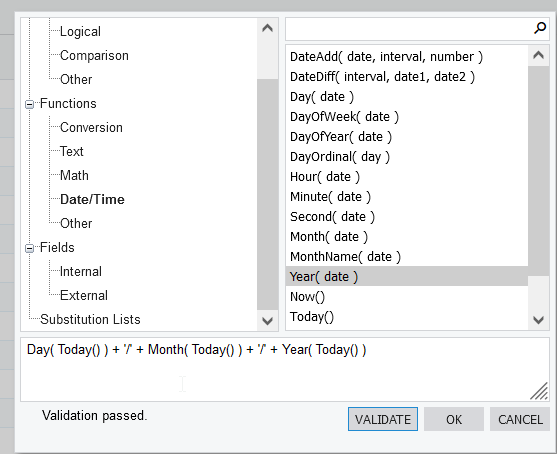
As a alternate, you can have a formula just like below and verify.

Hope this helps!

Day( Today() ) + '/' + Month( Today() ) + '/' + Year( Today() )


Translate

Forum|alt.badge.img

Hi @Naveen B ,


so where in the formula do i add the cell field the file picks up please?  

Translate

Naveen Boga
Captain II
Forum|alt.badge.img+20

Yes @lauracastagna  that is correct!

In the above example, you can add the cell field in the place of “Today()”


Translate

Forum|alt.badge.img

HI @Naveen B ,


i have :-

=Day([BATCH_EXPIRY])+'/'+Month([BATCH_EXPIRY])+'/'+Year([BATCH_EXPIRY])


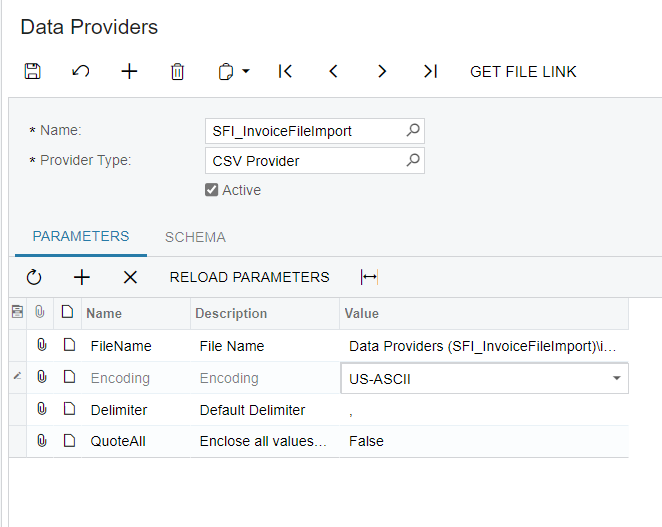
I have changed the field to data type = date in the Data provider but am still getting error:-


“An error has occurred while the Day(Identifier(BATCH_EXPIRY)) function was being executed:
'Type mismatch in the argument 1 of the Day() function: The argument must have the DateTime type.”

Translate

Forum|alt.badge.img

Hi @Naveen B ,


I’ve also tried this but it doesnt like the MID function:-

=Right([BATCH_EXPIRY],2)+'/'+MID([BATCH_EXPIRY],5,7)+'/'+Left([BATCH_EXPIRY],4)

Translate

Naveen Boga
Captain II
Forum|alt.badge.img+20

Hi @lauracastagna  According to me below formula should work.

=Day([BATCH_EXPIRY])+'/'+Month([BATCH_EXPIRY])+'/'+Year([BATCH_EXPIRY])


Can you please let us know that have you updated manually at screen with this format and field is accepting this formatted value?


Translate

Forum|alt.badge.img

Hi @Naveen B ,


I manually entered the formula and validated it but its still not working.  Could it have something to do with the Import Scenario being of type CSV?  Still getting the following ERROR:-


An error has occurred while the Day(Identifier(BATCH_EXPIRY)) function was being executed:
'Type mismatch in the argument 1 of the Day() function: The argument must have the DateTime type.'


I did try changing the Data Type to Date but that didnt work either.

Translate

Forum|alt.badge.img

sample of file attached.

Translate

Naveen Boga
Captain II
Forum|alt.badge.img+20

Hi @lauracastagna  Since it is NOT a date field you are getting that conversion issue.

Could you please try to convert to Date Type using below function and verify.

Conversion To Date: CDate(BATCH_EXPIRY)


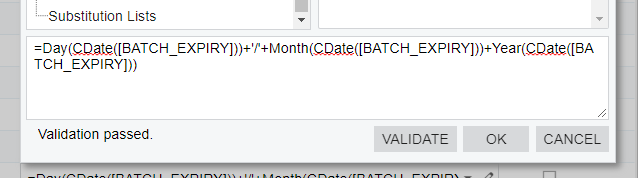
=Day(CDate(BATCH_EXPIRY))+'/'+Month(CDate(BATCH_EXPIRY))+'/'+Year(CDate(BATCH_EXPIRY))


Hope this helps!

Translate

Forum|alt.badge.img

Hi @Naveen B ,


still not working.  I manually input the formula above and Validated it but still getting the following error:-

An error has occurred while the CDate(Identifier(BATCH_EXPIRY)) function was being executed:
'String was not recognized as a valid DateTime.'


Translate

Forum|alt.badge.img

@Naveen B ,


does it work for you ?

Translate

Naveen Boga
Captain II
Forum|alt.badge.img+20

@lauracastagna  It is not working for me as well and getting same issue. Looking for alternative to achieve this requirement.


Translate

Forum|alt.badge.img

@Naveen B 


okay thanks.  I am trying other things too but not having luck either

Translate

Naveen Boga
Captain II
Forum|alt.badge.img+20

Sure @lauracastagna  If I found anything will let you know

Translate

Naveen Boga
Captain II
Forum|alt.badge.img+20
  • Captain II
  • Answer
  • December 16, 2021

Hi @lauracastagna  Finally!! I found a workaround solution for this and hope this helps!

Since the BATCH_EXPIRTY date is in the format YYYYMMDD, I created a formula accordingly and it is working as expected.

Here is the formula: 

=CDate(Substring( [BATCH_EXPIRY], 4, 2) + '/' + Substring( [BATCH_EXPIRY], 6, 2) + '/' + Substring( [BATCH_EXPIRY], 0, 4))


Translate

Forum|alt.badge.img

Thank-you @Naveen B 

Translate