

Answer

Upload JE with Multiple Transaction Dates

  • October 14, 2022
  • 7 replies
  • 311 views

Is there a way to upload a journal entry so that each line item has a different transaction date?  We are running into issues reconcile our banks due to the auto-match feature not working because our uploads are outside the date range.  We pull sales data out of our POS and upload once a week.  The header is currently dated for the Sunday of each week, but the line item are related to each day during the previous week.  I’d like each line item to have a transaction date that matches the date of sale from the POS.  Is this possible?

Best answer by Kandy Beatty

Hi @jjtitus098 

If you are manually entering Journal Transactions, then you can not change the Transaction Date.
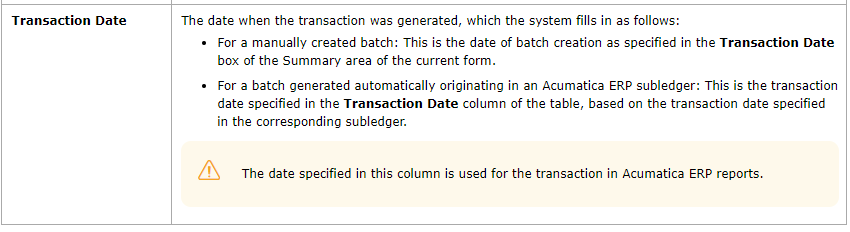
However, if the batch has transactions that are being posted from say over the weekend, you will see different dates on those. 


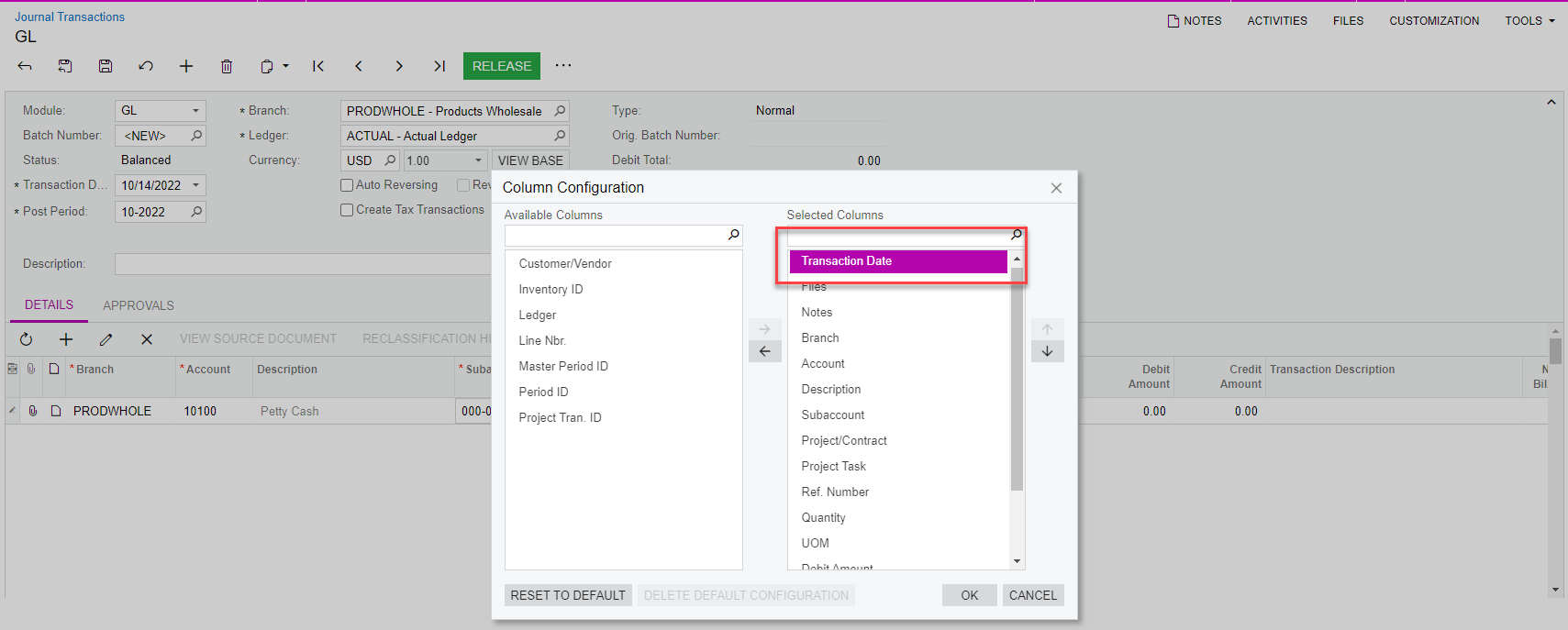
You can add the transaction date to the line of the journal entry:
 

7 replies

Kandy Beatty
Captain II
Forum|alt.badge.img+17
  • Captain II
  • October 14, 2022

Hi @jjtitus098 

Can you share an example of what you are looking to do?


  • Author
  • Freshman I
  • October 14, 2022

Hi @kbeatty21,

I pull POS data by day for our stores.  This has entries such as Sales Tax, Food Sales, Discounts, Cash, Credit Cards, etc.  We have 16 stores so each store has a cash deposit for each day.  Currently, when I upload the sales entry, each line item has a transaction date that matches the header transaction date.  So if I make the header dated 10/9/22, each line item has that same date.  This causes problems when trying to reconcile our bank account and getting the auto-match feature to work because some bank deposits are outside the date range.  We do weekly sales entries, so there could be a cash deposit that was made on 10/3, but the GL date is 10/9 because that’s when the entry was made into Acumatica. Let me know if you need more info.  Thanks for the help!


Kandy Beatty
Captain II
Forum|alt.badge.img+17
  • Captain II
  • Answer
  • October 14, 2022

Hi @jjtitus098 

If you are manually entering Journal Transactions, then you can not change the Transaction Date.

However, if the batch has transactions that are being posted from say over the weekend, you will see different dates on those. 


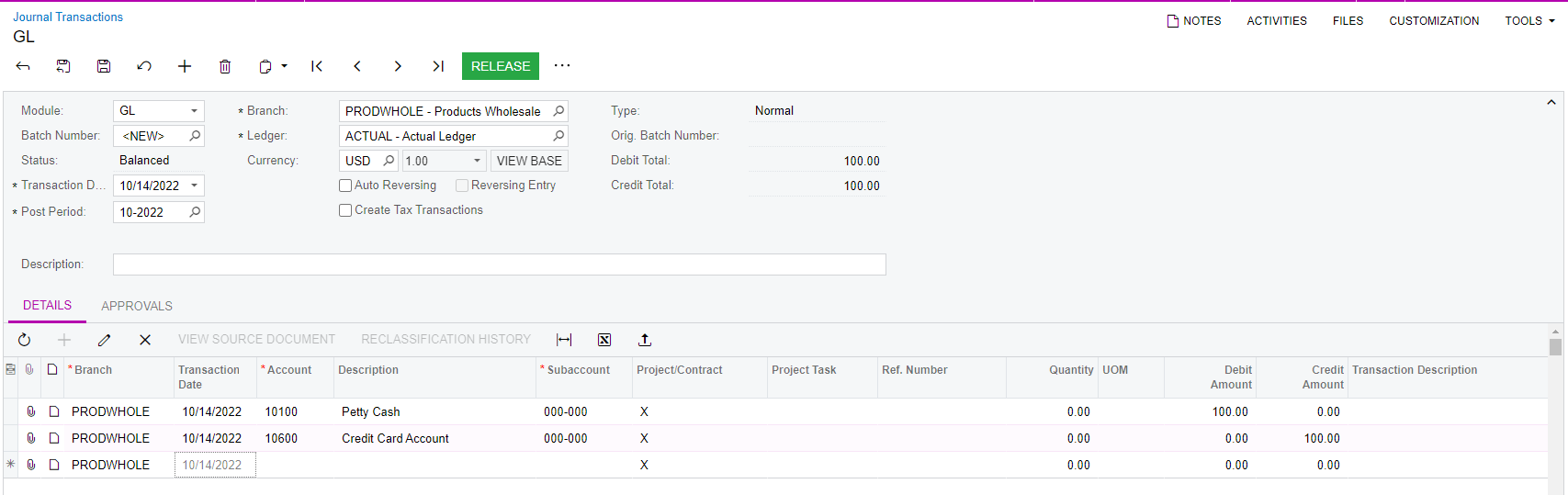
You can add the transaction date to the line of the journal entry:


  • Author
  • Freshman I
  • October 14, 2022

So only batches generated from a subledger can have different transaction dates?  The transaction date is greyed out when I add it to the journal entry. 


Kandy Beatty
Captain II
Forum|alt.badge.img+17
  • Captain II
  • October 14, 2022

So only batches generated from a subledger can have different transaction dates?  The transaction date is greyed out when I add it to the journal entry. 

That is correct, only when it comes from the subledger. You can not manually change it. 


  • Author
  • Freshman I
  • October 14, 2022

Well that’s unfortunate.  Guess I will have to figure something else out then.  Thank you for your help!


Kandy Beatty
Captain II
Forum|alt.badge.img+17
  • Captain II
  • October 14, 2022

Well that’s unfortunate.  Guess I will have to figure something else out then.  Thank you for your help!

Good Luck! You can always submit an idea to Acumatica for them to consider for a future change or enhancement.

