Question

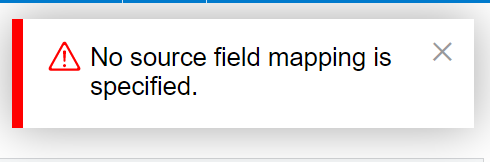
Update Contact Owner using Import Scenario - No source field mapping is specified

  • May 6, 2023
  • 5 replies
  • 304 views

Forum|alt.badge.img

Where am I going wrong ?

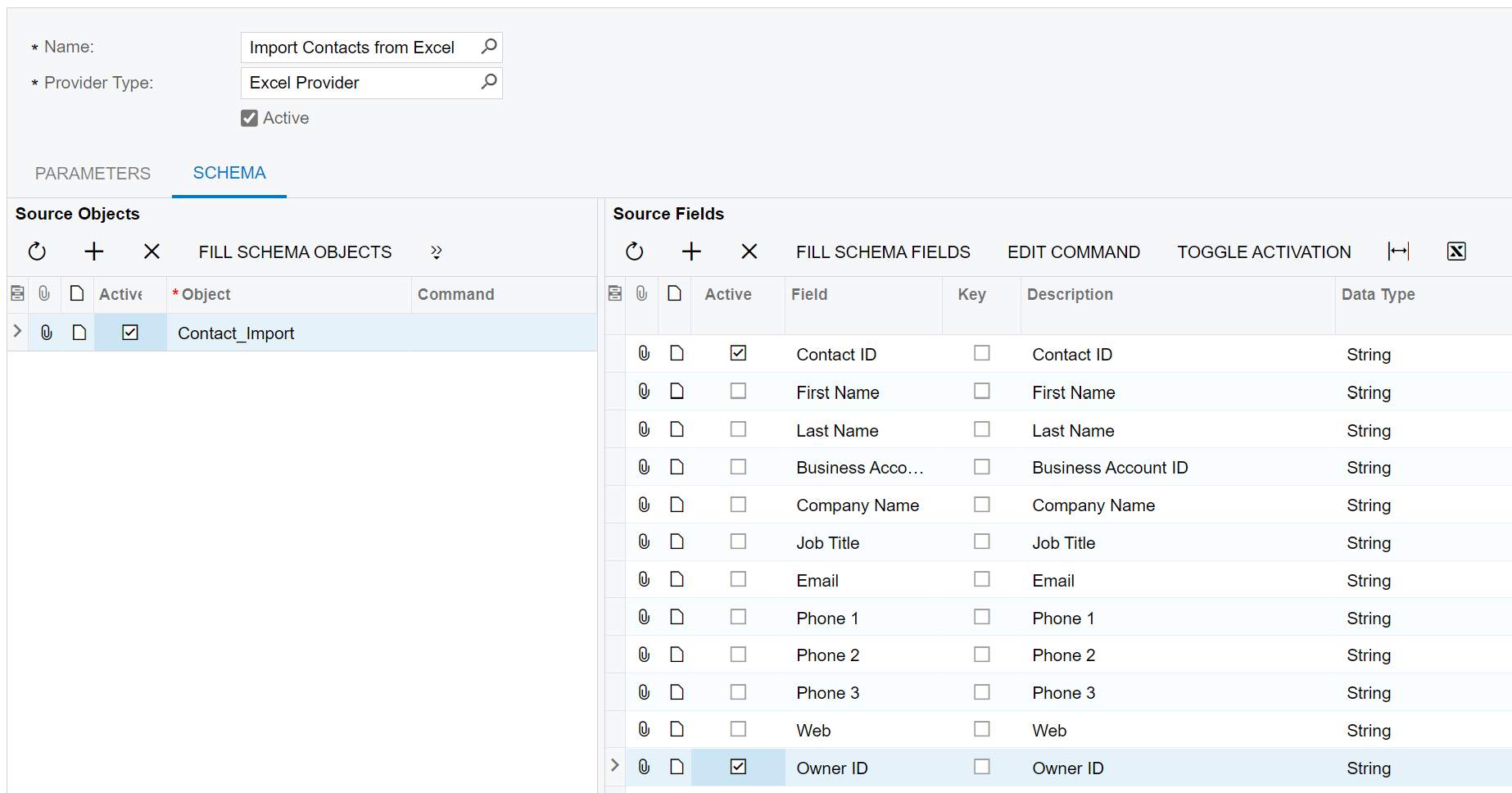
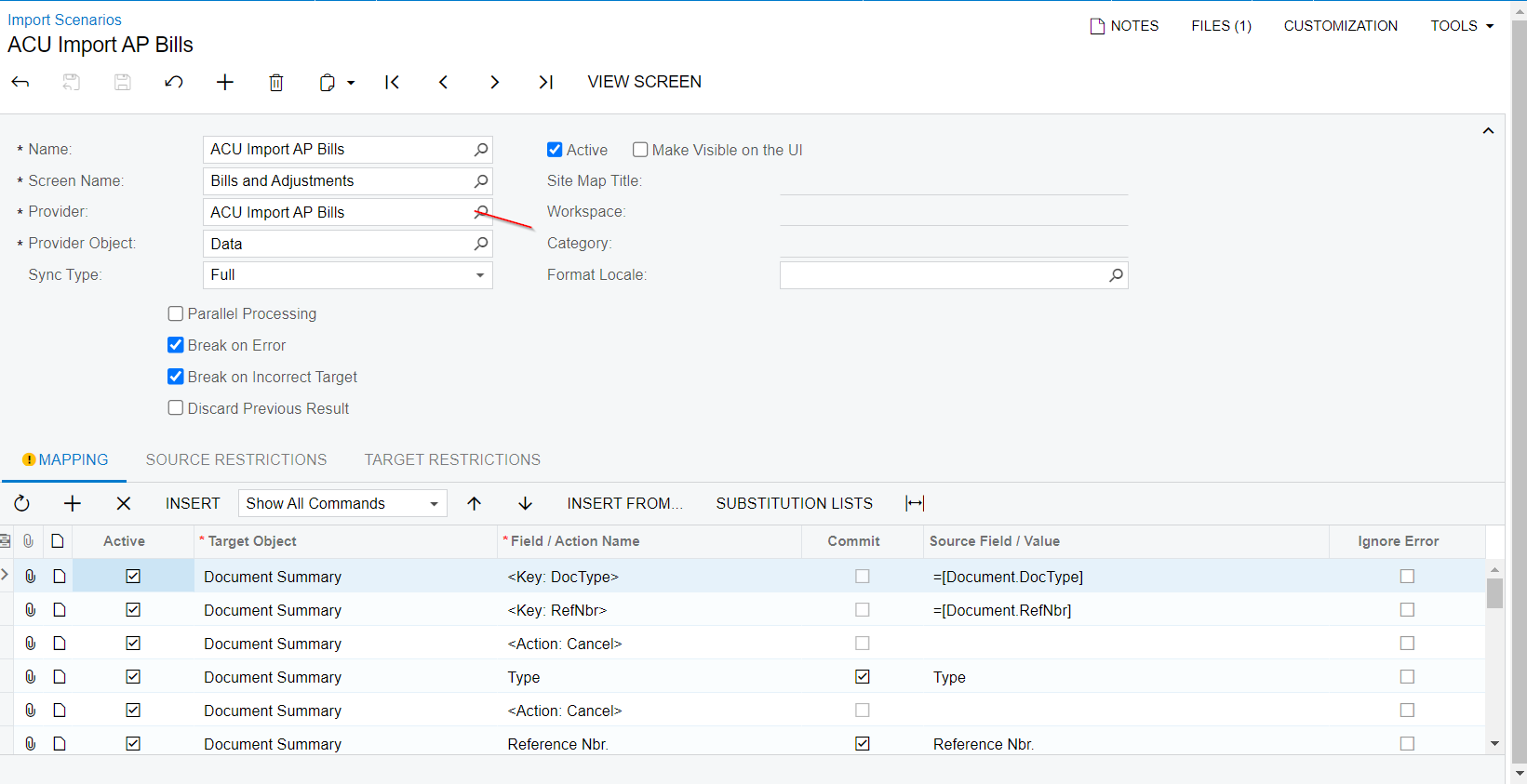
Attached is my simple 2 field Import Scenario: ContactID and OwnerID (ie. EmployeeID). 

Process used: 

Data Providers → Import Contacts from Excel

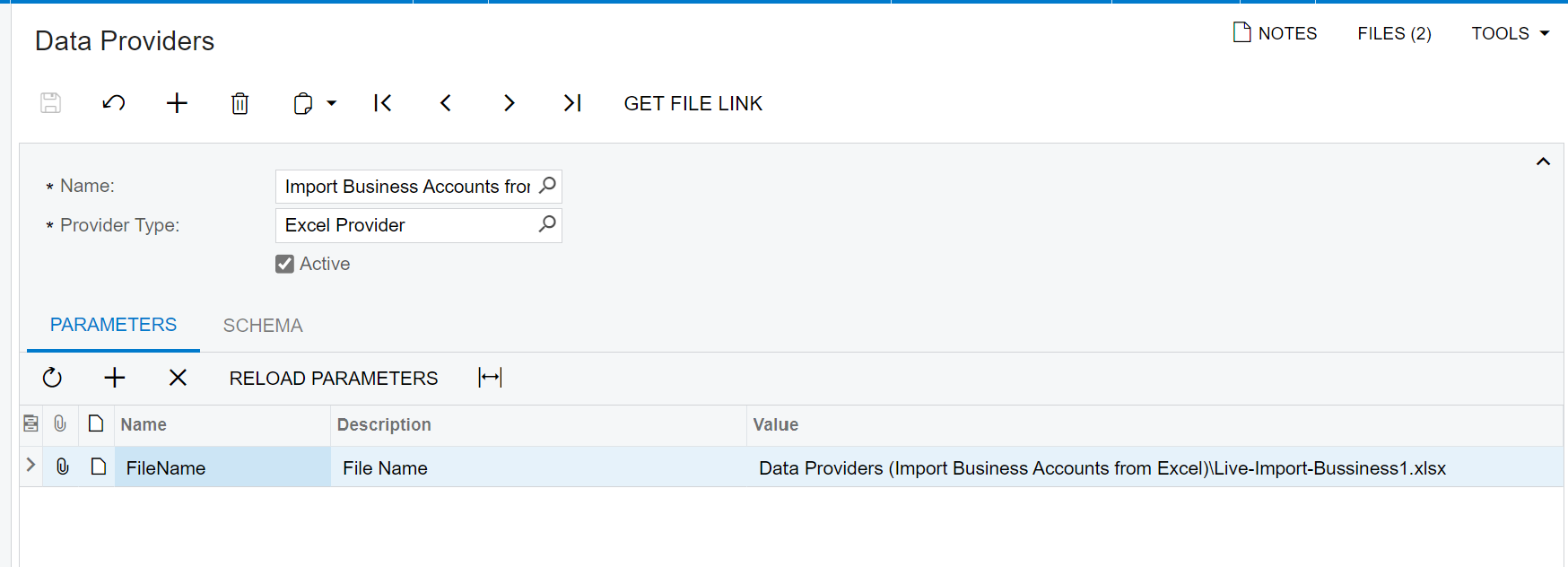
  1. Attach Input File (attached)
  2. Reload Parameters
  3. Schema
    1. Fill Schema Objects
    2. Activate
    3. Fill Schema Fields
    4. Toggle Acitvation (To Clear All)
    5. Manually set ContactID and OwnerID (Only) 
    6.  

Import Scenario → Import Contacts from Excel

  1. I get this error

Any help would be greatly appreciated.

Thank you

5 replies

Manikanta Dhulipudi
Captain II
Forum|alt.badge.img+15

Hi @DonGreen 

Have you refreshed the file in the Import scenario screen?


Forum|alt.badge.img
  • Author
  • Freshman II
  • May 8, 2023

Yes the file has been refreshed. I have been successful creating New Leads using Data Provider / Import Scenario process outlined above with ALL field data provided in my import file. This is the first time attempting to use Contacts and Business Accounts as well using existing respective ContactID / Business ID and OwnerID (only) in my input file attached. Seems to me the Data itself is not relevent with this problem, but I am unsure why my working New Lead process in Data Provider / Import Scenario does not work when attempting this Contact / Business Account updates as it relates to my File / Data / Process…..


Manikanta Dhulipudi
Captain II
Forum|alt.badge.img+15

Can you share the Import scenario file and Excel provider here pls

Thanks


Forum|alt.badge.img
  • Author
  • Freshman II
  • May 8, 2023
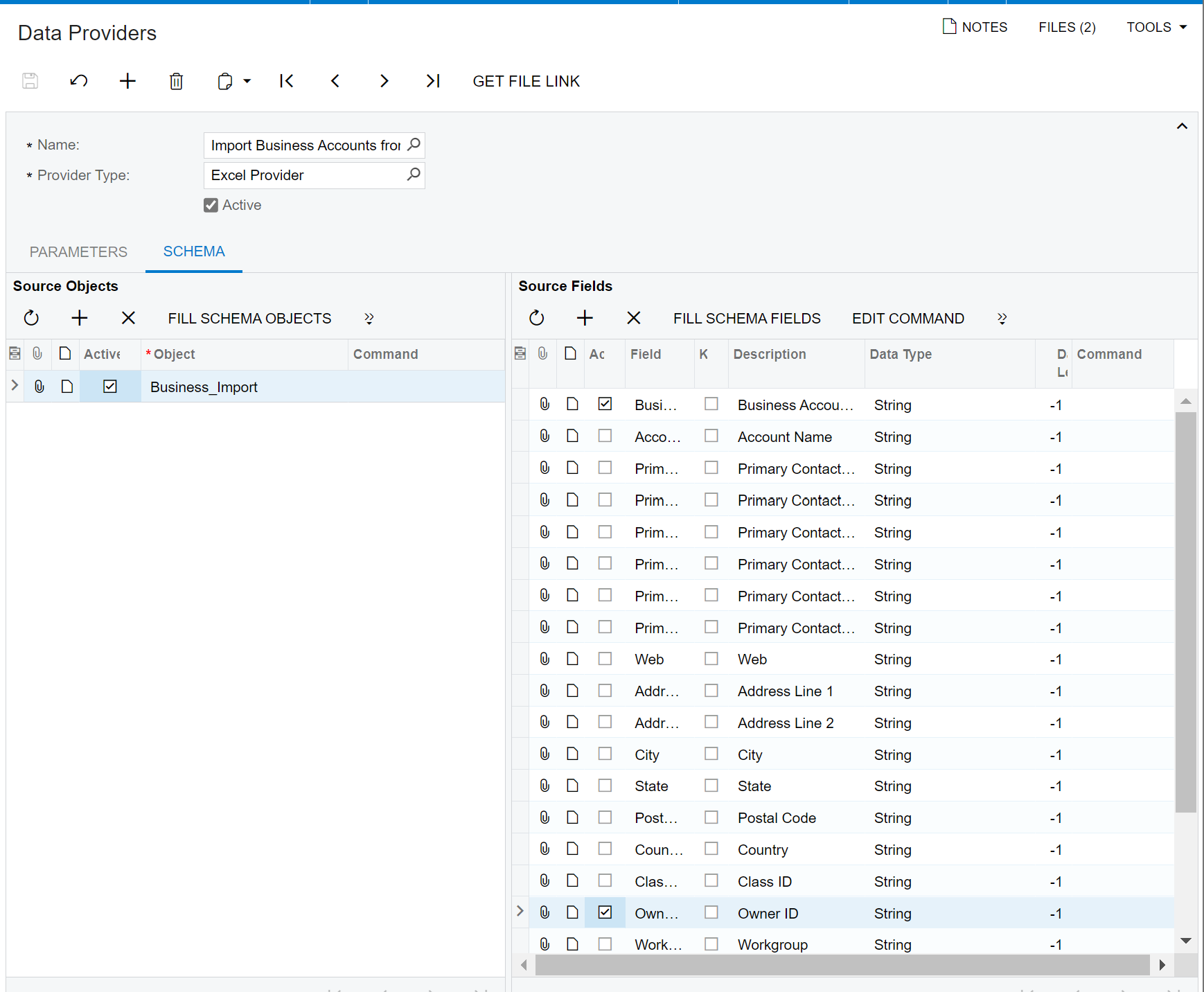
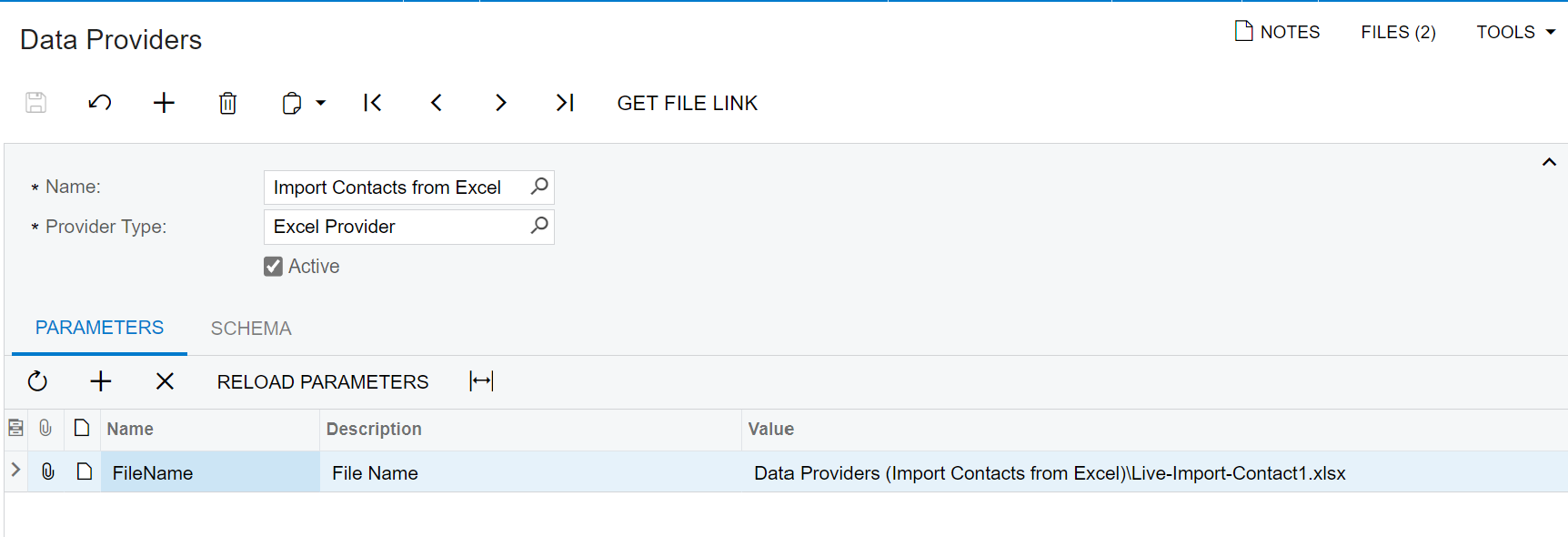
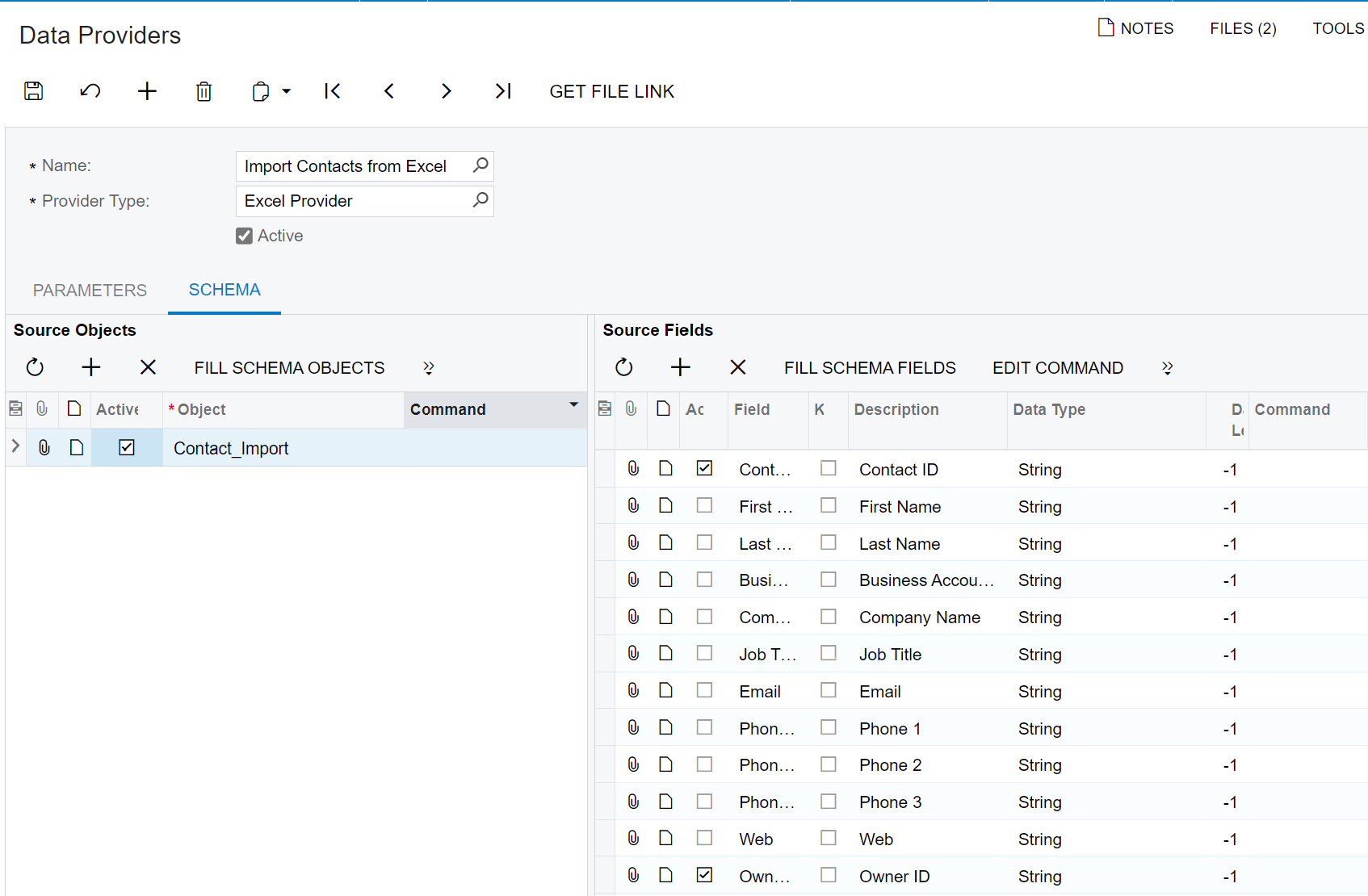
PARAMETERS and SCHEMA


Chris Hackett
Community Manager
Forum|alt.badge.img
  • Acumatica Community Manager
  • June 20, 2023

Hi @DonGreen were you able to find a solution? Thank you!