Answer

SO Import to w/ Create Prepayment Button

  • May 9, 2022
  • 9 replies
  • 365 views

Forum|alt.badge.img

Hello everyone,

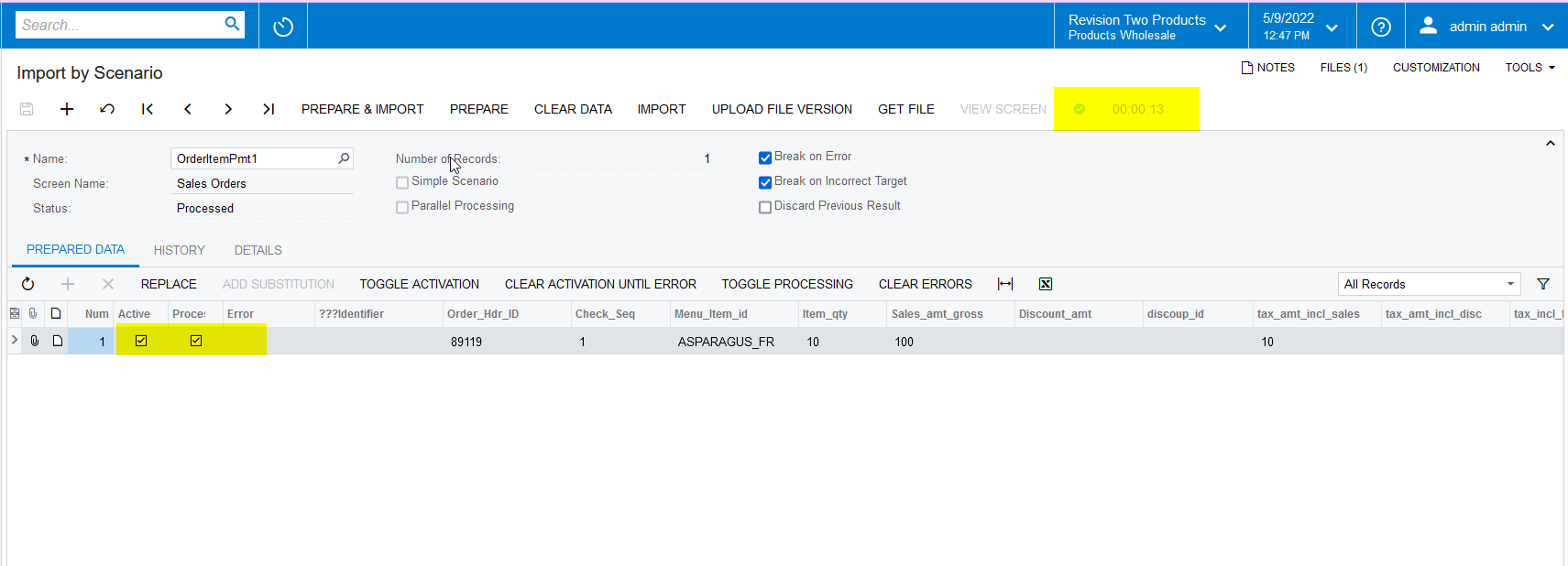
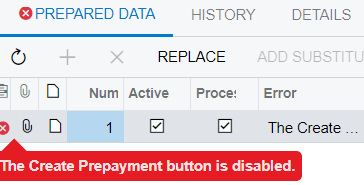
I am trying to create an import scenario to bring in a sales order and create a prepayment on that sales order. I am able to bring in the SO just fine however the prepayment does not seem to be working. Has anyone been able to import with this button?

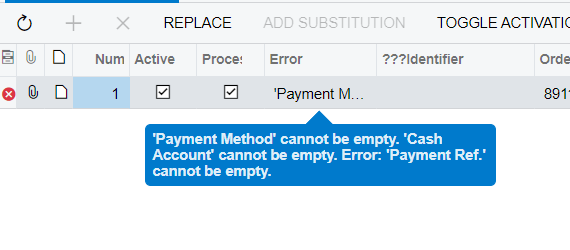
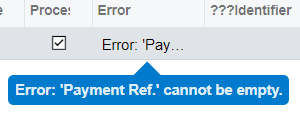
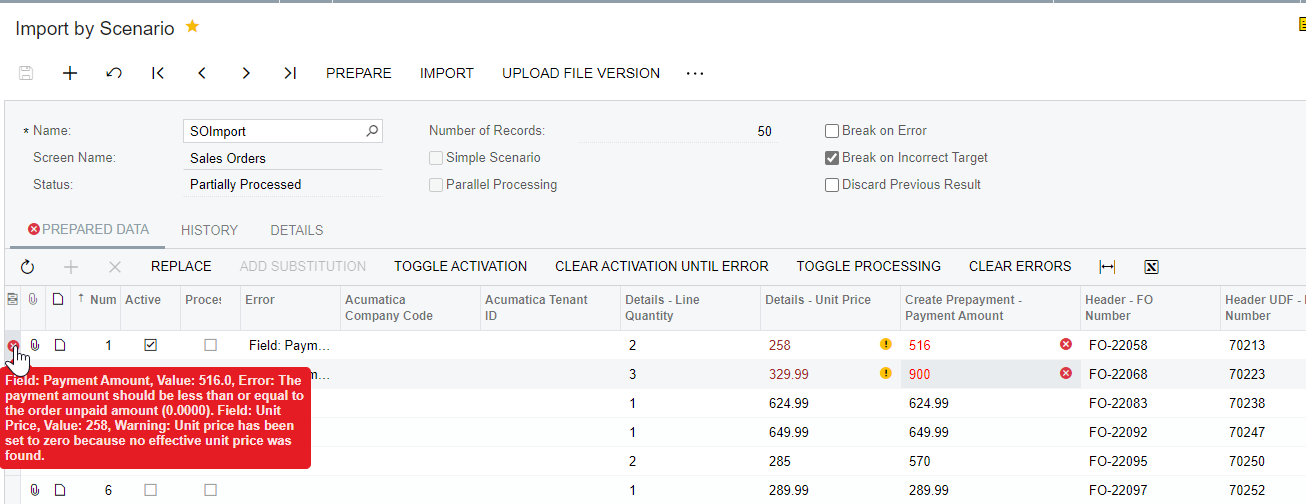
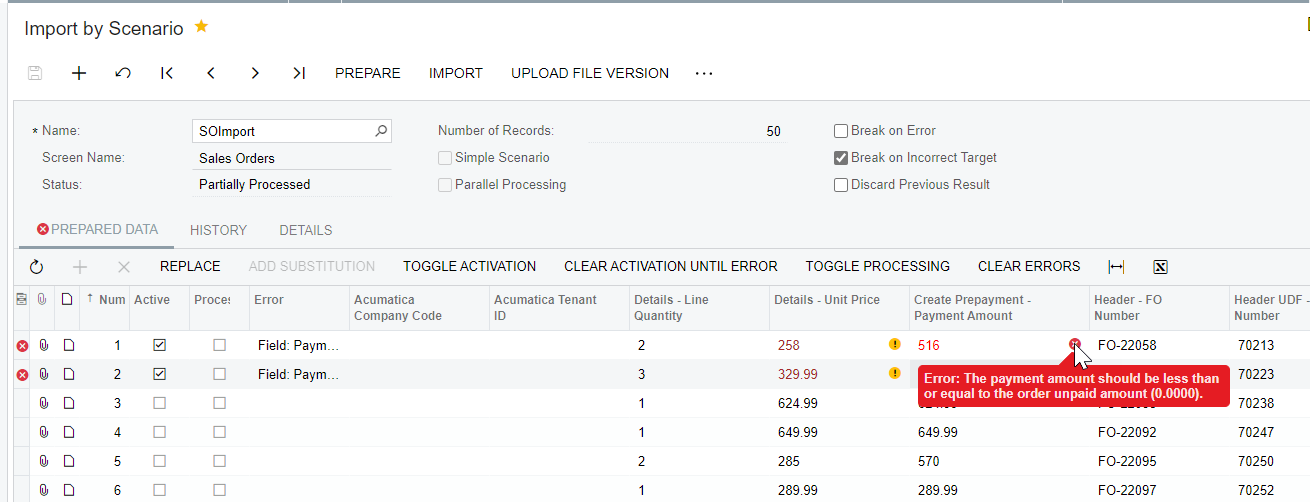
The error that I get is:


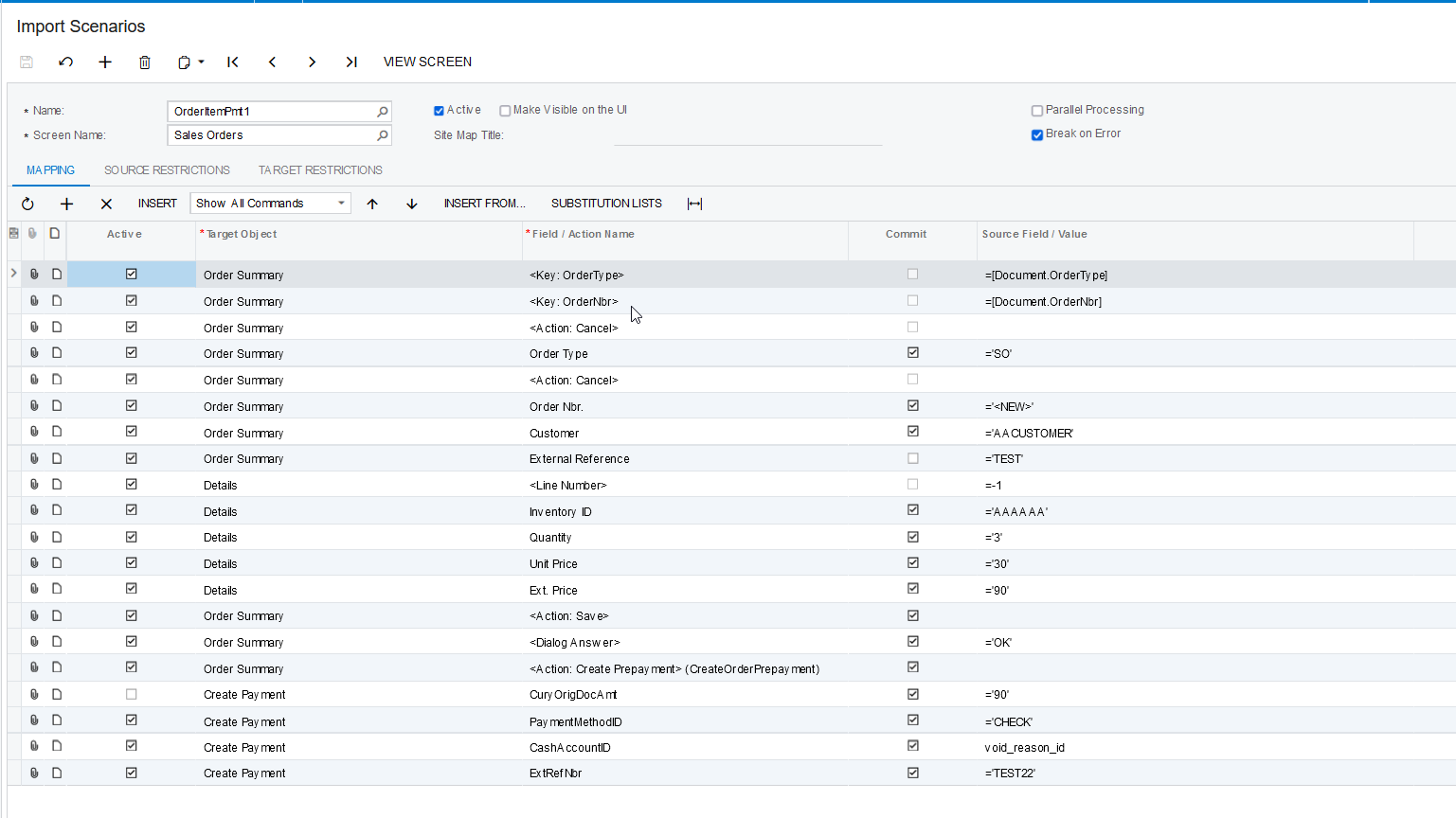
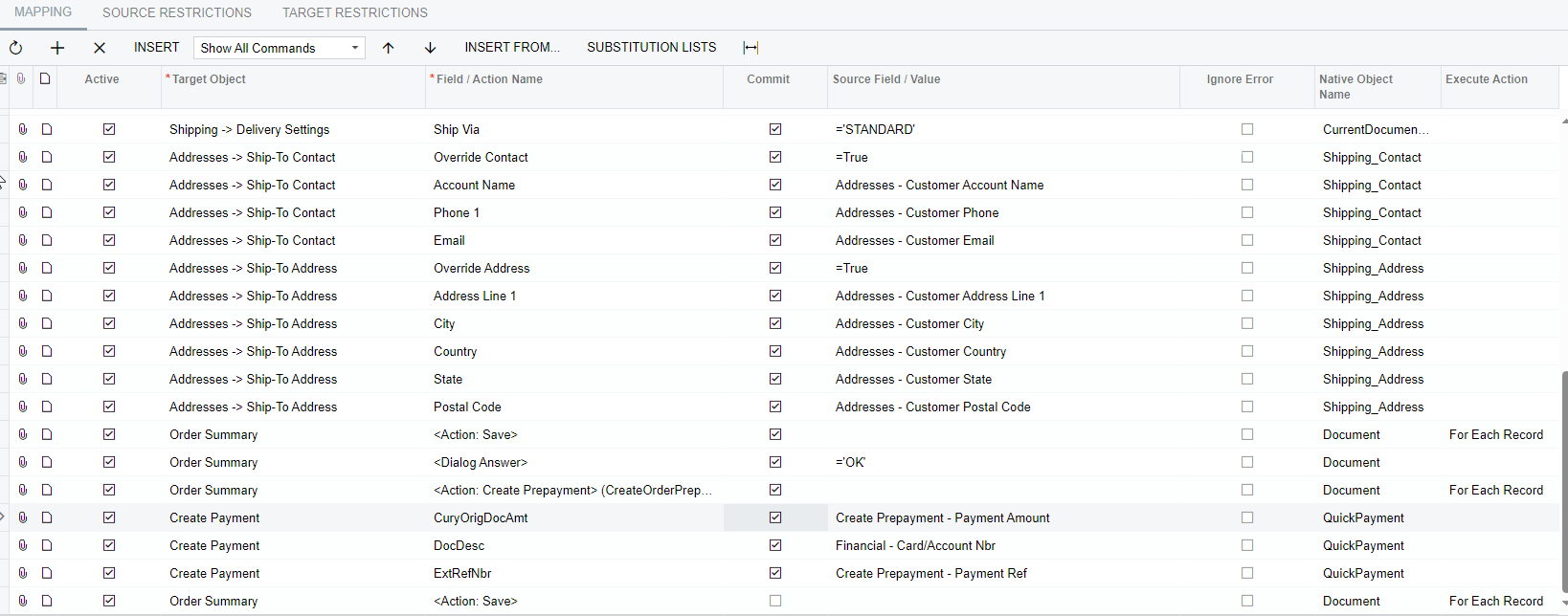
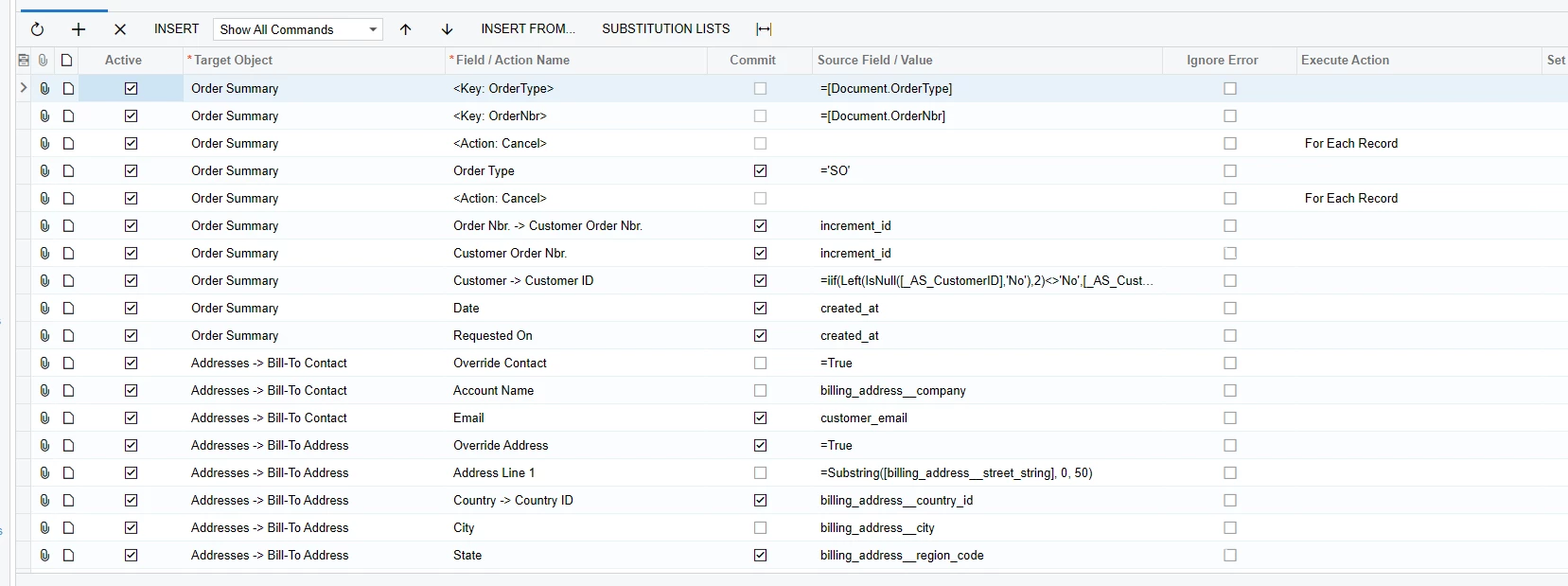
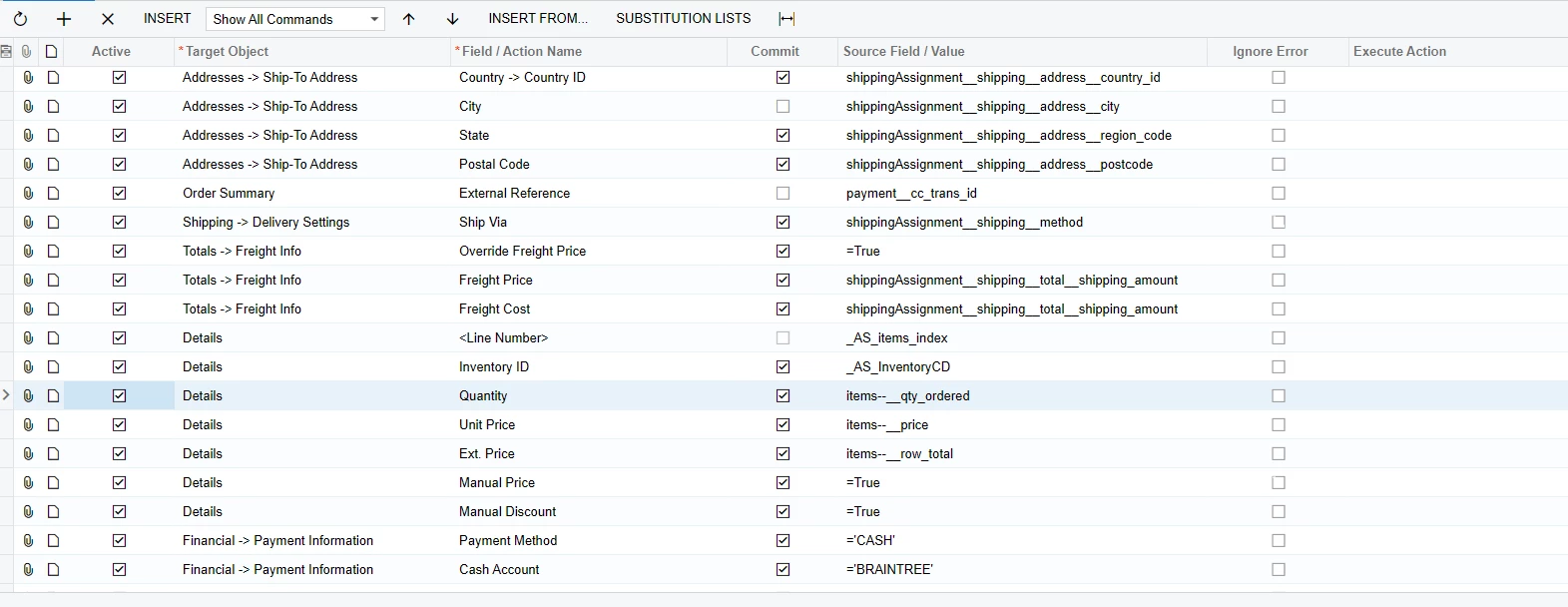
Here is how I have my import lined up:
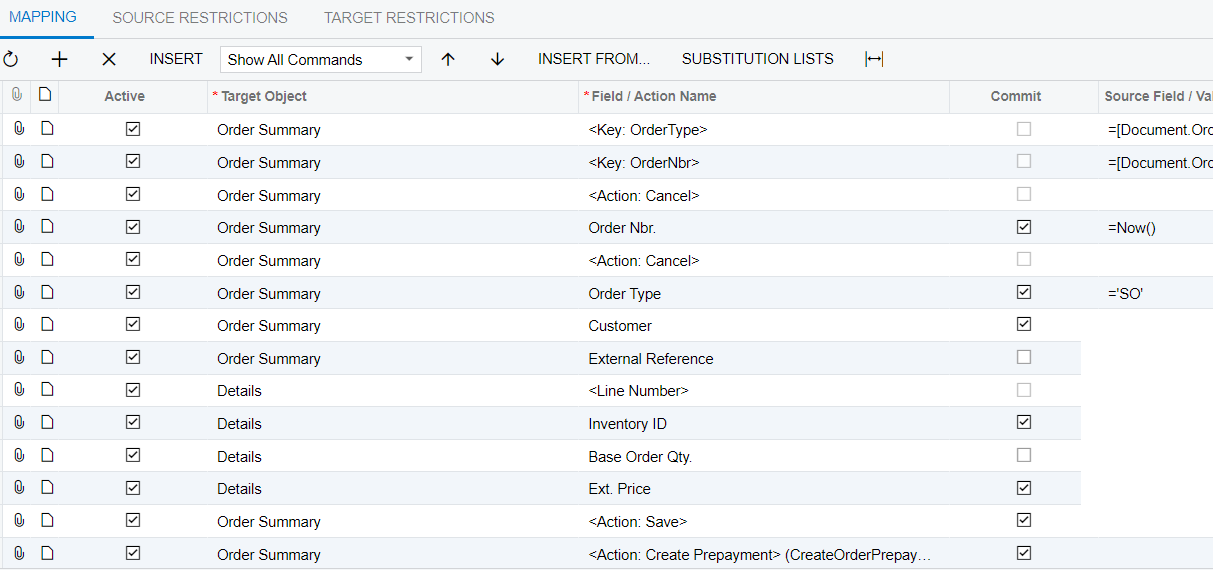
 

Best answer by Naveen Boga

Hi @podonnell11  I have modified the above import scenario and verified it, and working as expected.


9 replies

Naveen Boga
Captain II
Forum|alt.badge.img+19
  • Captain II
  • May 9, 2022

Hi @podonnell11  Can you please share the XML format of the above import scenario.

And also, can you please let me know which version you are working on?


Forum|alt.badge.img
  • Author
  • Semi-Pro II
  • May 9, 2022

Hi @podonnell11  Can you please share the XML format of the above import scenario.

And also, can you please let me know which version you are working on?

21.101.0047


Naveen Boga
Captain II
Forum|alt.badge.img+19
  • Captain II
  • Answer
  • May 9, 2022

Hi @podonnell11  I have modified the above import scenario and verified it, and working as expected.


Forum|alt.badge.img
  • Author
  • Semi-Pro II
  • May 10, 2022

Hi @podonnell11  I have modified the above import scenario and verified it, and working as expected.


Naveen,


I was able to get past the initial error using your updated scenario. However I now have another error.:


I wonder if this has to do with some other setting in sales orders that I need to activate. I tried and go the same error on a later release of 2021r1.


Forum|alt.badge.img
  • Author
  • Semi-Pro II
  • May 10, 2022

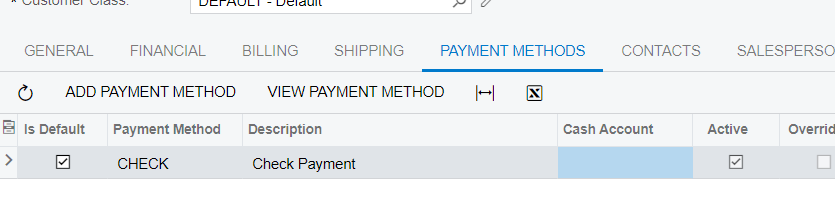
After updating the customer to default to this:

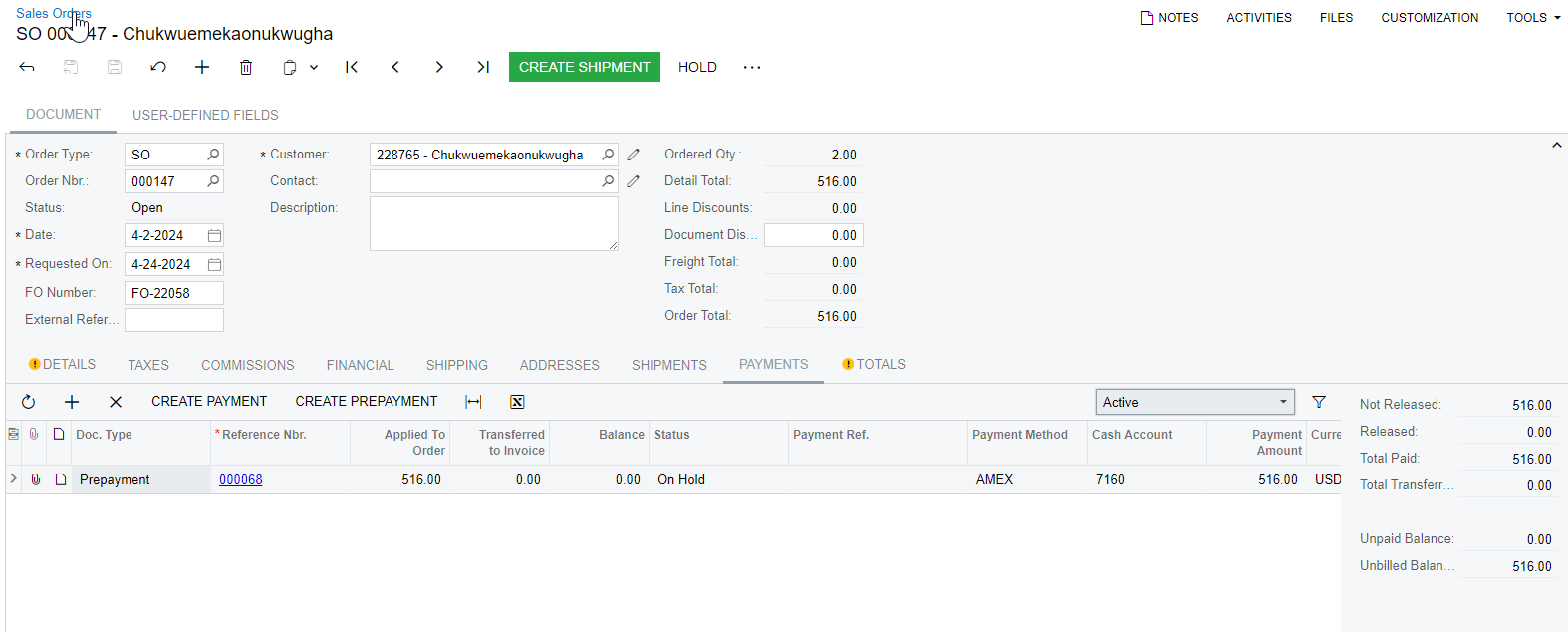
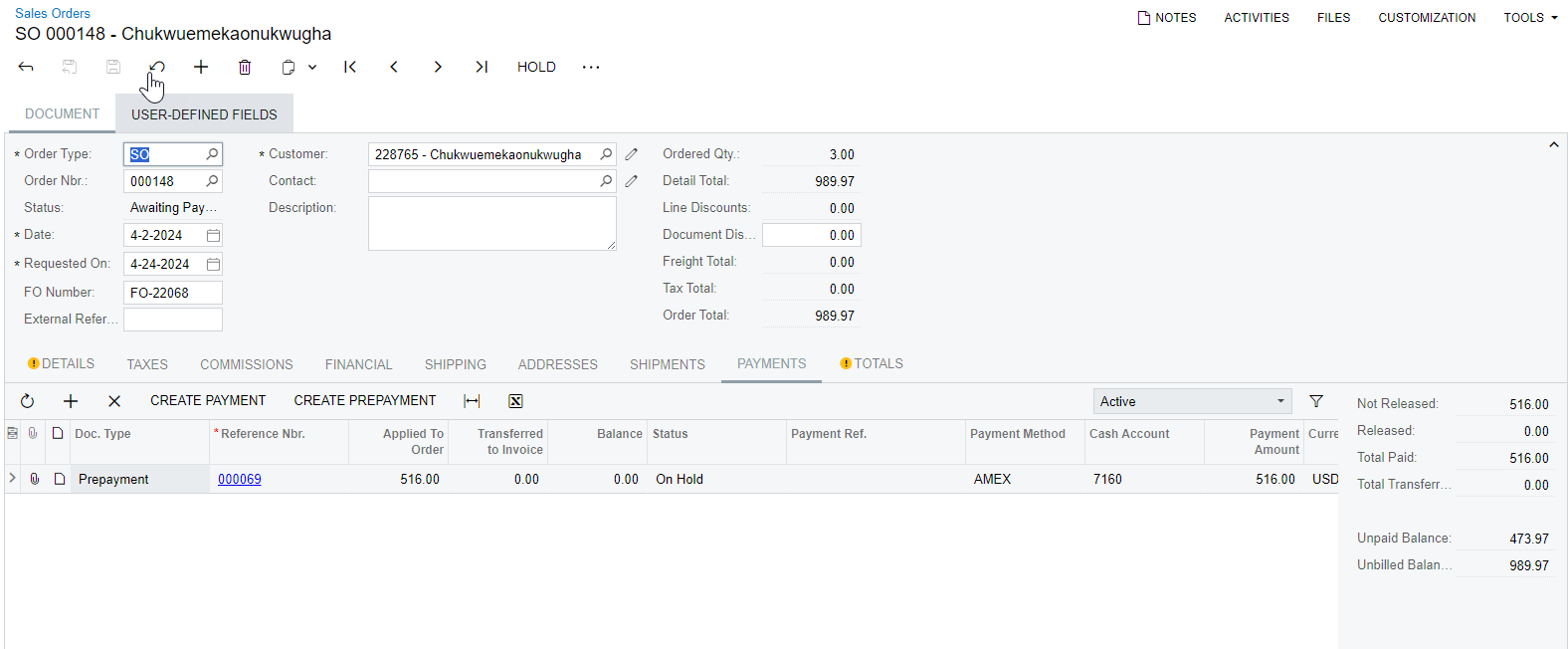
I only received one error: 


Forum|alt.badge.img
  • Semi-Pro II
  • June 9, 2023

@podonnell11 - did you ever figure out the errors? I am also getting the same when I run the scenario:


'Payment Method' cannot be empty. 'Cash Account' cannot be empty. Error: 'Payment Ref.' cannot be empty.


I have my import scenario set up the same as @Naveen Boga detailed and have specified a Source Field / Value for each of these three fields so I’m not sure what is preventing this from working.

Also, will this scenario work on import files with multiple lines per order?


Forum|alt.badge.img
  • Semi-Pro II
  • June 9, 2023

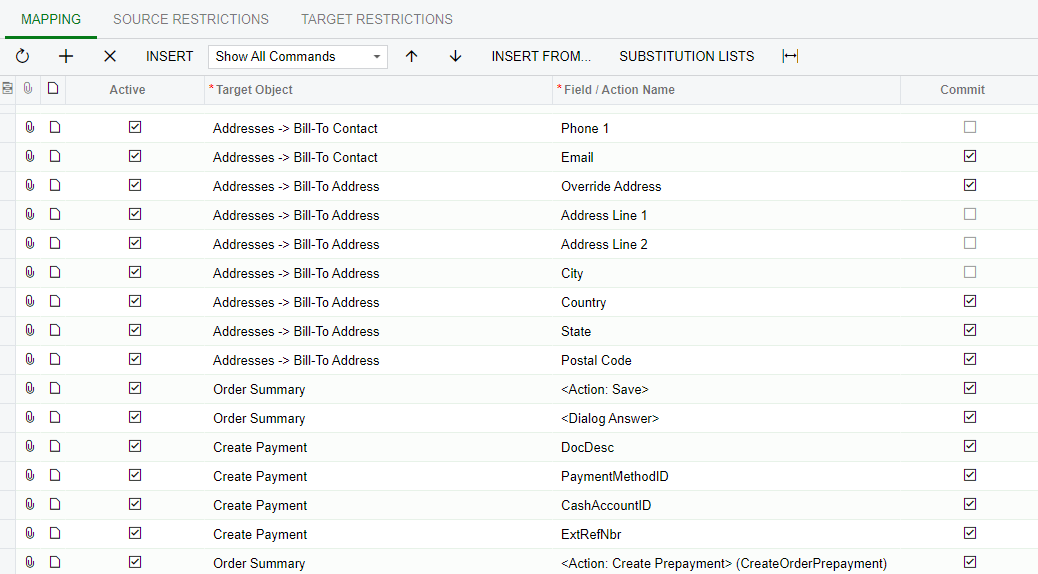
@Naveen Boga - I got this to work by changing the order to the below:


However, if the data provider file has multiple sales order lines, a prepayment will be created per each line. (e.g. if the sales order has two line items, the prepayment will be duplicated so there are two prepayments on the order.)

Is there a way to prevent the prepayment from duplicating?


Forum|alt.badge.img

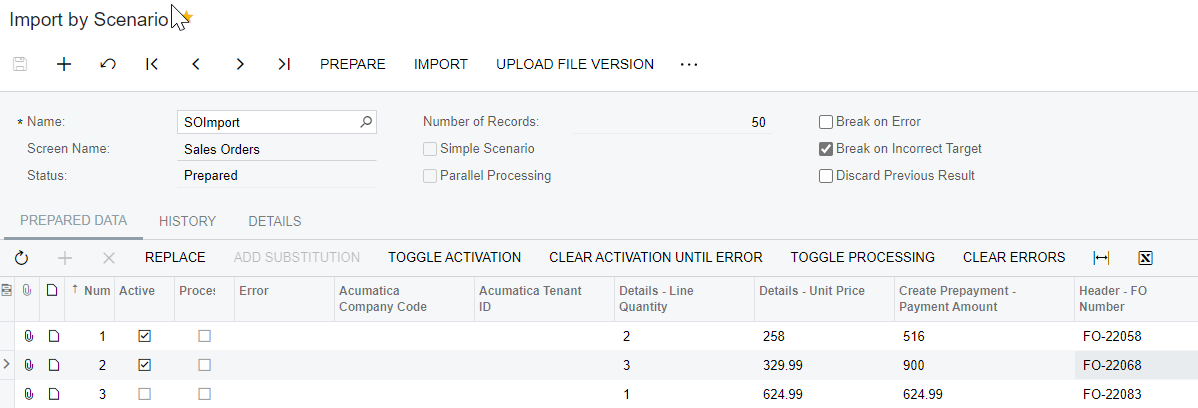
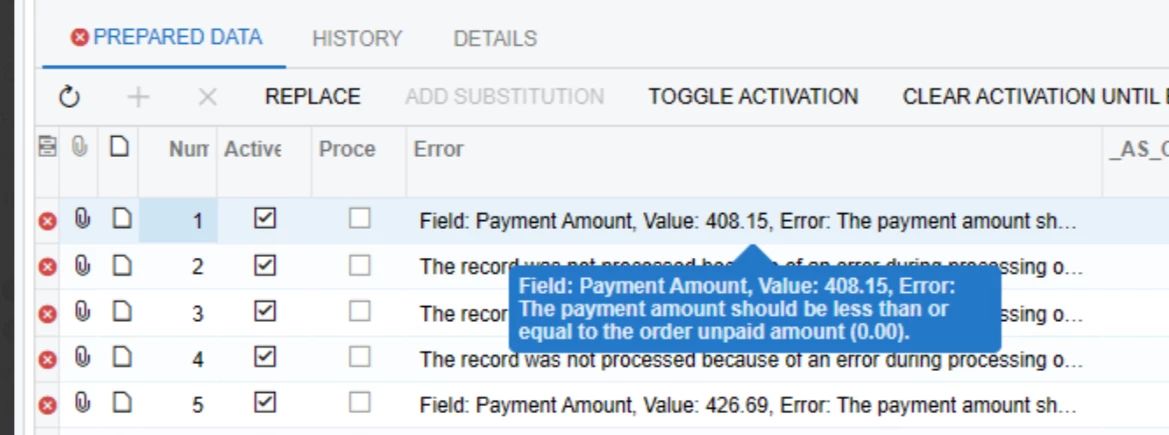
@Naveen Boga I am able to successfully import sales orders and create the prepayment record. However, in some cases, the prepayment amount may not equal the order amount. Therefore, I am mapping the amount field. Record 1 creates successfully, but Record 2 uses the prepayment amount from Record 1. Any idea how I can fix?


Melissalutrick21
Freshman II
Forum|alt.badge.img

I could really use assistance with this.  I am trying to do an import of online payment with the import of the Sales Order. The import is only importing one line item per Sales Order. The one time I did get it to post all items, it posted a payment against each item, of course not what I wanted. 


I have tried using (Only once on last line feature) no success. 

I too keep running into the error of 


Even when the scenario fails, the system is creating a payment of 0.00 and posting it to the Sales Order. I know I am on the right track, just something needs adjustment.


Thank you!!