I’m trying to upload my customer information list and I keep getting an error in my import by scenario. I just want a way where Acumatica doesn’t pay attention to the way the postal code is written and have it upload the format that I have it as.
This is just one example but I have many other countries as well
Best answer by PatrickBacon
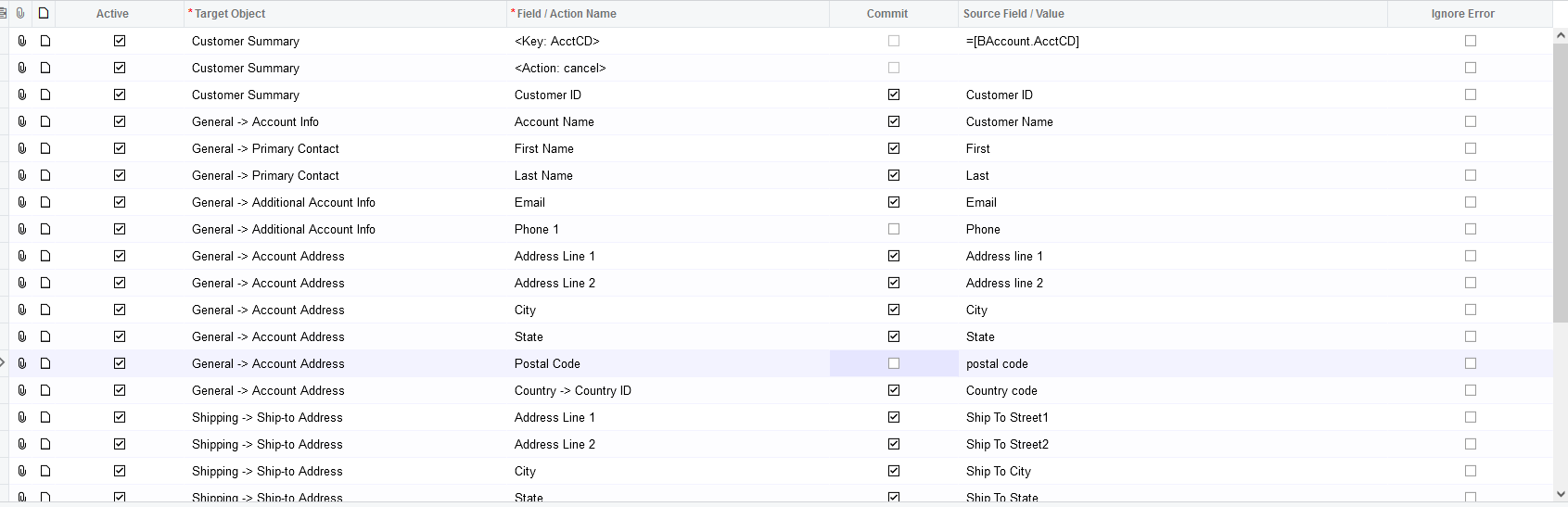
The reason you keep receiving errors in your import scenario is that the “country” field needs to be before the postal code (why not place it first in the General → Account Address section). Rodrigo from Acumatica informed me on my post that the US country defaults when creating a new customer. See here, Import Scenario for Canadian Customer Fails with Postal Code Error | Community
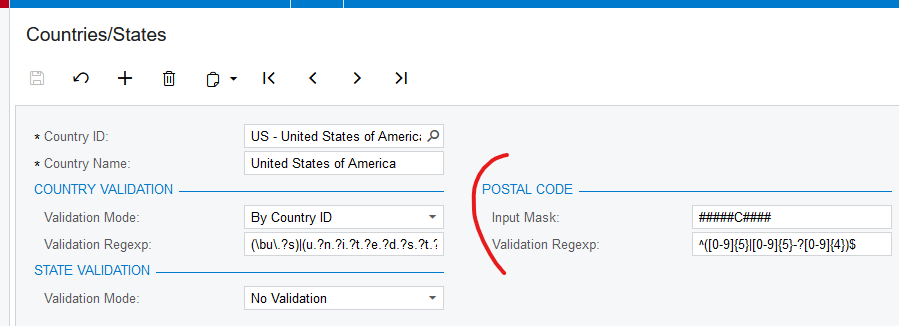
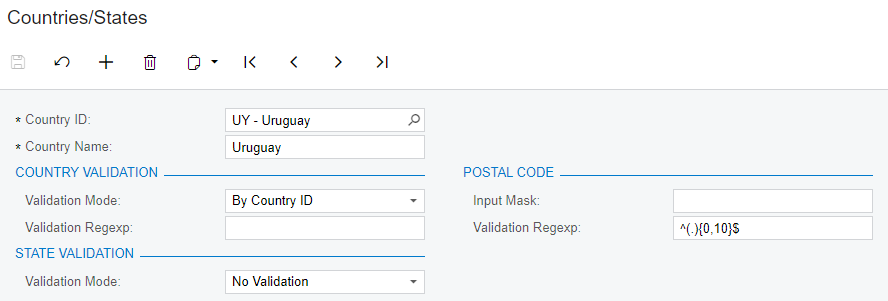
After testing, I can confirm that - If you remove postal code input mask and validation regexp, you should be able to put any postal code with no problem.
@zhaot I tried removing the postal code input mask and validation regexp but I either get an error saying my postal code is invalid or my country code defaults to United States.
The reason you keep receiving errors in your import scenario is that the “country” field needs to be before the postal code (why not place it first in the General → Account Address section). Rodrigo from Acumatica informed me on my post that the US country defaults when creating a new customer. See here, Import Scenario for Canadian Customer Fails with Postal Code Error | Community