Question

Is it possible to prompt user for input when processing an import scenario?

  • February 4, 2026
  • 2 replies
  • 38 views

I would like to be able to change values in one column at runtime. Is it possible to do that with a prompt or maybe in the Import by Scenario screen to change all the values in one column in the grid?

AI suggested that this can be done by:

  • Defining a Parameter on the Import Scenario

  • Referencing that parameter in the Mapping (e.g., using a prompt variable)

  • Having Acumatica prompt the user at runtime and inject that value into the mapped column for all rows

It may be hallucinating since I wasn’t able to find any info on that.

2 replies

mohammadnawaz51
Jr Varsity I
Forum|alt.badge.img+6

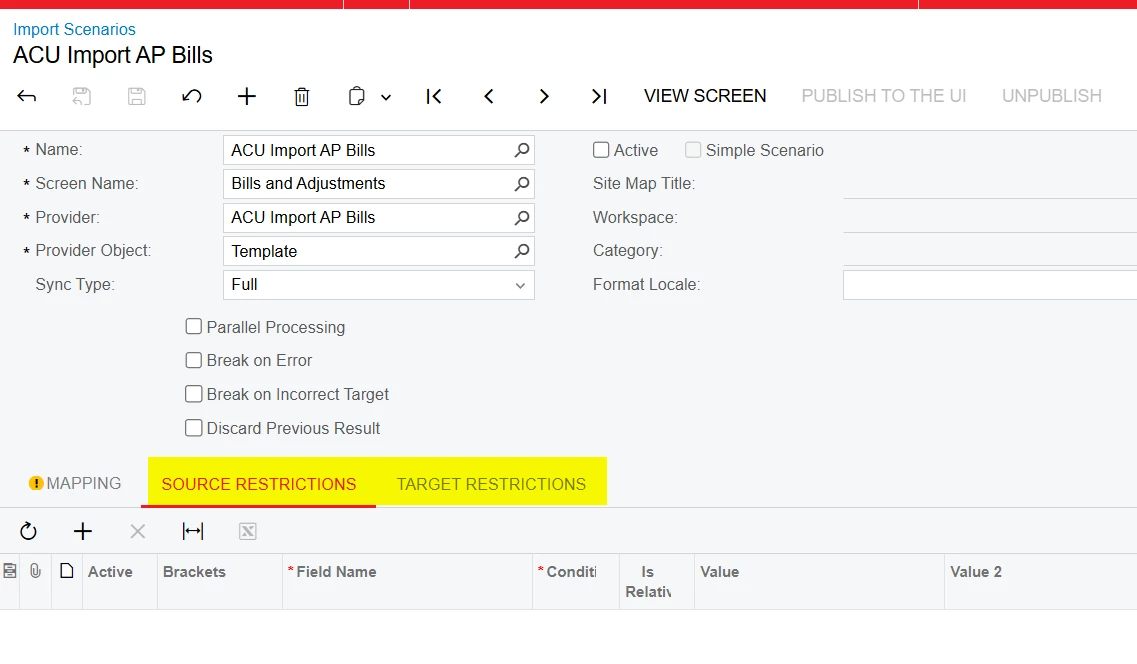
@petar2903k can you check if these will help?

Also in Import by scenario you have replace options


  • Author
  • Freshman I
  • February 4, 2026

I don’t think source and target restriction would enable me to change the value of a column.


Replace could only work if all the values in the column are the same and I replace them with the value I want. If the column contains different values I can’t do the Replace.