Solved

Import scenario to add file link to a 2nd entity

  • June 10, 2024
  • 3 replies
  • 84 views

bwhite49
Captain II
Forum|alt.badge.img+12

Hello,

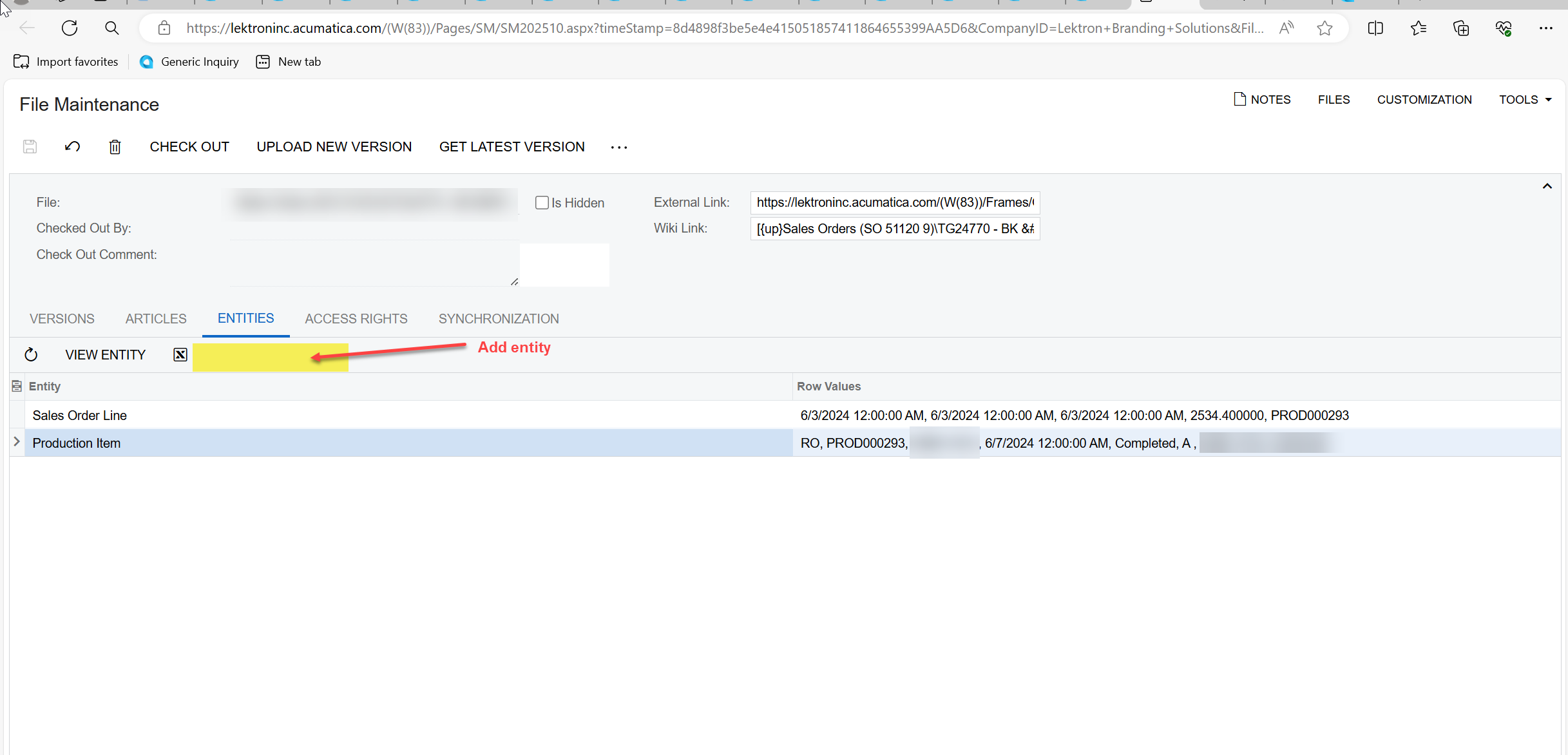
I’m looking to link SOLine Files to the AMProdItem files via import scenario through the add link action or ideally directly through the file maintenance screen.

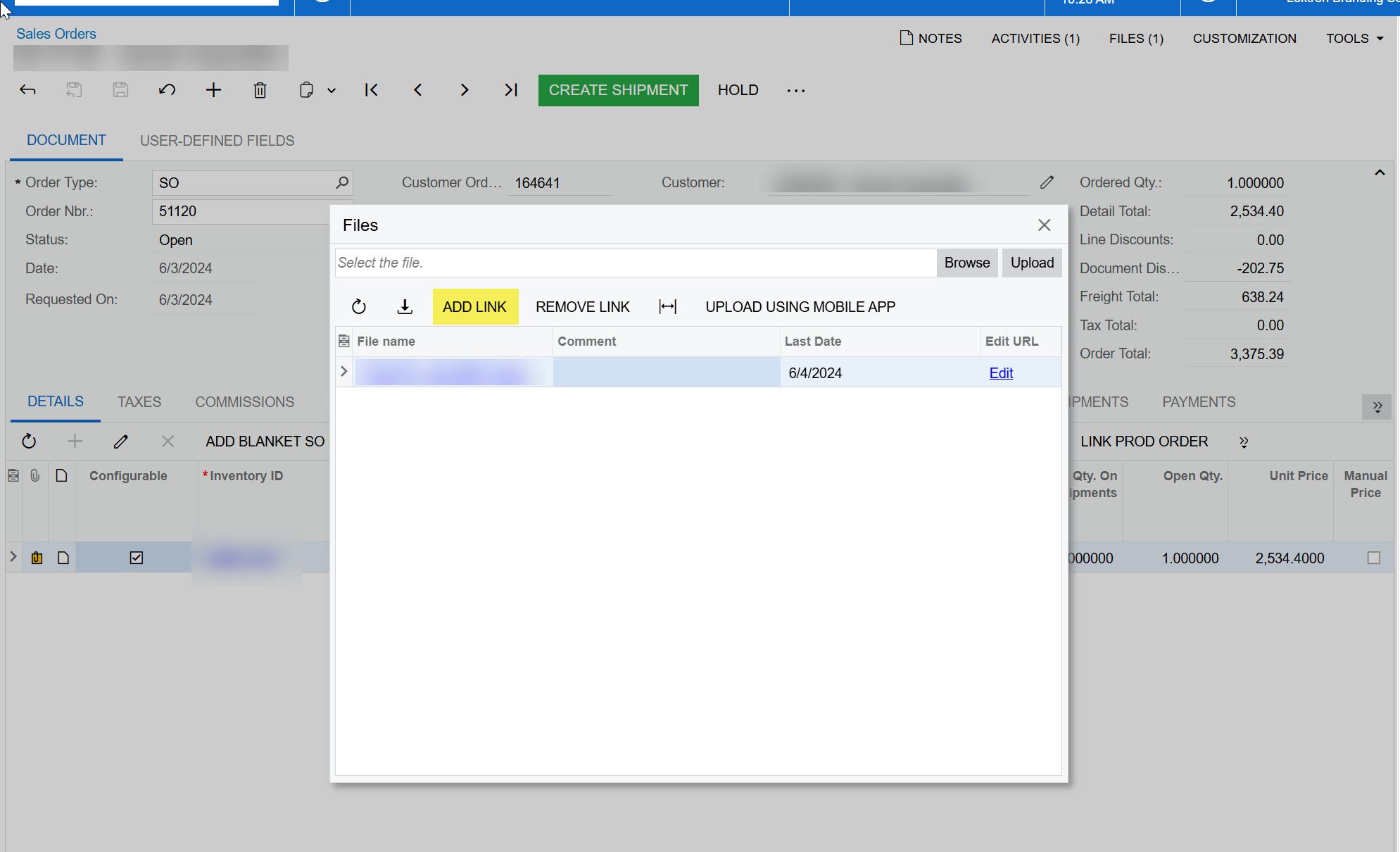
Has anybody successfully done this? I’m not sure this is possible because the add link button opens up a new window to the search in files screen and the file maintenance screen apparently does not currently allow you do add an entity.


Best answer by bwhite49

@bwhite49 , did you ever find a solution? I am trying to link the same two entities. Thanks!

Not without customization.

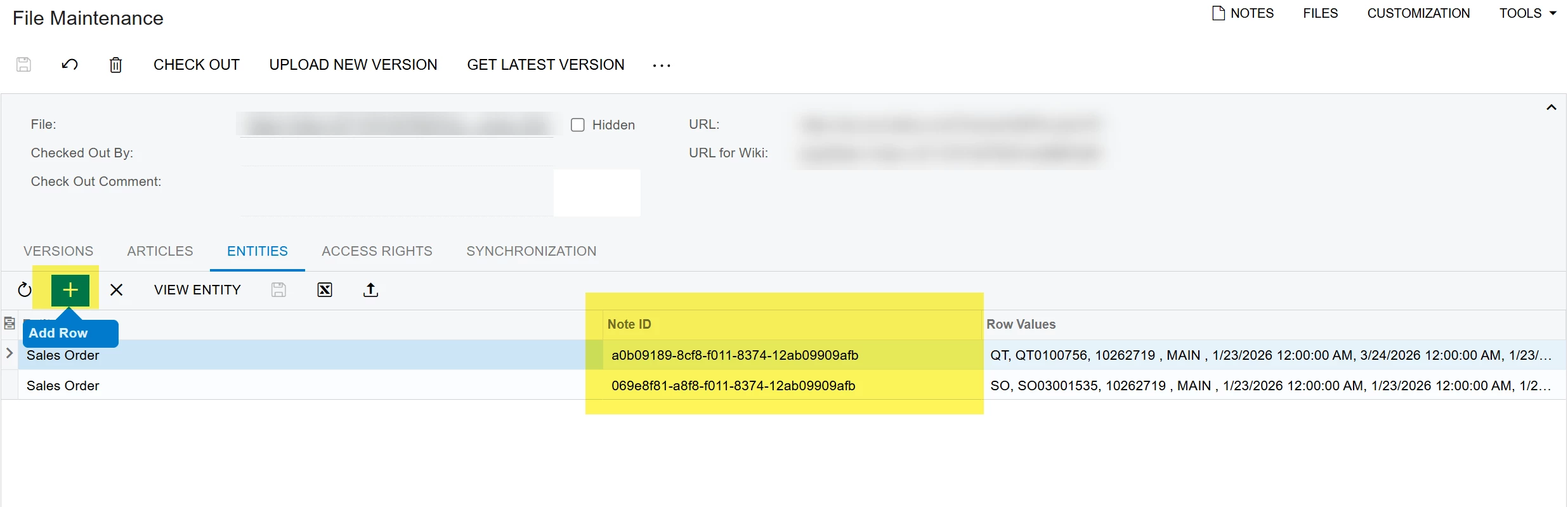
We had to add the ability to add entities on the entities tab of the file maint screen. These records are added by inserting the noteID into the table.

From there, we have business events adding the related NoteIDs so that the files are “copied” automatically.


3 replies

dominicpolicicchio03
Freshman I
Forum|alt.badge.img

@bwhite49 , did you ever find a solution? I am trying to link the same two entities. Thanks!


bwhite49
Captain II
Forum|alt.badge.img+12
  • Author
  • Captain II
  • Answer
  • January 26, 2026

@bwhite49 , did you ever find a solution? I am trying to link the same two entities. Thanks!

Not without customization.

We had to add the ability to add entities on the entities tab of the file maint screen. These records are added by inserting the noteID into the table.

From there, we have business events adding the related NoteIDs so that the files are “copied” automatically.


dominicpolicicchio03
Freshman I
Forum|alt.badge.img

@bwhite49 , did you ever find a solution? I am trying to link the same two entities. Thanks!

Not without customization.

We had to add the ability to add entities on the entities tab of the file maint screen. These records are added by inserting the noteID into the table.

From there, we have business events adding the related NoteIDs so that the files are “copied” automatically.


Hey ​@bwhite49 , did you make a workflow modification / low or no code modification or did your customization require some code?