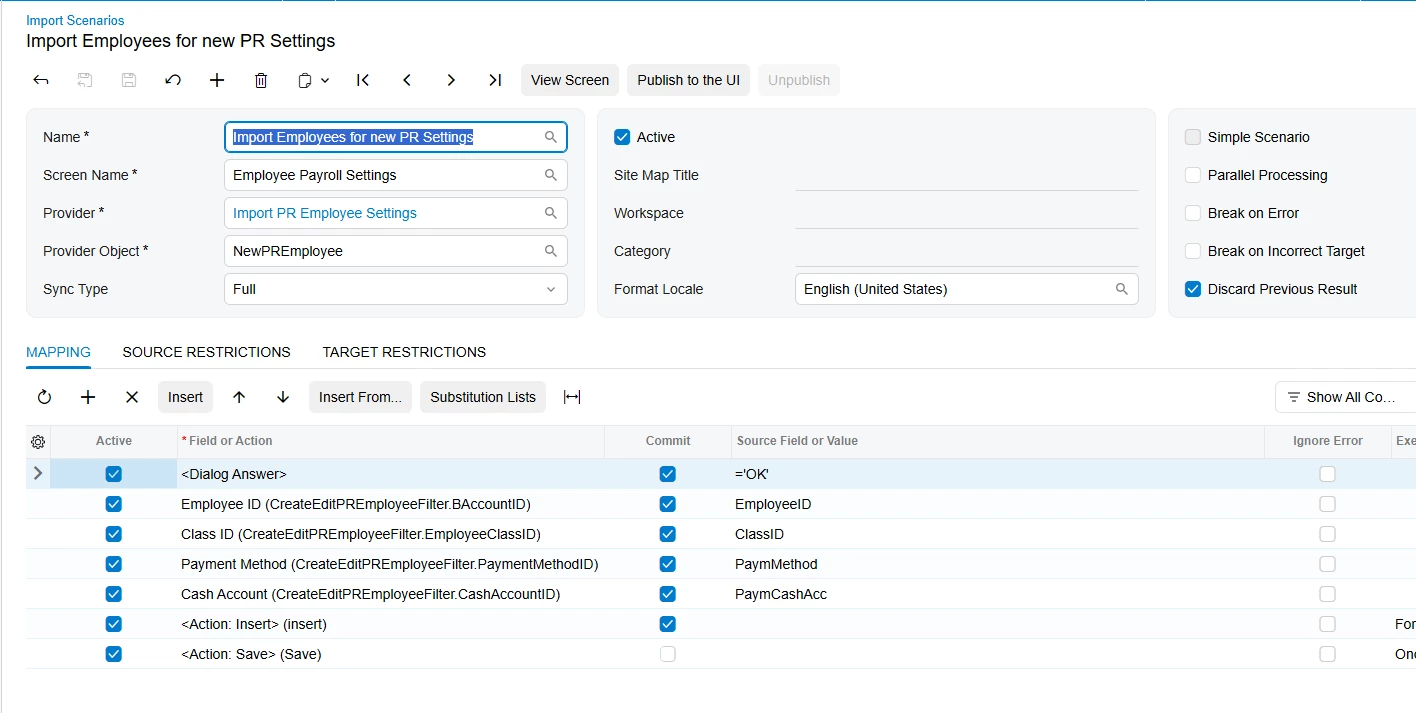
I’ve imported Employee records to the Employees EP2030PL screen with an Active history record. I could use help creating an Import Scenario to create the PR203000 Employee Payroll Settings record. I’ve tried the out-of-the-box Import Scenario, Import Employees for new EmployeesPayroll without success. I’m using version 2026 R1.
It seems the Insert Action in the Import Scenario does not open the Create Employee Payroll settings dialog, or the Create button isn’t getting clicked.
Any suggestions will be greatly appreciated.