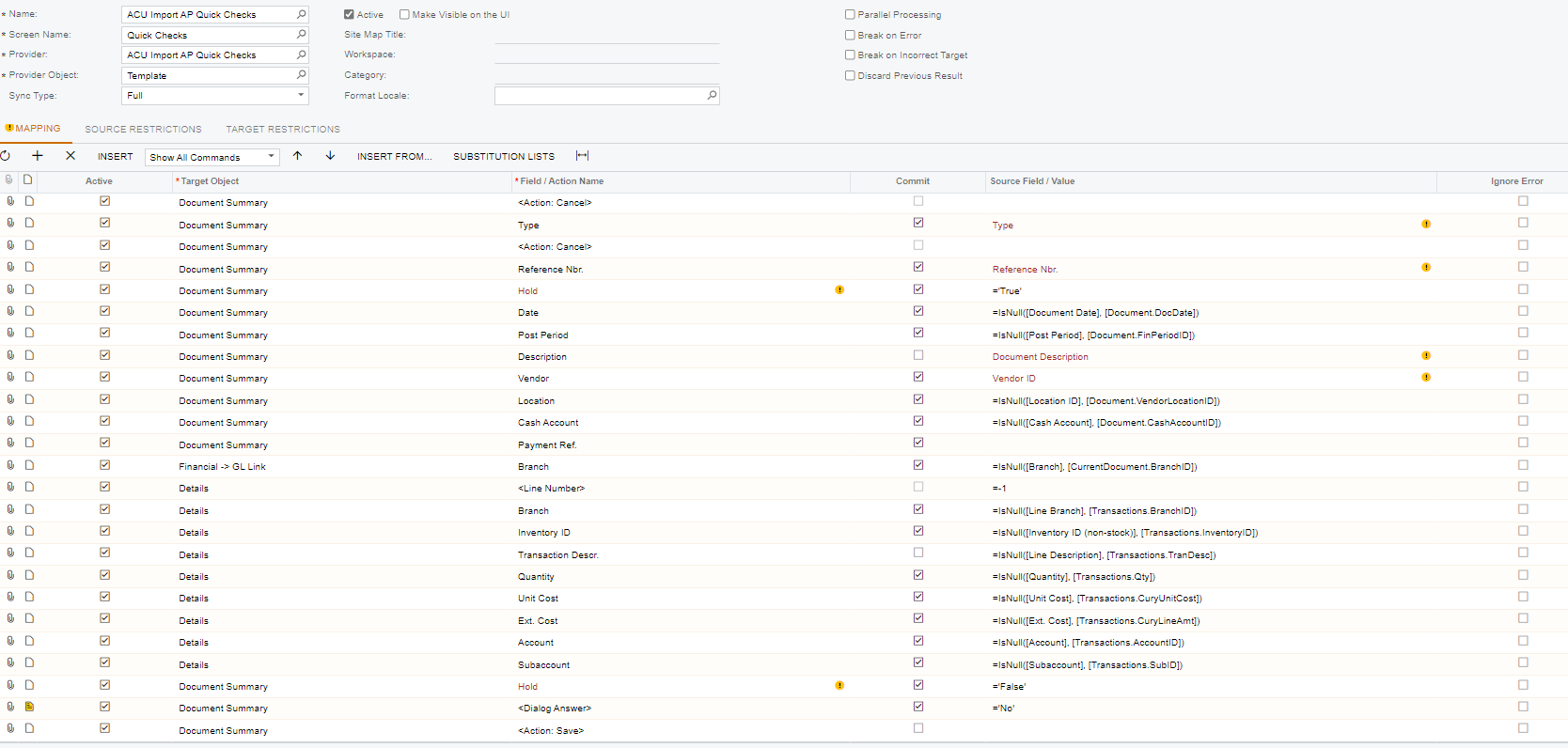
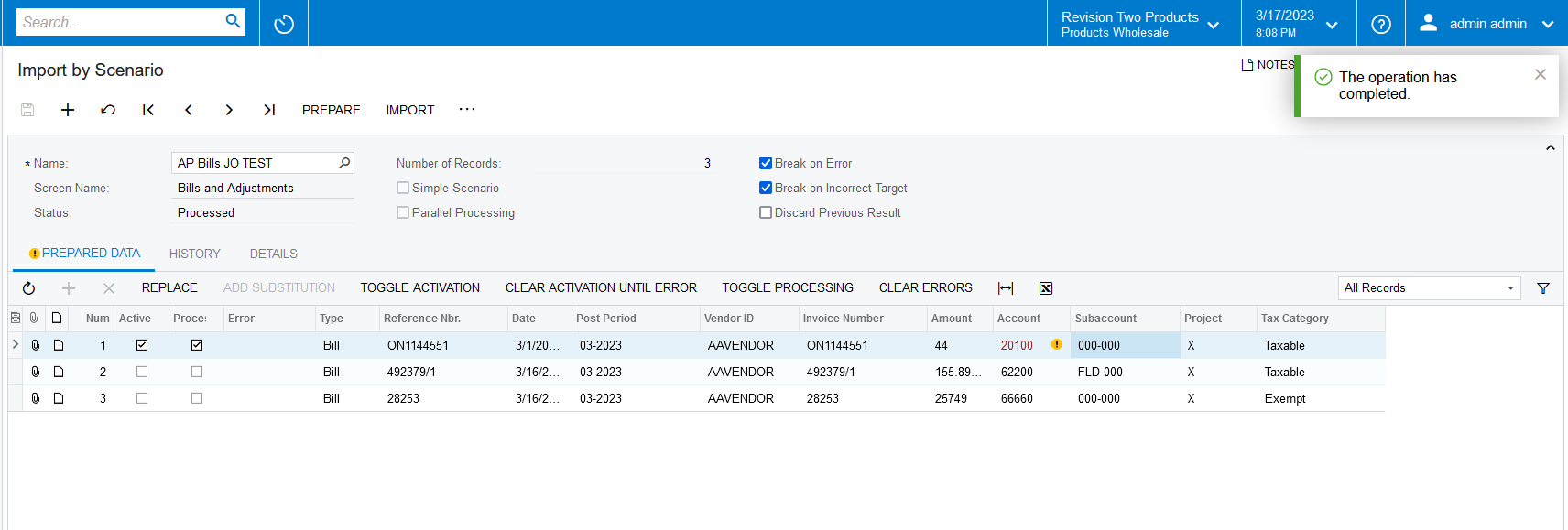
Hi everyone, I am very new to Acumatica. I am trying to do the import scenario (Quick Check), does anyone know what’s the error?
Category
Trace
Message
Error: 8 items have not been processed successfully. View name: Document.
Stack Trace
at PX.Api.SyMappingUtils.ImportData(SYProcess graph, SYMappingActive mapping, SYImportOperation operation, SYMappingActive updated) at PX.Api.SyMappingUtils.ProcessMapping(SYProcess graph, SYMappingActive mapping, SYImportOperation operation) at PX.Api.SYImportProcessSingle.<>c__DisplayClass67_0.<PerformOperation>b__0() at PX.Concurrency.CancellationIgnorantExtensions.RunWithCancellationViaThreadAbort(Action method, CancellationToken cancellationToken) at PX.Concurrency.CancellationIgnorantExtensions.<>c__DisplayClass1_0.<ToCancellationViaThreadAbort>b__0(CancellationToken cancellationToken) at PX.Concurrency.Internal.PXLongOperationPars.PopAndRunDelegate(CancellationToken cancellationToken) at PX.Concurrency.Internal.RuntimeLongOperationManager.PerformOperation(PXLongOperationPars p)
Best answer by Manikanta Dhulipudi
Hi @manikantad18 is this the one you’re asking?
Hi @josephineca download the XML import file and share it?
Hi @josephineca
Please find the sample import scenario for reference.
Hi @josephineca a good troubleshooting step is attempting to manually create the document (quick check in this case) manually. Creating manually with the exact data the import scenario will attempt to use often exposes the problem in the data (or mapping).