Solved

Import Scenario Not Updating Stock items; Indicates Operation Compete/No Error Message

  • August 22, 2022
  • 3 replies
  • 278 views

Forum|alt.badge.img

Good day,

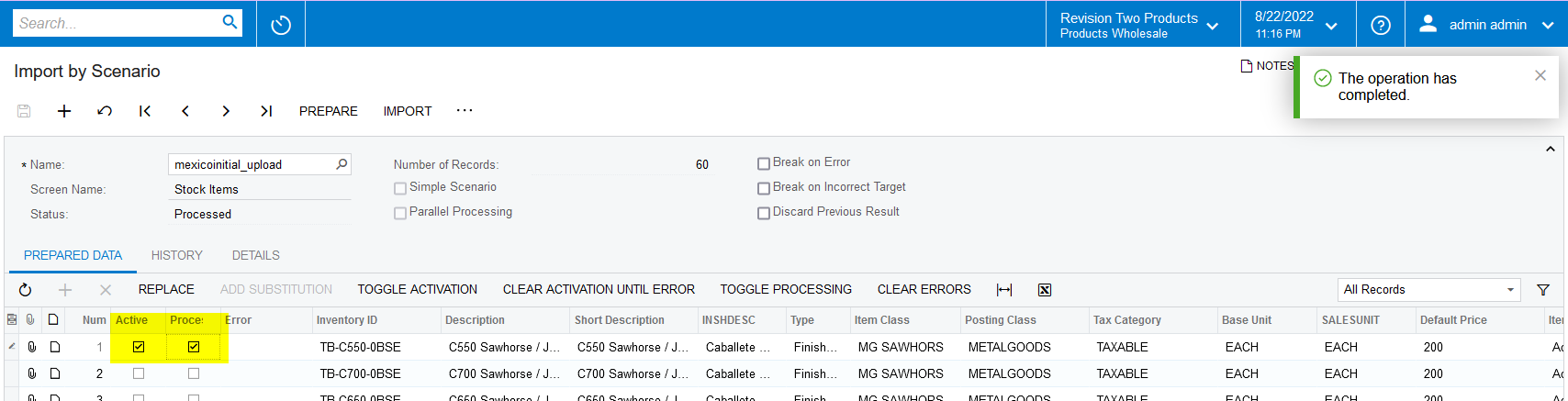
The attached import scenario indicates that the operation is complete.  No errors.  

When I run, the import does not show any errors but it does not update the fields on the sheet.

I am perplexed.  Usually it is an error with the mapping.


Any advice would be greatly appreicated.

Thank you
@Evan G 

Best answer by Naveen Boga

Hi @EvanG  You have used incorrect fields for the mapping in the import scenario and in the mapping, there are so many attributes and it seems other custom fields are used.

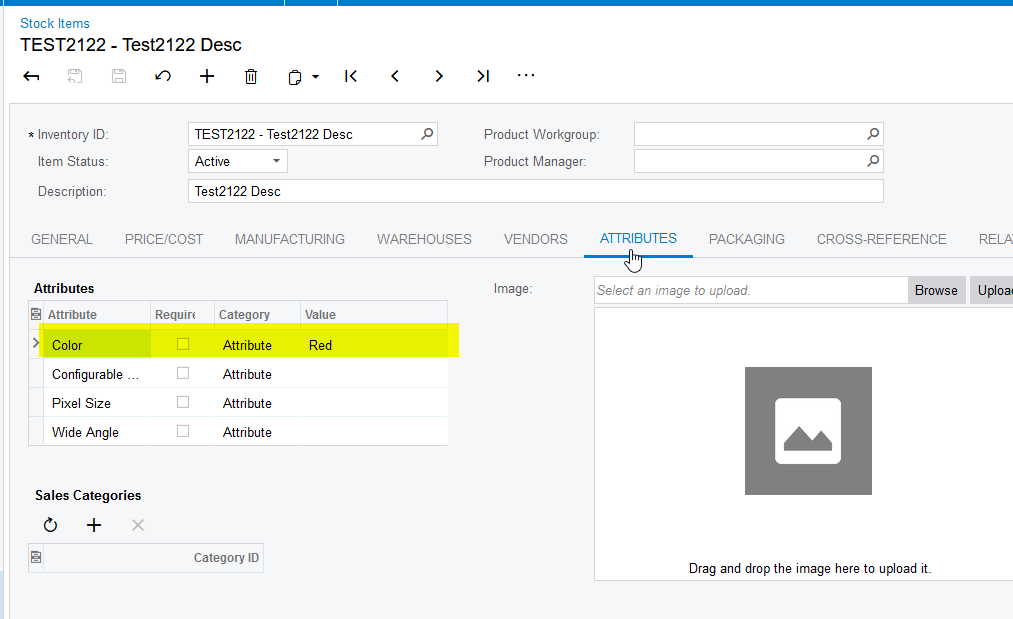
I have modified your import scenario by keeping one attribute and verified it and working as expected;

For the remaining attributes, you need to modify them accordingly and verify.

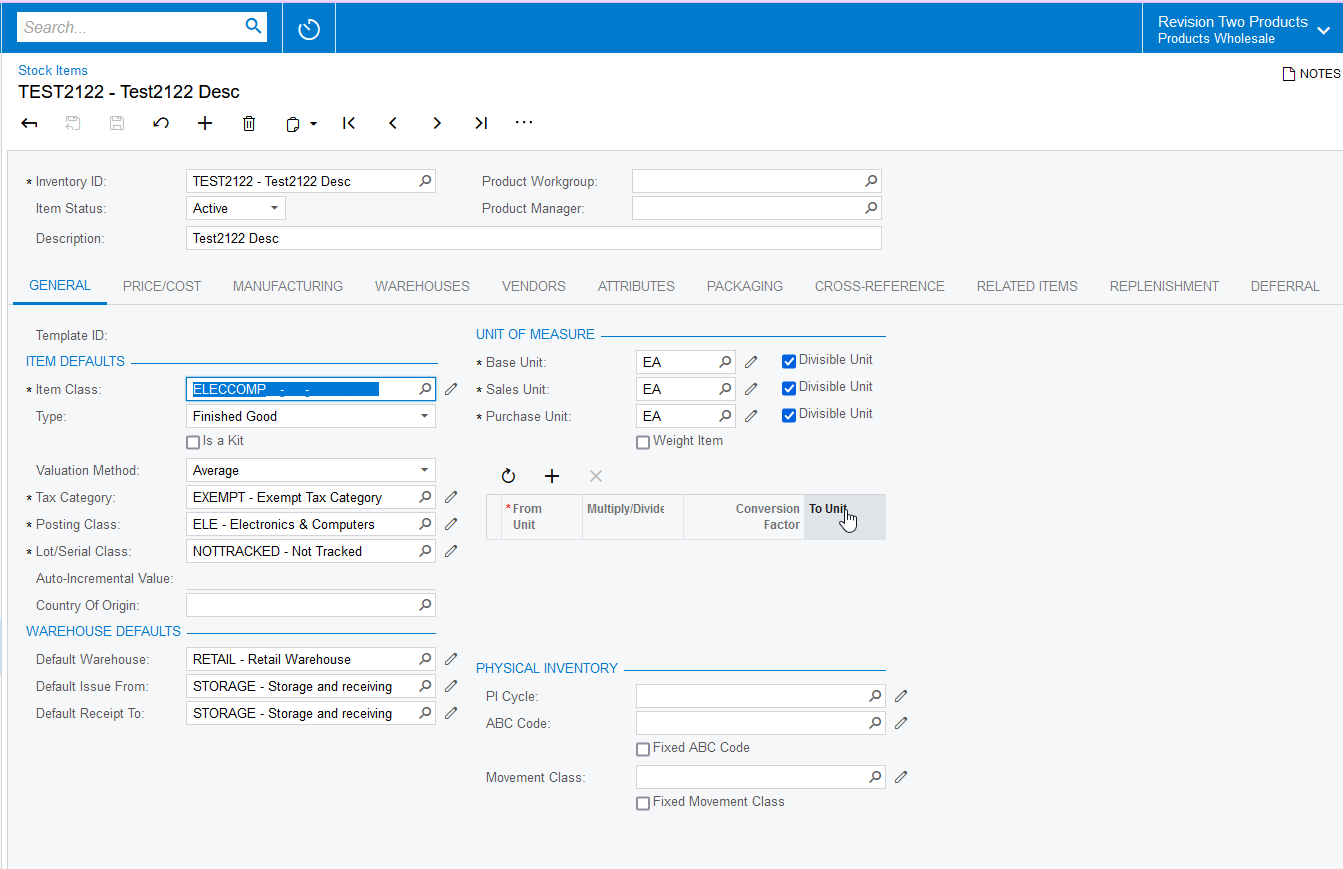
Please find the attached screenshots and import scenario for your reference.


3 replies

Naveen Boga
Captain II
Forum|alt.badge.img+19
  • Captain II
  • Answer
  • August 23, 2022

Hi @EvanG  You have used incorrect fields for the mapping in the import scenario and in the mapping, there are so many attributes and it seems other custom fields are used.

I have modified your import scenario by keeping one attribute and verified it and working as expected;

For the remaining attributes, you need to modify them accordingly and verify.

Please find the attached screenshots and import scenario for your reference.


Forum|alt.badge.img
  • Author
  • Varsity I
  • August 24, 2022

@Naveen Boga 

Thank you for review and assistance.

Why didn’t it give me an error?  

I appreciate your support.

Thanks again


Manikanta Dhulipudi
Captain II
Forum|alt.badge.img+15

Hi @EvanG 

In the Acumatica import scenario sometimes the system will show the records are processed but it will not indicate the errors.

Also sometimes it will not show an exact reason for failed records.


Thank you