Solved

Import Scenario error when multiple branch

  • February 5, 2025
  • 13 replies
  • 113 views

Forum|alt.badge.img

Hi all,
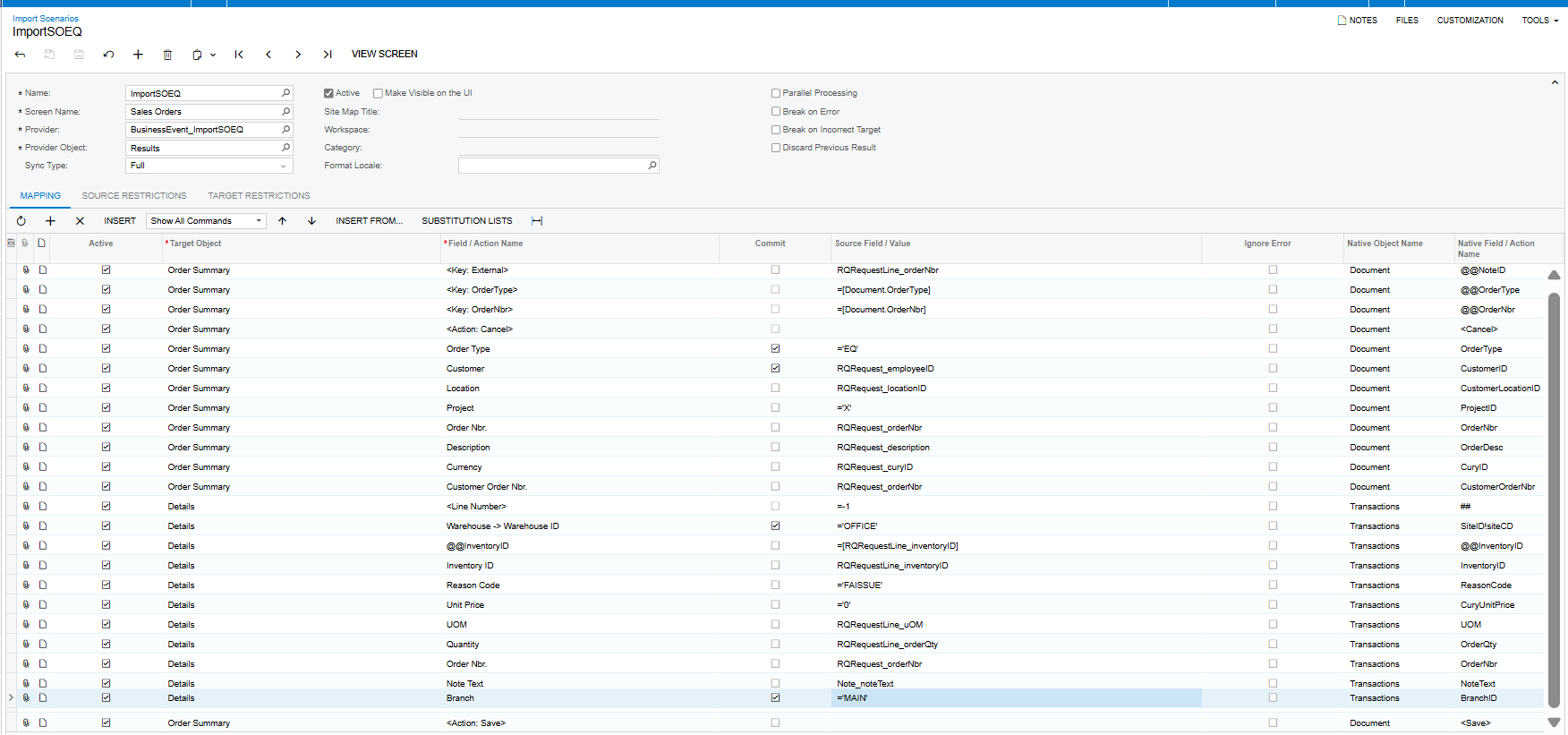
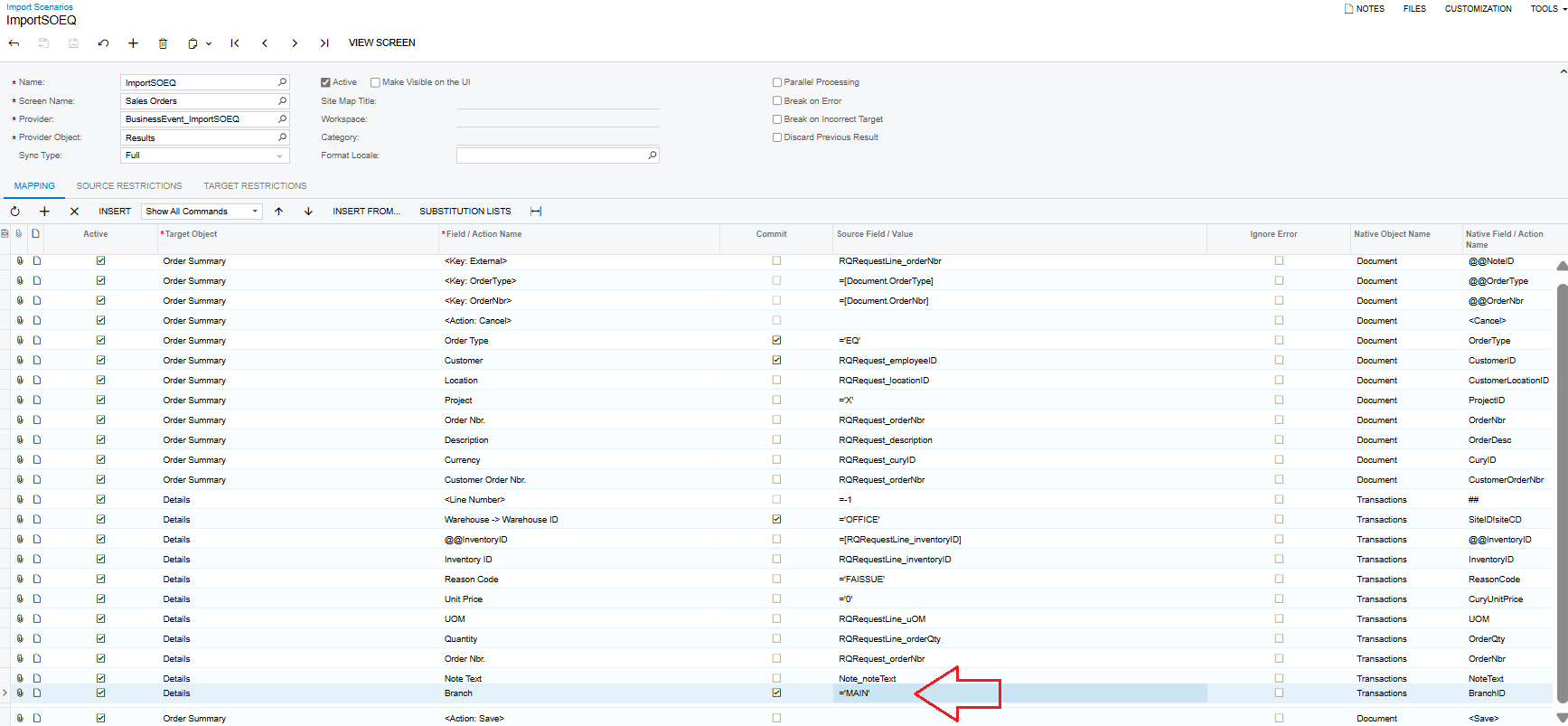
Currently, my company has two branches. Previously, we had only one. My import scenario mapping is working, but after that, it continues to show an error. I checked all the branch settings in both the Customer and Customer Class, but the error still exists.

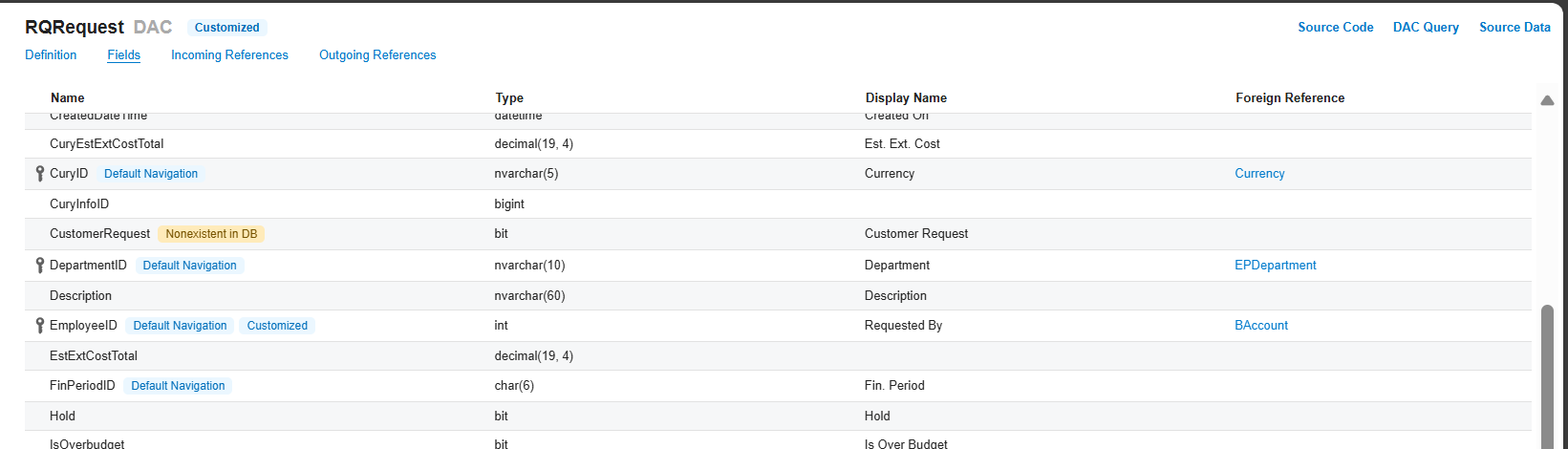
My provider is a Generic Inquiry that pulls data from the Request screen (RQ301000).
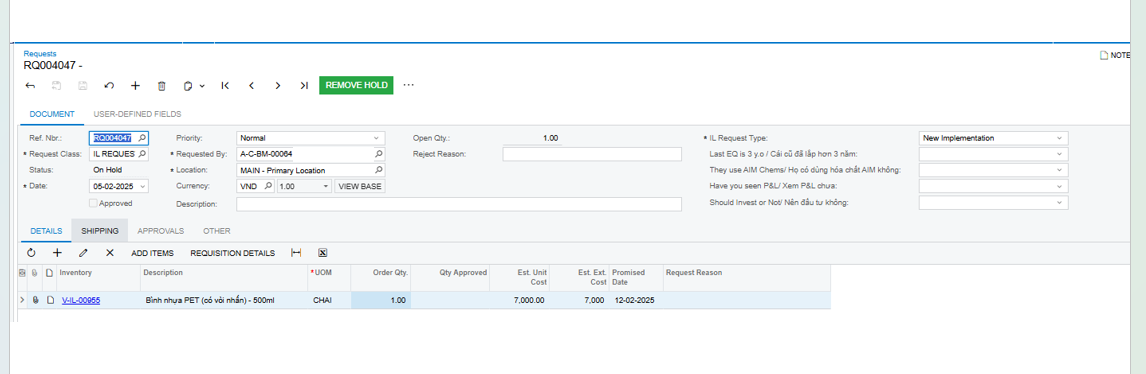
Pls advise me if you have any idea. Thanks in advanced.

Best answer by nhatnghetinh

Hi ​@hthuy24 

Please get the new Import Scenarios in the attached file.


Best Regards,

NNT

13 replies

nhatnghetinh
Captain II
Forum|alt.badge.img+11
  • Captain II
  • February 5, 2025

Hi ​@hthuy24 

Try changing the Source Field of the Branch Field to be the same as the name of the Branch column in the Excel Template file.


Best Regards,

NNT


Forum|alt.badge.img
  • Author
  • Jr Varsity II
  • February 5, 2025

Hi ​@hthuy24 

Try changing the Source Field of the Branch Field to be the same as the name of the Branch column in the Excel Template file.


Best Regards,

NNT

Thanks ​@nhatnghetinh,  I changed the mapping as your suggest but it still error, do you have other idea?


nhatnghetinh
Captain II
Forum|alt.badge.img+11
  • Captain II
  • February 5, 2025

Hi ​@hthuy24 

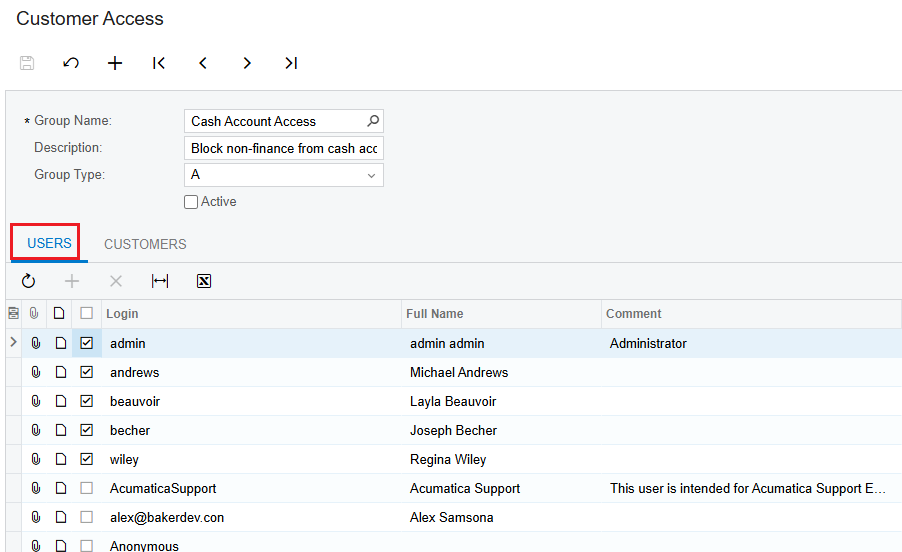
1/. Please check if the User who is Sign-In to Acumatica to perform the import feature is authorized to access all Branches?

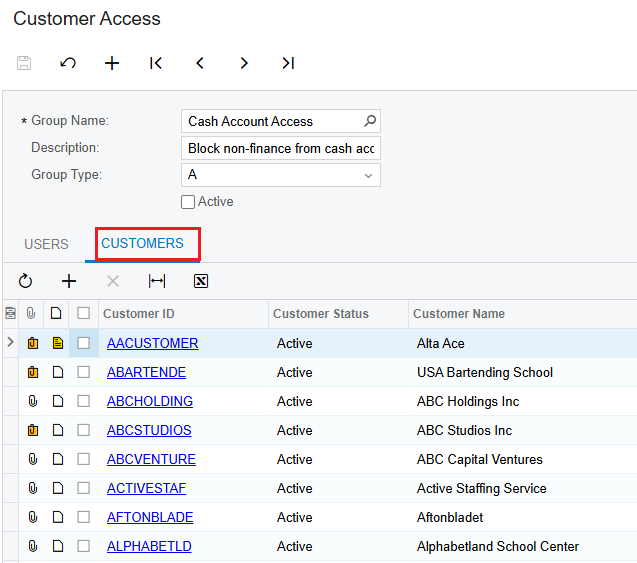
2/. Check the “Customer Access” screen of some customers like A-C-BM-00064, is it restricted for your User?


Best Regards,

NNT


Forum|alt.badge.img
  • Author
  • Jr Varsity II
  • February 5, 2025

Hi ​@hthuy24 

1/. Please check if the User who is Sign-In to Acumatica to perform the import feature is authorized to access all Branches?

2/. Check the “Customer Access” screen of some customers like A-C-BM-00064, is it restricted for your User?


Best Regards,

NNT

Thanks ​@nhatnghetinh , 
1. about the user  I am the one who import, and my role is admin, so I don’t think the issue is about the access right

​​​​​​​2.FYI, when it error when import, I can import successful if I manually click execute, do you have any idea?


nhatnghetinh
Captain II
Forum|alt.badge.img+11
  • Captain II
  • February 5, 2025

Hi ​@hthuy24 

Please attach the Generic Inquiry Provider and Import Scenarios XML file.


Best Regards,

NNT


Forum|alt.badge.img
  • Author
  • Jr Varsity II
  • February 5, 2025

Hi ​@hthuy24 

Please attach the Generic Inquiry Provider and Import Scenarios XML file.


Best Regards,

NNT

yes, pls check this out


nhatnghetinh
Captain II
Forum|alt.badge.img+11
  • Captain II
  • February 5, 2025

Hi ​@hthuy24 

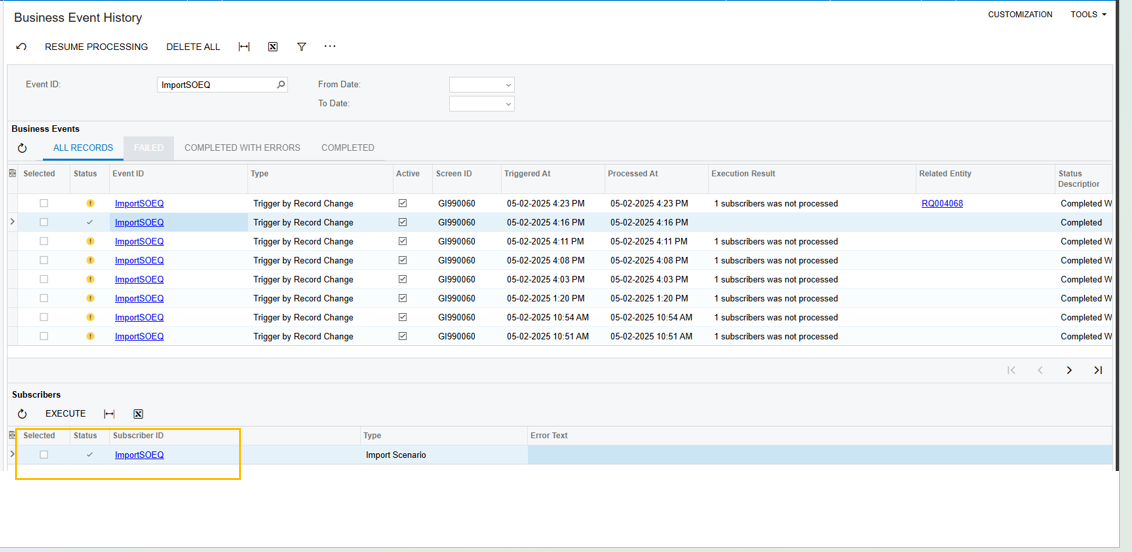
Please attach the Business Events XML file.


Best Regards,

NNT


Forum|alt.badge.img
  • Author
  • Jr Varsity II
  • February 5, 2025

Hi ​@hthuy24 

Please attach the Business Events XML file.


Best Regards,

NNT

yes, pls see the attach file


nhatnghetinh
Captain II
Forum|alt.badge.img+11
  • Captain II
  • February 5, 2025

Hi ​@hthuy24 

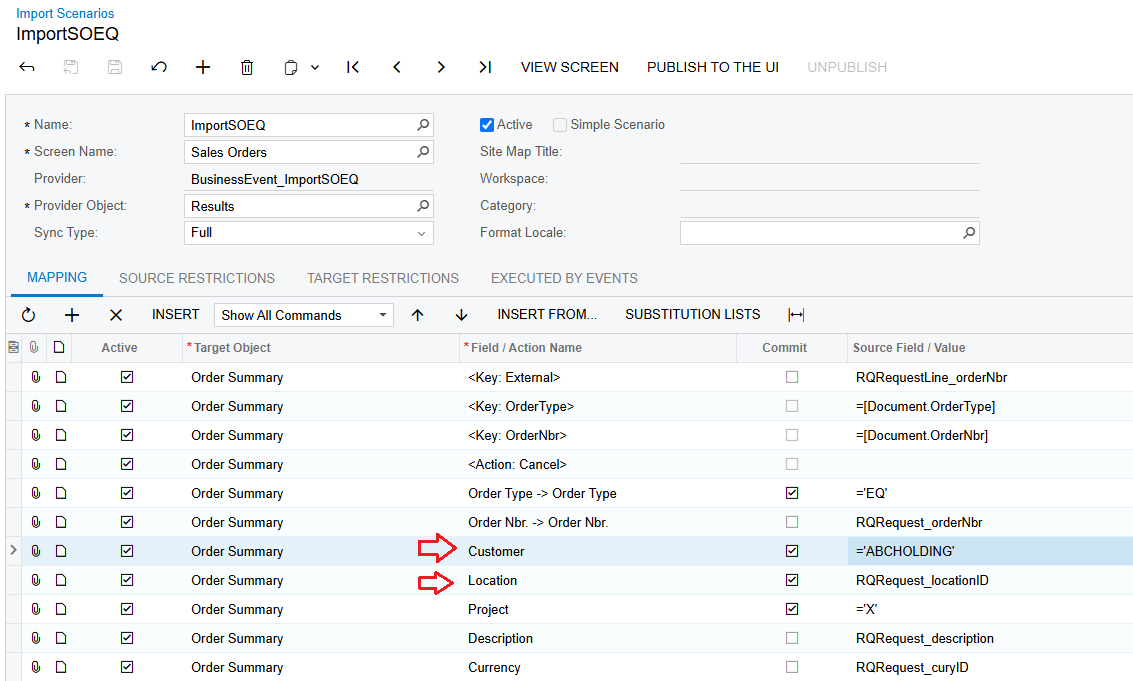
There are some issues in your Import Scenarios screen as follows:


1/. The line of the Customer Field must be above the line of the Location Field


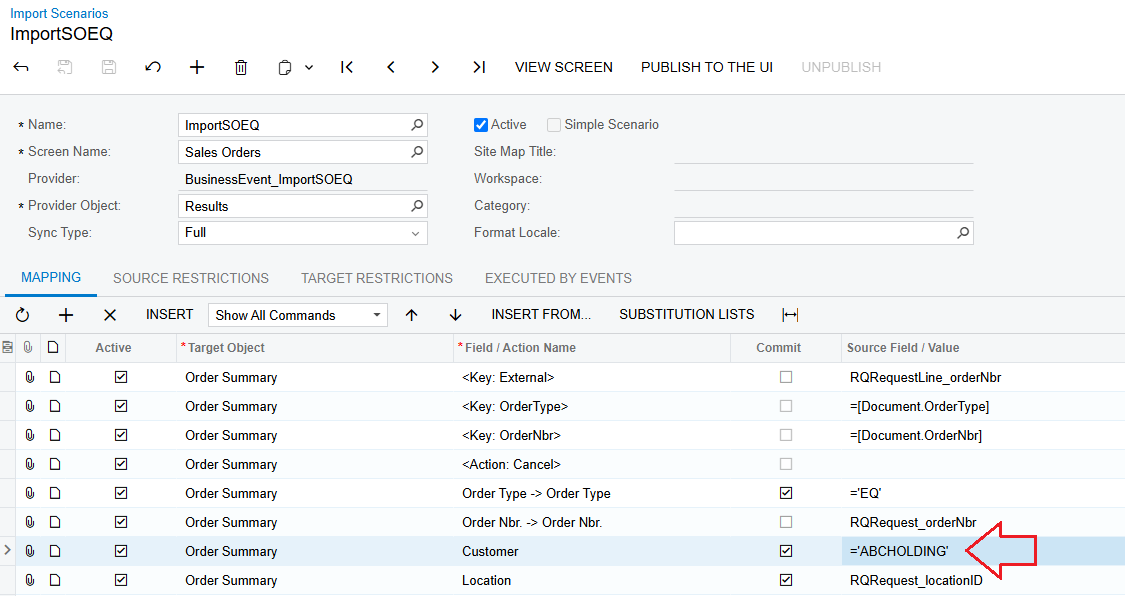
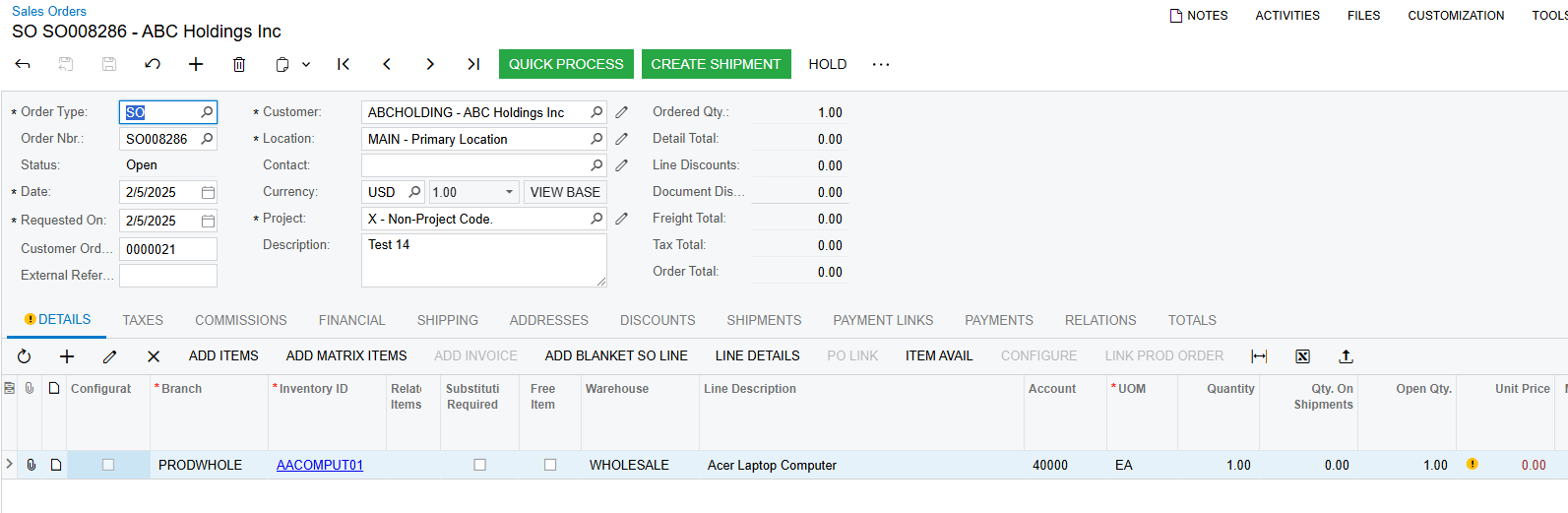
2/. In your Import Scenarios screen => Customer Field = RQRequest_employeeID => This is incorrect because the Customer Field must be the CustomerID in the Sales Orders screen. I have to perform a test to get Customer Field = CustomerID (ABCHOLDING) to import successfully


Best Regards,

NNT


Forum|alt.badge.img
  • Author
  • Jr Varsity II
  • February 5, 2025

Hi ​@hthuy24 

There are some issues in your Import Scenarios screen as follows:


1/. The line of the Customer Field must be above the line of the Location Field


2/. In your Import Scenarios screen => Customer Field = RQRequest_employeeID => This is incorrect because the Customer Field must be the CustomerID in the Sales Orders screen. I have to perform a test to get Customer Field = CustomerID (ABCHOLDING) to import successfully


Best Regards,

NNT

Thanks ​@nhatnghetinh ,

About the field customerID, why I am using field “ employeeID” in DAC RQRequest to map,  because it’s the same , link to BAccount table. Actually, i think the problem is because we have two branches, and I am missing in import to point to system which branch I am using. Because my import scenarios will successfully if I re-execute it second time. One more thing, if your test environment is one branch, i think my mapping still working 

FYI,  I noticed that as I have two branches, the import scenarios is error, before it’s not 


nhatnghetinh
Captain II
Forum|alt.badge.img+11
  • Captain II
  • February 5, 2025

Hi ​@hthuy24 

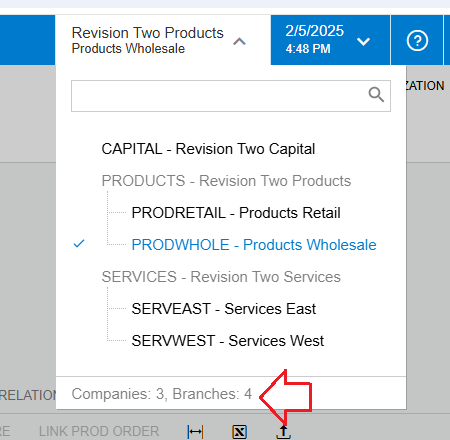
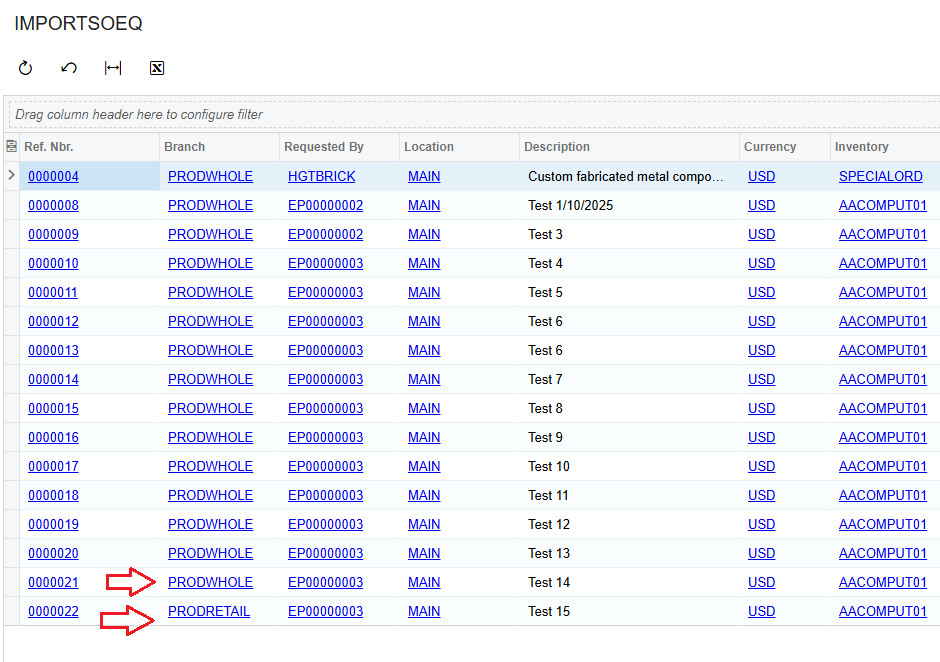
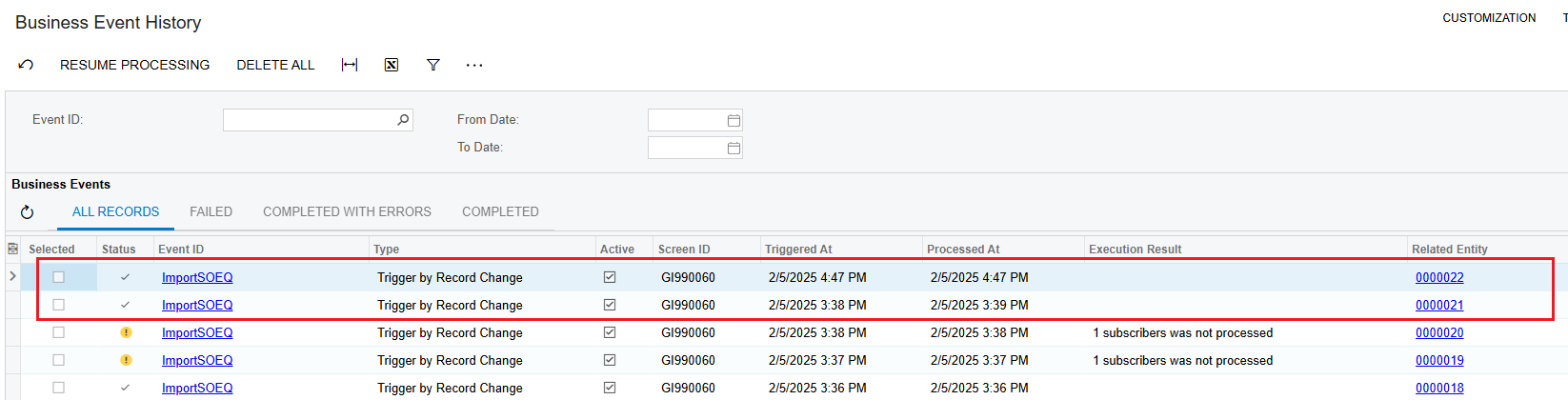
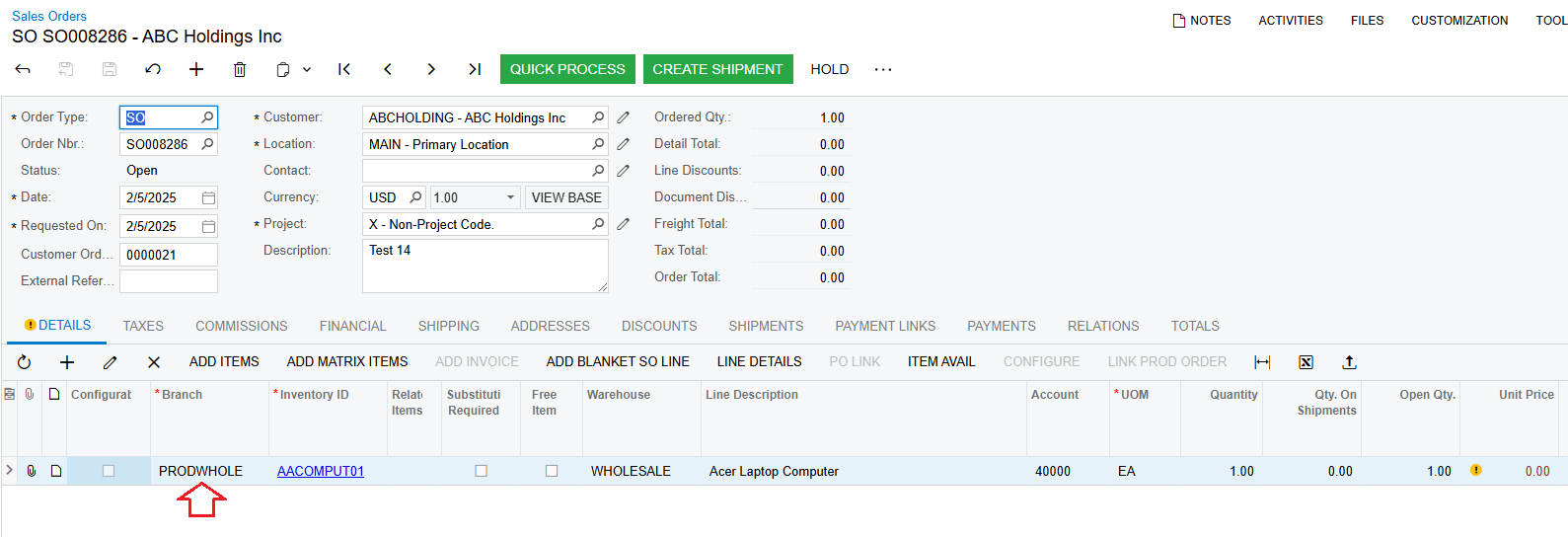
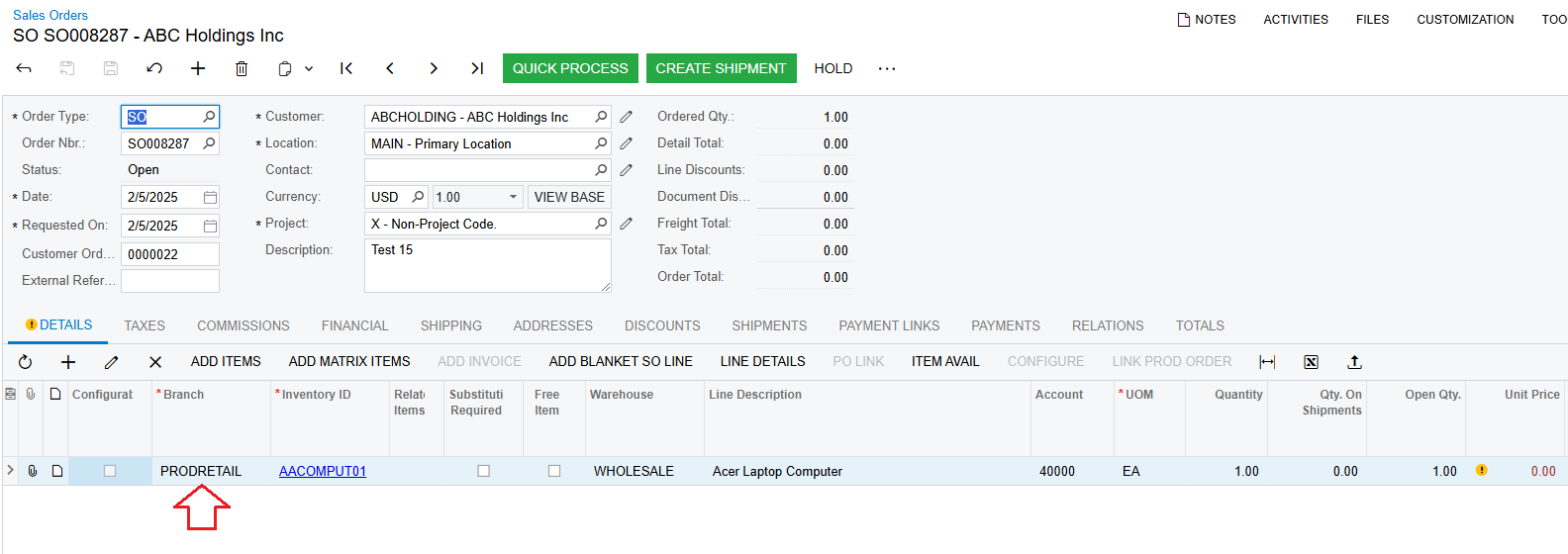
I tested on Acumatica which has 4 Branches. And imported successfully with 2 different Branches.


Best Regards,

NNT


Forum|alt.badge.img
  • Author
  • Jr Varsity II
  • February 5, 2025

Hi ​@hthuy24 

I tested on Acumatica which has 4 Branches. And imported successfully with 2 different Branches.


Best Regards,

NNT

thanks ​@nhatnghetinh , can you share to me your new mapping pls


nhatnghetinh
Captain II
Forum|alt.badge.img+11
  • Captain II
  • Answer
  • February 6, 2025

Hi ​@hthuy24 

Please get the new Import Scenarios in the attached file.


Best Regards,

NNT