Answer

How do I publish an import scenario?

  • August 21, 2025
  • 6 replies
  • 66 views

Forum|alt.badge.img

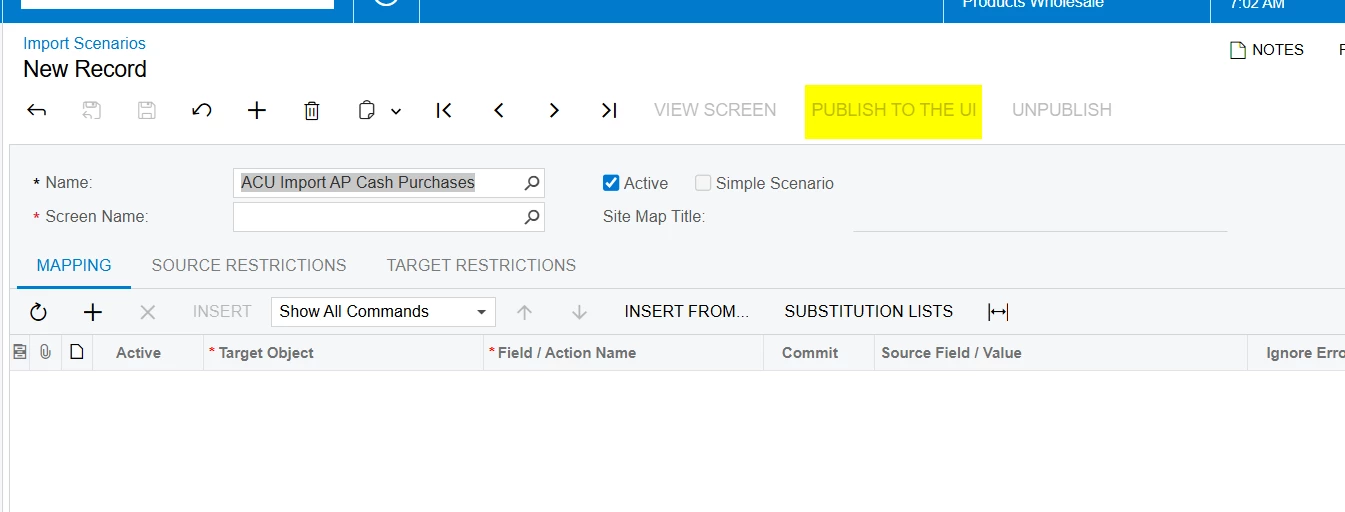
I create an import scenario.  I would like to publish it so that I can add it as a screen in the site map.

I want a dept to be able to use it to upload a new excel file every month from a report. I want to limit them so they can only use that import scenario.

Best answer by mohammadnawaz51

@mohammadnawaz51 

Are you referring this?


6 replies

mohammadnawaz51
Jr Varsity I
Forum|alt.badge.img+4

@eucciferri35 

What do mean by Publish? Have you created the Import scenario in different instance and trying to import to another instance?


mohammadnawaz51
Jr Varsity I
Forum|alt.badge.img+4

@mohammadnawaz51 

Are you referring this?


Manikanta Dhulipudi
Captain II
Forum|alt.badge.img+15

@eucciferri35 

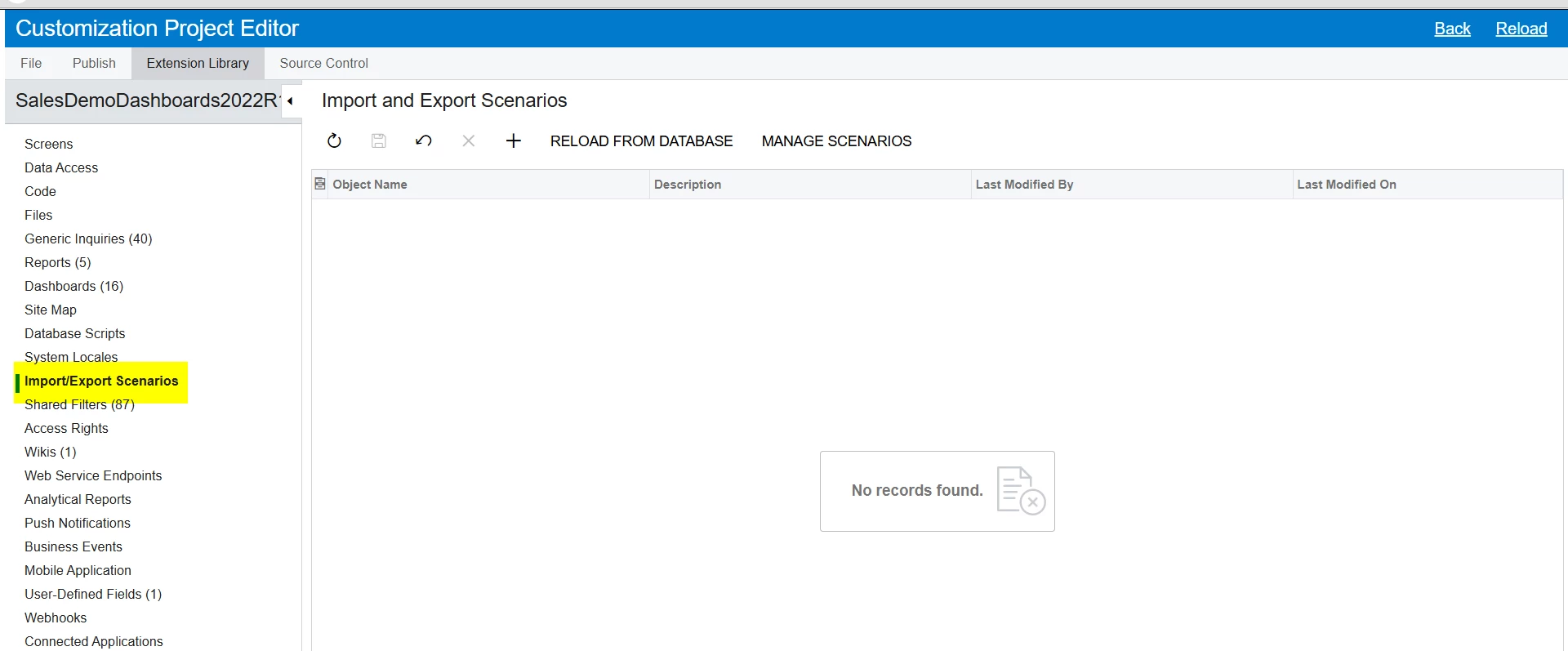
I believe  you can import in a customizations  and Publish it.


Forum|alt.badge.img
  • Author
  • Varsity I
  • August 21, 2025

 I am trying to take an import scenario I created and make it a menu item/ screen so the user can run it on a monthly basis on a excel report. By making it a separate screen I can control permissions.  I want to limit their access so they can only run this one scenario.  I don’t want to allow them to go into the full import scenario menu items. 


mohammadnawaz51
Jr Varsity I
Forum|alt.badge.img+4

@mohammadnawaz51 


Please review above suggestions


Forum|alt.badge.img
  • Author
  • Varsity I
  • August 21, 2025

Thank you I was able to publish as a screen then add it to the site map as a standalone process.