

Answer

Export stock item description tab

  • June 30, 2023
  • 3 replies
  • 232 views

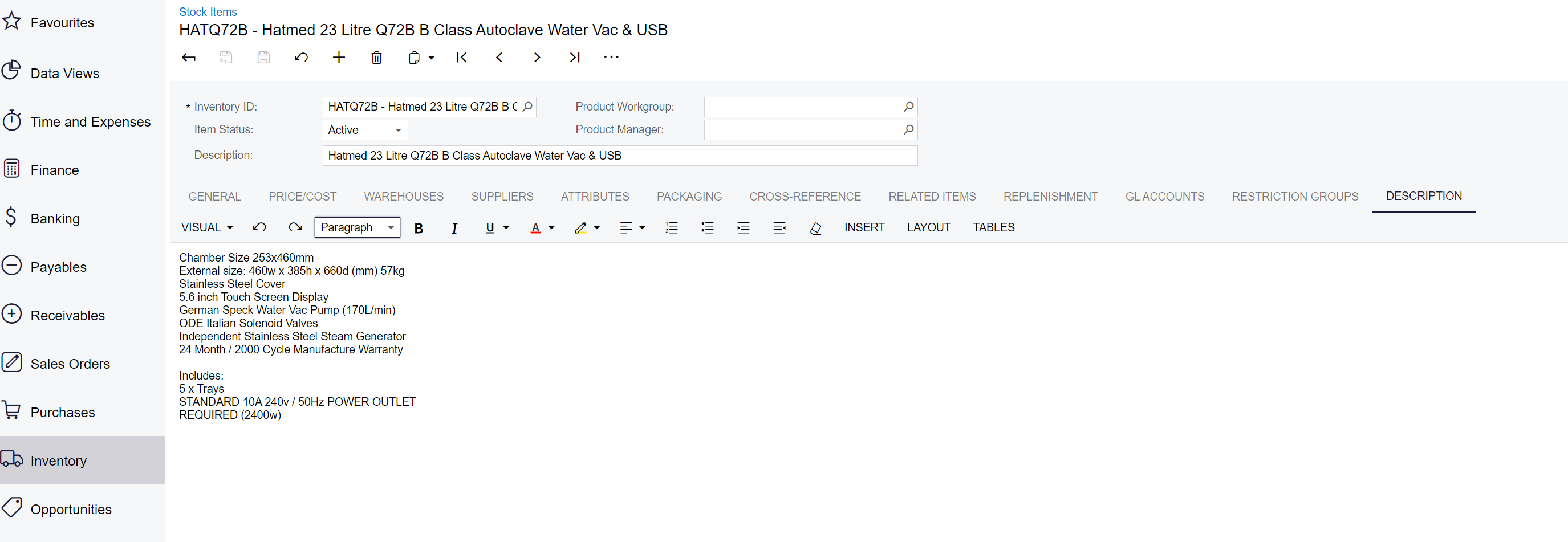
Hi, how do I export all the stock item description tab content for all my stock items that has a description content? Not the item description on top. 


Best answer by Naveen Boga

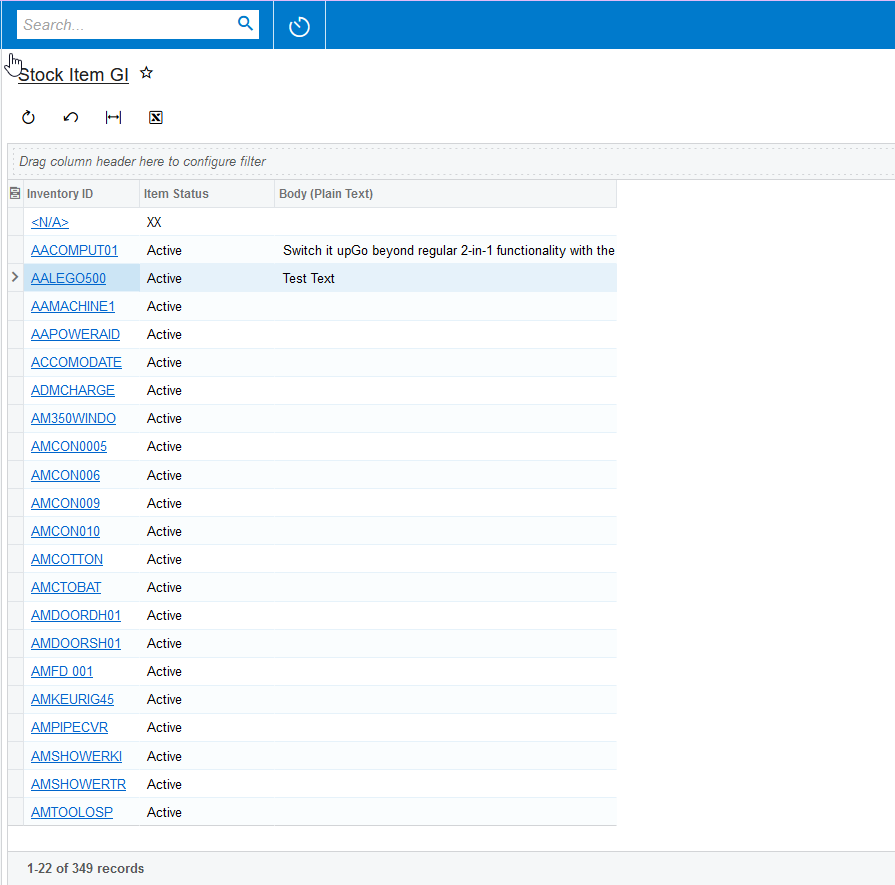
Hi @ematt  There is no direct way of doing this. We need to convert HTML text to normal text. I just created a package and included the GI i.e. Stock Item GI, which will display the normal text.


Please deploy this package in your instance and export the DESCRIPTION using the Stock Item GI.


3 replies

Naveen Boga
Captain II
Forum|alt.badge.img+19
  • Captain II
  • Answer
  • June 30, 2023

Hi @ematt  There is no direct way of doing this. We need to convert HTML text to normal text. I just created a package and included the GI i.e. Stock Item GI, which will display the normal text.


Please deploy this package in your instance and export the DESCRIPTION using the Stock Item GI.


  • Freshman I
  • September 30, 2024

It appears that this package does not work any longer. I tested publishing it in a 2024R1 test instance today, but the screen that is included in the package is GL404000, and no there are no changes to the body field of the inventory item after publishing.


  • Freshman I
  • September 30, 2024

@Naveen Boga Just pinging in the event you could review my previous reply on this. Thanks.

