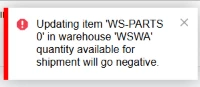
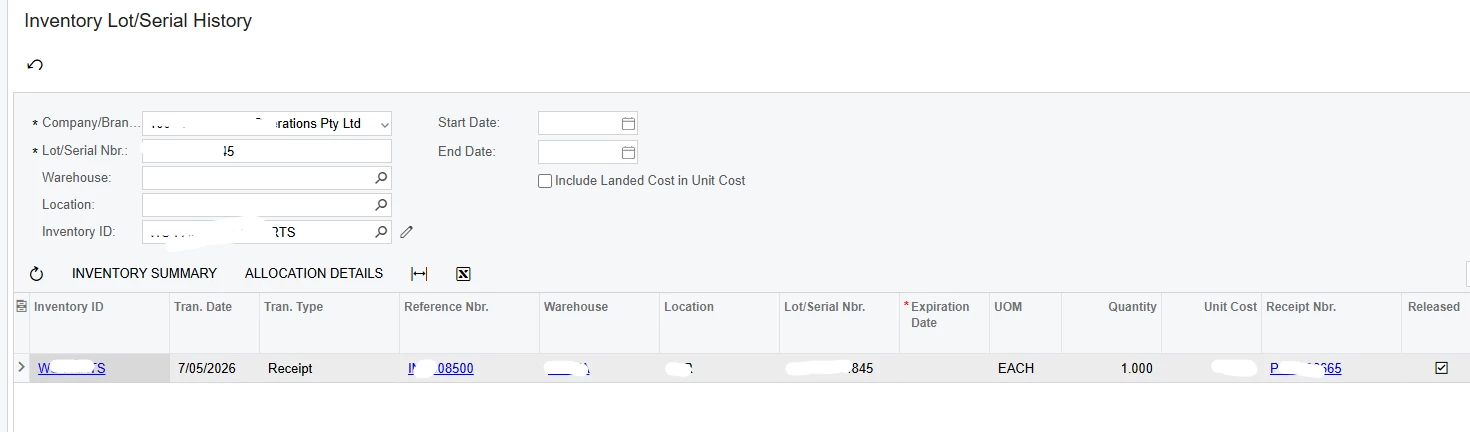
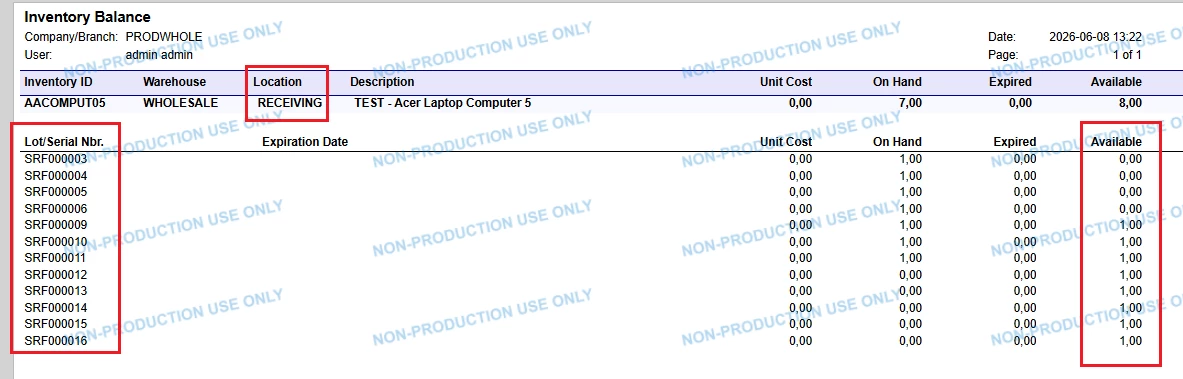
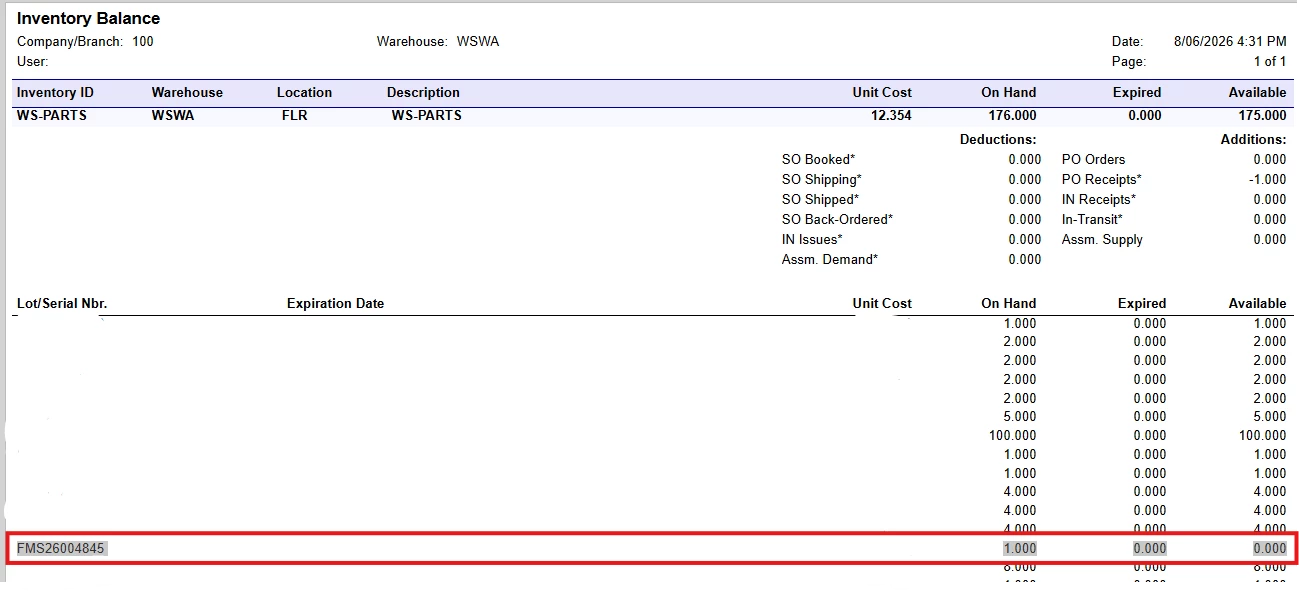
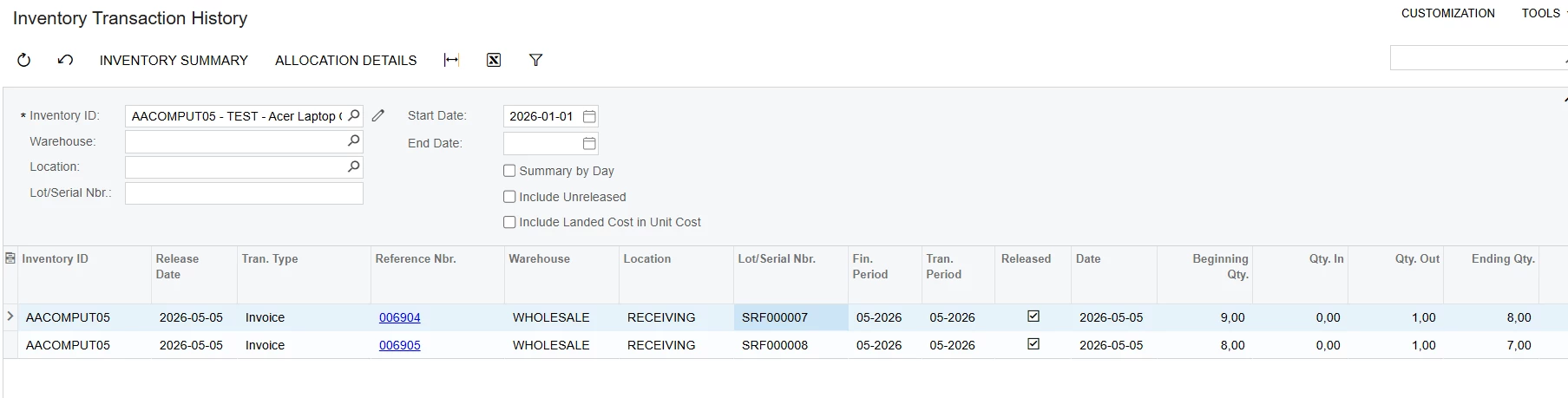
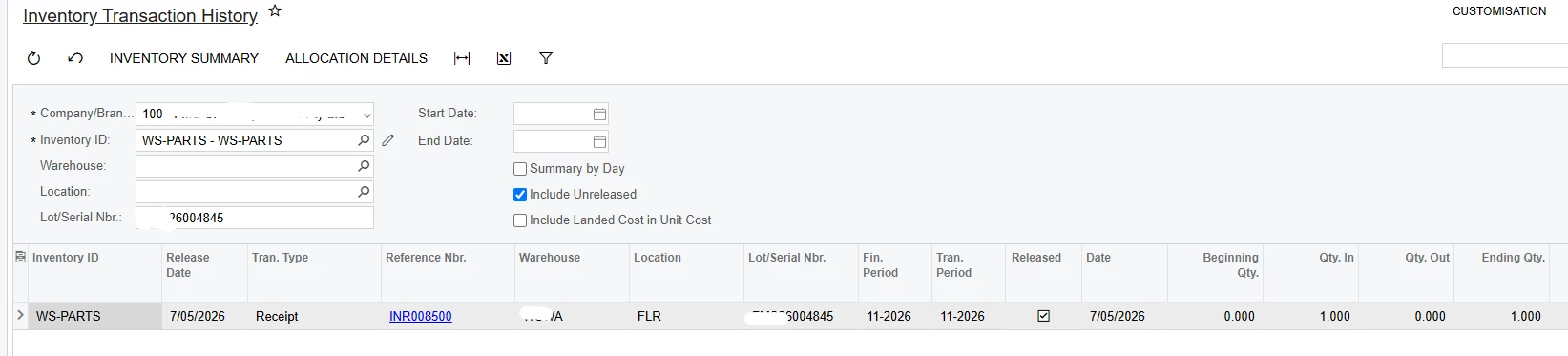
Any idea about this error when creating a Purchase Return from a Purchase Receipt and how do I resolve this? Item is serialized, so I ran Inventory Lot/Serial History and don’t see the item going out of warehouse location. See snippet below with only one transaction happened in that serial number.
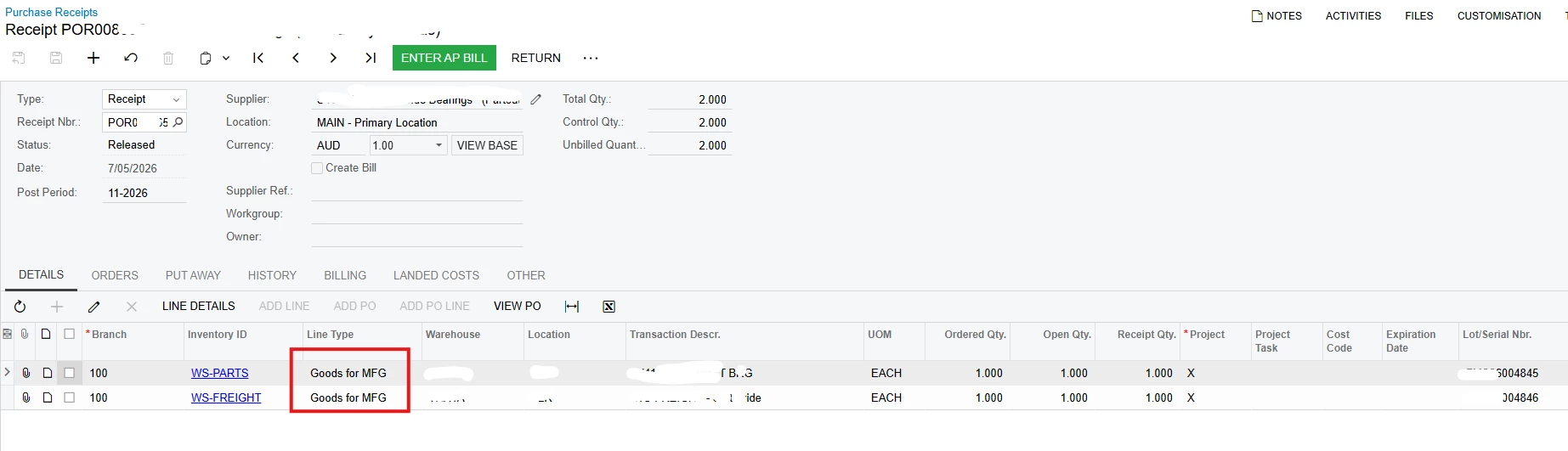
This is the POR with Line Type ‘Goods for MFG’ but when I tick each line and create a return, line type is ‘Goods for IN’ and unable to change.
Best answer by MarkD
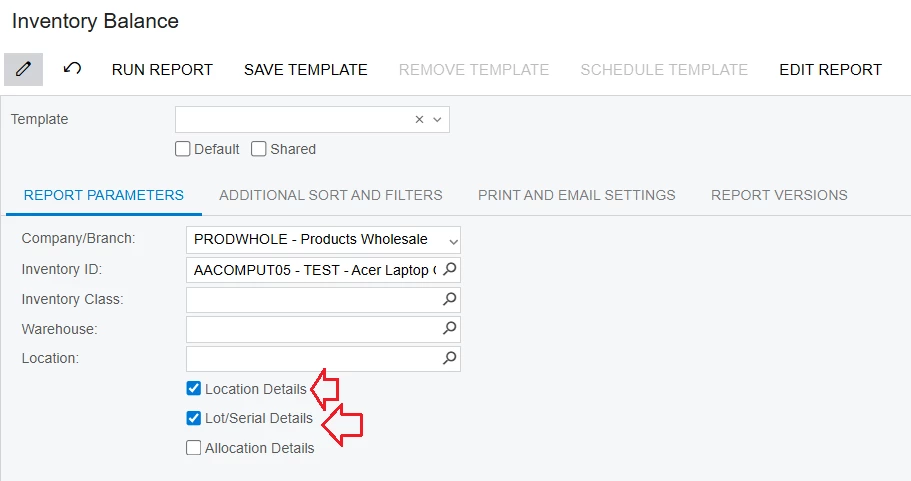
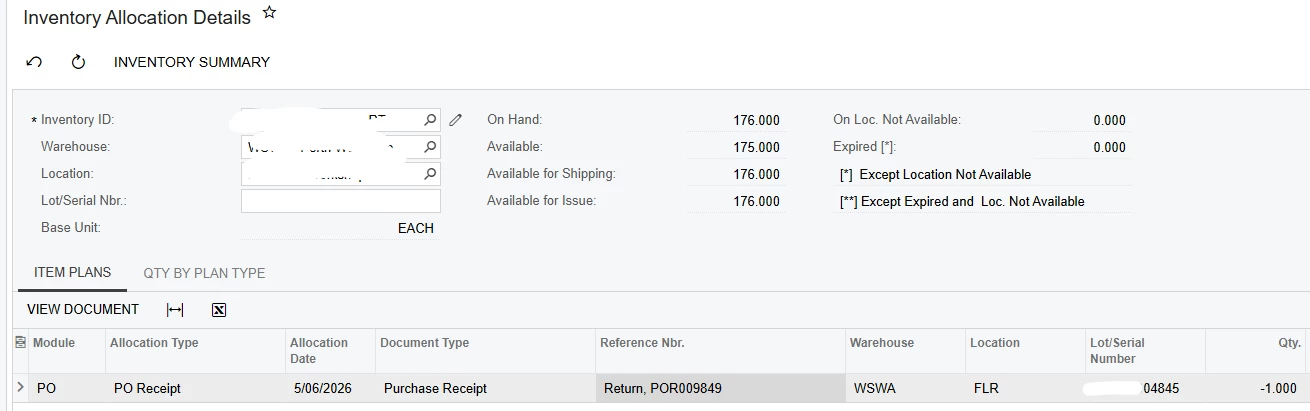
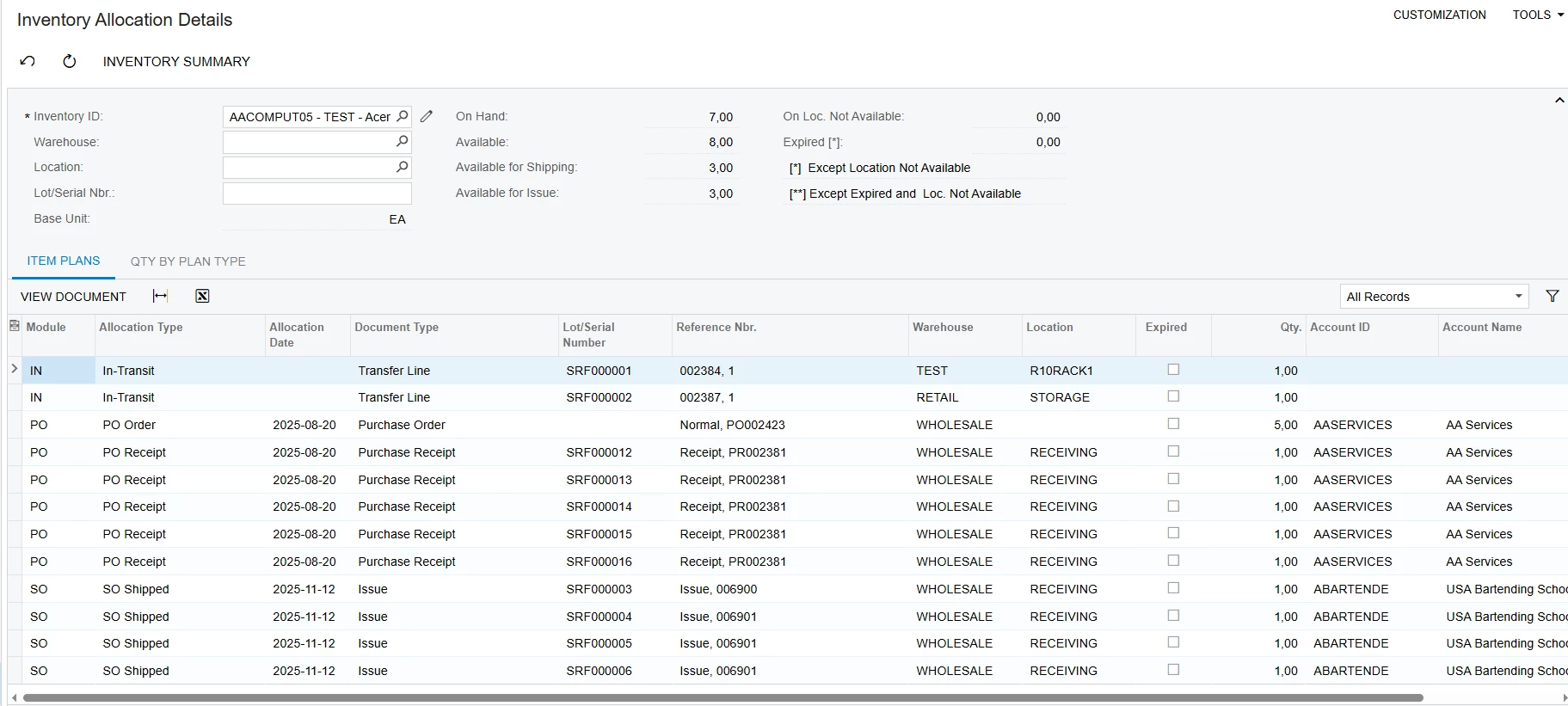
I found the issue and it was due to item being allocated to a production order. I removed the ‘Location’ filter in Inventory Allocation Details screen and it showed that it’s allocated to the production order. Thanks for your inputs 😊
Hi @nhatnghetinh - Inventory Allocation details was sent prior to your response. Below is a screenshot of Inventory Transaction history. I’ve checked all these reports already and they don’t make sense. Item hasn’t been issued out yet based on those reports. I don’t know if it helps you provide me an answer, but the Purchase Receipt that I was trying to return has a ‘Goods for MFG’ line type.
Hi @Laura03 - I did, but got the same error. Allowing negative stock is a workaround, but I wouldn’t do that. I’ve raised a ticket already as it could be potential system glitch unless you have another idea 😊
I found the issue and it was due to item being allocated to a production order. I removed the ‘Location’ filter in Inventory Allocation Details screen and it showed that it’s allocated to the production order. Thanks for your inputs 😊
The most likely cause is that the serialized item’s receipt transaction is not being recognized as available for return, even though the serial history shows the original receipt.
I would check these first:
Verify the serial number’s current warehouse/location — confirm it is still available in the same location as the Purchase Receipt.
Check the serial status — make sure it is not already issued, transferred, consumed, or associated with another transaction.
Review the Purchase Receipt line — confirm the serial number is correctly linked to the receipt and inventory transaction.
Check for inventory synchronization issues — if the serial history shows only the receipt but the return still fails, the inventory/serial balance may be inconsistent.
Rebuild/recalculate inventory balances if your ERP provides that utility, then retry the Purchase Return.
Since the serial history shows only one transaction, I would suspect a serial/inventory balance mismatch or incorrect warehouse/location assignment rather than the Purchase Return itself.