I have uploaded Assets and they have been depreciated using Tax Type “Book”. however now the client would like to calculate “Tax” (i.e. no posting) as well. I don’t seem to be able to add another Book in the Balance section against the Asset.
How do I add this please?
Regards,
Laura
Best answer by vkumar
Hi @lauracastagna
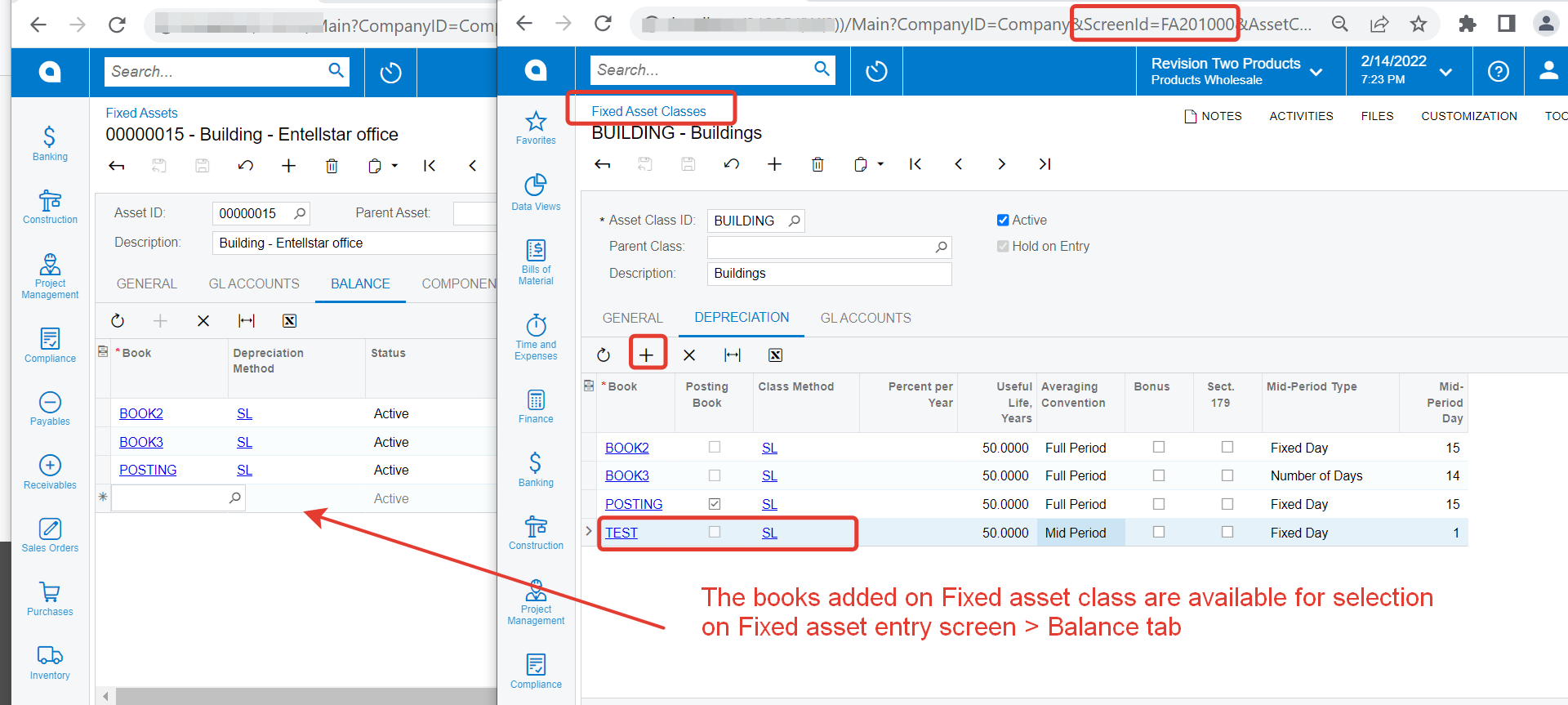
Add the Book to the Fixed asset class to which the asset you are trying to modify belongs to. One can select the Books on Fixed asset entry screen > Balance tab, if they are added on Fixed asset class >Depreciation tab first.
Add the Book to the Fixed asset class to which the asset you are trying to modify belongs to. One can select the Books on Fixed asset entry screen > Balance tab, if they are added on Fixed asset class >Depreciation tab first.
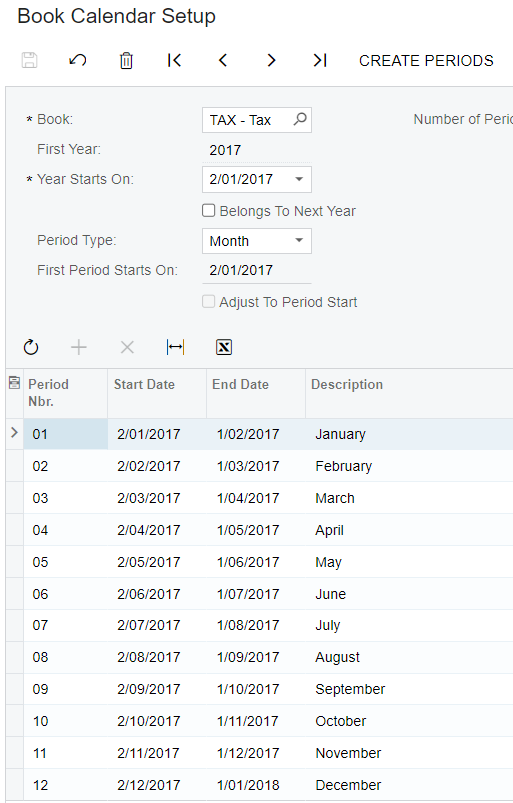
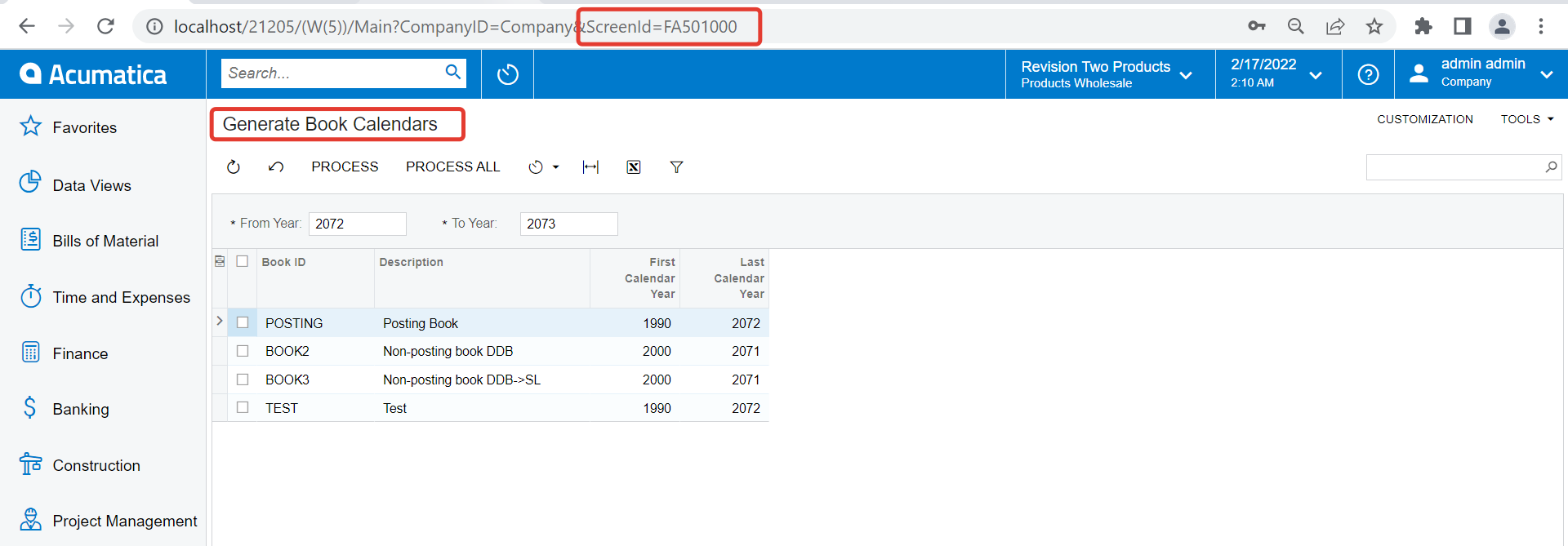
I am unable to create more than one year for Periods in the “Book Calendar Setup”. When I save and select another year and create the periods it removes the previous periods created.