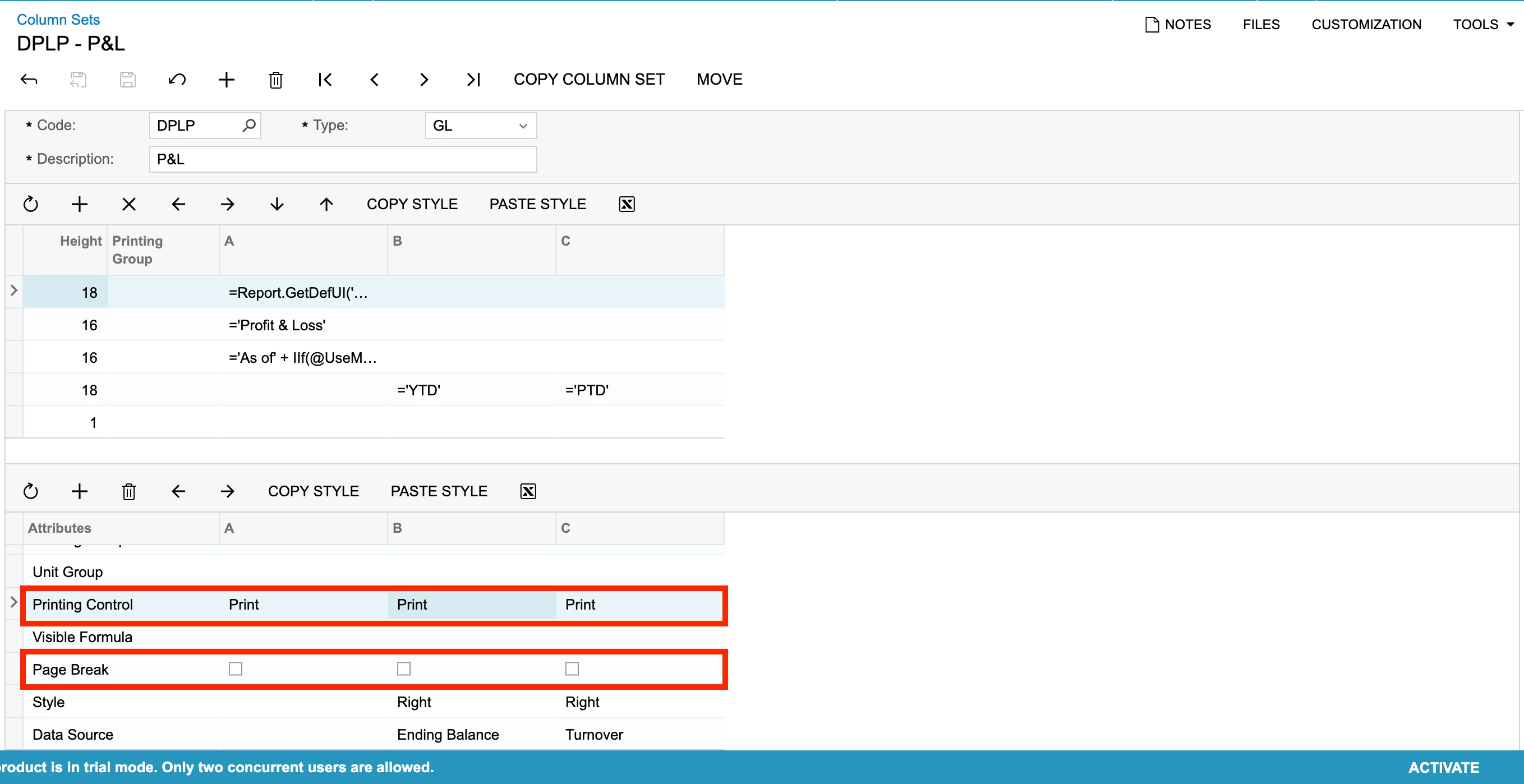
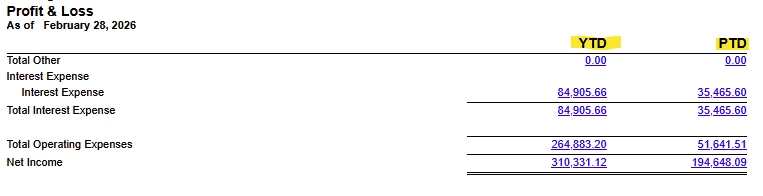
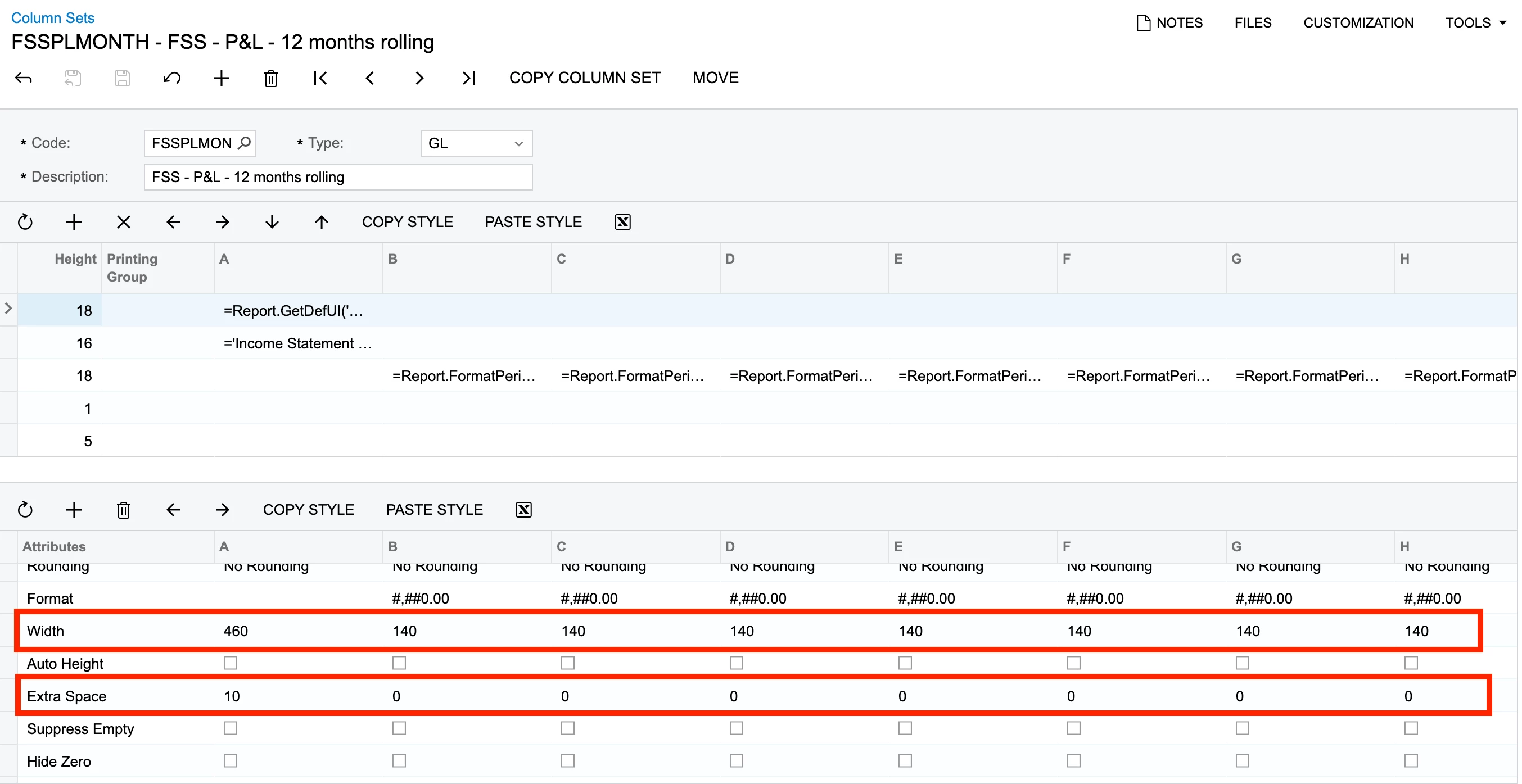
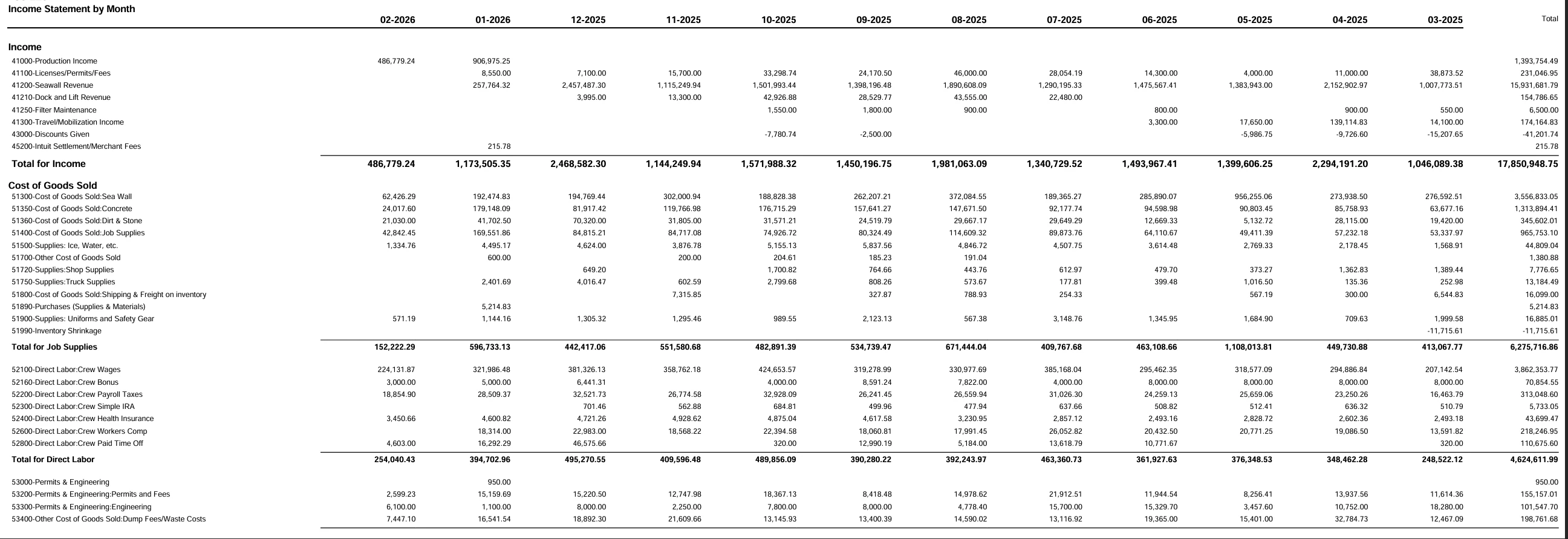
I have created a 12-Month Profit and Loss Report and I want the columns to print on each page of the report.
- Page 1 (Descriptions and months 1-6)
- Page 2 (Descriptions and months 7-12)
I have to be missing something. Any help would be appreciated.



I have created a 12-Month Profit and Loss Report and I want the columns to print on each page of the report.
I have to be missing something. Any help would be appreciated.
Best answer by Ehren_Dimitry
Hi all,
I was able to get it to work properly. I added a 2nd description column after the 6th month with the 6th month having the Page Break checked. I also ensured there was a column header on both the description columns. This setup now works.
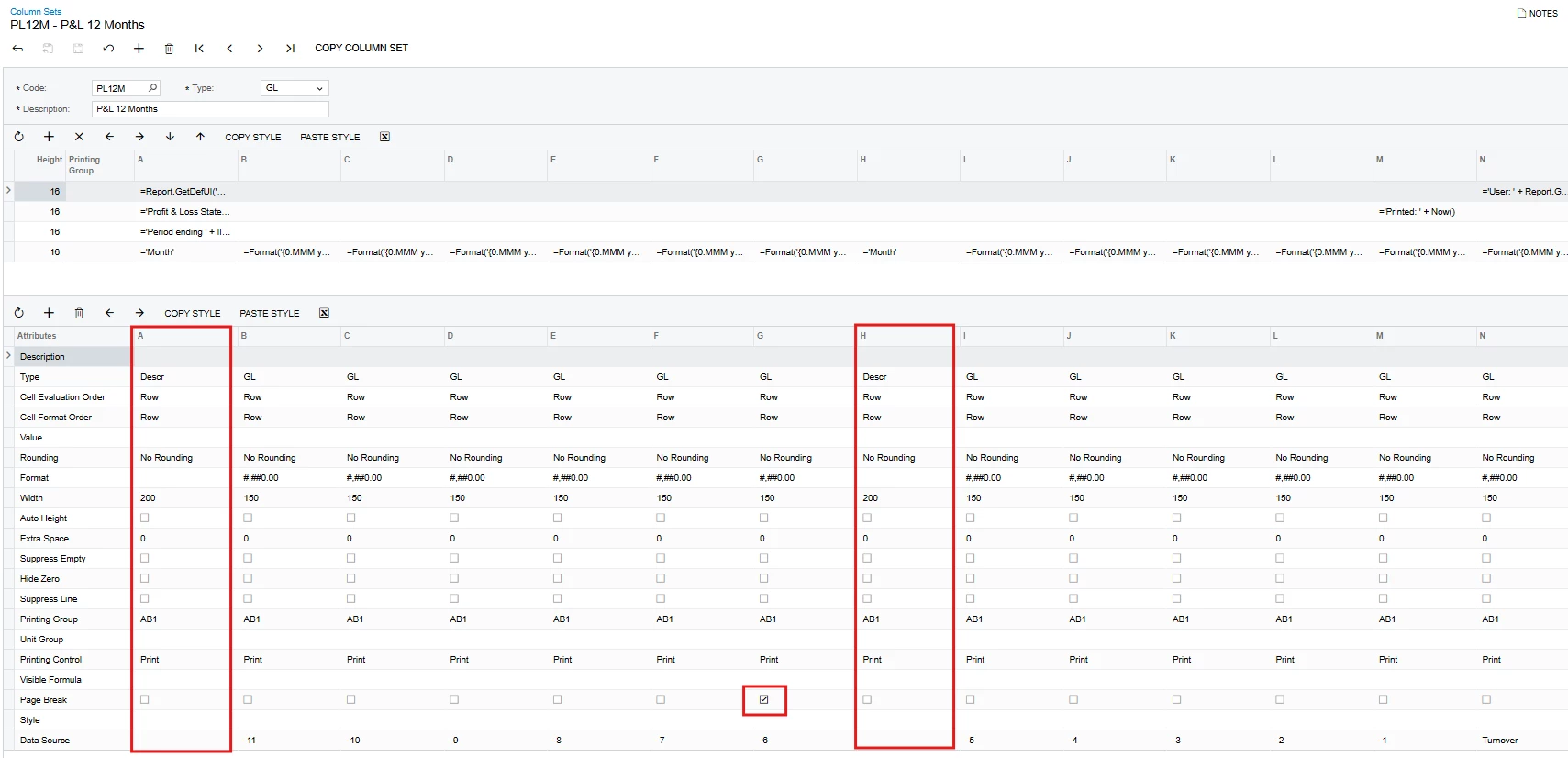
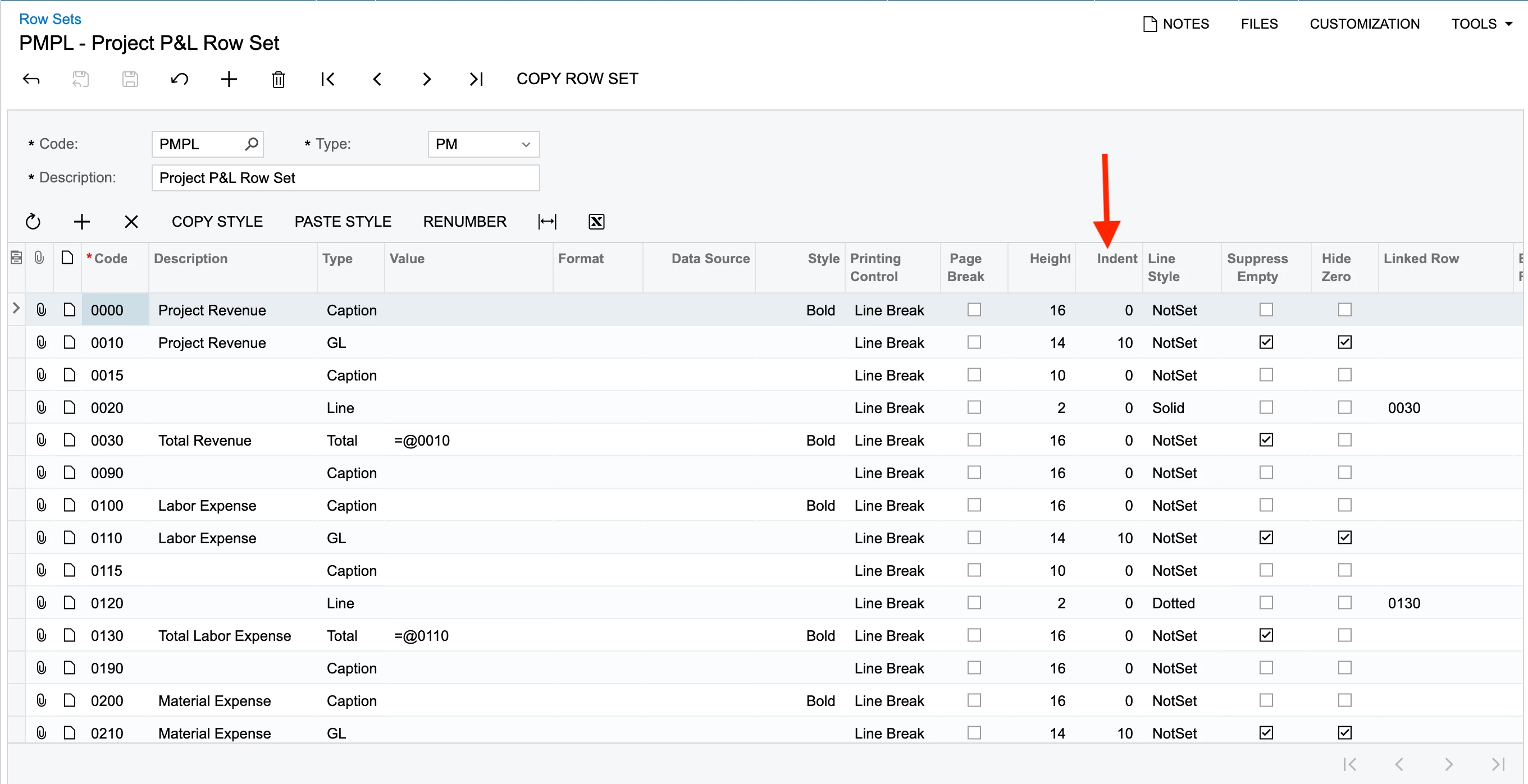
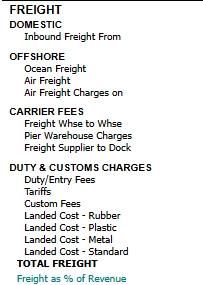
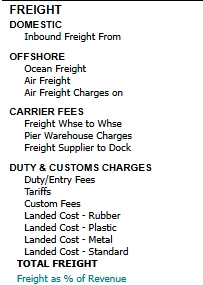
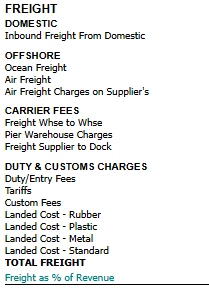
The only issue I am having is the description formatting on page 1 respects the Row Set indentation paraments where page 2 does not. My OCD is kicking in… 😁
Enter your E-mail address. We'll send you an e-mail with instructions to reset your password.