Solved

Problem in Cash Account

  • May 23, 2021
  • 9 replies
  • 756 views
  • Translate All

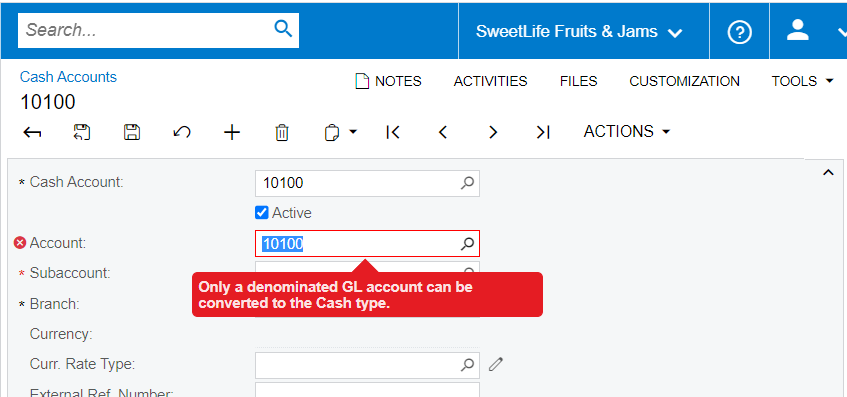
 I defined 10100 in Chart of Accounts and try to add it as Cash Account. But after that above error popes up and can someone explain how can I overcome this?


Thank you in Advance.

Best answer by Olga Anisimovich

@kavindaj24 

You need to specify the currency of the account on the Chart of Accounts (GL202500) form.

View original

9 replies

Olga Anisimovich
Acumatica Moderator
Forum|alt.badge.img+1

@kavindaj24 

You need to specify the currency of the account on the Chart of Accounts (GL202500) form.

Translate

  • Author
  • Freshman I
  • May 23, 2021

This solved my problem.  Thank you very much for the quick help.

Translate

Forum|alt.badge.img

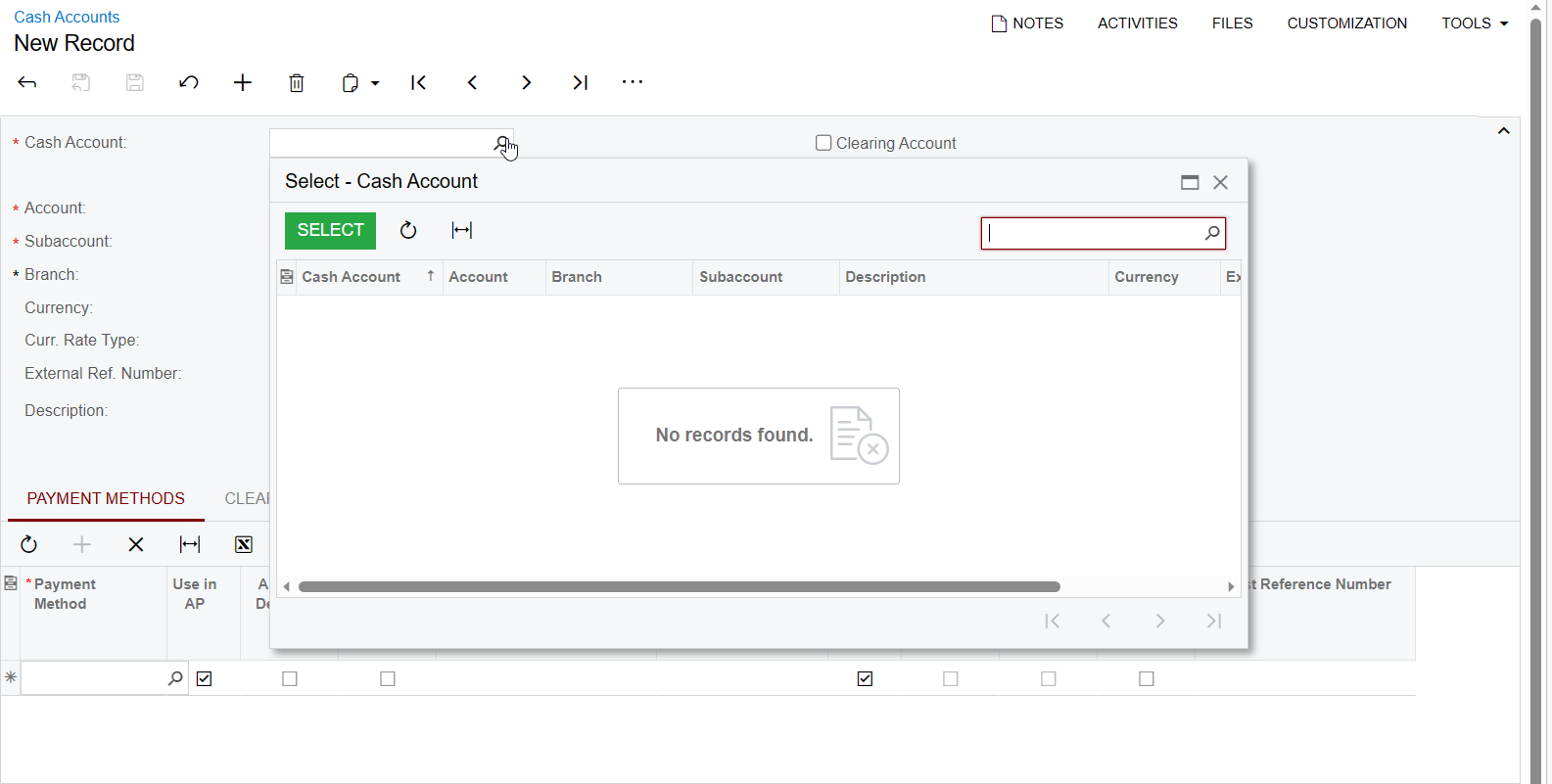
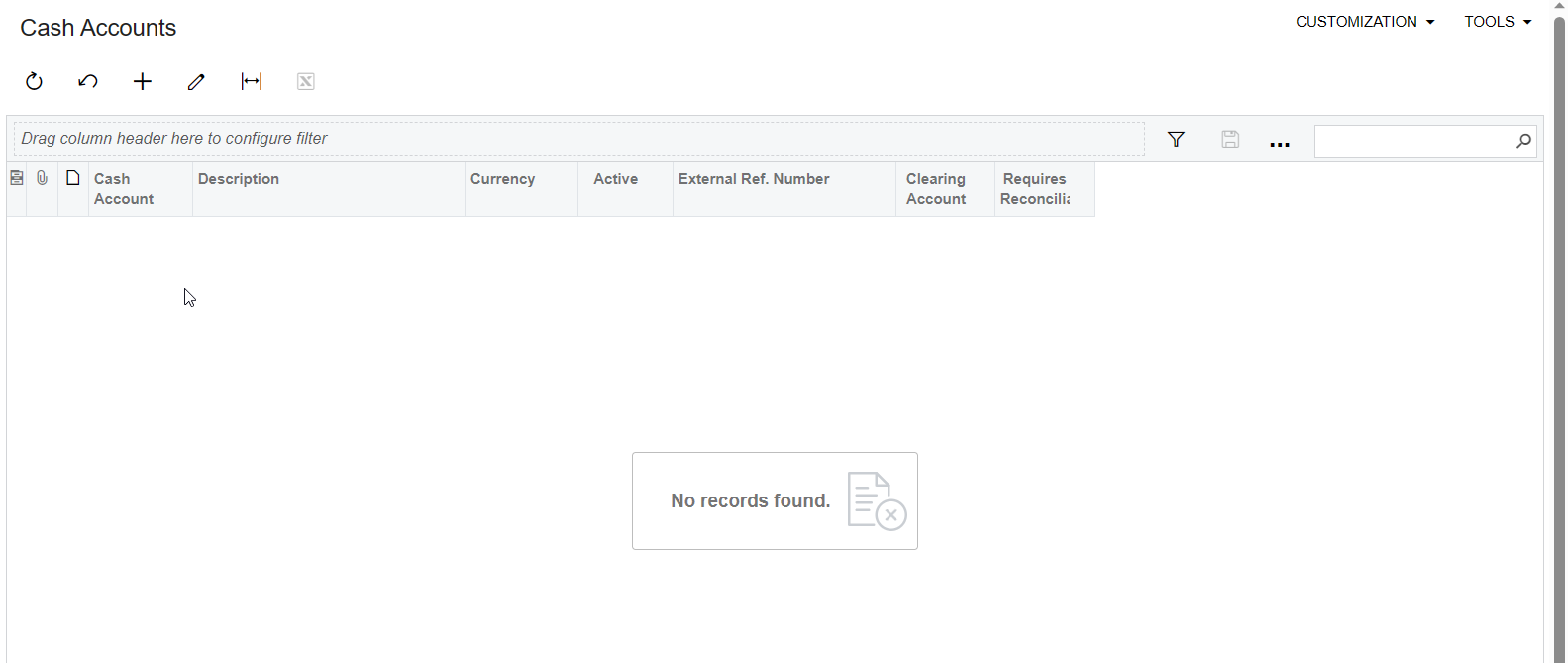
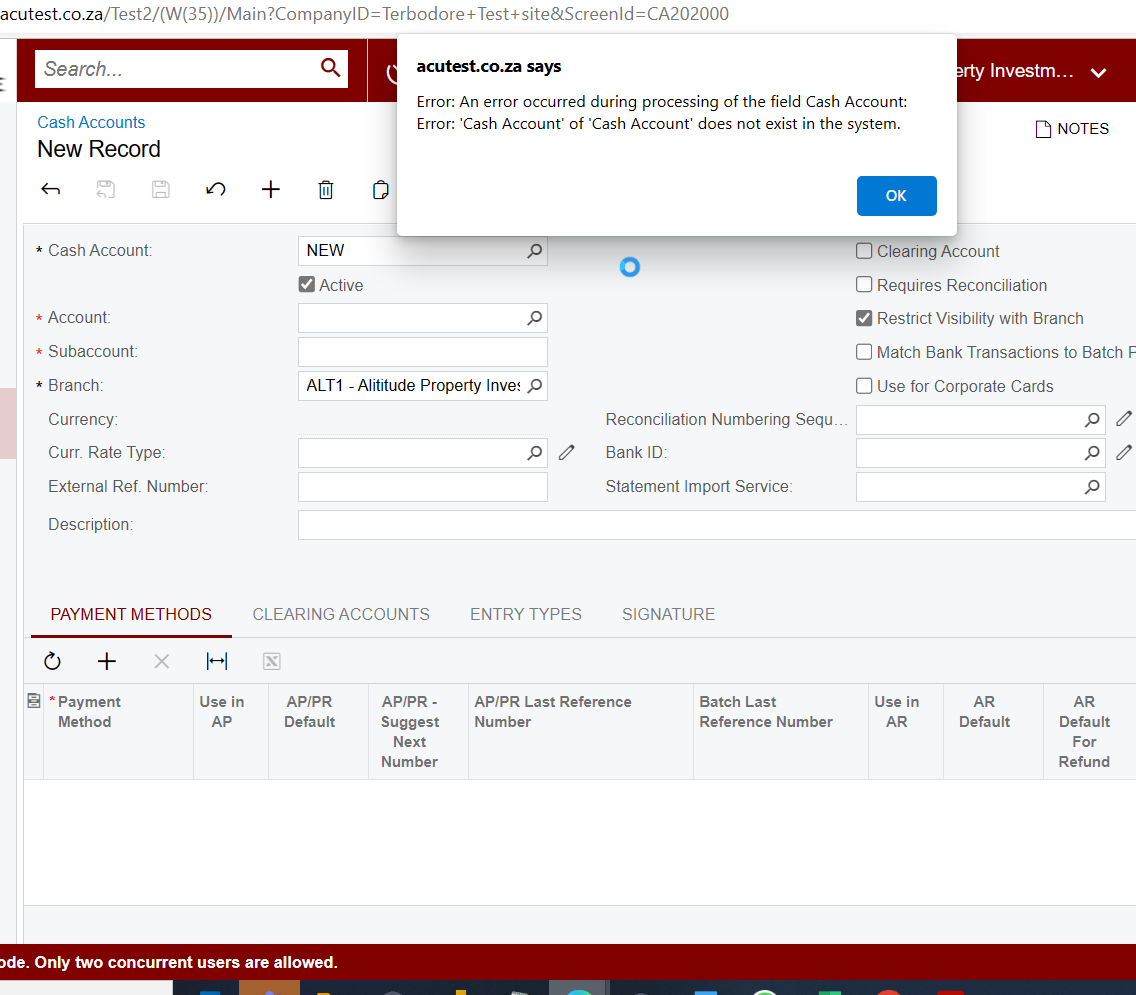
I am having a similar problem. I am trying to create a new cash account but I am getting this error. I am creating a new cash account but I  get this error. As you can see there are no cash accounts appearing. What could be the reason?


Translate

nshah90
Jr Varsity III
Forum|alt.badge.img
  • Jr Varsity III
  • April 25, 2023

Hi-

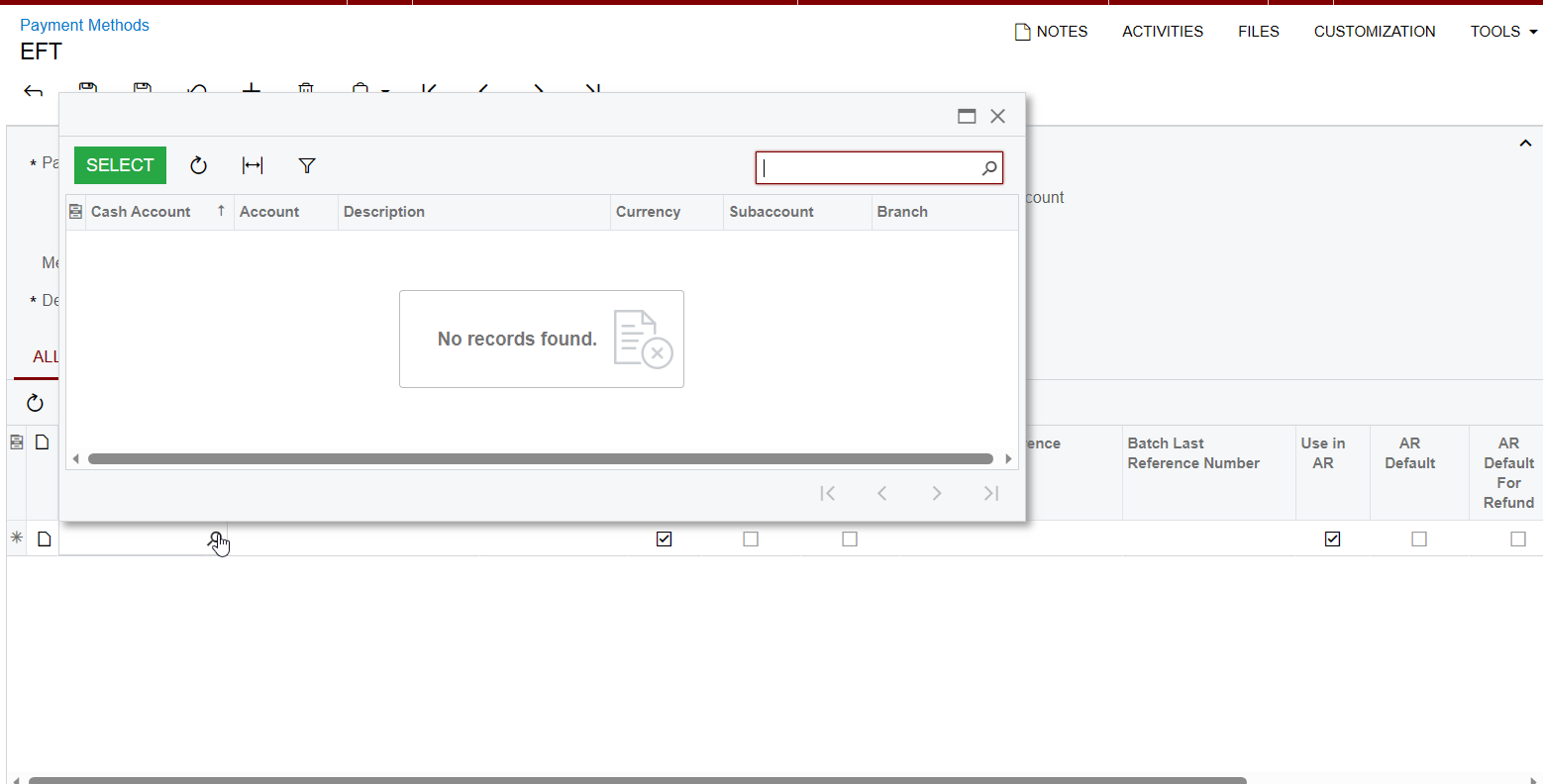
Did you update the AR or AP usage on the payment method that is assigned to the cash accounts yet?  


Thanks,

Nirav Shah

Translate

Forum|alt.badge.img

The issue I am having is that the cash account do not appear at all. I have not set anything on the payment methods. I only added more payment methods to the ones that come standard with Acumatica. My issue is why the cash accounts are not appearing even though they are in the chart of account...


Translate

nshah90
Jr Varsity III
Forum|alt.badge.img
  • Jr Varsity III
  • April 25, 2023

Did you create your cash accounts yet?


Then system will show the cash accounts and you can select the payment methods against each cash account record.  

Translate

Forum|alt.badge.img

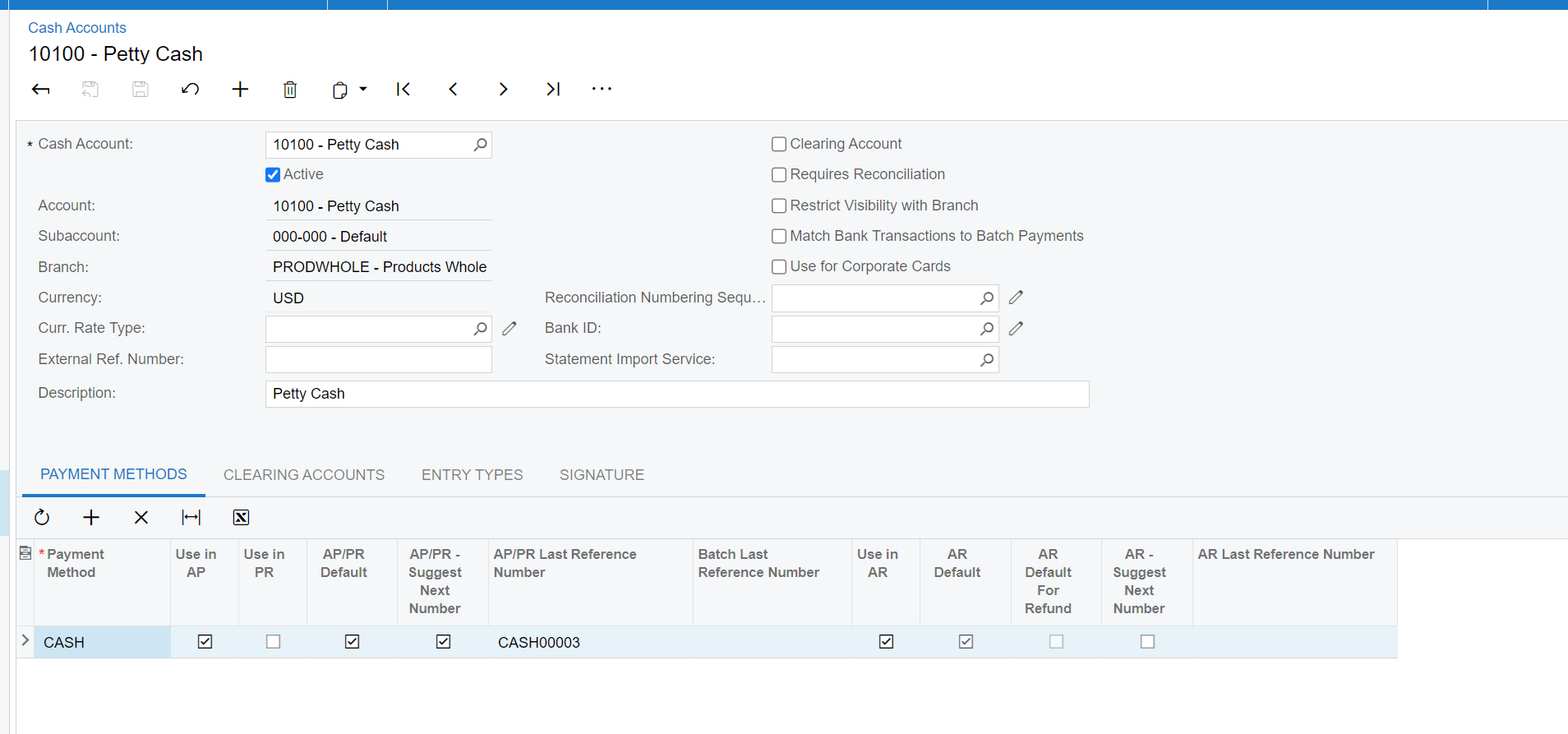
This is the error I get when I try to add a new cash account


Translate

nshah90
Jr Varsity III
Forum|alt.badge.img
  • Jr Varsity III
  • April 25, 2023

Just to clarify, when you open the “accounts” field is when you are getting this error?

Translate

Forum|alt.badge.img

No, when I enter the account in the “Cash Account” Field

Translate