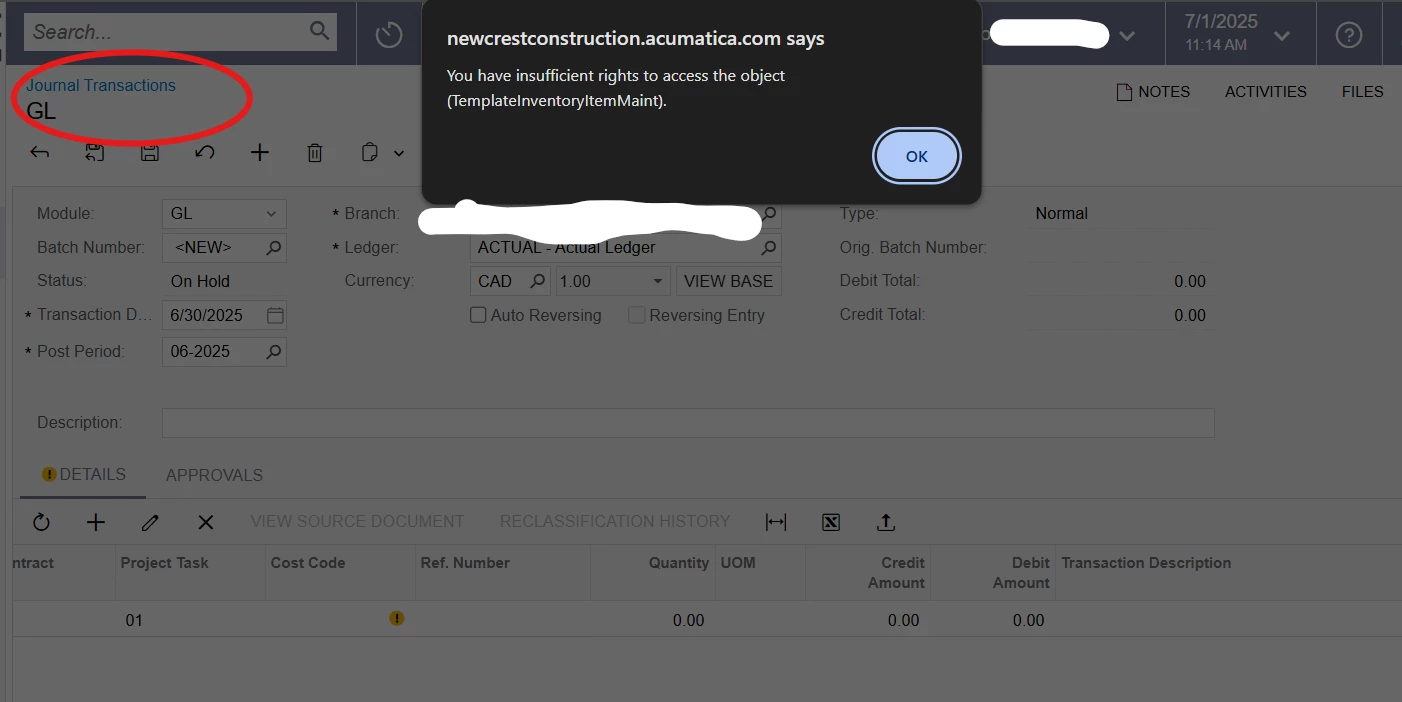
I am getting this error when I try to select an inventory item in journal transaction entries.
Never got it before; I am the administrator so makes no sense, and I cannot address on own. Cannot accrue and have Inventory IDs listed on accrual entries and therefore cannot bill (again…) the xxxx project until this is corrected.
Please advise.
Best answer by JohnMichels
@aha @gowrishankarsk32 My understanding is the Item ID field is NOT accessible on a GL Journal Entry. If this were the case, an inventory transaction would have to take place on release of the JE. The Inventory ID field is there as JE are created from sub-ledger transaction (IN transactions, for example).
@aha @gowrishankarsk32 My understanding is the Item ID field is NOT accessible on a GL Journal Entry. If this were the case, an inventory transaction would have to take place on release of the JE. The Inventory ID field is there as JE are created from sub-ledger transaction (IN transactions, for example).