Answer

Invoice Exchange Rate Container element

  • August 7, 2025
  • 3 replies
  • 24 views

Forum|alt.badge.img

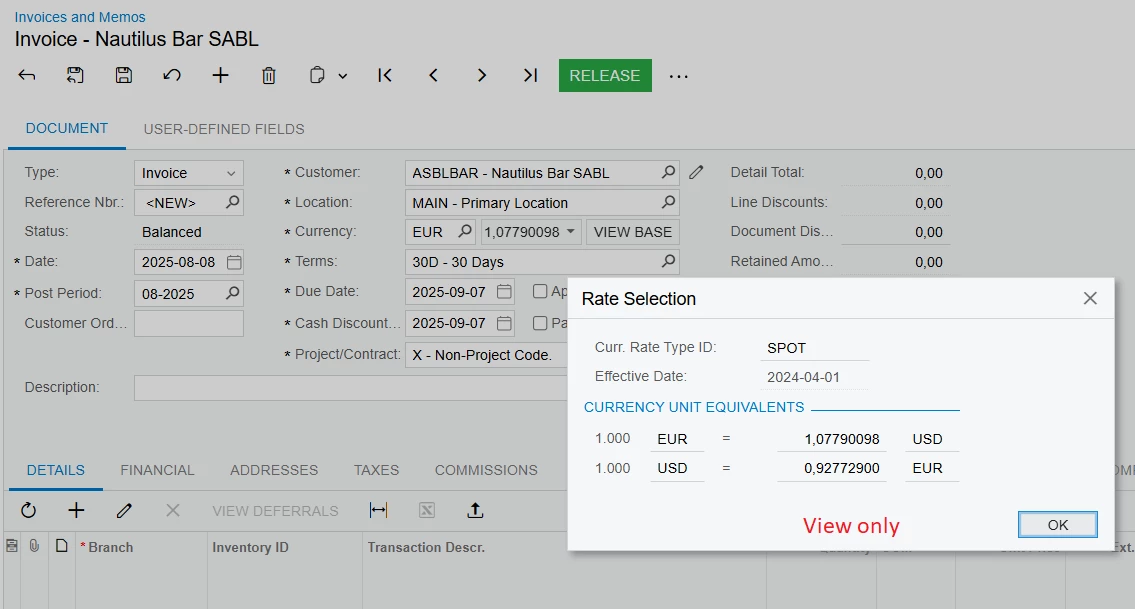
I would like to prevent users from changing exchange rates on AR invoices and credit memos.  What is the name of the container element that needs to be made view-only?  I’m talking specifically about this widget, they can open it but not change anything:



I can’t find a container element using the word “exchange” or “rate”.  Any help would be appreciated!
Best answer by nhatnghetinh

Hi ​@MarciaW 

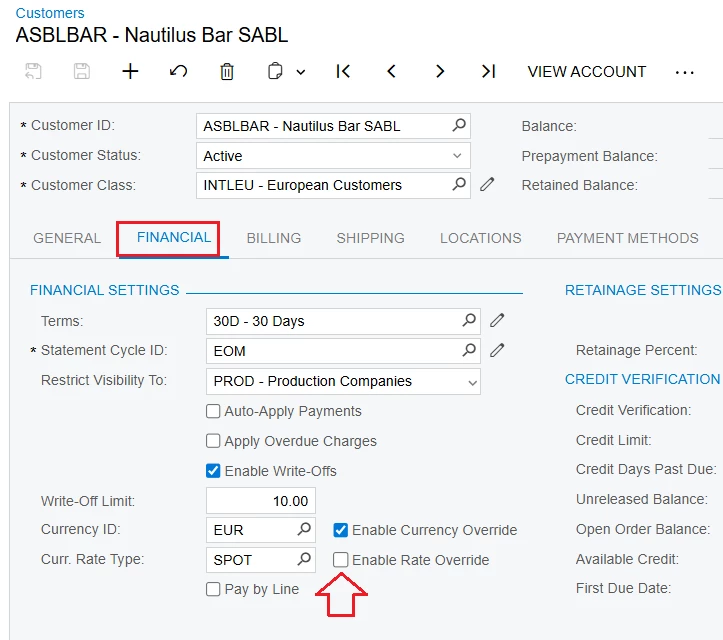
At screen Customers > FINANCIAL tab > Curr. Rate Type: Uncheck "Enable Rate Override"


Then you create Access Rights to assign permissions to the "Enable Rate Override" field for Users to be allowed to check "Enable Rate Override" or just view-only.


Best Regards,

NNT

3 replies

Forum|alt.badge.img
  • Author
  • Varsity III
  • August 8, 2025

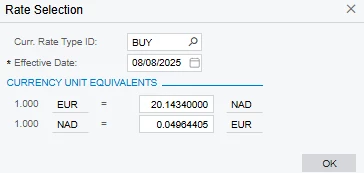
Actually, I want to add to this.  When the user clicks on the exchange rate, a pop up screen appears.  It’s this pop up screen that I would like to make view only based on roles:


nhatnghetinh
Captain II
Forum|alt.badge.img+11
  • Captain II
  • Answer
  • August 8, 2025

Hi ​@MarciaW 

At screen Customers > FINANCIAL tab > Curr. Rate Type: Uncheck "Enable Rate Override"


Then you create Access Rights to assign permissions to the "Enable Rate Override" field for Users to be allowed to check "Enable Rate Override" or just view-only.


Best Regards,

NNT


Forum|alt.badge.img
  • Author
  • Varsity III
  • August 8, 2025

Thank you ​@nhatnghetinh!  I don’t know why I didn’t think of this :-)