Introducing Acumatica Cloud ERP: 2026R2
Hi @mohana03
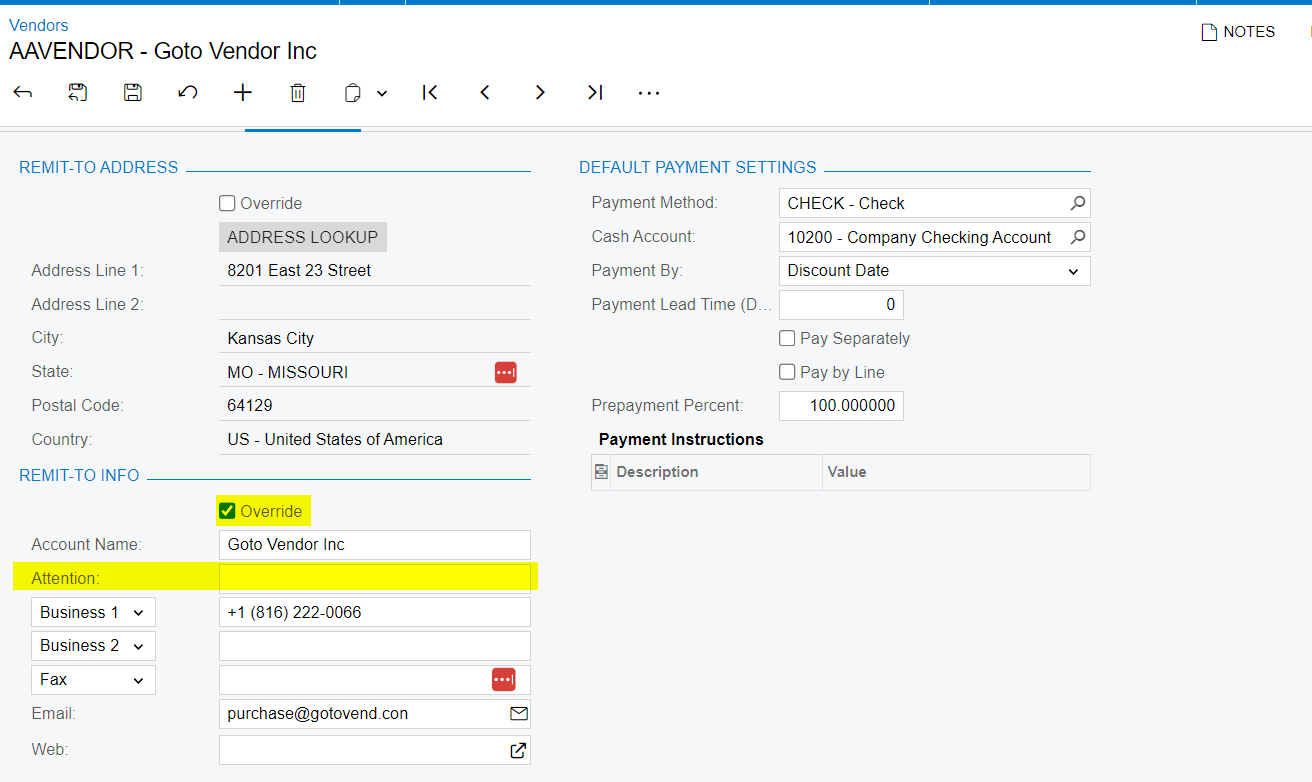
Please use the ‘ Override “ checkbox and update the attention field
Thank you
ManikantaD
Hi @manikantad18
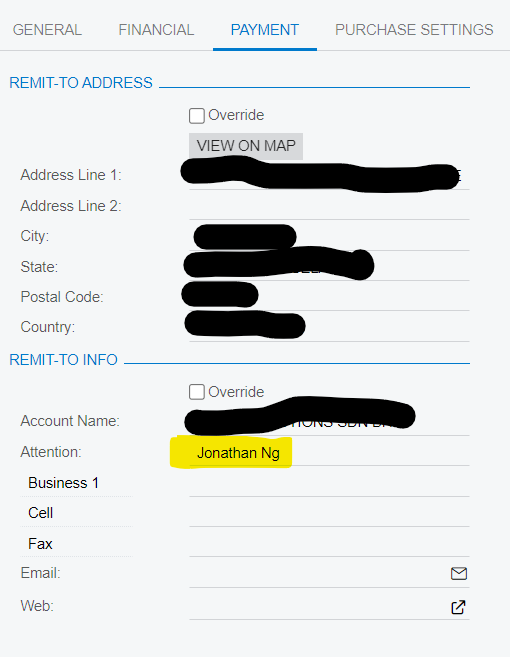
the override is only for a temporary update. i want to know how to permanently up date to james instead of jonathan. this is jonathan is no more serving in the company.
so the default attention will be james instead of jonathan
thank you,
@mohana03
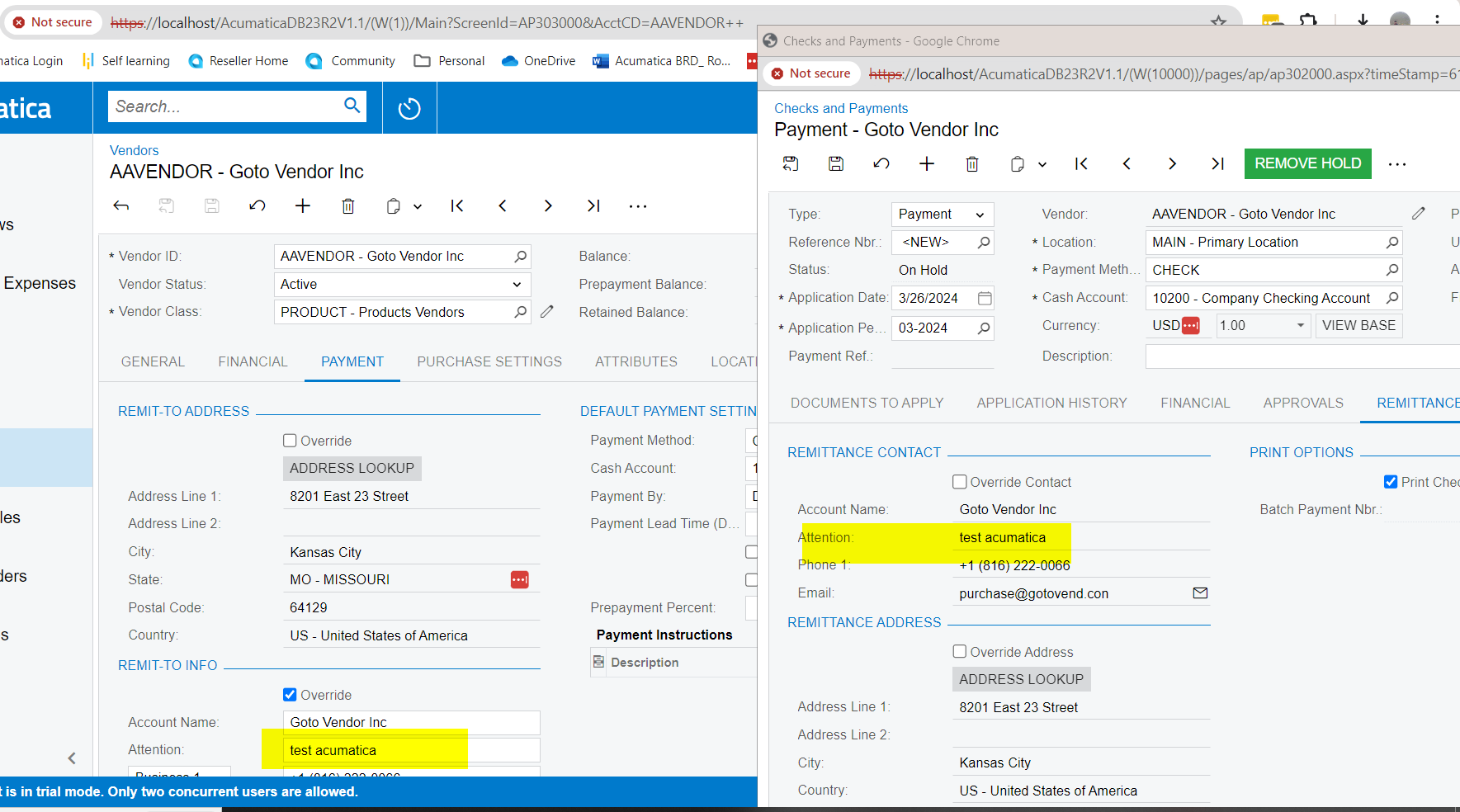
I have successfully updated the attention field in the vendor screen and generated a new check payment, which is reflecting as expected.
Hello @mohana03 ,
@manikantad18 is correct, Override address field is permanent, unless/until a User un-checks the Over-ride box.
Laura
Already have an account? Login
Enter your E-mail address. We'll send you an e-mail with instructions to reset your password.