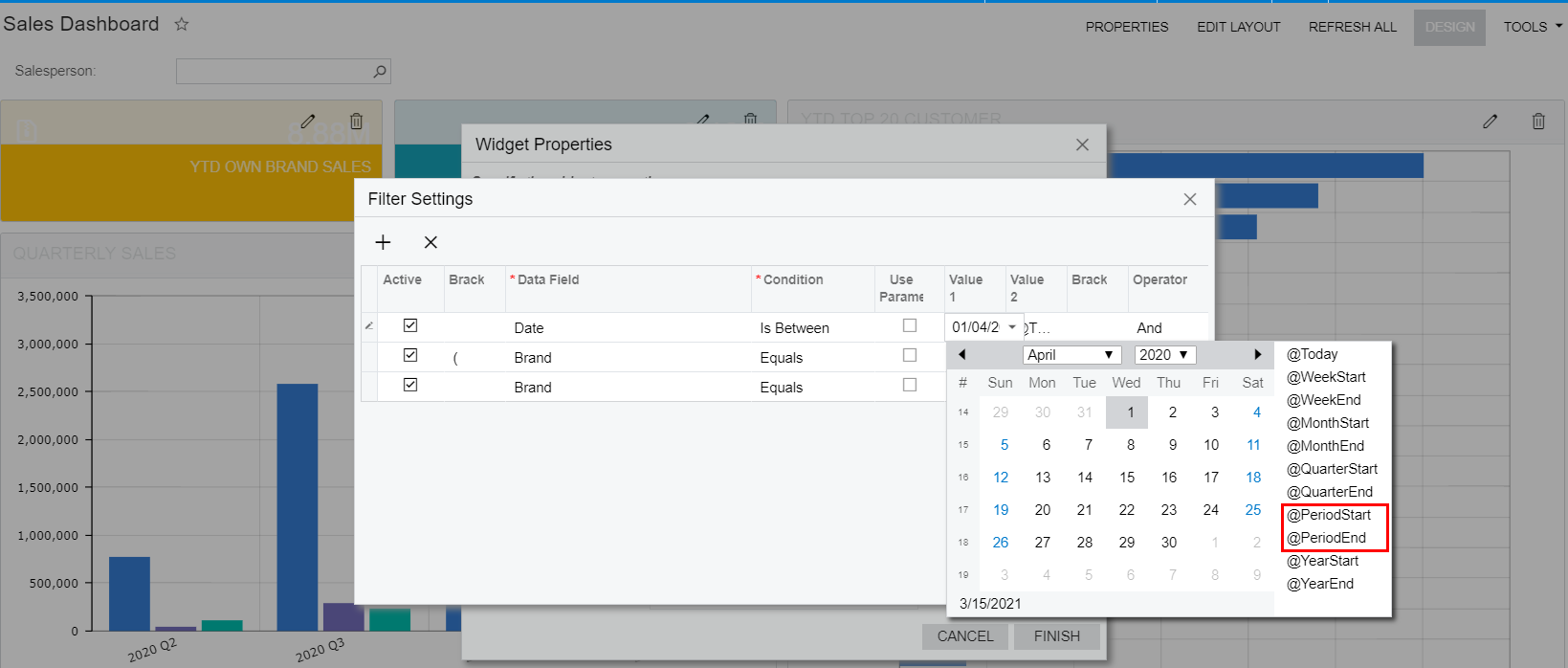
How to set @PeriodStart and @PeriodEnd
for example: financial period is from 1 APR to next year 31 MAR
so I want to set Period start from 1 APR and Period end 31 MAR.
where can I set it. thank you



How to set @PeriodStart and @PeriodEnd
for example: financial period is from 1 APR to next year 31 MAR
so I want to set Period start from 1 APR and Period end 31 MAR.
where can I set it. thank you
Best answer by Irina
Hello
According to the Managing Advanced Filters: General Information help topic:
@PeriodStart: The start of the current financial period.@PeriodEnd: The end of the current financial period; the financial periods in your system are defined on the Financial Year (GL101000) form.Enter your E-mail address. We'll send you an e-mail with instructions to reset your password.