
Question

How to display Due Dates for prepayments?

  • Jun 27, 2024 5:09 PM UTC
  • 3 replies
  • 139 views
  • Translate All

3 replies

VladS
Community Manager
Forum|alt.badge.img
  • Community Manager
  • Jun 27, 2024 7:30 PM UTC

Hello @Harshita!


I think this might depend on a couple of factors:

  1. To my knowledge, if you create a prepayment document, the due date will be set to the invoice date.
  2. This will depend on your Due date settings from your Credit Terms page inside Acumatica. I think by default it’s 30 days for Due Day 1.

You should be able to see the due date for the prepayment by looking at the purchase order on the same page, but this might be a customization request if it’s not what you’re looking for.

Let me know if this helps, thanks!

Translate

Forum|alt.badge.img+3
  • Author
  • Captain II
  • Jun 28, 2024 8:00 AM UTC

Hello @Harshita!


I think this might depend on a couple of factors:

  1. To my knowledge, if you create a prepayment document, the due date will be set to the invoice date.
  2. This will depend on your Due date settings from your Credit Terms page inside Acumatica. I think by default it’s 30 days for Due Day 1.

You should be able to see the due date for the prepayment by looking at the purchase order on the same page, but this might be a customization request if it’s not what you’re looking for.

Let me know if this helps, thanks!

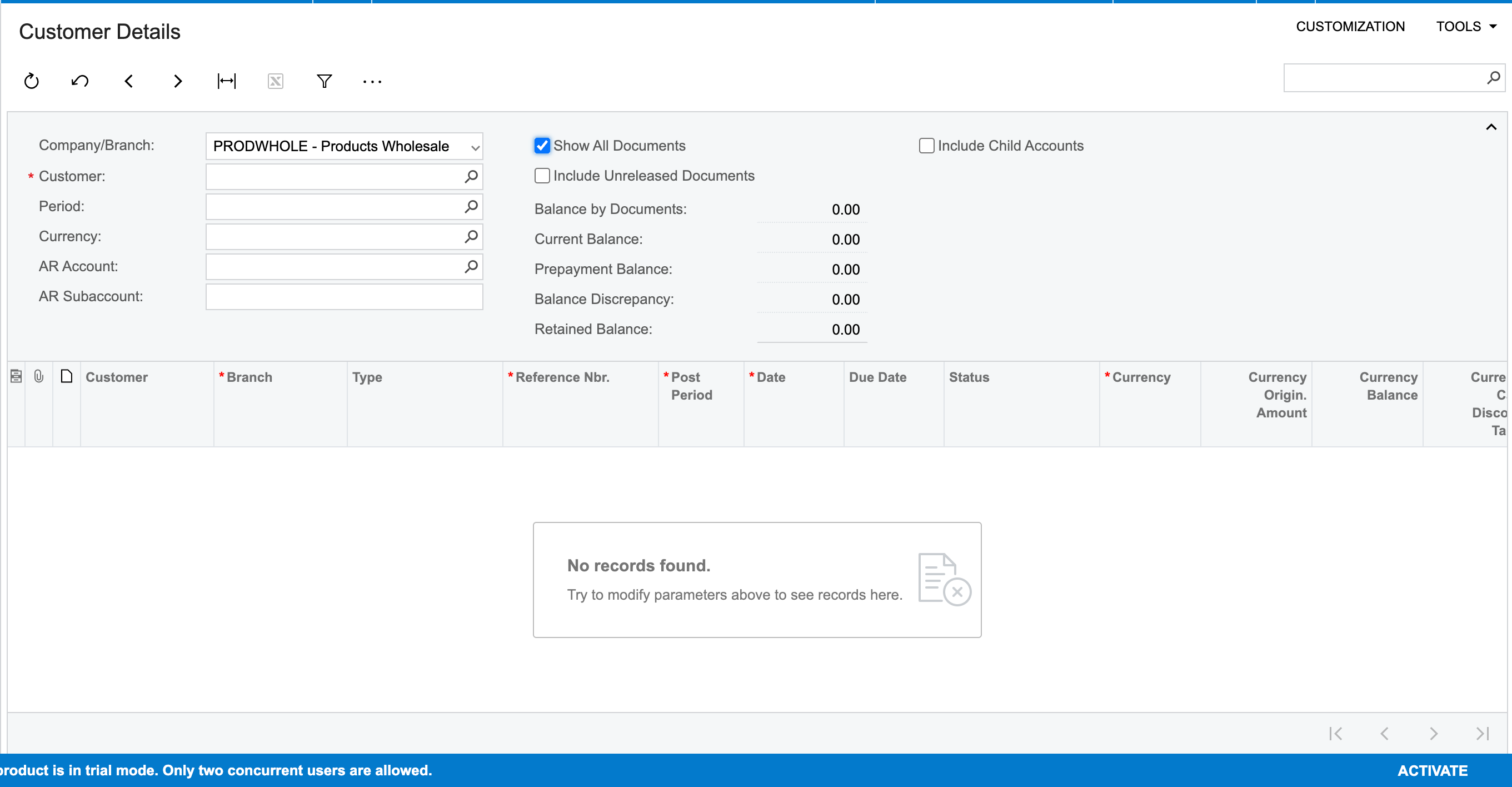
Hello @VladS , thanks for your suggestion. So I am looking to apply a due date condition for prepayment under Customer Details (AR402000) screen. What conditions shall I apply?


Translate

Chris Hackett
Community Manager
Forum|alt.badge.img
  • Acumatica Community Manager
  • Jul 31, 2024 10:59 PM UTC

Hi @Harshita were you able to find a solution? Thank you!

Translate